
Key Takeaways
- Baserow enables operations teams to turn relational databases into custom internal applications, customer portals, and automated workflows on cloud or self-hosted infrastructure.
- Baserow offers a free Cloud plan, alongside Premium at ten dollars per user monthly on annual terms or twelve dollars month to month.
- Baserow supports autonomous software agents through an API-first framework featuring personal database tokens, webhooks, and an included MCP server.
- Baserow requires technical ownership to govern data schemas and permissions, making it unsuitable for teams seeking rigid, preconfigured software solutions.
Baserow is the better pick for a team that needs a shared database to become an internal app and a repeatable workflow, with the choice of Baserow Cloud or self-hosting. Skip it if nobody can own the data model, because a flexible database only stays useful when its fields, permissions, and automations have a clear keeper.
Agent access
- API
- Yes
- MCP server
- Official, hosted, Direct ChatGPT/Claude: Baserow account sign-in and workspace authorization. Custom MCP: endpoint configuration and authentication method.
- Works with
 ChatGPT
 Claude
 Cursor
- Automation
- Zapier, Make, n8n
What are the main pros and cons of Baserow?
What works
- Cloud and self-hosted deployment are both available
- Free Cloud includes 3,000 rows, 2GB of storage, and 2,000 automation credits
- Database, application, dashboard, and automation builders sit around the same data
What to watch
- Cloud capacity is limited by rows, storage, and automation credits per workspace
- Paid Cloud pricing rises for every user who needs a paid seat
- Enterprise is quoted, while self-hosting makes your team responsible for operations
What does Baserow do for operations teams?
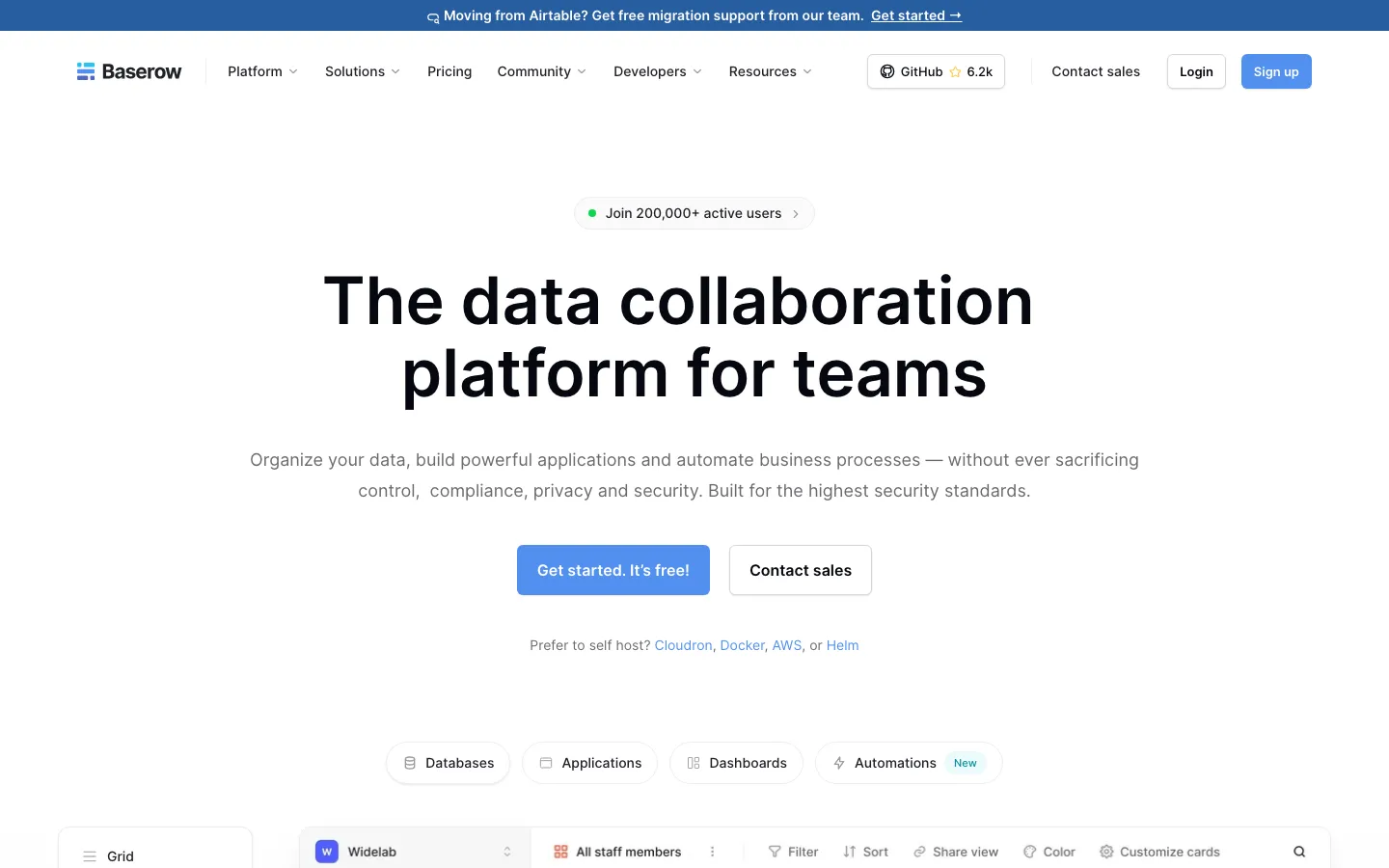
Baserow puts the data, interface, and workflow in one place. You can turn a spreadsheet-shaped process into tables with defined fields, give each team a view that fits its work, then place an application or automation on top. That fits operations that have outgrown disconnected sheets but remain too specific for a fixed workflow.
The first decision is deployment. Baserow offers hosted Cloud and self-hosting, with a managed private instance available on request. The product also documents CSV, Excel, XML, and JSON import, plus CSV export, so a team can bring existing records in without rebuilding every source by hand.
For readers looking through the marketing tools directory, the practical appeal is that a campaign calendar, intake process, inventory list, or operations queue can share the same records. Choose Baserow when one data model should support several working views, not merely to make a spreadsheet look more polished.
Who should build applications with Baserow?
Operations teams
Build one structured source of truth, then add interfaces and automation to a process with an accountable owner.
Marketing teams
Organize campaign data in shared views, forms, and dashboards without forcing every contributor into the same screen.
Internal tool builders
Use the application builder for a focused portal or tool that sits directly on the database.
Infrastructure-conscious teams
Compare hosted Cloud with self-hosting when control of the deployment belongs in the buying decision.
The best Baserow teams are willing to make a few decisions before they invite everyone in: which fields are canonical, who can change them, and which process justifies automation. That discipline is not bureaucracy. It prevents the database from becoming a second set of untrusted spreadsheets.
What database and application features does Baserow provide?
Databases and working views
Baserow's database builder covers tables, records, field types, formulas, linked tables, and rollups. Cloud plans show grid, form, gallery, kanban, calendar, timeline, and survey views at different levels. Establish field names and allowed values before importing a large data set.
Applications and dashboards
The application builder creates internal tools, client portals, or web applications on top of a Baserow database without code. Dashboards add charts and metrics to the same data. Use them when people need a focused interface but should not edit raw records.
Automation builder
Baserow describes visual workflows with triggers, branches, conditions, and loops. The product can trigger notifications, move records, send emails, and chain actions, while plans allocate automation credits per workspace. Start with a repeatable handoff that already has a clear exception path.
API, webhooks, and MCP
Baserow documents webhooks, an open API, and database tokens, and calls Baserow API-first. Its documentation says you can connect it to more than 4,000 apps through webhooks, the API, and native integrations. The plan comparison also lists an MCP server, an agent node, and an assistant; its AI agent builder is marked as upcoming. Confirm which AI features the plan you need provides before they become a requirement.
Permissions and governance
The documentation includes workspace collaboration, role-based permissions, audit logs, and single sign-on. Cloud Advanced lists role-based permissions and audit logs, while Enterprise adds implementation support and payment by invoice. This is the right ladder for a team whose use is expanding from a small operational system into a wider shared service. Buy the governance controls because your access model needs them, not because a larger plan looks more complete.
How is Baserow priced across cloud and self-hosted editions?
Price checked 27 Nov 2026
| Plan detail | Free$0/mo | Premium$10/user/mo, billed yearly | Advanced$18/user/mo, billed yearly | EnterpriseCustom |
|---|---|---|---|---|
| Monthly-billing alternative | Free Cloud | $12/user/mo, billed monthly | $22/user/mo, billed monthly | On request |
| Rows per workspace | 3,000 | 50,000 | 250,000 | 1,000,000 |
| Storage per workspace | 2GB | 20GB | 100GB | 1,000GB |
| Automation credits per month | 2,000 | 100,000 | 500,000 | 2,000,000 |
| External app users | 500 | 500 | 500 | Custom |
| Role-based permissions | Not listed | Not listed | ✓ | Confirm with sales |
Baserow Cloud prices in US dollars, 27 Nov 2026.Baserow pricing
The real bill is user count plus workspace demand. A three-person Premium team is $30 a month on annual billing or $36 monthly, for 50,000 rows, 20GB of storage, and 100,000 automation credits. Advanced for the same group is $54 a month annually billed or $66 month to month, before any quoted Enterprise scope.
- Cloud Free is $0, with 3,000 rows, 2GB of storage, 2,000 automation credits, and 500 external app users per workspace
- Premium is $10 per user a month on annual billing, or $12 billed monthly, with 50,000 rows and 20GB of storage
- Advanced is $18 per user a month on annual billing, or $22 billed monthly, with role-based permissions and audit logs
- Enterprise is on request, with 1,000,000 rows, 1,000GB of storage, 2,000,000 automation credits, and implementation support
Self-hosting changes the equation. Its Open Source plan is always free and lists unlimited rows, storage, and automation credits, but it does not remove the cost of infrastructure or the responsibility for operating it. Treat Cloud capacity and self-hosted operations as different buying decisions rather than as like-for-like plan upgrades.
What does Baserow Enterprise offer for self-hosting?
Baserow Enterprise is the quoted cloud route for a large organization. The published outline names custom external app users, implementation support, payment by invoice, and the largest listed workspace allowances. It makes sense when access controls, support, or scale cannot be met on Advanced.
Self-hosting is the separate control path. Baserow labels it Open Source and always free, with unlimited rows, storage, and automation credits. It suits a team with the people and infrastructure to run it. If you do not, hosted capacity limits may be easier to budget than operating Baserow yourself.
Where does Baserow fall short on cloud plans?
Baserow imposes capacity and row allowances as its primary operational trade-off on hosted Cloud tiers. The free plan is generous enough to build a real proof of concept, but it is bounded by rows, storage, and automation credits. A process with attachments, large imports, or frequent automation can meet those limits sooner than expected. Watch consumption from the first working version.
Seat pricing is the second boundary. Premium and Advanced are priced per user, so a wider builder group raises the bill even if one workspace stays within its data limits. Decide who needs a paid builder seat and who only needs an application view.
Finally, flexibility has a maintenance cost. Baserow can host a data model, interface, and automation in one platform, but it will not decide which definition is correct when two teams disagree about a field. If your organization cannot assign that responsibility, a narrower application with a fixed workflow may be safer.
What are the top Baserow alternatives?
 Boost.space review is the more focused option when the brief starts with a specialized business agent instead of a database your team designs. Its Bob Agent Launch is a $2,500 one-time purchase excluding VAT, with one bounded first goal, acceptance criteria, and up to eight hours of expert work.
 Bubble review is a better fit when the customer-facing app is the product, rather than an operational database with an internal interface. Bubble's Free web plan is for development, while paid web plans add a live website and custom domain.
What is the verdict on using Baserow?
Baserow is most compelling when a shared operational dataset must support a database, interface, and automation without separating those jobs across tools. The free Cloud plan gives a credible place to begin. The stronger reason to choose it is the deployment choice: Cloud for a managed start, self-hosting when control is worth operating yourself.
Start with a dataset that already causes real coordination work, name its owner, and make a view or application that removes one bottleneck. Then rows, storage, automation credits, and seats become a plan decision instead of a surprise.
Build one source-of-truth database on Free Cloud, agree the fields and permissions before expanding it, and measure rows, storage, automation credits, and paid users before moving to Premium or Advanced.
How were Baserow features and plans evaluated?
Baserow pricing structures, workspace quotas, deployment choices, and integration features were checked against the vendor's official documentation on 27 Nov 2026.026. Prices are in US dollars, as Baserow presents them, and every figure follows how we check figures.
- Baserow pricing pages for Cloud and self-hosted plans
- Baserow database and automation product pages
- Baserow documentation for builders, permissions, webhooks, and API access
Frequently asked questions about Baserow?
Is Baserow free?
Yes. Baserow Cloud Free is listed at $0 with 3,000 rows, 2GB of storage, 2,000 monthly automation credits, and 500 external app users per workspace. Its self-hosted Open Source plan is also listed as always free.
How much does Baserow cost for a team?
Premium is $10 per user a month billed yearly or $12 billed monthly. For three Premium users, that is $30 a month on annual billing or $36 monthly. Advanced is $18 per user annually billed or $22 monthly.
Can Baserow be self-hosted?
Yes. Baserow presents Cloud and self-hosted deployment options. The self-hosted Open Source plan lists unlimited rows, storage, and automation credits, while your organization operates the infrastructure.
Does Baserow work with AI agents?
Baserow's plan comparison lists an MCP server, agent node, and AI assistant. It marks the AI agent builder as upcoming. Its documentation also describes an API-first platform with webhooks and database tokens. Confirm feature availability for the plan you need before you rely on it.
 Reviewed byDanny Kirk
Founder of ReddiReach.
 Checked byAndrés Felipe
Digital designer and marketer.
Every figure is checked against the vendor's own page. Read our editorial standards.