
Key Takeaways
- ClickCease monitors paid ad traffic across Google, Meta, and Microsoft campaigns to identify fraudulent clicks and automatically push IP address exclusions.
- ClickCease safeguards advertising budgets and conversion tracking integrity against bot farms, competitor click fraud, and automated scraper interference.
- ClickCease prices its Starter tier at eighty-four dollars monthly on annual billing, with Pro at one hundred twenty-seven dollars and Advanced at two hundred ninety-seven dollars.
- ClickCease requires enterprise teams building automated agent workflows to contact customer support to confirm programmatic developer API and Model Context Protocol availability.
Within the wider marketing tools directory, ClickCease is the paid-traffic protection layer to choose when invalid visits are contaminating your Google, Meta or Microsoft Ads data, and Starter costs $84 a month billed annually. Skip it if you are looking for creative research or keyword exclusions instead of traffic protection: its job is to apply platform exclusions and protect the signals behind your campaigns.
Agent access
- API
- Yes
- MCP server
- Not found on official pages
What are the core advantages and drawbacks of ClickCease?
What works
- One event updates exclusions across three paid platforms
- Pixel Guard protects Google tracking signals on flagged sessions
- Plans bundle WordPress bot mitigation and HubSpot Lead Shield
What to watch
- Lead Shield currently works with HubSpot forms only
- Published allowance figures conflict between plan sections
- CMS support beyond WordPress needs confirmation before purchase
How does ClickCease block click fraud across paid advertising channels?
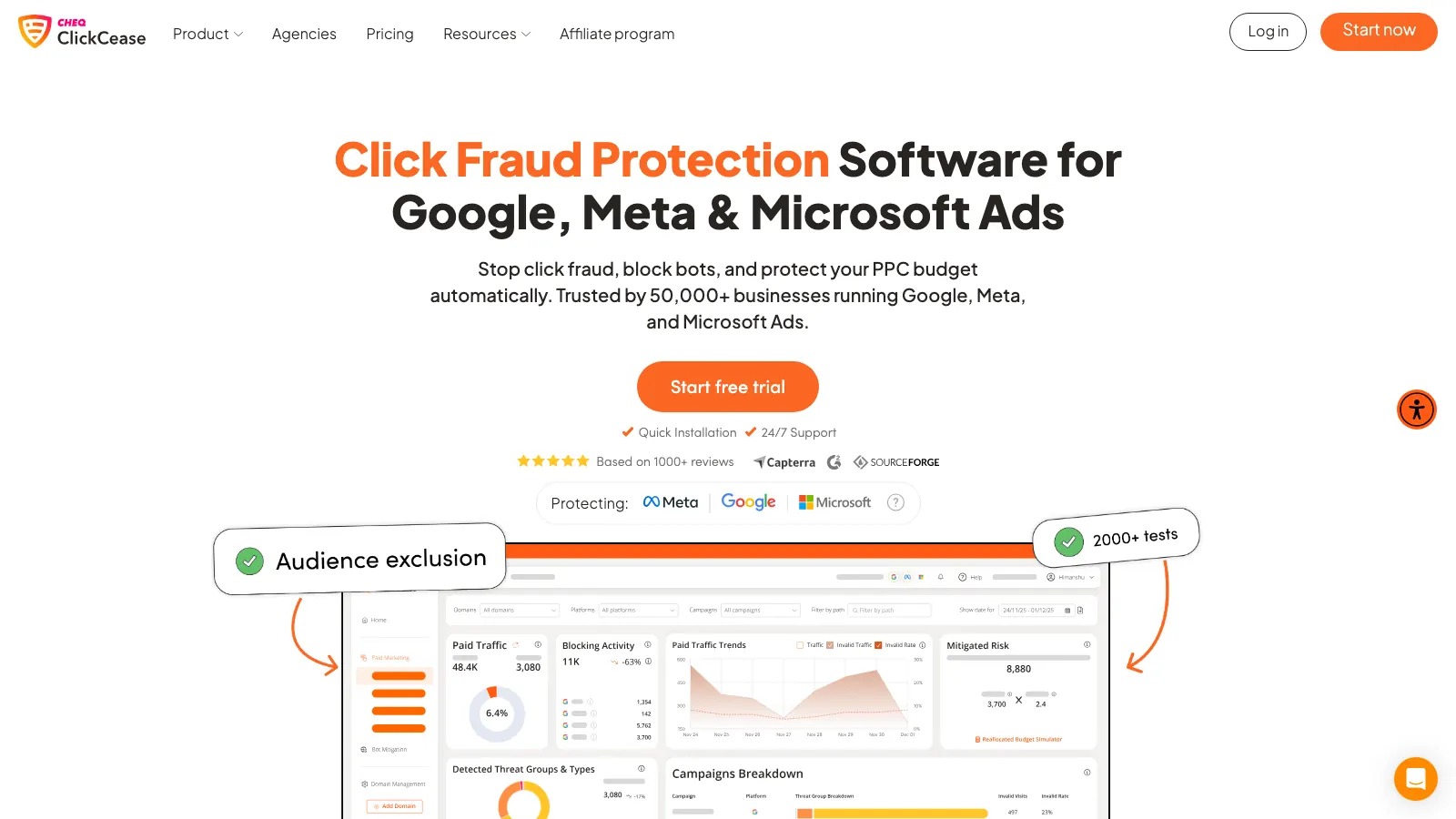
ClickCease protects digital marketing conversion metrics by actively detecting fraudulent ad clicks and applying automated exclusion rules directly to connected advertising accounts. It covers Google Ads, Meta Ads and Microsoft Ads, with one detection event feeding each platform's own exclusion mechanism. That makes it a specialist tool in the marketing tools directory, not another dashboard for planning campaigns.
The decision is less about how many features you can collect and more about whether bad traffic is already a real operating problem. If it is, ClickCease combines ad-account action with protection for the website and the lead form. If it is not, the monthly cost has nothing useful to attach to.
ClickCease belongs in the protection part of a paid-acquisition stack, after you have defined what suspicious traffic is doing to spend, reporting and lead handling.
Which performance marketing teams benefit most from ClickCease?
Paid-media teams
Use it when invalid clicks distort campaign costs, conversions, and audience signals.
Multi-platform advertisers
Connect Google, Meta, and Microsoft Ads when one exclusion workflow matters operationally.
WordPress lead teams
Pair paid-traffic protection with WordPress bot mitigation across all website traffic sources.
 HubSpot users
Route HubSpot form submissions with the Lead Shield verdict and risk score.
It is not the right purchase for a team that is still trying to understand competitors' ads, find creative patterns or clean a negative-keyword list. Those are different jobs. Your first question should be whether invalid traffic is affecting your own accounts enough to justify a separate protection layer.
What click detection and bot blocking features does ClickCease provide?
Platform exclusions from one detection event
ClickCease monitors paid visits and applies exclusions when it flags a visitor. In Google Ads, standard campaigns can receive campaign-level IP exclusions. Performance Max and YouTube campaigns use account-level IP exclusions, while audience exclusions can apply across campaign types. Meta Ads receives an exclusion audience, while Microsoft Ads relies on audience exclusions because automatic IP blocking is unavailable. The detail matters because ClickCease is working with each ad platform's available controls, not replacing them.
Pixel Guard for cleaner signals
Pixel Guard is the part to pay attention to when your concern is reporting rather than the click alone. ClickCease says it stops Google tracking tags from firing for a session it flags. That leaves the session out of Google Ads conversion data, Google Analytics audiences and Smart Bidding signals. That gives a performance team a reason to evaluate the product even when an invalid click has already reached the site.
Bot mitigation for website traffic
The paid plans list bot protection for WordPress, and the Bot Mitigation product covers paid, organic, direct, referral and social traffic. ClickCease says it evaluates each visit and sends identified malicious bots to a 403 page while allowing Googlebot and SEO crawlers through. It also says the product integrates with other common CMS platforms, but WordPress is the named focus, so confirm support for your site before committing to a plan.
Lead Shield for HubSpot
Lead Shield works at the form level. It checks behavior, email and phone details, and identity on a HubSpot submission, then writes a verdict and risk score to the HubSpot record. Your team can decide whether a flagged lead is blocked immediately or passed through for review and routing. It is a sensible addition when sales complaints about fake leads sit beside paid-acquisition complaints, but it currently supports HubSpot only.
Agency controls and reports
Pro and Advanced list multiple-domain setup, agency permissions, an account overview and white-label reporting. Advanced also lists an in-person onboarding session. Those features make the higher plans more practical for an agency managing several advertiser accounts, rather than a marketer who needs protection for one site.
How much do ClickCease click fraud protection plans cost?
Price checked 27 Nov 2026
| Plan detail | Starter$84/mo | Pro$127/mo | Advanced$297/mo |
|---|---|---|---|
| Billing shown | Billed annually | Billed annually | Billed annually |
 Google Ads accounts | Unlimited | Unlimited | Unlimited |
| Ad protection | Google,  Meta, Microsoft | Google, Meta, Microsoft | Google, Meta, Microsoft |
| WordPress bot mitigation | ✓ | ✓ | ✓ |
| Lead Shield for HubSpot | ✓ | ✓ | ✓ |
| Multiple-domain setup | ✕ | ✓ | ✓ |
| White-label reporting | ✕ | ✓ | ✓ |
ClickCease annual plan prices in US dollars, 27 Nov 2026.ClickCease pricing
Each paid tier presents the same essentials: a seven-day trial, no limit on Google Ads accounts, round-the-clock support and cancellation at any time. The price card also carries a 30% introductory offer for the first three billing cycles, with regular pricing from month four. Treat the annual figures above as the comparable plan prices, then confirm the promotion and renewal terms before you subscribe.
For an agency managing several client domains, Pro is $127 a month billed annually, or $1,524 for the year. Confirm traffic, domain and HubSpot-lead allowances, plus any seat or add-on terms, before using that figure as a client-capacity budget: the published allowance figures conflict.
When does ClickCease route high-volume traffic to CHEQ enterprise plans?
ClickCease points businesses with more than 1 million annual web visits to CHEQ for enterprise protection. No enterprise price is published. That is a separate conversation from moving between Starter, Pro and Advanced: ask which product covers your traffic, domains, paid accounts and form volume before treating CHEQ as an upgrade path.
What are the main drawbacks and scope limits of ClickCease?
ClickCease restricts its functionality strictly to invalid traffic exclusion rather than broader ad creative analysis or negative keyword expansion. ClickCease protects traffic and related data, but it does not replace the work of finding ads worth studying or deciding what search terms should never trigger your ads. If paid-social creative is your immediate problem, the Foreplay review covers a tool built around ad discovery and creative workflow instead.
Form protection is also narrower than the product name suggests. Lead Shield is currently for HubSpot, and the bot-mitigation pages emphasize WordPress even though ClickCease says it works with other common CMS platforms. Those are implementation details that can decide the purchase, so do not assume the complete bundle carries over to another CRM or site setup.
Finally, account hygiene is not the same as traffic fraud protection. If the useful next task is to stop irrelevant search queries before they spend, start with the Free Google Ads Negative Keywords Generator review. That work complements ClickCease, but it solves a different source of wasted budget.
Which ad fraud and traffic verification tools rival ClickCease?
 AI Peekaboo review comes first when the business question is how AI answers describe your brand, not whether paid visitors are valid. AI Peekaboo starts at $30 a month and includes API and MCP access, checked 27 Nov 2026, while ClickCease focuses on ad-platform exclusions, WordPress traffic and HubSpot form validation.
For paid acquisition,  Foreplay can automatically track competitors and turn selected examples into storyboards and scripts.
 Free Google Ads Negative Keywords Generator produces Broad, Phrase and Exact match suggestions that you can copy or download. ClickCease is the fit when invalid traffic reaches the campaign, site or lead form.
Is ClickCease an essential investment for performance advertisers?
ClickCease delivers essential protection for advertisers experiencing tangible click fraud, distorted attribution signals, or fraudulent form submissions. Its strongest idea is the connection between exclusions, Pixel Guard, website bots and lead quality. The gaps are just as practical: capacity figures need confirmation, Lead Shield is HubSpot-only, and WordPress is the clearly documented bot-mitigation path.
Start with the 7-day trial only after you have defined what invalid traffic is costing your campaigns. Check ClickCease exclusions, Pixel Guard and your exact traffic, domain and lead allowances before selecting a tier.
How was ClickCease ad fraud detection validated?
ClickCease pricing tiers, technical protection rules, and documentation specifications were checked on 27 Nov 2026. Alternative facts come from their own vendor sources: AI Peekaboo's $30 price and API and MCP access were checked 27 Nov 2026, while Foreplay and Free Google Ads Negative Keywords Generator facts were checked 27 Nov 2026. Prices are in US dollars as ClickCease presents them, and every figure follows how we check figures.
- ClickCease pricing and plan comparison pages
- ClickCease paid-marketing protection and product pages
- ClickCease Bot Mitigation and Lead Shield pages
What are common questions advertisers ask about ClickCease?
How does ClickCease protect Google, Meta and Microsoft Ads?
A flagged visitor can trigger exclusions across connected accounts. Google Ads uses IP and audience exclusions, while Meta and Microsoft use audience exclusions.
Does ClickCease work with Performance Max?
Yes. ClickCease says it sends fraudulent IPs to Google Ads account-level exclusions for Performance Max and YouTube, and can apply audience exclusions across campaign types.
Does ClickCease protect HubSpot forms?
Yes. Lead Shield checks HubSpot submissions and writes a verdict and risk score into the HubSpot record. It currently supports HubSpot only.
How much does ClickCease cost?
The annual pricing view shows Starter at $84 a month, Pro at $127 a month and Advanced at $297 a month, billed annually. A 7-day free trial is advertised.
 Reviewed byDanny Kirk
Founder of ReddiReach.
 Checked byAndrés Felipe
Digital designer and marketer.
Every figure is checked against the vendor's own page. Read our editorial standards.