
Key Takeaways
- Confluence provides cross-functional organizations with a centralized knowledge workspace featuring structured pages, customizable spaces, and permissions designed to organize projects, decisions, and reference documentation.
- Confluence offers a Free tier supporting up to ten users alongside paid plans billed monthly at $5.78 for Standard and $11.16 for Premium per seat.
- Confluence integrates with external artificial intelligence tools through Atlassian Rovo Model Context Protocol Server, allowing teams to deliver workspace knowledge directly into Claude, ChatGPT, or IDEs.
- Confluence should be avoided if your organization requires specialized creative proofing workflows or broad project management features at minimal cost before building a formal documentation hub.
Confluence is the better fit when your team needs one dependable home for working knowledge, with pages, spaces and permissions that can grow past a small document collection. Start on Free if ten people and 2 GB are enough to establish the habit, then move to Standard when guest access and advanced permissions become necessary. Skip it if your immediate problem is routing creative files for approval or managing a broad project plan at the lowest possible cost.
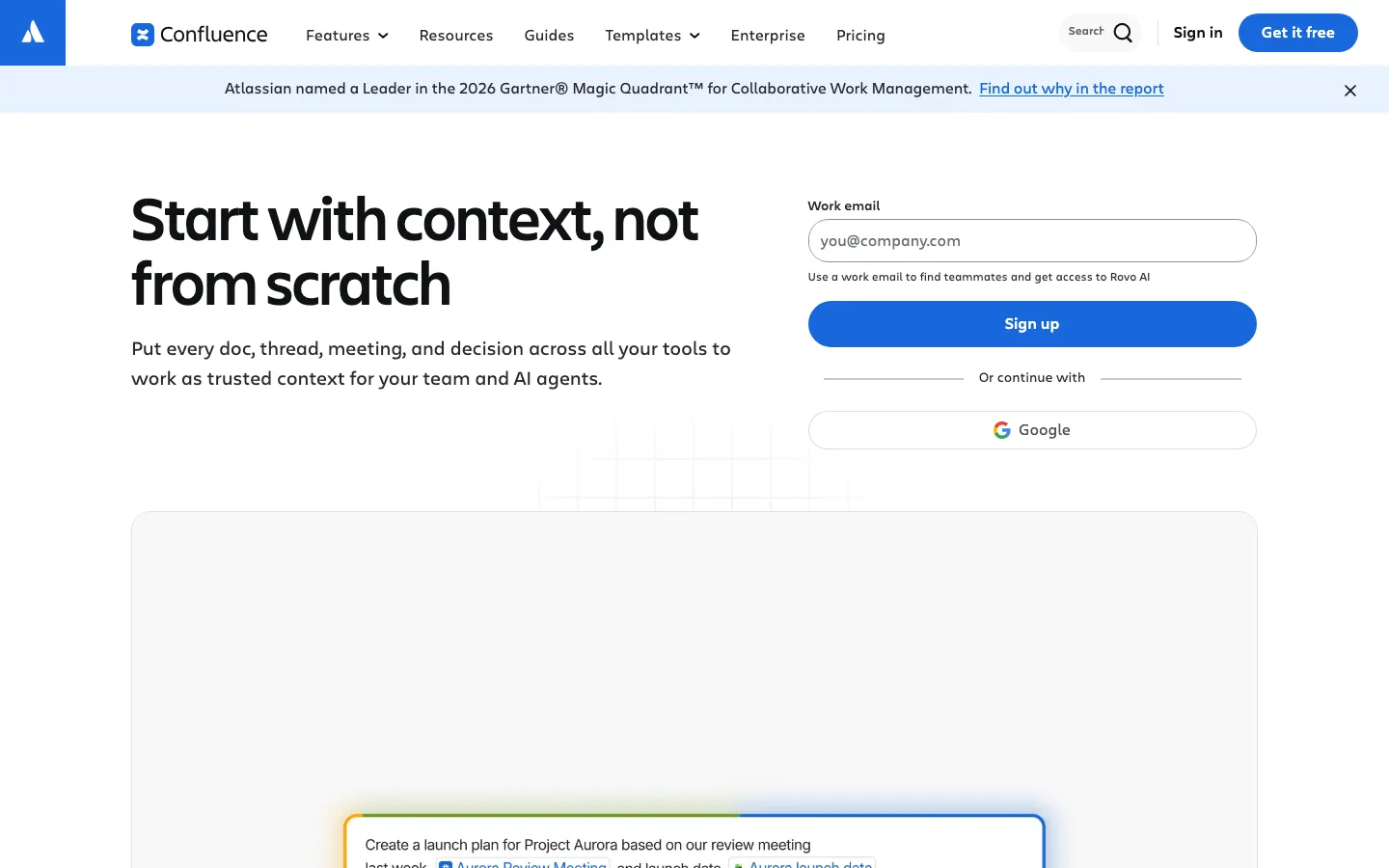
Agent access
- API
- Yes
- MCP server
- Official, hosted, OAuth 2.1 or an API token for administrator-enabled non-interactive use
- Works with
 Claude Code
 ChatGPT
 Cursor
 VS Code
What are the pros and cons of Confluence?
What works
- Free supports up to 10 users, pages, spaces and 2 GB of storage
- Page history lets teams compare changes and restore an earlier version
- Standard adds free guest access and advanced permissions
What to watch
- Free has only three active whiteboards per user
- Standard and Premium show per-user monthly rates, with annual billing also available
- Enterprise is billed annually; contact sales
What does Confluence do for your team?
Confluence demonstrates that a useful knowledge base does not just store documents. It gives the team a known place to find the current brief, the decision behind it and the next person responsible for keeping it current. Teams comparing categories can use the marketing tools directory to see the wider category. Confluence is built for that job: pages and spaces organize knowledge around teams, projects and goals, while a nested content tree, labels and search make material easier to retrieve.
The value is clearest when you need information to survive after a meeting ends. A campaign space can hold its working brief, launch notes and final decisions, rather than scattering them across chats and individual drives. Seeing the wider category can help when you are still comparing types of software.
The product supplies pages, templates, databases, whiteboards and collaboration tools. Your team still needs to decide what belongs in a space, name pages consistently and archive material that no longer guides work.
Who is Confluence built for?
Small knowledge teams
Choose Free to centralize essential pages before limits on users, storage or whiteboards apply.
Marketing teams
Keep plans, reusable templates and decisions together when one owner maintains each space clearly.
External collaborators
Select Standard when guests need access and permissions must govern material beyond your core team.
Governed organizations
Pick Premium or Enterprise when storage, administration, support and formal access controls matter.
Teams wanting a task system first, with little need to record why work was chosen or repeated, may find it less suitable. It is also a poor fit when the only friction is collecting sign-off on creative files. In both cases, a more focused tool can solve the immediate problem without asking people to build a durable knowledge structure.
Which features does Confluence offer?
Pages, spaces and version history
Confluence uses pages and spaces as its basic organization system. Pages can hold the detail, while spaces give a project or team a visible home. Its structured content tree and page versioning are particularly useful for work that needs a record: the vendor says teams can view history, compare versions and revert a page. Keep the important final decision on the page, rather than leaving it only in comments.
Templates and collaborative editing
Templates cover marketing, product and program-management work, which gives recurring documents a practical starting structure. Teams can edit in real time, add inline or page comments, tag teammates and assign tasks. That is enough to turn a campaign brief from a handoff document into an active record, provided the page owner removes sections that nobody uses.
Whiteboards, databases and automation
Free includes databases, with a limit of three active whiteboards for each user. Standard raises the whiteboard limit to 10 and Premium makes it unlimited. Automation also steps up from 50 steps per subscription each month on Free to 100 steps per user on Standard and 250 steps per user on Premium. Those limits matter if a workshop or recurring process relies on the workspace, so count active collaboration before treating the headline plan price as the whole decision.
Atlassian connections and agent context
Atlassian describes connections from Confluence to Jira for relating project tracking to documentation, and to Trello for breaking a plan into smaller tasks. Its site also says the Rovo MCP Server can connect Confluence to Claude, ChatGPT or an IDE. That is a useful route for bringing approved internal context into an agent, but the pricing table assigns Rovo credits and indexed-object limits by plan. Confirm the plan and access controls you need before making an agent workflow depend on it.
Permissions and administration
Standard introduces free guest access and advanced permissions. Premium adds administration controls and insights, unlimited storage and 24/7 support for critical issues. Enterprise adds enhanced data management and governance, up to 150 sites and a 99.95% uptime SLA. These are not cosmetic upgrades: bring the person responsible for access and governance into the choice before a workspace becomes central to daily work.
How is Confluence pricing structured?
Price checked 27 Nov 2026
| Plan detail | Free$0 | Standard$5.78/user/mo | Premium$11.16/user/mo | EnterpriseCustom |
|---|---|---|---|---|
| Billing shown | Free forever | Monthly option, annual also available | Monthly option, annual also available | Annually, contact sales |
| Users per site | 10 | 250,000 | 250,000 | 250,000 |
| Active whiteboards per user | 3 | 10 | Unlimited | Unlimited |
| Automation steps | 50/subscription/mo | 100/user/mo | 250/user/mo | 500/user/mo |
| Storage | 2 GB | 250 GB | Unlimited | Unlimited |
Confluence prices checked 27 Nov 2026.Confluence pricing
The published $5.78 Standard and $11.16 Premium rates are per-user monthly prices. On that monthly option, three Standard users cost $17.34 a month, while three Premium users cost $33.48 a month. Annual billing is also available, and the annual calculator shows different totals by user tier. That $16.14 monthly difference buys a higher automation allowance, unlimited whiteboards and storage, plus Premium support for critical issues.
- Free has pages, spaces, templates, databases and support for apps and integrations
- Standard adds Rovo Search, Chat and Agents, guest access, advanced permissions and 250 GB of storage
- Premium adds a dynamic intranet, administration controls and insights, unlimited storage and a 99.9% uptime SLA
What does Confluence Enterprise include?
Confluence Enterprise is a custom-priced option for organizations that need scale and governance beyond one site. Atlassian lists multiple sites, up to 150, alongside advanced data analysis, administration and security, enhanced data management and governance, and 500 automation steps per user each month. It also lists 24/7 support for all issues and a 99.95% uptime SLA.
The case for Enterprise is about requirements, not page volume alone. If your organization needs identity and access management, cross-site administration or governance that Premium does not cover, write down those requirements before requesting a quote. Enterprise is billed annually; contact sales. The annual calculator requires 801 or more users to display Enterprise pricing.
Where does Confluence fall short for users?
Confluence Free is generous enough to establish a working knowledge base, but it is deliberately bounded. It supports only 10 users, 2 GB of storage and three active whiteboards per user.
The pricing page makes the basic monthly rate clear, but it does not remove the planning work. A larger team must decide who needs access, whether external guests require Standard, how many whiteboards are active and whether automation limits will matter. Those questions decide the effective plan, not the product name alone.
There is also a discipline cost. A Confluence space becomes less useful when documents have no owner, the content tree is allowed to drift or decisions are left in discussions rather than recorded on the relevant page. The software can make shared knowledge visible, but it cannot decide what your team should maintain.
Which Confluence alternatives should teams consider?
For a team whose bottleneck is reviewing finished creative rather than storing operational knowledge, the  Filestage review is the closer read. Filestage is focused on online proofing, and its paid plans started at $199 a month billed yearly with 10 seats included on 27 Nov 2026, which makes the comparison about approval rigor rather than building a general team hub.
For broader project coordination on a tighter budget, the  Freedcamp review is worth weighing. Freedcamp's Free plan includes unlimited projects, tasks and users subject to its fair-usage policy, while paid plans started at $1.49 per user monthly on annual billing on 27 Nov 2026. It is a different center of gravity from a knowledge base.
What is the final verdict on Confluence?
Confluence works best when your team is ready to maintain a shared source of truth instead of leaving the latest decision in chat or private files. Free is a credible entry point for a small group. Standard is the practical next plan once guests and stronger access rules matter. Premium is justified when its unlimited whiteboards and storage, added administration and critical-issue support answer a real operating requirement.
Start with one recurring process on Free, name a page owner and make the final decision visible on the page. Move to Standard when guest access or advanced permissions are needed. Pick Premium only after its higher automation allowance, unlimited whiteboards and storage, or support terms solve a requirement you can describe.
How was Confluence researched for this review?
Confluence was evaluated directly against Atlassian's own pricing, feature and product pages on 27 Nov 2026. Each figure follows how we check figures.
- Confluence pricing pages for published plan rates, user limits, storage, whiteboards, automation and support
- Confluence features page for pages, spaces, templates, versioning, collaboration and Atlassian connections
- Confluence product page for Rovo context, content types and MCP Server availability
Where can teams find practical how-to guides for Confluence?
What are common questions about Confluence?
Is Confluence free?
Yes. The Free plan supports up to 10 users and includes pages, spaces, templates, databases, up to 2 GB of storage and three active whiteboards per user.
What does Confluence Standard cost?
Standard costs $5.78 per user per month on monthly billing. It adds Rovo Search, Chat and Agents, guest access, advanced permissions, 250 GB of storage and 100 automation steps per user each month.
Does Confluence work with Jira?
Yes. Atlassian describes a connection that relates Jira project tracking to Confluence documentation. The features page also describes a Trello connection for turning a plan into smaller tasks.
Can an AI agent use Confluence context?
Atlassian says the Rovo MCP Server can bring Confluence into Claude, ChatGPT or an IDE. Check the plan's Rovo credits, indexed-object allowance and access controls before relying on it for an agent workflow.
 Reviewed byDanny Kirk
Founder of ReddiReach.
 Checked byAndrés Felipe
Digital designer and marketer.
Every figure is checked against the vendor's own page. Read our editorial standards.