
Key Takeaways
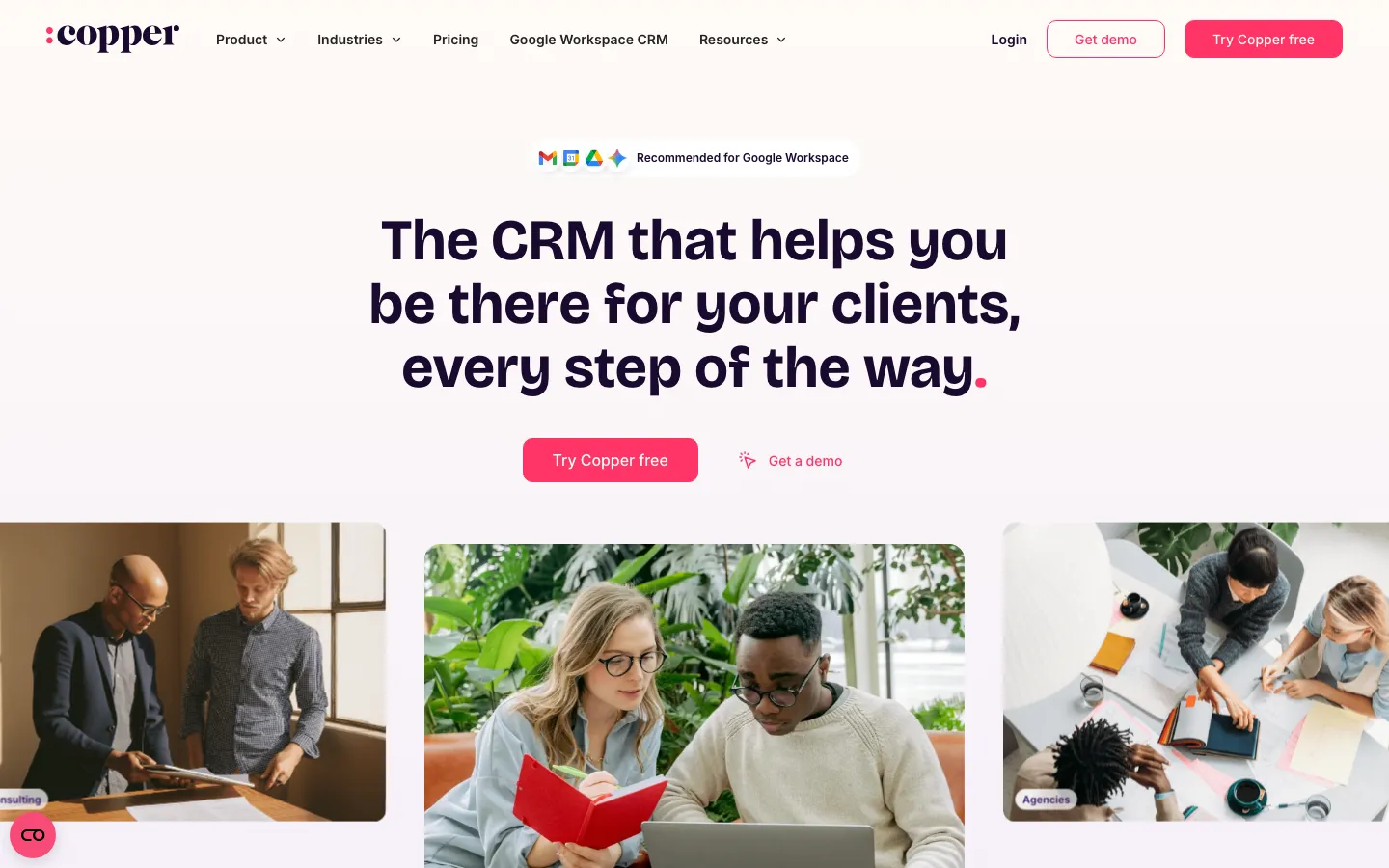
- Copper serves relationship-focused professional service businesses by providing customer relationship management embedded directly within Google Workspace tools like Gmail and Google Calendar.
- Copper charges $23, $59, or $99 per seat monthly on annual billing, with the entry-level Basic plan capped at 2,500 total contacts.
- Copper offers programmatic integrations via a documented REST API and embedded SDK, though teams should verify Model Context Protocol access and specific plan entitlements.
- Copper is not suitable for organizations outside the Google Workspace ecosystem or businesses managing large contact databases beyond 15,000 records without paying for Business.
Copper is a sensible CRM when your team works in Gmail and Google Calendar and wants deals to move into delivery without a second system. You can start at $23 per seat a month on annual billing, but the 2,500-contact Basic limit means growing teams should price Professional before committing.
Agent access
- API
- Yes, Professional Tier and Business Tier
- MCP server
- Official, hosted, Copper login
- Works with
 Claude
- Automation
- Zapier
What are the pros and cons of Copper?
What works
- Google Workspace synchronization for email, contacts, files and calendars
- Every published plan includes pipelines, project management and contact enrichment
- Closed deals can become projects, keeping the client handoff in the CRM
What to watch
- Basic is capped at 2,500 contacts and Professional at 15,000
- Workflow automation and bulk email are explicitly listed on Professional at $59 per seat annually
- Monthly billing rises to $29, $69 and $134 per seat
What does Copper do for your sales team?
Copper keeps the customer record close to the tools your team already uses to correspond and schedule work. Its stated Google Workspace focus is more than a logo on an integrations page: Gmail email, contact and file sync, Google Calendar sync, Google Contacts, Drive, Sheets and Looker Studio are in the published feature comparison. For the wider context, the marketing tools directory separates CRM and sales software from the rest of the catalog.
The appeal is continuity. A lead can arrive through a contact form or a business-card scan, become an opportunity in a drag-and-drop pipeline, then turn into a project when the deal closes. That sequence matters to an agency, consultancy or other relationship-led business where selling is only the opening act and the delivery team needs the same customer context.
Copper does not ask you to choose between a sales workspace and a project workspace at the outset. Basic includes pipelines, task automation, project management and contact enrichment. Professional adds revenue tracking, workflows, bulk email, reporting and integrations. Business is the unlimited-contact tier with email series, custom reports, multi-currency and premium support. The plan ladder is clear, but it creates a real decision: a team can outgrow Basic's contact cap before it needs every Professional feature.
Who is Copper designed for?
Google Workspace teams
Keep CRM activity close to Gmail, Calendar, Drive and the customer conversations your team already manages.
Service businesses
Move a signed opportunity into a delivery project without rebuilding the client record in another system.
Small client teams
Use clear per-seat plans, flexible pipelines and task automation before heavier CRM administration becomes necessary.
Growing account lists
Choose Professional when workflows, reporting, bulk email and a 15,000-contact allowance match the operating need.
Copper fits a team whose daily work already begins in Google Workspace. Its strongest case is not simply that it has a pipeline, because many CRMs do. It is that the pipeline, activity history, customer email and project handoff can sit together while the team works in Gmail and Calendar. A team with another communication center should validate that fit before making the CRM its system of record.
Which features does Copper include?
Google Workspace at the center
Copper lists Gmail email, contact and file sync, Google Calendar sync, Google Contact Sync and a Chrome extension. It also lists Google Drive, Sheets and Looker Studio integrations. Those details make the product practical for a team that wants to add leads, find files, track conversations and manage tasks where its workday is already happening. The product can connect elsewhere, but the Google Workspace relationship is the organizing idea.
Pipelines that show the next commercial move
Sales pipelines are customizable and use drag-and-drop stages. Copper says teams can sort opportunities by value, understand win probability and identify slipping deals. AI-powered flags and alerts appear in the pipeline description, and pipeline automations can trigger an email or reminder when an opportunity changes stage. That gives the team a visual deal board without separating it from contact and activity records.
Projects after the sale
Project management is available across the three published plans. A closed deal can be duplicated into a project for service delivery or onboarding, and project pipelines have templates. Tasks can be assigned from central task lists or within projects. For client-service work, this is Copper's most useful distinction: the seller does not have to export a client record just to begin the work that was sold.
Communication and follow-up
Copper lists email templates and merge fields, forms, email open and click tracking, plus an AI email template generator and re-writer. Professional explicitly lists bulk email and workflow automation, while Business explicitly lists email series. The boundary is important in practice. Basic can organize a sales and delivery process, but a team that needs repeatable automated follow-up should price Professional rather than assume the entry tier covers it.
Integrations and API
Copper says its Zapier partnership connects it to more than 5,000 apps. The published integrations list also includes LinkedIn, Slack, DocuSign, QuickBooks, PandaDoc, JustCall, RingCentral and Zendesk, while the comparison lists an API and embedded integration SDK. Gmail, Google Calendar, Google Contacts and Google Drive are included on all plans. Most other CRM integrations are listed for Professional and above, with some available only on Business. Confirm plan availability for a required connection, along with API plan entitlement and MCP availability, before choosing a tier.
How much does Copper cost per seat?
Price checked 27 Nov 2026
| Plan detail | Basic$23/seat/mo | Professional$59/seat/mo | Business$99/seat/mo |
|---|---|---|---|
| Billing shown | Annual | Annual | Annual |
| Monthly billing | $29/seat/mo | $69/seat/mo | $134/seat/mo |
| Contact limit | 2,500 | 15,000 | Unlimited |
| Pipelines and projects | ✓ | ✓ | ✓ |
| Workflow automation | Not confirmed | Included | Included |
| Bulk email | Not confirmed | Included | Included |
| Email series | Not confirmed | Not confirmed | Included |
| Custom reports | Not confirmed | Not confirmed | Included |
Copper prices in US dollars, 27 Nov 2026.Copper pricing
For a three-person team, annual Basic is $69 a month, Professional is $177 and Business is $297. Professional costs $108 more each month than Basic for that team. It adds the 15,000-contact limit, workflow automation, bulk email, reporting and integrations, so the sensible comparison is the time and process that those additions replace, not Basic's sticker price alone.
- Annual prices are $23, $59 and $99 per seat per month
- Monthly prices are $29, $69 and $134 per seat per month
- Prices are shown in US dollars and exclude applicable taxes and fees
- A 14-day free trial has instant activation and does not require a credit card
Where does Copper fall short for growing teams?
Copper imposes strict contact capacity limits that represent the clearest buying constraint for growing teams. Basic stops at 2,500 contacts and Professional at 15,000, so an account-heavy business should not treat the entry plan as an open-ended starting point. Business removes that limit, but at $99 per seat monthly on annual billing it changes the team bill substantially.
The other dividing line is automation. Copper explicitly lists workflow automation and bulk email on Professional, then email series, custom reports and multi-currency on Business. That is a reasonable ladder for a small team, but it means lower-tier pricing does not answer the cost question if coordinated outreach or custom reporting is already a requirement.
Finally, the value rests on its Google Workspace center of gravity. Copper lists many connections and an API, but the product is explicitly recommended for Google Workspace. Teams that do not work in Gmail and Google Calendar should make that mismatch a primary evaluation question, not a detail to resolve after migration.
Which Copper alternatives should you consider?
 Expandi review is the more focused option when the job is outreach rather than a shared CRM. Its cloud-based software puts connection requests, messages and email follow-ups in one sequence, so it suits a team that needs to run that sequence instead of moving a closed deal into delivery.
 Folk review is the better comparison when relationship records and synchronized communication matter most. Its Standard plan includes pipeline management, email campaigns, contact enrichment, and email, calendar and WhatsApp sync; Premium adds email sequences, dashboards and API access.
What is the final verdict on Copper?
For a service business that spends the day in Gmail, Copper makes a coherent case. It connects the deal record to the correspondence, then keeps the handoff to projects in the same workspace. Professional is the practical plan to consider when the team needs automated follow-up and reporting; Basic is a lower-cost route only while its 2,500-contact ceiling and simpler workflow remain sufficient.
Run one closed opportunity through Copper’s pipeline-to-project handoff during the 14-day trial. Then price Professional for the people who need workflows and bulk email, and use annual billing only if that operating model holds up.
How was Copper evaluated for this review?
Copper product, pricing and integrations pages were evaluated directly on 27 Nov 2026. Prices are in US dollars as Copper presents them, and every figure follows how we check figures.
- Copper pricing page, including annual and monthly plan prices, contact limits and feature comparisons
- Copper product page for its Google Workspace, pipeline and project-management positioning
- Copper integrations page for plan availability and API references
What are common questions about Copper?
Can you try Copper for free?
Yes. Copper offers a 14-day free trial with instant activation and no credit card required.
How much does Copper cost?
On annual billing, Basic is $23, Professional is $59 and Business is $99 per seat per month. Monthly billing is $29, $69 and $134 respectively, before applicable taxes and fees.
What are Copper’s contact limits?
Basic includes 2,500 contacts, Professional includes 15,000, and Business lists unlimited contacts.
Does Copper integrate with Google Workspace?
Yes. Copper lists Gmail email, contact and file sync, Google Calendar sync, Google Contact Sync, Drive, Sheets and Looker Studio integration, plus a Chrome extension.
 Reviewed byDanny Kirk
Founder of ReddiReach.
 Checked byAndrés Felipe
Digital designer and marketer.
Every figure is checked against the vendor's own page. Read our editorial standards.