
Key Takeaways
- Folderly diagnoses cold outbound email deliverability failures and provides continuous mailbox placement tracking to keep critical campaigns out of spam.
- Outreach teams pay ninety-six dollars per mailbox each month on annual plans for Folderly, with volume discounting available above nine accounts.
- Folderly integrates across major email service providers using direct API connections and standard SMTP configurations alongside custom mailbox setups.
- Low-volume senders seeking occasional email testing should consider lighter diagnostics rather than committing to Folderly's dedicated mailbox billing structure.
Folderly is the better pick when you need to diagnose why an outbound program reaches spam, then keep watching placement as the program runs. Choose a lighter option if a per-mailbox plan at $96 a month on yearly billing is too much for the sending volume you manage.
Agent access
- API
- Yes, Growth
- MCP server
- Official, hosted, OAuth through the Folderly AI sign-in and permission flow
- Works with
 Claude
 ChatGPT
What are the primary pros and cons of using Folderly?
What works
- Daily inbox monitoring and placement reports give a team an ongoing view of delivery risk
- Technical and content triggers in Gmail and Outlook are part of the published diagnosis
- Inbox Insights and Pulse give smaller teams a free way into placement testing and monitoring
What to watch
- The core plan begins at $96 per mailbox per month on yearly billing
- A minimum commitment applies, without a published term alongside the mailbox tiers
- Folderly DMARC is a Pilot and Folderly Mirror remains in Beta
How does Folderly resolve email deliverability and spam issues?
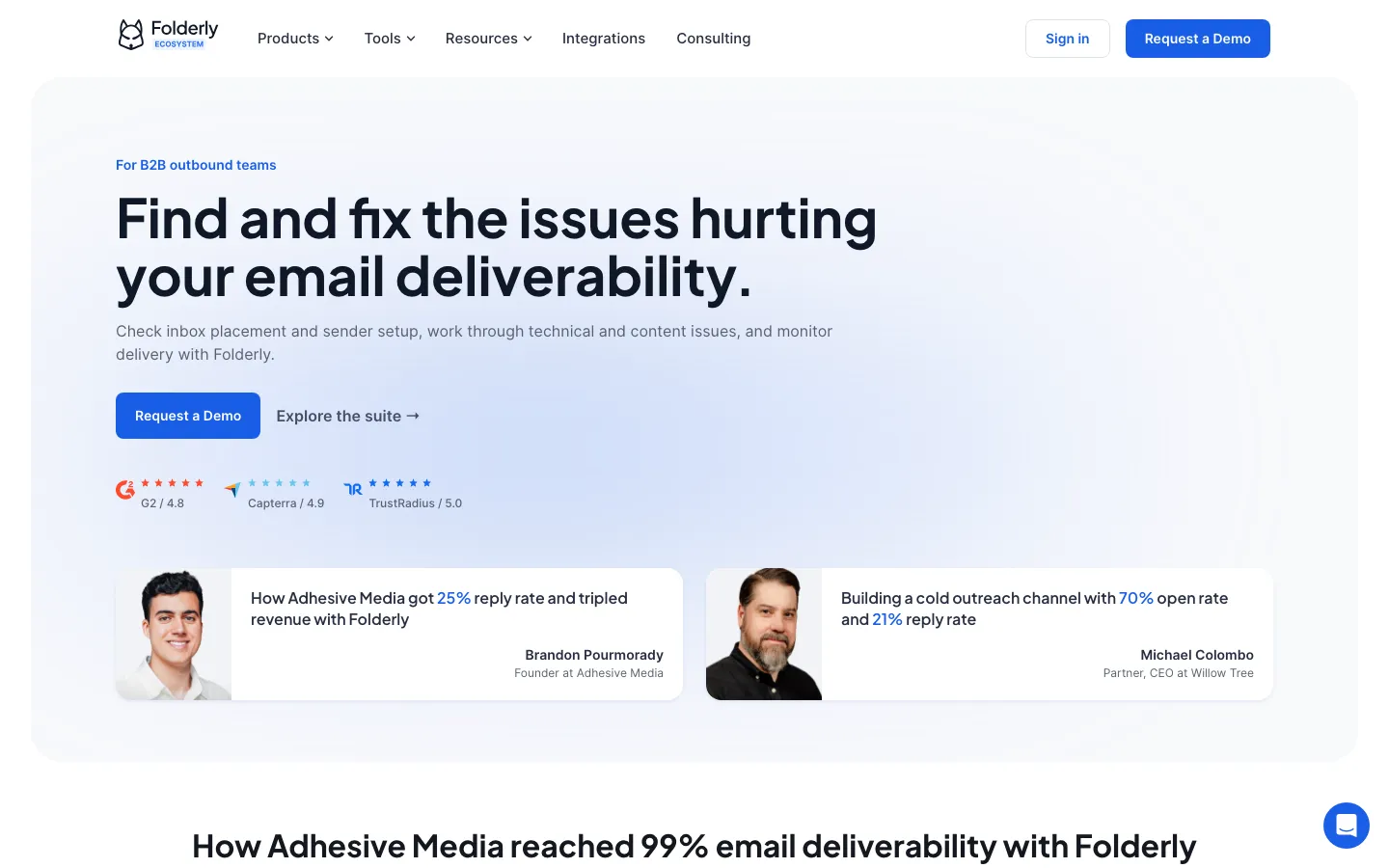
Folderly addresses critical inbox placement drops by delivering actionable diagnostic data rather than basic outbound dispatch confirmation. Folderly is built for that more difficult job: it combines placement monitoring, technical and content checks, and practical guidance so you can work from a reason for the problem rather than guess at a fix. It belongs in the marketing tools directory as an email-infrastructure product, not as a prospecting database or a general campaign platform.
The important distinction is its emphasis on investigation. Folderly says it monitors where test messages land every day, then detects technical and content-based spam triggers in Gmail and Outlook. That makes the core offer meaningful for a team that has several active sending mailboxes and needs a recurring operating routine, not just an occasional preflight check.
The company has widened that routine into a suite. Folderly is the core deliverability product; Inbox Insights handles placement tests; Pulse monitors placement and alerts; Lens inspects DNS, authentication, reverse DNS and blocklist signals; and Flash evaluates a message sent from your actual tool and domain. The range is useful once deliverability is somebody's ongoing responsibility. It is less compelling when one person only wants a low-cost test before a small campaign.
Which outbound sales organizations benefit most from Folderly?
Outbound teams
Teams running multiple mailboxes can investigate spam placement, track it daily and act on documented risk signals.
Lead-generation agencies
Volume pricing from 10 mailboxes makes Folderly more credible when client sending infrastructure needs ongoing oversight.
Teams fixing sender setup
Lens, Flash and the core product cover DNS, authentication, content and message checks around one delivery problem.
Cautious smaller senders
Inbox Insights and Pulse provide a lower-commitment starting point before a per-mailbox Folderly purchase.
I would not start a small or irregular sender on the core plan. The free options show the right buying sequence: use Inbox Insights when you need a placement test, use Pulse when monitoring is the immediate job, then consider Folderly when repeated diagnosis and maintenance would save more time than the mailbox charge costs.
What mailbox monitoring and deliverability features does Folderly offer?
Placement monitoring with a reason to act
Folderly describes daily inbox monitoring, placement reports and guidance for delivery risks. A report is only valuable when it informs the next decision, so the useful part of this package is the link between where test emails land and the technical or content trigger the team can investigate. Its published material specifically calls out Gmail and Outlook spam reasons.
Inbox Insights for campaign checks
Inbox Insights is the product to use before a campaign when the question is placement, IP and DNS signals rather than continuous remediation. Its free plan has two tests per month. The paid option lists 100 tests per month, along with a placement report, sender IP and blacklist insights, DNS record checks and setup guides. That separation matters: a one-off test does not require a core Folderly commitment.
Pulse for ongoing alerts
Pulse tracks email placement over time and the vendor lists it as free. Its published alert channels include email, Slack, SMS and other options. For a team that already knows its sending setup but needs an early warning when placement changes, that is a clearer first step than paying for a wider product suite.
Sending-infrastructure checks
Folderly Lens looks at DNS, authentication, reverse DNS and blocklist signals to form a domain and IP fix plan. Folderly Flash lets you send a test from your actual tool and domain to review authentication and content. Those products address the parts of deliverability that are easy to split across several specialists, which is why the suite has a practical appeal for an operations-minded outbound team.
Connectivity for established stacks
Folderly says it connects through API and SMTP with major email service providers and can support custom providers. That is a useful compatibility statement, but it is not a published API specification, agent interface or plan entitlement. Confirm the exact provider, data flow and product access you need before making it part of an automated process.
How does Folderly structure its per-mailbox pricing tiers?
Price checked 27 Nov 2026
| Product or mailbox volume | Published price | What the price covers |
|---|---|---|
| Pulse | $0/mo | Placement monitoring with alerts |
| Inbox Insights | Free | 2 tests per month |
| Inbox Insights | $79/mo | 100 tests per month |
| Inbox Insights | $799/yr | 100 tests per month |
| Folderly, 1 to 9 mailboxes | $96/mailbox/mo | Yearly billing |
| Folderly, 10 to 24 mailboxes | $72/mailbox/mo | Yearly billing |
| Folderly, 25 to 99 mailboxes | $56/mailbox/mo | Yearly billing |
| Folderly, 100+ mailboxes | Custom | Request a demo |
Folderly prices in US dollars, 27 Nov 2026.Folderly products
Mailbox count changes the bill quickly. At the published 1 to 9-mailbox rate, a three-mailbox team pays $288 per month on yearly billing. At 10 mailboxes, the published tier is $720 per month. That is not an argument against Folderly, it is the reason to make the purchase only when the cost of uncertain delivery is material to the outreach program.
- Folderly lists a 20% saving for yearly billing on the core mailbox tiers
- The core tiers say a minimum commitment applies
- Inbox Insights has both a free two-test option and 100-test paid options
- Pulse is listed as free, with real-time alerts at $0 per month
How does Folderly support high-volume enterprise sending fleets?
Folderly moves to custom pricing at 100 or more mailboxes. That is sensible because the central question becomes the operating model, not a published per-mailbox rate: which domains and mailboxes are monitored, who owns remediation, and how alerts reach the people responsible for campaigns. Ask for those boundaries in writing with the quote.
For teams under that threshold, the 25 to 99-mailbox tier is the last published volume band at $56 per mailbox per month on yearly billing. The rate is lower than the entry tier, but the commitment is still substantial. Treat it as infrastructure spend with an accountable owner, not as a passive subscription someone checks once a quarter.
What operational drawbacks and product limits affect Folderly?
Folderly's suite is broad enough to create a product-selection problem. Availability, access and plans vary by product, and the vendor separates the core service from Inbox Insights, Pulse, Lens, Flash, AI, DMARC and Mirror. That modularity can be sensible, but it means a buyer must confirm which product actually delivers the specific job they have in mind.
Two products also have clearly limited release status. Folderly DMARC is marked Pilot, while Folderly Mirror is marked Beta. Do not anchor a delivery workflow on either one without confirming access and current requirements. The vendor says DMARC is for aggregate authentication reports and Mirror previews email HTML with compatibility checks, but neither status reads as a blanket inclusion in the core plan.
The core price is the other boundary. The entry tier is not a casual add-on for a handful of experiments, and the required minimum commitment has no term shown next to the public pricing tiers. Get the commitment length and the exact core-product access in writing before accepting a demo-led proposal.
Which deliverability platforms provide strong alternatives to Folderly?
GlockApps review is the natural next read if your decision starts with inbox placement and spam testing. Compare its approach with Folderly's paid mailbox maintenance model, especially when a team needs tests before it needs a wider monitoring routine.
 InboxAlly review is worth weighing when you want a deliverability product centered on inbox engagement. Folderly's published differentiator is diagnosis across placement, DNS, authentication and content, so choose between them based on the operational issue you need to solve first.
What is the final verdict on investing in Folderly?
Folderly justifies its price point for teams running active outbound operations with dedicated resources to remediate deliverability findings. Folderly's diagnostic focus, daily monitoring and volume tiers give an outbound team a credible way to put ownership around placement. The free products make a sensible proving ground, while the core service needs enough mailboxes and enough campaign value to justify a yearly per-mailbox commitment.
Begin with the free Inbox Insights or Pulse option that matches the immediate problem. Move to Folderly only after you can name the mailboxes, recurring delivery risk and owner that make the published $96, $72 or $56 per-mailbox tier worthwhile.
How was Folderly reviewed for deliverability and pricing accuracy?
Folderly pricing tiers, feature lists, integrations, and technical security pages were reviewed on 27 Nov 2026. Prices are in US dollars as Folderly shows them, and every figure follows how we check figures.
- Folderly product and pricing pages
- Folderly feature, monitoring and Inbox Insights pages
- Folderly integration and security pages
What are common questions about deliverability with Folderly?
How much does Folderly cost?
Folderly lists $96 per mailbox per month on yearly billing for 1 to 9 mailboxes, $72 for 10 to 24 and $56 for 25 to 99. Pricing for 100 or more mailboxes is custom.
Is there a free Folderly option?
Yes. Inbox Insights lists a free plan with two tests per month. Pulse is listed at $0 per month for placement monitoring and alerts.
What does Folderly monitor?
The core product describes daily inbox monitoring and placement reports. Pulse tracks placement over time and alerts the team when deliverability needs attention.
Does Folderly connect to email providers?
Folderly says it integrates through API and SMTP with major email service providers and supports custom providers. Confirm the exact provider and access required for your setup.
 Reviewed byDanny Kirk
Founder of ReddiReach.
 Checked byAndrés Felipe
Digital designer and marketer.
Every figure is checked against the vendor's own page. Read our editorial standards.