
Key Takeaways
- HelpCrunch unifies live website chat widgets, customer knowledge base articles, automated chatbots, and user outreach into a consolidated communications workspace for web and mobile startups.
- HelpCrunch lists annual subscription pricing at twelve dollars monthly for Basic, twenty dollars for Pro, and four hundred ninety-five dollars monthly for the Unlimited plan.
- HelpCrunch provides comprehensive developer connectivity through REST APIs, JavaScript widgets, outbound webhooks, and native software development kits for iOS, Android, and React Native platforms.
- HelpCrunch restricts its entry-level Basic and Pro tiers to a single user seat, making multi-agent customer support operations dependent on unlisted seat add-ons or Unlimited.
If you need to handle customer conversations and help content from one place, HelpCrunch is a strong fit for a small web or mobile business, with annual plans from $12 a month. Basic and Pro each include one team member, so confirm whether extra seats and their cost are available before assuming the $495 Unlimited rate is necessary.
Agent access
- API
- Yes
- MCP server
- Not found on official pages
- Automation
- Zapier
What are the key HelpCrunch pros and cons?
What works
- Live chat, shared inbox, chatbots, help content, popups and email tools in one platform
- Free 14-day trial without card details
- REST API, JavaScript API, webhooks and mobile SDK documentation
What to watch
- Basic and Pro each include one team member
- Only Unlimited includes 50,000 emails
- Unlimited costs $495 a month on annual billing
What does HelpCrunch do for customer messaging teams?
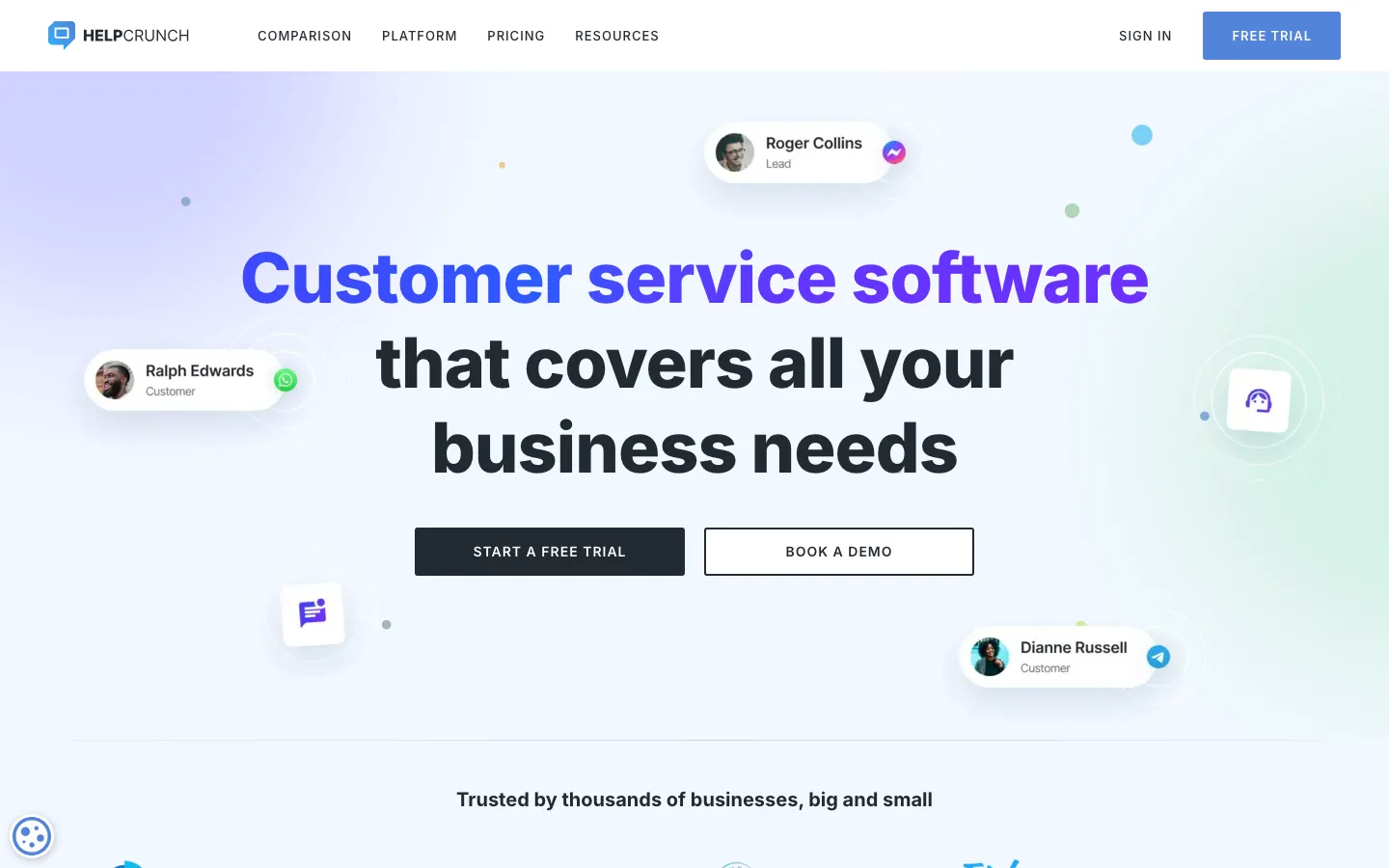
HelpCrunch combines the customer conversations that usually spread across a chat widget, inbox and help center. Its platform includes live chat, a shared inbox, chatbots, a knowledge base, auto messages, popups and email marketing. That scope is useful when your team wants one customer record alongside the conversation, rather than a separate tool for every stage. The marketing tools directory can help if you are still deciding whether an all-in-one support platform is the right category.
The shared inbox is the center of that arrangement. It brings chat, email, messengers and social channels into one dashboard, and gives teammates assignments, private notes and customer context such as time zone and recent actions. For a lean support team, that is a more practical advantage than a long feature checklist: fewer places to look when a customer needs an answer.
Its plans make the tradeoff plain. Basic and Pro are inexpensive entry points for a single operator. Unlimited changes the shape of the product with unlimited team members, 50,000 emails and much higher limits.
Who is HelpCrunch best suited for?
Small web businesses
One support operator can combine chat, a help center and simple customer outreach without separate subscriptions.
Mobile app teams
iOS, Android and React Native SDKs support in-app conversations alongside the website widget and shared inbox.
Teams replacing tools
HelpCrunch offers free migration from an earlier system, useful when moving customer conversations into one workspace.
Growing support teams
Unlimited includes unlimited team members and 50,000 emails for teams with larger published allowances.
The key question is headcount, not the $12 starting price. A solo operator can use Basic or Pro as a compact support desk. Both plans list one included team member, while Unlimited lists unlimited team members. HelpCrunch does not say whether Basic or Pro can take additional seats or what they cost, so confirm that before treating Unlimited as the required upgrade.
What communication features does HelpCrunch offer?
Live chat and proactive messages
HelpCrunch places a customizable chat widget on a website, product or mobile app. Auto messages can trigger from user behavior, while links to social accounts and messengers give customers more ways to start a conversation. The point is not merely another contact button: it lets a small team invite the right question while a visitor is still on the relevant page.
Shared inbox and customer context
The inbox combines chats, emails, messengers and social media. Teammates can see who owns a conversation, assign it, add private notes and view customer details beside it. This is where HelpCrunch is most coherent as one platform, because handoffs and prior activity remain tied to the conversation rather than passed between separate systems.
Chatbots and AI tools
Chatbots handle early questions and pre-qualify leads. Pro lists 15 chatbot flows, 5 AI Agents, 50 AI conversations and 200 AI data sources, while Unlimited raises those limits. The AI editor also helps write messages and help articles. That is enough to make automation part of the support process, but the included AI conversations and data sources are not unlimited on Pro, so a busy team needs to price extensions before treating AI usage as fixed cost.
Knowledge base, popups and email
The knowledge base can run as its own help center or inside the chat widget, and the editor supports SEO-focused help content. Popups surface contextual offers, while email sequences and one-off newsletters cover outbound messages. Only Unlimited includes emails, at 50,000, which is the feature split most likely to change your plan choice if customer outreach is a central job.
API, webhooks and integrations
HelpCrunch documents a REST API for customers, chats, messages, team members, departments and applications. Its JavaScript API covers user authentication, custom data, widget controls and event callbacks; webhooks are also listed. The integrations page names  Zapier,
 Slack and WordPress among the connections available. The developer material supports real automation work, but it does not state which plan includes API access, so confirm that detail before making the API part of your workflow.
How is HelpCrunch priced across its subscription tiers?
Price checked 27 Nov 2026
| Plan detail | Basic$12/mo | Pro$20/mo | Unlimited$495/mo |
|---|---|---|---|
| Billing basis | Annual billing | Annual billing | Annual billing |
| Team members | 1 | 1 | Unlimited |
| Emails included | None | None | 50,000 |
| Widgets | 1 | 5 | Unlimited |
| Messenger channels | 15 | 25 | 100 |
| Chatbot flows | Chatbot | 15 | Unlimited |
| Knowledge base | Monolingual | Multilingual | Multilingual |
HelpCrunch prices in US dollars, annual billing, 27 Nov 2026.HelpCrunch pricing
HelpCrunch says annual billing saves 20%. The plan prices are easy to read, but the cost jump from Pro to Unlimited means your real bill depends on whether you need seats or email volume, not on whether you want a few more widgets. A single support owner on Pro pays $20 a month on annual billing. A team that needs Unlimited pays $495 a month, or $5,940 over 12 months at that published monthly rate.
Two usage extensions can also add to the bill. HelpCrunch lists monthly extensions for AI conversations, starting at $29 for 100 on monthly billing, and AI data sources, starting at $5 for 100. Pro and Unlimited include AI allowances, and extensions can add capacity beyond those included limits at any time, so count them before you promise automated coverage at scale.
A 14-day free trial does not require card details. The FAQ says the listed subscription charge has no hidden fees and names major credit cards as the payment method.
Where does HelpCrunch fall short for growing support teams?
HelpCrunch restricts its lower subscription tiers by including only a single user seat per plan. Basic and Pro both list one team member, so HelpCrunch is not a $12 or $20 team platform in the usual sense. HelpCrunch does not publish whether either plan accepts additional seats or their price. Confirm that detail before using Unlimited's $495 monthly rate as your team-cost assumption.
Email is another dividing line. HelpCrunch includes no emails on Basic or Pro, then 50,000 on Unlimited. If your team needs newsletters or automated email campaigns as a core channel, the product's all-in-one pitch is tied to the most expensive plan.
AI usage has limits too. Pro includes 50 AI conversations and 200 AI data sources, while Unlimited lists 100 AI conversations and 500 AI data sources. Extensions can add capacity beyond the included limits. The platform can still be a good fit for modest automation, but do not treat the AI label as a blanket allowance.
What are the top HelpCrunch alternatives?
If the help center is the main decision, the  HelpDocs review is worth comparing. HelpDocs is knowledge base software that allows unlimited anonymous viewers and bills only the people who log in to its dashboard, which suits a help-center-first buyer.
If you are looking for support software connected to a larger sales and marketing system, read the  HubSpot Service Hub review. HubSpot Service Hub connects service with marketing and sales data on one customer platform. For HelpCrunch itself, confirm lower-plan seat availability and cost before treating Unlimited as the only path beyond one included member.
What is the overall verdict on HelpCrunch?
HelpCrunch makes a coherent case for solo operators requiring integrated chat tools and a customer help center in one package. The product joins live conversation, customer context and automation in a way that can remove several small-tool subscriptions. Its price structure demands a harder look than its entry rate suggests.
Ask HelpCrunch to confirm the seat cost for your actual support headcount before choosing Basic, Pro or Unlimited. Basic and Pro each list one included team member, so ask about additional-seat availability and pricing before deciding whether Unlimited's published seats and email allowance justify its higher monthly bill.
How was this HelpCrunch review researched and verified?
HelpCrunch provided the official pricing tables, feature breakdowns, integration catalogs, and developer documentation reviewed on 27 Nov 2026. Prices are in US dollars as HelpCrunch shows them, and every figure follows how we check figures.
- HelpCrunch pricing and annual billing details
- HelpCrunch customer service, live chat and integration pages
- HelpCrunch REST API and JavaScript API documentation
What are the most common questions about HelpCrunch?
Is there a free trial for HelpCrunch?
Yes. HelpCrunch offers a 14-day free trial, and its FAQ says you do not need to provide credit card details until the trial ends.
How much does HelpCrunch cost?
On annual billing, Basic is $12 a month, Pro is $20 a month and Unlimited is $495 a month. HelpCrunch lists a 20% annual saving.
Does HelpCrunch include email marketing?
Only Unlimited includes email volume, with 50,000 emails. Basic and Pro each list no emails.
Does HelpCrunch have an API?
Yes. HelpCrunch documents a REST API and JavaScript API, and also lists webhooks plus iOS, Android and React Native SDKs.
 Reviewed byDanny Kirk
Founder of ReddiReach.
 Checked byAndrés Felipe
Digital designer and marketer.
Every figure is checked against the vendor's own page. Read our editorial standards.