
Key Takeaways
- Jimdo equips independent service entrepreneurs with website building, payment collection, and appointment booking features managed from one central account.
- Jimdo provides a permanent Free plan alongside paid Start at €12.40 monthly and Grow at €20.67 monthly under annual billing terms.
- Jimdo incorporates Companion AI for guided design adjustments subject to user review, while external programmatic API and MCP access remain undocumented.
- Jimdo is not tailored for businesses demanding sophisticated custom coding, developer-centric content management systems, or e-commerce functionality below the Grow tier.
If you run your own service business and need a website that can take bookings and payments, Jimdo is the sensible place to begin, especially while its Free plan covers the basics. It makes more sense for a small owner-operated business than for a team that needs a developer-oriented CMS or deep customization.
Agent access
- API
- Not found on official pages
- MCP server
- Not found on official pages
What are the primary pros and cons of using Jimdo?
What works
- Free plan includes an AI-built website and online bookings
- Every listed price includes VAT
- No commission on sales, bookings or payment links
What to watch
- Free is limited to five pages and 5 GB of storage
- The online shop starts on Grow
- Companion AI allows 50 messages a day
What website and payment capabilities does Jimdo offer small businesses?
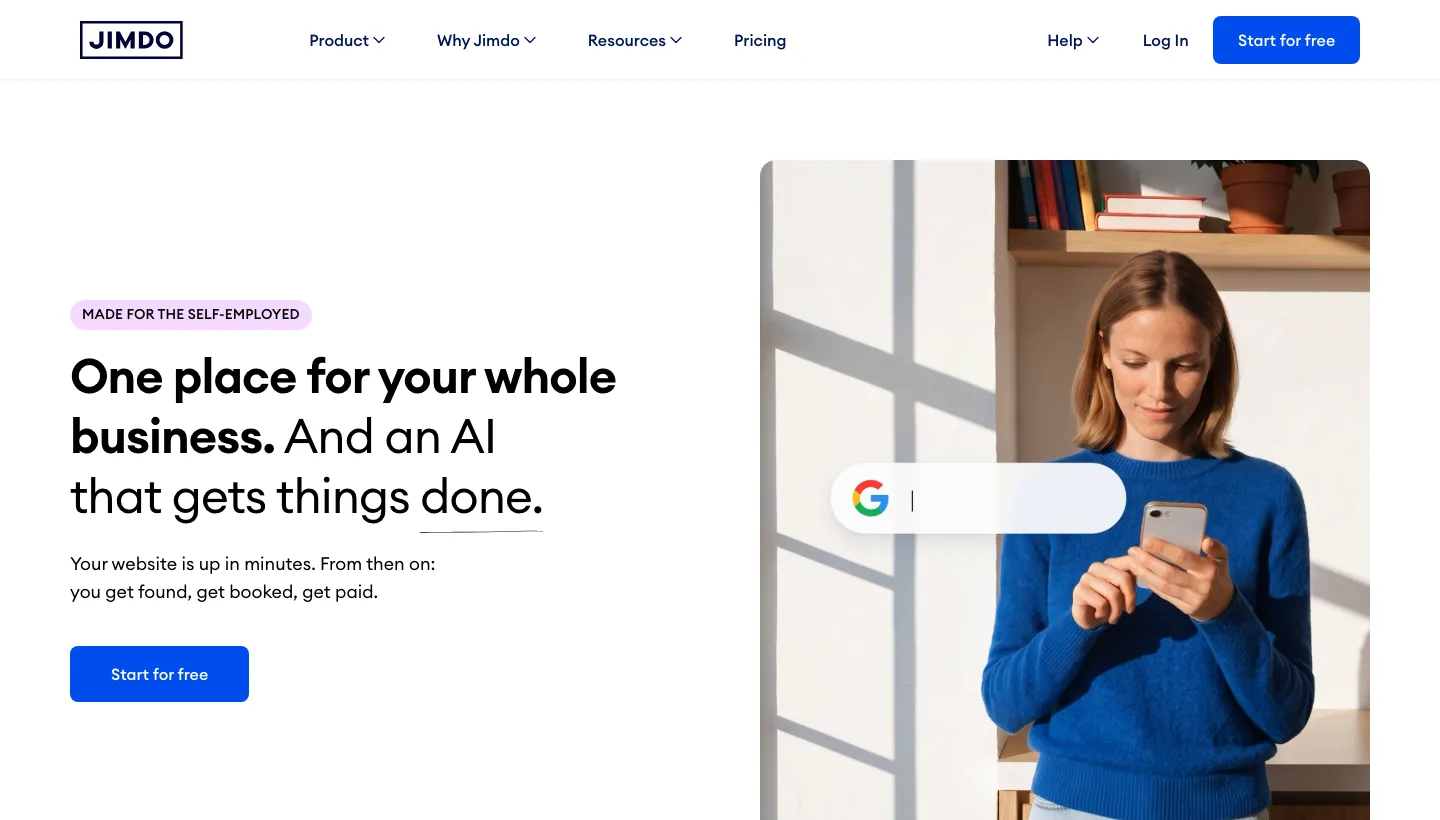
Jimdo is built around the everyday work of the self-employed: getting a site online, taking an appointment, collecting a payment and following up. That focus is why it is more useful than a bare website editor for a coach, consultant, trade business or other solo service. If you are still comparing the category, the marketing tools directory is a practical starting point.
The account combines an AI-built site with bookings, forms, payment links, invoices and a contact list that collects details from bookings, forms and payments. Jimdo says its hosting is GDPR-compliant and in the EU, while the Free plan includes cookie, imprint and privacy-policy pages. Those details make the product unusually straightforward for a small European business that does not want to assemble several services.
Companion is the service layer inside the product. It suggests a next step and prepares it, but says it makes a change only after you approve. Confirm API or MCP availability with Jimdo before treating it as part of an agent workflow.
Who is the ideal user for Jimdo website builder?
Solo service providers
Put up a site, take paid bookings and send payment links without joining separate tools.
New local businesses
Use Free to establish an online presence before committing to a paid domain and plan.
Small shops
Choose Grow when you need a modest online shop with stock and order tracking.
EU-based operators
Keep hosting, VAT-inclusive prices and the basic legal-page setup in one product.
It is a weaker choice for an agency building unusual client sites, or for a product team that needs a programmable content system. Jimdo's value comes from removing choices for a small business, and that same simplicity limits how far you can take it.
What are the core website and booking features of Jimdo?
Website building without a design stack
Jimdo says its AI can build a professional website in minutes. Every plan has a mobile-optimized website, contact form, royalty-free photo library and cookie banner. Start and higher let you connect a domain you already own and remove Jimdo branding; Start includes one email forwarding address on that domain. A professional mailbox is a separately priced Google Workspace add-on. The free version is a real test bed, but its five pages and 5 GB ceiling will arrive quickly for a content-heavy site.
Bookings, payments and contacts
Unlimited bookings with online payment are available on every plan, along with unlimited payment links and a link-in-bio page. Jimdo takes no commission on sales, bookings or payment links, although payment processing fees apply. Bookings Pro adds unlimited events, email reminders and break times; it is an add-on on paid plans and included with Unlimited.
A shop from Grow onward
Grow is the first tier with an online shop. It supports card, PayPal, Apple Pay, Google Pay and local payment methods, plus shipping, stock and order tracking. Complete adds product variants, sale prices and discount codes. The vendor describes its online stores as suitable for up to 100 products, so this is a small-business shop rather than a path to a large catalog operation.
Search and business listings
Start and higher provide page-level SEO settings for titles, descriptions and web addresses. Paid tiers add a one-step Google Search Console connection, and Companion AI offers help with Google and AI search. Listings Management is available as a paid add-on on Start, Grow and Complete, included with Unlimited, and unavailable on Free. It is intended to update business information across selected social and search properties. Treat it as a convenience feature, not a substitute for a broader search workflow.
Companion AI
Companion is included in Free and the paid plans, with no credits or tokens to buy. It has a 50-message daily limit on every tier and works within what the chosen plan makes available. That makes it a predictable assistant for routine work, but the unchanged cap also means paying more does not buy more daily AI conversations.
How much does Jimdo cost across its free and paid tiers?
Price checked 27 Nov 2026
| Plan detail | Free€0 | Start€12.40/mo | Grow€20.67/mo | Complete€30.38/mo | Unlimited€51.68/mo |
|---|---|---|---|---|---|
| Billing shown | Free | 12-month term | 12-month term | 12-month term | 12-month term |
| Website pages | 5 | 10 | 50 | 50 | Unlimited |
| Storage | 5 GB | 30 GB | 50 GB | 50 GB | 500 GB |
| Online shop | ✕ | ✕ | ✓ | ✓ | ✓ |
| Companion messages daily | 50 | 50 | 50 | 50 | 50 |
Jimdo prices in euros, including VAT, 27 Nov 2026.Jimdo pricing
The prices above are per month on a 12-month term and are paid in advance for that term. Monthly pricing is higher: Start €18.61, Grow €29.97, Complete €44.06 and Unlimited €76.48. The first domain is free for the first term on paid plans, then the vendor lists €26 a year. Plans cover the business rather than a number of seats, so adding colleagues does not create a stated seat charge.
- Bookings Pro is €6.72 a month on a 12-month term
- Listings Management is €5.68 a month on a 12-month term
- A business mailbox is €8.50 a month on a 12-month term
- A second domain is €2.24 a month on a 12-month term
A real one-business bill illustrates the trade-off. Grow plus Bookings Pro and Listings Management is €33.07 a month on a 12-month term, including VAT. Unlimited is €51.68 and includes those two add-ons, so it only becomes the economical choice when its storage, unlimited pages or other capacity matters as well.
Where does Jimdo fall short for advanced web development?
Jimdo defines a rigid boundary between its guided website builder and fully customizable web development environments. Its emphasis is on easy blocks, templates and business tools. Confirm API or MCP availability with Jimdo before treating it as part of a custom internal workflow.
The entry pricing can also conceal the plan boundary that matters most. Start gives you a custom domain and more pages, but not a shop. Anyone selling products should price Grow from the outset rather than treating Start as the likely landing point. Bookings Pro and Listings Management are paid add-ons on Start, Grow and Complete, included with Unlimited, and unavailable on Free.
Finally, the AI offer is consistent rather than expandable. Companion is present even on Free, but every plan has 50 messages a day. That will suit owners looking for prompts and routine help, not a team expecting a high-volume AI workbench.
What are the best CMS and hosting alternatives to Jimdo?
 Kinsta review is the better comparison for a technical site workflow: it offers one-click staging plus SSH, Git and CI/CD. Jimdo remains the easier fit for the owner who wants to publish and take appointments in one place.
 Leadpages review is worth considering when manual A/B testing and exit-intent, timed or scroll-triggered pop-ups matter to a campaign. Jimdo provides the broader small-business setup with a site, payments and bookings.
Is Jimdo the right website builder for solo entrepreneurs?
Jimdo provides an accessible, practical foundation for self-employed entrepreneurs seeking integrated website hosting, booking schedules, and client payment processing. The Free plan lets you establish a site and booking flow without a card, and Grow becomes the appropriate paid choice once products enter the picture. The VAT-inclusive euro prices and lack of sales commissions make the financial side easier to assess than many builders.
Build the first five pages and booking flow on Free. Move to Start only when your own domain matters, or directly to Grow when you need a shop. Add the paid booking and listing extras only after you know they remove work your business is already doing.
How was the information in this Jimdo review verified?
Jimdo published prices, e-commerce limitations, and feature sets were checked against its official online store pages on 27 Nov 2026. Prices are in euros including VAT, as Jimdo shows them, and every figure follows how we check figures.
- Jimdo pricing page, with monthly, 12-month and 24-month terms
- Jimdo website-builder page
- Jimdo online-store page
What are common questions about Jimdo plans and online stores?
Is Jimdo free?
Yes. Free is €0 and includes an AI-built website, unlimited bookings with online payment, payment links and a link-in-bio page. It has five website pages and 5 GB of storage.
How much does Jimdo cost?
On a 12-month term, Start is €12.40, Grow €20.67, Complete €30.38 and Unlimited €51.68 a month, including VAT. Monthly terms cost more.
Does Jimdo charge sales commissions?
No. Jimdo says it takes no commission on sales, bookings or payment links, though payment processing fees apply.
Does Jimdo work with AI agents?
Companion AI is available in every plan, makes changes only after your approval and has a 50-message daily limit. Confirm API or MCP availability with Jimdo before planning an integration.
 Reviewed byDanny Kirk
Founder of ReddiReach.
 Checked byAndrés Felipe
Digital designer and marketer.
Every figure is checked against the vendor's own page. Read our editorial standards.