
Key Takeaways
- Loom enables modern distributed teams to record synchronized screen and camera video walkthroughs, replacing time-consuming status calls with shareable links.
- Loom offers a Starter free plan capped at 25 videos and five-minute recordings, alongside Business seats priced at $18 per user monthly.
- Loom integrates with Atlassian and provides Model Context Protocol tooling plus Record for agents, transforming click paths and audio into AI-ready prompts.
- Loom lacks native deep task management features and reserves enterprise-grade administrative security controls exclusively for custom sales contracts.
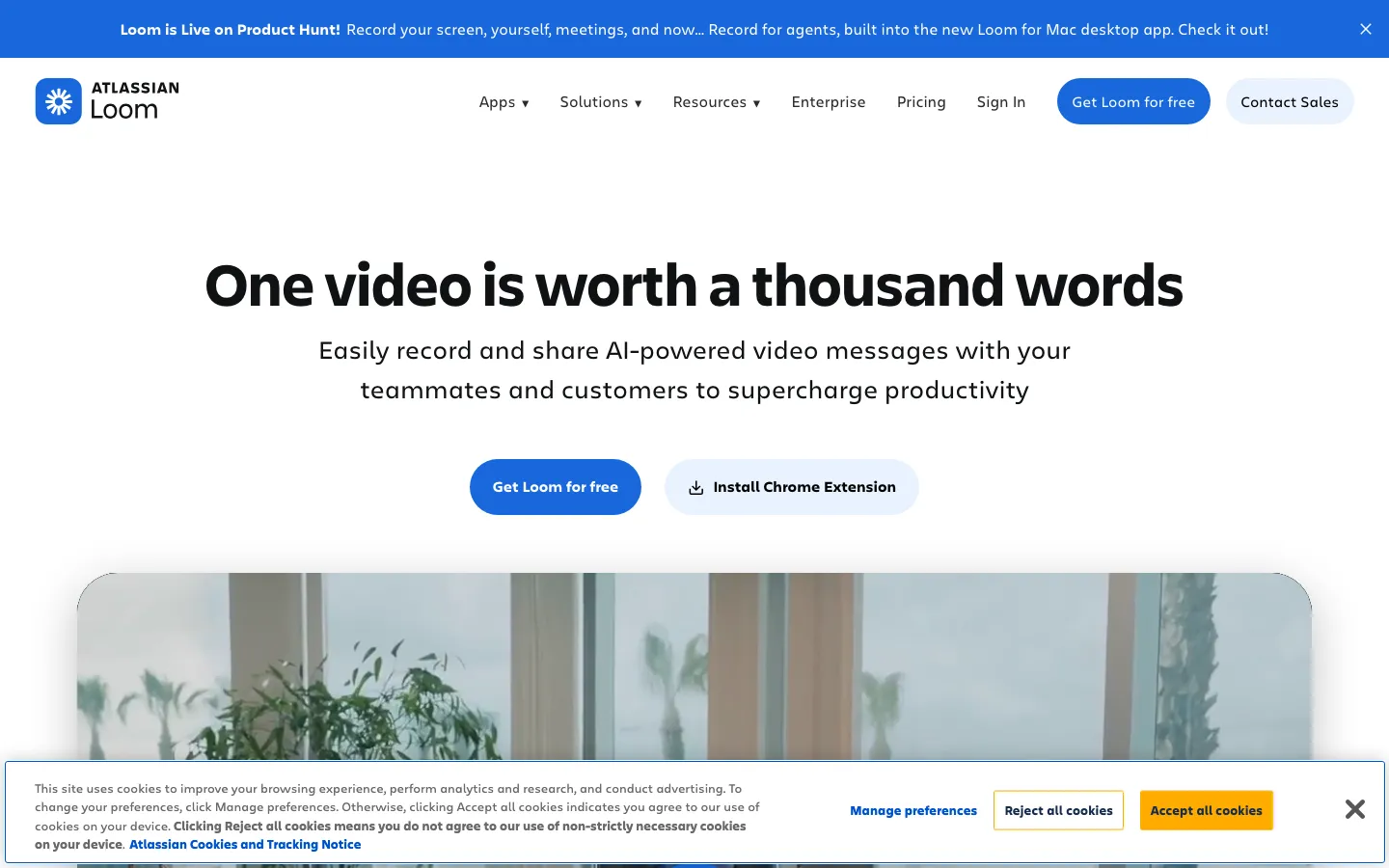
When you need to show a change rather than schedule another meeting, Loom lets your team record the screen, add a camera and share one link. It is now part of Atlassian, and Business at $18 per user a month is the sensible paid plan once Starter's 25 recordings and five-minute screen limit interrupt real work.
Agent access
- API
- Yes
- MCP server
- Not found on official pages
What are the essential pros and cons of using Loom?
What works
- Screen and camera recording on Chrome, desktop and mobile
- Free Starter includes captions and transcriptions in 50+ languages
- Business removes branding and removes video and recording-time limits
What to watch
- Starter stops at 25 videos and five-minute screen recordings
- AI editing, notes and admin insights require Business + AI
- SSO, SCIM and a 99.95% SLA require an Enterprise conversation
How does Loom streamline asynchronous communication for remote teams?
Loom bridges the gap when written documentation lacks detail and live meetings create unnecessary scheduling friction. Loom sits in that gap: you record the screen, yourself or both, then send a link people can watch when they are ready. That makes it a practical choice for a team searching the marketing tools directory for a way to show a report, leave design feedback or walk a colleague through a process without scheduling another call.
The product is deliberately simple at the recording end. Loom offers a Chrome extension, desktop app and mobile app, plus camera bubbles, system audio, backgrounds, noise suppression, speaker notes and drawing tools. After a recording is shared, viewers can comment, react with emoji, use captions or read a transcript. The point is not polished video production. It is giving context when a paragraph would create more questions.
Loom is now owned by Atlassian, and its pricing page says the two systems are still being integrated. That matters if you already buy Atlassian apps: purchases through Atlassian.com and Loom.com currently differ in administration, billing and some access. Pick the buying route before rolling it out, rather than treating both checkouts as interchangeable.
Who gains the highest return from standardizing on Loom?
Client-facing teams
Business removes Loom branding and lifts recording limits for campaign, report and design walk-throughs.
Distributed teams
Captions and transcriptions in 50+ languages make concise updates easier across time zones.
Product and engineering teams
Screen capture, comments and Jira, GitHub and Slack integrations give bugs and handoffs useful context.
Internal enablement teams
Unlimited recordings on paid plans suit repeatable explanations, meeting recaps and process documentation.
I would not choose Loom as a project-management system. It can carry the explanation around a task, but it does not replace the place where work is assigned, planned and debated. Use it when a visual explanation is the missing layer, not when the team needs another board or chat channel.
Which video capture and AI capabilities are included in Loom?
Fast screen and camera recording
Loom records screen and camera together from its Chrome extension, desktop app or mobile app. Camera frames, virtual backgrounds, background-noise suppression, speaker notes, a drawing tool and mouse emphasis give a short explanation enough shape without sending it to an editor. That is a stronger fit for a handoff than a webinar tool: record the relevant screen, say what changed and send it.
Editing that matches the plan
Business includes basic waveform editing, trim and stitch, as well as uploads and downloads. Business + AI adds advanced editing, auto-video enhancement and video-to-text automation. Loom also offers editing by transcript and filler-word removal. The dividing line is clear: Business is for sharing a useful explanation; Business + AI is for a team that repeatedly turns recordings and meetings into cleaner material.
Viewing, captions and feedback
All plans support unlimited screenshots, and the product lists comments, video transcriptions and closed captions. Starter includes transcriptions in more than 50 languages, comments and emoji reactions. Viewer and engagement insights are available in the pricing grid, with exportable engagement insights and admin insights higher up the plans. For a manager, that makes Loom more accountable than attaching a video file to a message.
Workplace integrations
The pricing grid lists Slack, Jira, Jira Service Desk, Confluence, GitHub and Gmail, while Salesforce is an Enterprise integration. Loom also says its videos work with hundreds of tools. That spread is useful because the link can travel to the place work already happens, instead of asking everyone to make Loom a separate destination.
AI and developer options
Business + AI includes auto-meeting notes, recap emails and Record for agents. Loom AI also offers auto summaries and chapters. Record for agents captures the screen, clicks and URLs, then packages that context into a prompt for an agent. Loom also says new MCP tools can bring those prompts and a Loom library into AI tools. Separately, developers can use loomSDK: its standard option uses signed-in Loom recording and branded UI, while the Custom UI beta is programmable and does not require a Loom sign-in.
What are the subscription plans and per-seat prices for Loom?
Price checked 27 Nov 2026
| Plan detail | Starter$0 | Business$18/user/mo | Business + AI$24/user/mo | EnterpriseCustom |
|---|---|---|---|---|
| Videos per person | Up to 25 | Unlimited | Unlimited | Unlimited |
| Screen recording length | 5 minutes | Unlimited | Unlimited | Unlimited |
| Video quality | Up to 720p | Up to 4K | Up to 4K | Up to 4K |
| Workspace members | Up to 50 | Unlimited | Unlimited | Unlimited |
| Remove Loom branding | Not listed | ✓ | ✓ | ✓ |
| Auto-meeting notes and admin insights | Not listed | Not listed | ✓ | ✓ |
Loom prices in US dollars, 27 Nov 2026.Loom pricing
The team bill is easy to calculate on monthly billing. A five-person team on Business is $90 a month, while the same five people on Business + AI are $120 a month. The extra $6 per person is a decision about AI editing, recaps, notes and admin insights, while both plans have unlimited video counts and recording time.
Annual billing can save up to 17%, but the purchasing route matters. Loom.com annual subscriptions are charged by the distinct number of paid users. Atlassian.com annual subscriptions use user tiers, so the billed tier can differ from the exact team size. Confirm both the route and the seat basis before approving an annual order.
What security controls does Loom Enterprise offer to large organizations?
Loom Enterprise delivers centralized administrative governance and compliance controls for organizations handling sensitive company or customer recordings. Loom lists advanced security with SSO and SCIM, Salesforce integration, a 99.95% uptime SLA, EBA compliance and downloadable user insights. Atlassian Guard Standard, which provides enforced SSO and SCIM provisioning, is included with Loom Enterprise.
Enterprise pricing requires contacting sales. Loom publishes SSO, SCIM and custom data retention policies. Confirm the identity setup, retention requirements and purchasing terms before committing. Smaller teams should resist paying for Enterprise merely to remove a recording limit, because Business already makes recordings and recording time unlimited.
Where does Loom encounter collaboration and library storage limits?
Loom restricts its free Starter tier sufficiently to prevent active teams from relying on it as a permanent video repository. Twenty-five recordings per person and five-minute screen recordings disappear quickly when every bug, report and feedback pass gets a video. Its 720p limit is another reason client-facing work normally lands on Business.
The AI plan needs a sharper business case than its name suggests. Business + AI costs one-third more per user than Business on monthly billing, and its value rests on advanced editing, video-to-text automation and automated meeting output. If your team already writes its own notes and trims only occasionally, Business keeps the core workflow without that premium.
Finally, the Atlassian transition adds purchasing friction. The vendor says the systems are being integrated and currently treats Loom.com and Atlassian.com differently for features and annual billing. It is sensible to settle that operational detail before onboarding a large group, especially where Atlassian administration is part of the reason to buy.
Which messaging and collaboration platforms serve as top Loom alternatives?
If control over the collaboration infrastructure matters more than sending a recording for every update, start with the  Mattermost review. Mattermost runs on-premises or in private clouds, while Loom remains the more natural option when the screen, voice and visual context are the message.
For teams that want a different place to organize tasks, the  MeisterTask review is the more relevant comparison. MeisterTask lets teams assign and track tasks on shared visual project boards; Loom can explain why a task changed but does not keep it visible, assigned and moving through a workflow.
What is the final verdict on adopting Loom for team collaboration?
Loom preserves vital visual context through screen recordings without forcing teammates onto live calls. Start with Starter for occasional recordings, then move to Business as soon as branded, unlimited video becomes part of client work or internal operations. Reserve Business + AI for a team that will use its meeting and editing automation often enough to justify the higher per-user bill.
Give a small working group Starter first. If they repeatedly hit its video or recording limit, put the same people on Business, then run the 14-day Business + AI trial only against a real backlog of meetings and recordings.
How was this Loom analysis verified against Atlassian documentation?
Loom features, enterprise limits, and pricing specifications were audited against vendor documentation on 27 Nov 2026. Prices are in US dollars, as Loom shows them, and every figure follows how we check figures.
- Loom pricing page and plan comparison
- Loom product, integration and SDK pages
- Loom Enterprise and Atlassian security pages
Where can teams find practical how-to guides for Loom?
What are the most frequent questions regarding Loom features and billing?
Is Loom free?
Yes. Starter costs $0 and includes up to 25 videos per person, five-minute screen recordings, unlimited meeting length, transcriptions in more than 50 languages, comments and emoji reactions.
How much does Loom cost for a team?
Business costs $18 per user each month and Business + AI costs $24 per user each month on monthly billing. A five-person team therefore pays $90 or $120 a month respectively.
Does Loom offer a trial?
Yes. Loom offers a 14-day free trial of Business + AI. An Enterprise trial is also 14 days, but requires contacting sales.
Who owns Loom?
Atlassian acquired Loom. Loom says its systems and Atlassian's are still being integrated, so buying through Loom.com and Atlassian.com currently differs in some features and billing.
 Reviewed byDanny Kirk
Founder of ReddiReach.
 Checked byAndrés Felipe
Digital designer and marketer.
Every figure is checked against the vendor's own page. Read our editorial standards.