
Key Takeaways
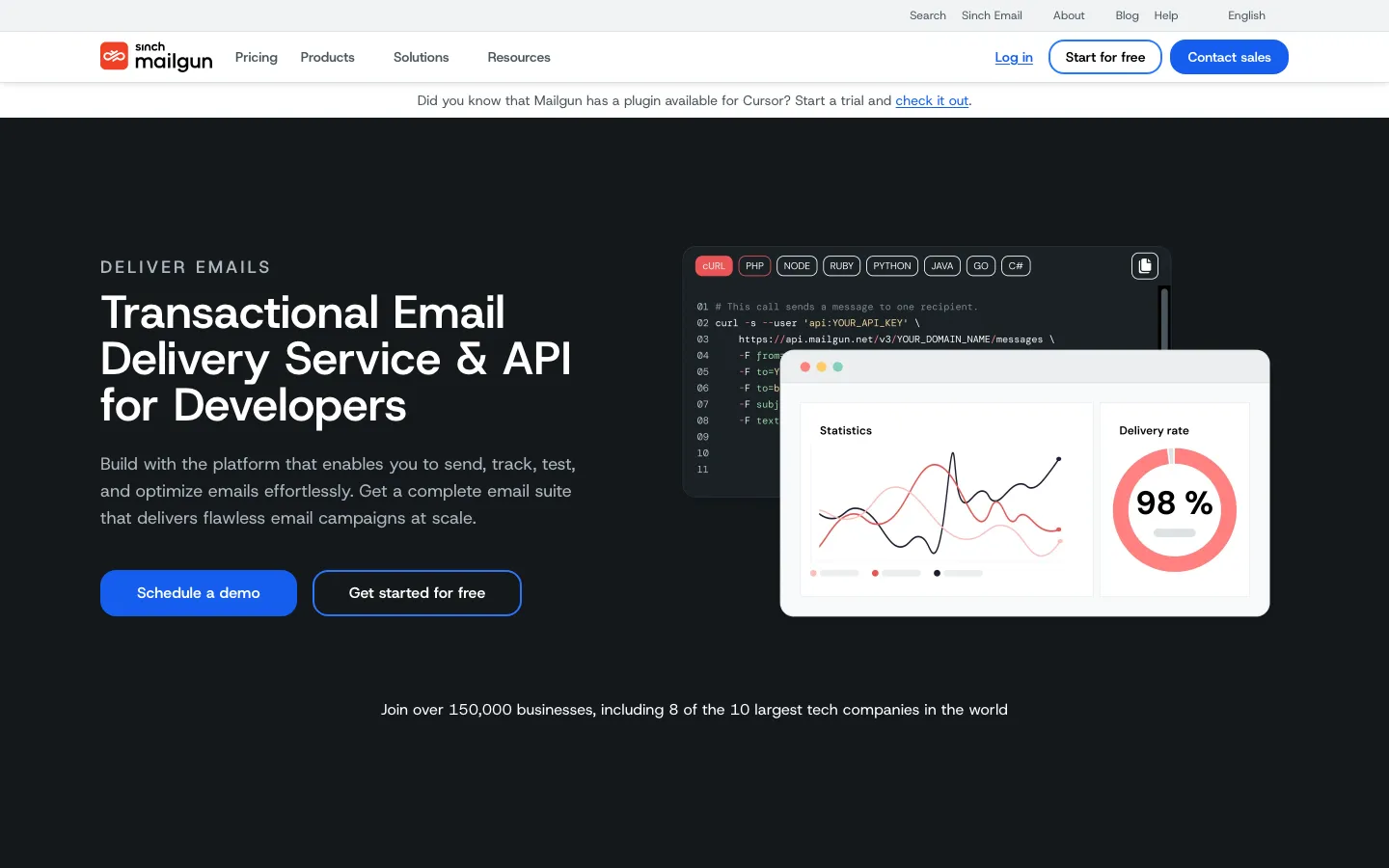
- Mailgun provides developers with scalable cloud email infrastructure to send, receive, and track transactional application email via HTTP APIs or SMTP.
- Mailgun includes a Free plan providing 100 daily messages, with paid tiers spanning Basic at $15 monthly, Foundation at $35, and Scale at $90.
- Mailgun documents comprehensive SDKs, robust REST APIs, and official Cursor extensions to streamline programmatic email automation for development teams.
- Mailgun restricts low-tier accounts to single domains, single API keys, and one-day log retention while lacking drag-and-drop campaign editors for marketers.
Mailgun is the email delivery platform I would choose when your product team needs to send, receive and track application email through an API or SMTP relay, rather than compose campaigns in a visual sender. It is less appealing when one day of logs, one domain and one API key will block your early workflow, or when you need a marketer-led campaign tool.
Agent access
- API
- Yes, all Mailgun plans, starting with Free
- MCP server
- Official, local, Mailgun API key in the MAILGUN_API_KEY environment variable
- Works with
 ClaudeClaude Code
 Gemini
 Cursor
 VS Code
- Automation
- Zapier, Make, n8n
What are the core pros and cons of sending application email with Mailgun?
What works
- Free API and SMTP access for 100 emails a day
- Foundation supports 1,000 custom sending domains
- Scale adds SAML SSO, IP pools and live support
What to watch
- Free and Basic retain logs for one day
- Validation is an add-on on Free and Basic
- There is no in-product send button
How does Mailgun handle transactional delivery, event tracking, and inbound routing?
Mailgun gives an application an email delivery layer: your team can send through an HTTP API or SMTP endpoint, then follow the resulting events, errors and engagement in one place. The delivery focus is the point. It is built for a product, platform or technical operations team that needs email to behave like infrastructure, not for someone starting with a blank campaign canvas.
The Send product covers delivery, logs, analytics and inbound routing. Around it sit Optimize for inbox placement and reputation work, Validate for addresses, and Inspect for previews, accessibility, link checks and image analysis. That separation makes the account useful for a serious email program, but it also means the bill can include more than the sending plan.
I would start by deciding how much history and domain capacity the team truly needs. Free and Basic are useful integration tiers, while Foundation is the first plan where 1,000 domains and five days of logs make an operating workflow easier to manage. If you are mapping providers before committing, the marketing tools directory gives the category context without pretending that all email products solve the same job.
Who gains the most operational value from Mailgun API infrastructure?
Application developers
Send, receive and track transactional email through an API or SMTP, with webhooks and inbound parsing.
Growing SaaS teams
Foundation adds 1,000 domains and five days of logs for a multi-product sending operation.
Security-led organizations
Scale provides SAML SSO, dedicated IP pools and 30 days of log retention.
Deliverability teams
Optimize adds placement testing, reputation monitoring and personalized deliverability guidance when inbox issues are costly.
Mailgun is a weaker fit when a nontechnical team needs to write, schedule and operate campaigns without engineering support. Its own pricing page makes the assumption plain: there is no send button, and Mailgun recommends its HTTP API for application builds. A combined marketing and transactional platform is a more suitable operating model for that team.
Which transactional delivery and deliverability features are included in Mailgun?
Send API and SMTP relay
Mailgun exposes both an HTTP API and an SMTP endpoint. SMTP can be the straightforward route for an existing sender, while the vendor recommends the HTTP API for an application. SDKs and developer documentation support the integration, and webhooks can pass email event data to another app. This is its clearest advantage when email must fit an existing product workflow.
Logs, analytics and inbound routing
The Send product records events, timestamped error codes and engagement such as opens, clicks and unsubscribes. Inbound routes parse incoming messages and convert them to UTF-8. The catch is retention: Free and Basic list one day, Foundation lists five days and Scale lists 30. That makes the cheaper tiers poor places to investigate an issue that surfaces after a weekend.
Deliverability controls
Mailgun lists suppression management, automated dedicated IP warmup and authentication protocols including SPF, DKIM, DMARC and BIMI. Mailgun Optimize adds inbox placement testing, reputation monitoring and a Deliverability Services team. Treat Optimize as a separate decision: it is relevant when reputation is a working concern, rather than a feature you should pay for simply because it sounds reassuring.
Validation and email quality
The Email Validation API checks addresses in real time, and the vendor also offers drag-and-drop list cleaning. Foundation and Scale include 5,000 validations, but validation is an add-on on Free and Basic, from $1.20 per 100 validations. Inspect adds previews, accessibility checks, link validation and image analysis, useful when email quality needs a formal step before release.
Security and regional delivery
Scale adds SAML SSO. Foundation and Scale permit as many users as needed, with five user roles. Free is limited to one user per account, while Basic's user allowance should be confirmed before buying. Mailgun says a single account can send through US or EU hosting, so the data can remain in the chosen region. Its Send page also lists SOC types I and II, GDPR, HIPAA and ISO 27001 compliance claims, alongside delivery SLAs.
How are monthly email volumes and tiers priced across Mailgun plans?
Price checked 27 Nov 2026
| Plan detail | Free$0/mo | BasicFrom $15/mo | Foundation$35/mo | Scale$90/mo |
|---|---|---|---|---|
| Included emails | 100/day | 10,000/mo | 50,000/mo | 100,000/mo |
| Free period | Ongoing | Paid plans: 30-day trial | First month | First month |
| Custom sending domains | 1 | 1 | 1,000 | 1,000 |
| Log retention | 1 day | 1 day | 5 days | 30 days |
| Inbound routes | 1 | 5 | Full access | Full access |
| Email validation | Add-on | Add-on | 5,000 included | 5,000 included |
| SAML SSO | Not listed | Not listed | Not listed | ✓ |
Mailgun Send prices in US dollars, 27 Nov 2026.Mailgun pricing
The listed price depends on monthly volume, so do not compare the headline alone. Extra email volume, validation and additional dedicated IPs can increase the bill:
- Extra sending volume, from $1.80 per 1,000 emails on Basic, $1.30 on Foundation and $1.10 on Scale
- Email validation, from $1.20 per 100 validations on Free and Basic, then from $0.80 on Scale
- Additional dedicated IPs at $59 per IP per month, once the volume requirements and IP model fit your account
For a concrete team bill, a team needing the 50,000-email allowance starts with Foundation at $35 a month after its free first month. A team that also needs Scale-only SAML SSO, dedicated IP pools, send time optimization and live phone and chat support starts at $90 a month instead, before any overage or extra IP cost. The difference is not cosmetic, so make the security and support requirement explicit before choosing a tier.
When should high-volume enterprise senders evaluate Mailgun Enterprise?
Mailgun Enterprise requires custom sales quotes based on high-volume sending architecture rather than fixed published tiers. Mailgun says it includes everything in Scale plus custom features, Deliverability Services and a Rapid Fire Burst Sending SLA. It belongs in the conversation only when standard Scale capacity, support or configuration no longer fits your program. Ask the account team to name the volume, support commitment, deliverability work and SLA in writing, because the public page does not attach a price to that bundle.
Where does Mailgun limit developers on lower subscription plans?
Mailgun limits lower subscription tiers with narrow log retention and constrained domain allowances. One day of logs on Free and Basic can be enough while an integration is new, but it is not much operational history once multiple systems and people touch the sender. One custom sending domain and one API key on those same tiers add a second limit for teams building more than a small proof of concept.
The platform also asks for technical ownership. The API and SMTP are strengths for the right team, yet the absence of an in-product send button means a marketer cannot simply open an account and run a campaign. That is a product choice, not a missing tutorial.
Finally, some deliverability needs sit outside the entry sending plans. Validation is an add-on on Free and Basic, dedicated IPs become available at 50,000 volume and are included at 100,000-plus volumes, and extra IPs cost $59 each per month. A team with a reputation problem should price the full setup, not assume the starting plan resolves it.
Which developer and marketing email platforms are top Mailgun alternatives?
 Mailgun alternatives like Mailjet accommodate teams that require visual marketing campaign builders alongside developer API delivery. Its free plan includes 6,000 emails a month, with a 200-email daily limit, while paid plans start at $9 a month. That combined model changes the decision when campaign work belongs beside delivery infrastructure.
 MailReach serves a different but adjacent job: automated warmup and inbox-placement spam tests. It works with SMTP-capable providers and offers warmup and spam-test APIs, so it can sit beside the service that actually sends your email. Read the MailReach review if sender reputation monitoring is the first problem to solve.
What is the final verdict on using Mailgun for transactional software email?
Mailgun provides distinct value to software development teams through its reliable REST API, webhook event tracking, and inbound routing. The free plan is a practical starting point for that integration, while Foundation is the sensible move once domains and log history matter. Scale earns its higher price when its SSO, IP pools and support change the operating risk.
Use Free to establish the API or SMTP integration, then choose Foundation when one-day logs and one domain no longer fit. Move to Scale only when SAML SSO, dedicated IP pools, 30-day logs or its support level are real requirements.
How was this Mailgun developer platform evaluation researched?
Mailgun plan terms, developer documentation, and delivery features were verified directly from company pages on 27 Nov 2026. Prices are in US dollars, as Mailgun showed them. The standards behind this review are explained in how we check figures.
- Mailgun Send pricing page
- Mailgun Send and Optimize product pages
- Mailgun documentation and company pages
What are the common questions about Mailgun API keys and log limits?
Does Mailgun have a free plan?
Yes. Free includes 100 emails a day, RESTful email APIs and SMTP relay, one custom sending domain, one API key, analytics and one day of log retention.
How much does Mailgun cost?
Basic starts at $15 a month for 10,000 emails, Foundation is $35 a month after its first free month for 50,000, and Scale is $90 after its first free month for 100,000.
Can Mailgun send email through SMTP?
Yes. Mailgun offers an SMTP endpoint as well as an HTTP API. The vendor recommends the HTTP API for applications, while SMTP can be easier to set up.
Can Mailgun host email data in the EU?
Yes. Mailgun says one account can send through either its US or EU region, with data remaining in the region you choose.
 Reviewed byDanny Kirk
Founder of ReddiReach.
 Checked byAndrés Felipe
Digital designer and marketer.
Every figure is checked against the vendor's own page. Read our editorial standards.