Key Takeaways
- QuickEmailVerification helps marketing and product teams scrub existing contact databases and block invalid email addresses at web registration forms.
- QuickEmailVerification supplies 100 free checks daily alongside non-expiring pay-as-you-go credit packages that start at $4 for 500 verifications.
- QuickEmailVerification provides a developer REST API returning 15 diagnostic data points, covering spam-traps, disposable domains, and catch-all servers.
- QuickEmailVerification concentrates strictly on list hygiene rather than functioning as a complete deliverability suite with inbox-placement testing.
QuickEmailVerification is a sensible fit when you need to clean a list occasionally or stop weak addresses entering a form, without putting every unused credit on a subscription clock. You get 100 free checks each day, non-expiring pay-as-you-go packs and a REST API, so it works best for lean marketing and product teams that need verification rather than a whole deliverability platform.
Agent access
- API
- Yes, free Tier: 100 email verification credits per day
- MCP server
- Not found on official pages
- Automation
- Zapier, Make, n8n
What are the main advantages and drawbacks of QuickEmailVerification?
What works
- 100 free verification credits every day
- One-time credits never expire or auto-renew
- REST API returns 15 fields for each address
What to watch
- Free daily credits reset instead of rolling over
- Per Day Credits bill monthly until cancellation
- Published one-time packs stop at 5 million credits
How does QuickEmailVerification protect email sender reputation and deliverability?
QuickEmailVerification solves the challenge of aging lists gathered through imports, events, and forms by testing genuine mailbox deliverability. It is whether it belongs in a sending decision. QuickEmailVerification checks addresses in a bulk upload or through an API, making it a focused layer in the marketing tools directory. Confirm the capabilities you need beyond verification before treating it as the only tool in your email workflow.
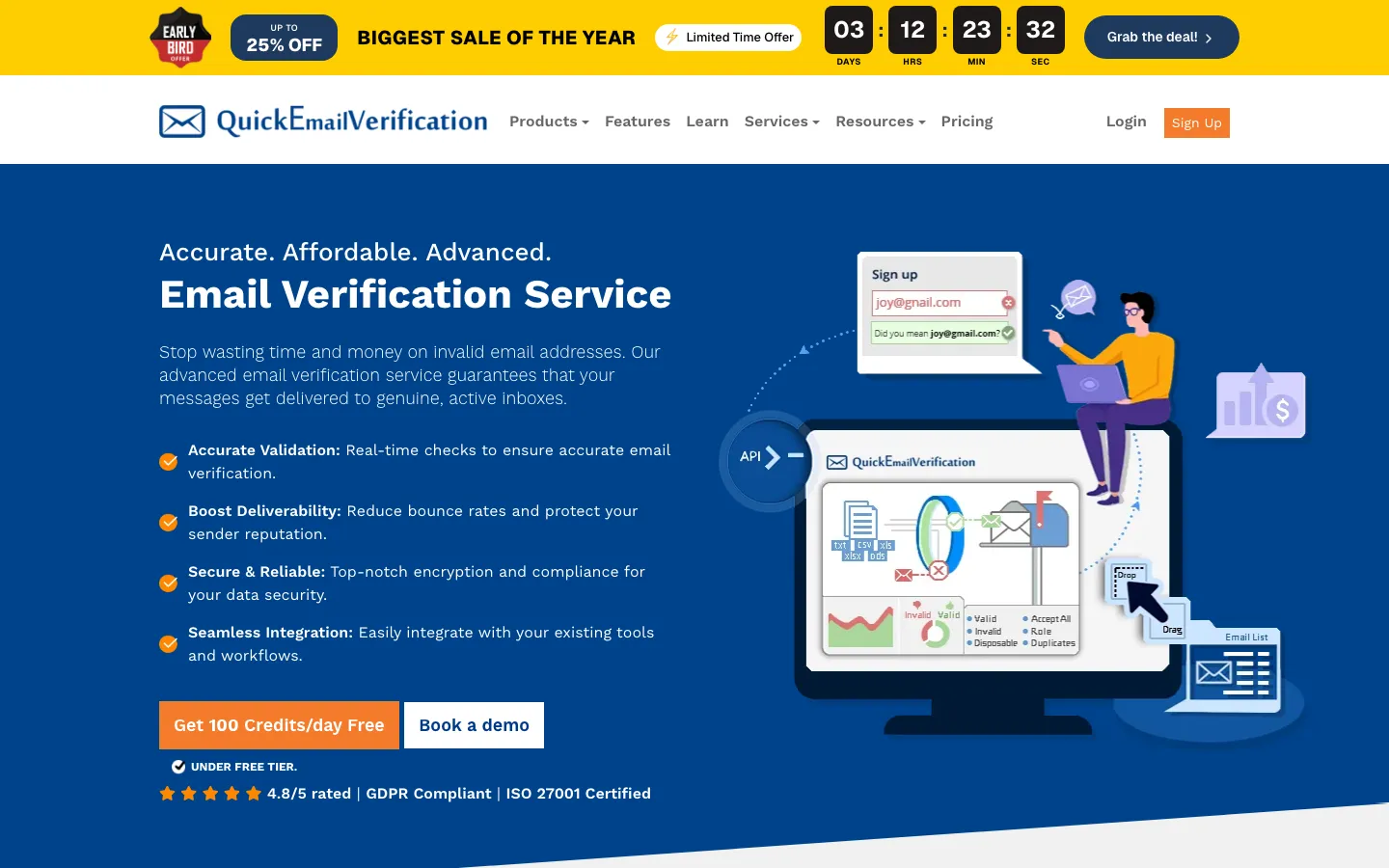
The product offers two practical routes. A marketer can drag and drop a list, then download categorized results. A product or operations team can call the real-time REST API when an address reaches a registration, trial or subscription form. The API response includes safe_to_send, did_you_mean, disposable, role, accept_all and free fields, so a team can separate a simple valid mailbox from an address that may still be unsuitable for its own rules.
The purchasing model is unusually helpful for uneven demand. Persistent Credits are bought once and remain available until used. Per Day Credits are a monthly subscription for teams checking a set volume every day. That distinction makes the one-time packs the better default for campaign cleanups, while the recurring option becomes worthwhile only when verification really is a daily operation.
Who benefits most from using QuickEmailVerification for address validation?
Lifecycle marketers
Clean a campaign list before sending, then keep unused one-time credits for the next launch.
Product teams
Check sign-ups in real time and use typo or disposable signals in your own form policy.
Small businesses
Use 100 free daily checks to prove the workflow before paying for a larger credit pack.
Agencies
Buy reusable credits for client lists, then ask sales about higher-volume agency and enterprise plans.
QuickEmailVerification documents address verification for lists and sign-up flows. If your immediate problem is email sending, domain authentication or ongoing sender reputation, confirm the available capabilities before expecting one platform to cover those adjacent jobs.
Which list cleaning and real-time detection tools does QuickEmailVerification offer?
Bulk list cleaning
The bulk verifier is the straightforward route for a campaign team. Upload an email list, let the service process it and download the result. The vendor presents this as a drag-and-drop workflow, which is the right level of complexity for a pre-send cleanup. Use it before a large campaign, a database migration or an import into a new email platform, not as a substitute for deciding who should receive the message.
Real-time REST API
The API is the more durable way to stop bad data from multiplying through your systems. It uses REST and JSON, with code samples for cURL, PHP, Node.js, Python, Ruby, Go, Java, C# and VB.Net. Single-address verification has a sandbox endpoint for simulated responses, and the vendor says most single checks complete in under 1.2 seconds. That makes it suitable for a form, provided your team decides what each result should mean before engineering wires it in.
Signals beyond a valid mailbox
Each API call returns 15 fields. safe_to_send is the useful starting signal because the vendor distinguishes it from a merely valid address. did_you_mean can return a domain correction, while disposable, role, accept_all and free identify address types that might deserve different treatment. The batch API also supports uploading lists programmatically, checking job status and downloading separate result files for safe-to-send, valid, invalid, unknown and the full report.
Integrations and workflow fit
QuickEmailVerification says it connects with more than 50 marketing tools, and its integrations page lists services including Salesforce,  N8N and
 Zapier. That can remove an export-and-upload step for an existing workflow. Still, an integration is not the main buying criterion: work backward from where addresses enter your database, then choose either an API at capture or a bulk check before a send.
Credit controls
Free accounts receive 100 credits a day with no card required. The daily allowance resets, so it is useful for a small flow or a representative sample rather than a credit bank. Persistent credits provide the other mode: buy a block, use it when needed and do not get charged automatically when it runs out. If both paid models are active, the vendor says Per Day Credits are used first and persistent credits act as backup for extra usage.
How do QuickEmailVerification credit packs and daily plans compare in price?
Price checked 27 Nov 2026
| Plan detail | Free daily$0/mo | 10K pack$60 once | 100K pack$320 once | 1M pack$1,350 once |
|---|---|---|---|---|
| Credits | 100 per day | 10,000 | 100,000 | 1,000,000 |
| Billing model | Free daily allowance | Persistent credits | Persistent credits | Persistent credits |
| Credits expire | Reset daily | Never | Never | Never |
| Automatic charge | Not stated | No | No | No |
QuickEmailVerification plans, 27 Nov 2026.QuickEmailVerification plans
The $4, 500-credit pack is the lowest published one-time purchase. At the larger end of the visible scale, 5 million persistent credits cost $3,500 once. For a campaign that requires 10,000 paid verification credits, the published cost is $60 once; unused persistent credits remain available until used. Confirm user access terms before budgeting for a team.
Per Day Credits are the alternative for continuous use. The daily plan offers 100 credits at $0 a month, 2,000 credits a day at $80 a month and 3,000 credits a day at $110 a month. The vendor says subscriptions can be cancelled from the dashboard and access remains until the end of the cycle.
The plans page also displays a sale banner. Confirm the checkout amount for your chosen volume before you approve a campaign budget, particularly if you expect the price to be stable for procurement.
What custom volume options does QuickEmailVerification provide enterprise clients?
QuickEmailVerification invites agencies and high-volume corporate senders to negotiate custom volume tiers directly with its sales representatives. The public one-time selector reaches 5 million credits, and anything beyond the published options belongs in that conversation. Ask for the exact credit volume, service level, data-handling terms and whether the plan is one-time or recurring before you compare it with buying several public packs.
What deliverability features are absent from QuickEmailVerification?
QuickEmailVerification documents address verification and workflow integrations while omitting email sending and inbox-placement tools. Its vendor pages do not document inbox-placement testing, sender monitoring or message analysis, so teams needing those outcomes should confirm the available capabilities before treating a cleaned list as a complete deliverability strategy.
The result fields also require a policy. An accept-all or role address may be technically valid but still need a different campaign rule from a safe-to-send contact. The API gives your team information, not a universal answer about whether to send. Define the consequence for each result before a live signup flow starts relying on it.
Finally, recurring usage deserves attention. Per Day Credits reset each day and bill month to month until cancellation. A team that cleans a few lists each quarter will usually get better control from persistent credits than from paying for capacity that disappears overnight.
Which email validation and deliverability platforms rival QuickEmailVerification?
QuickEmailVerification addresses contact data quality, which represents only one component of comprehensive email infrastructure. The  Red Sift OnDMARC review is the relevant next read when your team needs to examine DMARC rather than decide whether a contact address belongs in a campaign. Those jobs sit on opposite sides of the sending decision and should not be treated as substitutes.
If your next task is getting transactional messages out after checking addresses, the  Resend review covers that sending-side choice. Pairing a verifier with a sending platform can make sense, but they solve different problems and should be budgeted separately.
What is our bottom-line verdict on choosing QuickEmailVerification?
QuickEmailVerification presents a straightforward decision between persistent pay-as-you-go credits for periodic cleaning and daily credits for routine verification. The free daily allowance makes the workflow easy to evaluate, the persistent packs avoid subscription waste and the API contains enough context to support a sensible internal rule. If you need a broader deliverability platform, confirm the capabilities you expect before buying.
Run the free daily credits on the addresses you actually collect, then buy the smallest persistent pack that covers the next real campaign. Choose a daily subscription only after your usage is consistently high enough to use credits every day.
How did we verify QuickEmailVerification credit limits and API specifications?
QuickEmailVerification plan pricing, API parameters, and credit expiration rules were audited against official documentation on 27 Nov 2026. Prices are shown in US dollars as the vendor displays them. The approach to reporting figures is explained in how we check figures.
- QuickEmailVerification plans and FAQ
- QuickEmailVerification API and features pages
- QuickEmailVerification homepage and integrations page
What are the common technical questions regarding QuickEmailVerification?
Is QuickEmailVerification free?
Yes. The free tier gives 100 email verification credits each day with no card required. The credits reset daily and do not accumulate.
Do QuickEmailVerification credits expire?
Persistent Credits are a one-time, pay-as-you-go purchase and never expire. The vendor says it does not automatically charge you when that balance is used.
Does QuickEmailVerification have an API?
Yes. Its REST API returns JSON and 15 fields per call, including safe_to_send, did_you_mean, disposable, role and accept_all. It also supports programmatic batch verification.
Can you cancel Per Day Credits?
Yes. The vendor says you can cancel a Per Day Credits subscription in the dashboard and keep access through the end of the current cycle.
 Reviewed byDanny Kirk
Founder of ReddiReach.
 Checked byAndrés Felipe
Digital designer and marketer.
Every figure is checked against the vendor's own page. Read our editorial standards.