
Key Takeaways
- respond.io consolidates WhatsApp messaging, customer calls, automated workflows, and CRM contact context into a unified workspace for active sales and support teams.
- Pricing for respond.io begins at $79 per month billed annually for five users and unlimited monthly active contacts, with Meta messaging fees billed separately.
- Developers can connect permissioned AI agents to respond.io using the official Developer API and MCP server to retrieve conversation context and execute team actions.
- Growing teams should skip respond.io if they require a fixed monthly software bill, as costs expand across additional seats and higher contact volume tiers.
When WhatsApp is where your team wins or resolves customer conversations, respond.io brings calls, automation and AI Agents into the same shared inbox. It is the stronger fit for messaging-led work than a basic inbox, but budget for extra seats, selected monthly active contact tiers beyond Starter and Meta's separate WhatsApp charges.
Agent access
- API
- Yes, Growth Plan and above
- MCP server
- Official, hosted or local, OAuth
- Works with
 Claude
 ChatGPT
- Automation
- Zapier, Make, n8n
What are the core pros and cons of using respond.io?
What works
- Calls, chats and emails can sit in one conversation thread
- MCP and a documented REST API support connected workflows
- Growth and higher plans include AI usage under a fair-use policy
What to watch
- WhatsApp fees are billed separately by Meta
- Extra users raise the monthly bill on Starter, Growth and Advanced
- Growth and Advanced contact overages cost extra during temporary spikes
What core communication capabilities does respond.io provide for modern teams?
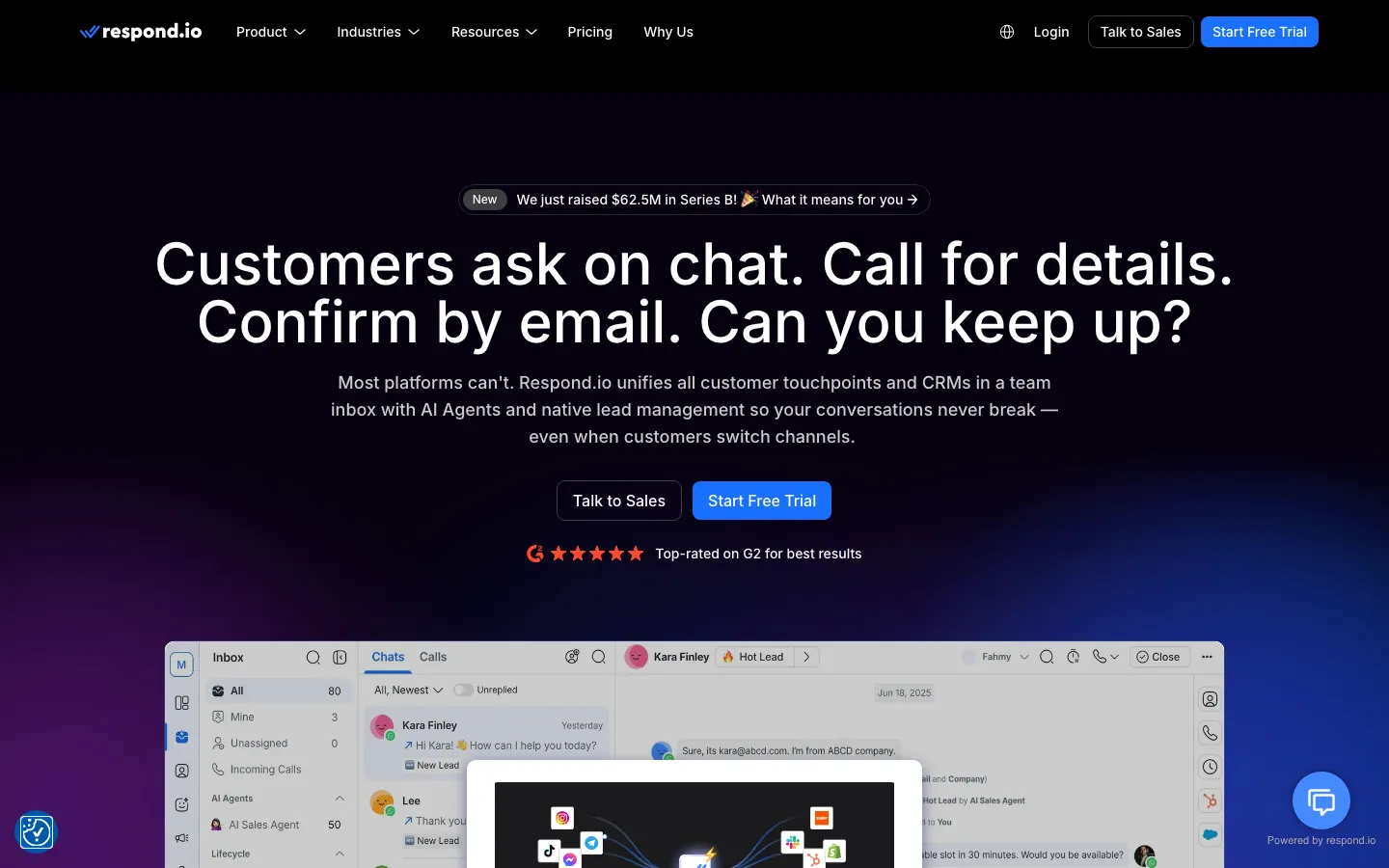
For a team comparing tools in the marketing tools directory, respond.io collects customer conversations and CRM context in a team inbox. WhatsApp Business Calls, Messenger Calls and VoIP can sit beside messages and email, so a handoff does not require your team to lose the conversation trail. That is its strongest case: keeping a fast-moving messaging operation in one place rather than asking people to reconcile separate call, chat and customer systems.
A monthly active contact is anyone involved in a chat or call during that billing month, whether they contact you first or your team starts the conversation. Starter includes unlimited monthly active contacts. Growth and Advanced start with 1,000, so forecasted contact volume matters when you choose either of those tiers.
The practical question is whether a shared inbox alone is enough. respond.io makes more sense when WhatsApp, calls, lead capture and automation need to stay connected to the same contact record.
Which sales and support teams benefit most from adopting respond.io?
WhatsApp sales teams
Teams handling high volumes of customer chats need assignment, calls and CRM context in one inbox.
Messaging-led support desks
Support teams that move between chat, email and calls can keep one customer thread intact.
AI-focused operators
Teams building assistant workflows get AI usage on Growth, Advanced and Enterprise without an extra charge under the fair-use policy.
Connected product teams
Teams with developers can connect workspace data and actions through the REST API, webhooks or MCP.
It is a weaker fit for a small team that only needs a basic shared inbox or cannot estimate its monthly contact volume. The public plan table gives you a usable starting price, but its pricing model has several moving parts, so the cheapest visible tier is not necessarily the least expensive ongoing setup.
Which inbox and automation features are included with respond.io?
One thread for chats, calls and email
respond.io puts WhatsApp Business Calls, Messenger Calls and VoIP in the same thread as messages and emails. Its inbox also brings in contact profiles that can sync with CRM systems. That matters when a buyer starts with a WhatsApp message, books through a call and needs the next agent to see the full context.
AI Agents and workflows
AI Agents can respond, route conversations and carry out tasks such as answering questions, recommending products, managing bookings and sharing payment details. The pricing page lists AI Agents, workflows, AI prompts, AI Assist and AI Chat Summary. AI usage is included at no extra charge on self-service Growth, Advanced and Enterprise plans, subject to the vendor's fair-use policy.
Messaging, calls and lead channels
The public integrations list covers WhatsApp, voice, TikTok, Facebook Messenger, email and web chat. It also lists Meta and TikTok Ads, growth widgets and broadcasts by plan. That channel breadth is useful only if your buyers actually use those channels, so choose the tier from your active handoffs rather than from the length of the feature list.
Developer API, webhooks and MCP
The Developer API uses REST conventions and JSON request and response bodies. It supports messages, contacts and automation, while webhooks can send message, contact and conversation events to another system. The MCP server exposes permissioned workspace actions to compatible assistants, including retrieving contacts, sending messages and creating comments. The documented limit is five requests per second for each HTTP-method and unique-path combination, so high-volume integrations need to account for that ceiling.
CRM and scheduling connections
The integrations list includes HubSpot, Salesforce, Google Calendar, Calendly, Cal.com, n8n and Zapier. These are most useful when conversations must create or update work outside the inbox. For example, the HubSpot connection can show and edit contact properties in the inbox, while the n8n connection can run workflows on chat events, send messages, update contacts and assign chats.
How is respond.io priced across plans and contact tiers?
Price checked 27 Nov 2026
| Plan detail | Starter$79/mo | Growth$159/mo | Advanced$279/mo | EnterpriseCustom |
|---|---|---|---|---|
| Billing shown | Yearly | Yearly | Yearly | Custom |
| Monthly price | $99/mo | $199/mo | $349/mo | Custom |
| Users included | 5 | 10 | 10 | Unlimited |
| Monthly active contacts | Unlimited | Starts with 1,000 | Starts with 1,000 | Custom |
| AI credits | 5,000 | Starts with 10,000 | Starts with 20,000 | Starts with 40,000 |
respond.io prices in US dollars, checked 27 Nov 2026.respond.io pricing
The public price is the base of the bill. On yearly billing, Starter includes five users, while Growth and Advanced include ten. An eight-person Starter team needs three additional users at $12/month each: $79 + $36 = $115/month on yearly billing, before WhatsApp charges. The same team fits inside Growth's ten included users, but Growth costs $159/month, so its larger seat allowance and included AI usage must justify the $44 difference.
- Additional users on yearly billing: $12/month on Starter, $20/month on Growth and $24/month on Advanced
- Temporary contact overages: $12 per 100 on Growth and $15 per 100 on Advanced
- AI-credit overages: $15 per 1,000 additional credits on current paid plans, with a 200% allowance cap
- WhatsApp usage: Meta charges separately and those fees are not in the subscription
The seven-day trial needs no credit card and gives access to Growth features for five users and 1,000 monthly active contacts, except broadcasts. It is enough to map the inbox and handoffs, but not a substitute for forecasting the contact and user counts that shape the paid bill.
What additional scale and administrative controls does respond.io Enterprise offer?
respond.io Enterprise is designed for large operations requiring greater capacity and operational control than self-service tiers provide. respond.io lists unlimited users, more workspaces and higher API rate limits, but publishes no standard Enterprise price. Treat it as a sales-led arrangement, and get the active-contact allowance, API rate limit and the cost of any required channels in writing before using it as a budget figure.
Where does respond.io fall short for growing customer operations?
respond.io introduces cost forecasting trade-offs once teams expand past the Starter tier. The plan fee alone does not settle the bill because users, selected active-contact tiers, AI credits and WhatsApp charges can all change it. Contact overages keep Growth and Advanced work running instead of stopping the team, but they are intended for temporary spikes. A business with permanently higher volume should compare an upgraded contact tier with its recurring overage cost.
The public comparison lists the Developer API and MCP, but it does not show which plans include them. Confirm the plan requirements before an agent or another system must work directly with the workspace. Growth is still the published $159/month yearly option with ten included users and AI usage under the fair-use policy.
Finally, separate channel charges require attention. respond.io says it does not mark up Meta's fees, yet those WhatsApp charges still sit outside the subscription. A team that presents a single all-in monthly number without them risks underestimating the real communications budget.
What are the most competitive alternatives to respond.io?
Richpanel review is worth reading when you want human teams and AI agents to share the same customer details, rules and tools. That distinction matters if you need to keep AI replies under team control before deciding which actions can run on their own.
 Smartsupp review offers a free plan with one operator, 25 conversations per month and a 14-day history. It is a useful comparison if you need to establish whether a tightly limited free starting point is enough for your queue.
What is the final verdict on implementing respond.io?
respond.io earns the recommendation when WhatsApp is a serious sales or support channel, not an occasional inbox. Calls, CRM context, automation and AI Agents belong in the same workspace, and the developer options give a connected team room to extend it. I would not choose it solely for a shared inbox: its value depends on using those messaging-first capabilities enough to offset selected contact-tier pricing and separate Meta fees.
Price your actual workflow before subscribing: count users, WhatsApp usage and, if you need Growth or Advanced, active contacts. Choose Growth when its ten included users and AI usage fit the job, and confirm API and MCP plan requirements before making either capability part of the decision.
How were the specifications and data for respond.io verified?
Prices, plan limits, product features and developer details were checked against respond.io's own pricing, product, integration and API pages on 27 Nov 2026. The amounts shown are in US dollars. Read how we check figures for the rules applied to the figures in this review.
- respond.io pricing and billing FAQ
- respond.io product and integrations pages
- respond.io Developer API and MCP documentation
What are the most common questions regarding respond.io?
How much does respond.io cost?
On yearly billing, Starter costs $79/month, Growth $159/month and Advanced $279/month. Monthly prices are $99, $199 and $349. Enterprise is custom priced.
Are WhatsApp fees included in respond.io?
No. respond.io says Meta charges WhatsApp fees based on usage, outside the respond.io subscription. The platform lets customers top up WhatsApp credit for calls or messages.
What is a monthly active contact in respond.io?
It is a person your business talks to through calls or chat during a billing month, whether they message first or your team initiates the conversation.
Does respond.io work with AI agents?
Yes. respond.io documents an MCP server that lets compatible assistants use permissioned workspace actions. Its Developer API and webhooks also support custom integrations.
 Reviewed byDanny Kirk
Founder of ReddiReach.
 Checked byAndrés Felipe
Digital designer and marketer.
Every figure is checked against the vendor's own page. Read our editorial standards.