
Key Takeaways
- Rytr combines low-cost automated AI copywriting with lightweight customer relationship follow-up tools to help solo creators manage drafts and promises together.
- Entry costs for Rytr include a free plan with 10,000 monthly characters, while the paid Lite plan costs $9 monthly or $7.50 when billed annually.
- Developers can use a Workspace API to import contextual records into Rytr, but the platform does not offer public content generation endpoints or MCP connectors.
- Professional writers should skip Rytr if their production workflow requires clear documented plagiarism limits, tone customization caps, or programmatic content generation.
Rytr is a sensible starting point when you need everyday copy and relationship follow-ups without a large software bill, with a free plan and Lite at $9 a month. It is for you if drafts, rewrites and keeping track of people belong in the same routine. Skip it if your purchase depends on published plagiarism allowances, tone caps or a content-generation API, because the current pricing page does not list them. Compare its setup in the marketing tools directory before you buy.
Agent access
- API
- Yes
- MCP server
- Not found on official pages
What are the primary pros and cons of using Rytr?
What works
- Free includes 10,000 characters, 40+ writing use cases and 30+ languages
- Lite removes the monthly character limit for $9
- The extension brings writing help to Gmail,
 Slack,
 LinkedIn and other text boxes
What to watch
- Relationship limits rise sharply between the four plans
- The current pricing page does not list plagiarism-check allowances or tone caps
 HubSpot is marked coming soon, rather than available today
What Rytr does for your team
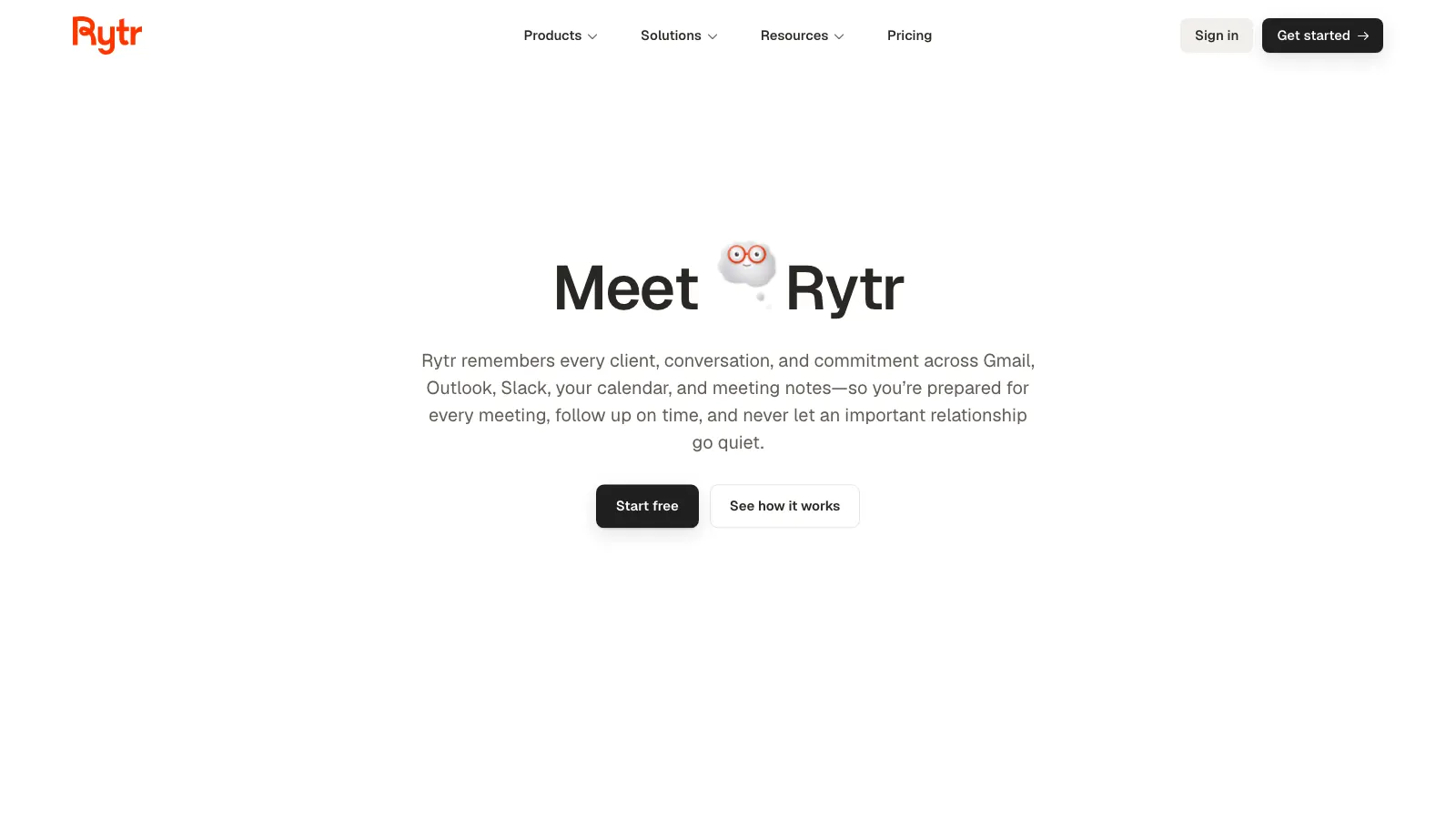
Rytr organizes its product capabilities around two connected tasks: drafting copy and managing relationship follow-ups. Create is the writing side, producing and refining emails, blog posts, social posts, ads and product-page copy across use cases, tones and languages. Engage is the relationship side: it connects signals from email, Slack, calls and meetings so you can see who needs a response and what was promised. That is a more useful shape for a small operator than a blank writing box alone.
The working pattern is practical. Start with an idea or existing wording, choose the kind of change you want, then review the result before inserting, replacing or copying it. The browser extension carries that editing workflow into the places work happens. It can surface conversation context in Gmail and Slack, and can draft a reply for you to approve rather than sending one itself.
The main trade-off is that Rytr's plan ladder is not just about words. Free and Lite serve Create, while Personal and Pro buy substantially more relationship capacity. If your actual problem is follow-through across a growing contact list, price the Engage limits first, then decide whether the writing bundle is the right companion.
Who gets the most practical utility out of Rytr?
Solo writers
Free gives you 10,000 characters a month, 40+ use cases and 30+ languages for recurring copy jobs.
Frequent drafters
Lite removes the monthly character limit while retaining everything in Free.
Relationship-heavy operators
Personal adds two connected sources and supports 250 active relationships, with 250 Engage actions per month.
Communication power users
Pro adds all connected sources, supports 1,000 active relationships, and includes custom use cases and two daily briefings.
Rytr is less convincing when your workflow needs a fully specified developer route for producing copy. It publishes a Workspace API for importing context from your own systems, but it does not describe a public content-generation API on the pricing page. Get the exact capability in writing before you build that dependency into an automated process.
What copywriting and contact tracking features does Rytr offer?
Create for drafts and revisions
Create starts from a prompt or text you already have, then generates, rewrites or refines material in a chosen voice, tone and language. Its listed writing jobs include emails, blog posts, social posts, ads and product pages. The useful detail is revision: you can shorten, expand, sharpen, continue or translate a selection, then choose whether to replace the original after reviewing it.
Voice, tone and language controls
Rytr says Create keeps a recognizable voice across use cases, tones and languages. The product page lists 38 languages and one of 22 tones. Free explicitly includes 30+ languages and 40+ writing use cases. Treat those as the current published access points, not as a promise of a particular tone-match allowance, since the plan table does not give one.
Engage relationship memory
Engage gathers context from connected work and turns it into daily briefings, meeting preparation, follow-ups and source-backed questions. It can show decisions and promises beside a conversation, while the person research feature waits for review before information becomes part of a profile. That matters if you want preparation help without automatic changes to your relationship records.
Browser extension
The extension works inside Gmail, Slack, LinkedIn and any text box. It can identify people on a page, bring up the context Rytr has for them and help change selected text. You decide whether a person is added and whether a draft is sent. For lightweight writing, this is Rytr's most direct route into an existing day instead of another tab to manage.
Connected work and imports
Rytr currently lists Gmail, Outlook, Slack, Google Calendar, Google Meet, Granola and text messaging among its integrations. HubSpot appears as coming soon. For teams with their own source systems, the integrations page also lists a Workspace API for programmatic context imports. That is useful for bringing information in, but it is not the same thing as a published API for generating content.
How is Rytr priced across Free and Lite subscriptions?
Price checked 27 Nov 2026
| Plan detail | FreeFree | Lite$9/mo | Personal$19/mo | Pro$49/mo |
|---|---|---|---|---|
| Annual monthly equivalent | Free | $7.50/mo | $15/mo | $39/mo |
| Characters per month | 10,000 | Unlimited | Unlimited | Unlimited |
| Connected sources | 1 | 1 | 2 | All |
| Active relationships | 25 | 25 | 250 | 1,000 |
| Engage actions per month | 25 | 25 | 250 | 2,000 |
| Custom use cases | Not specified | Not specified | Not specified | ✓ |
Prices as displayed by Rytr, 27 Nov 2026.Rytr pricing
Yearly billing saves 20% and is billed annually. Lite is the cleanest writing-only upgrade because it removes the character cap. Personal and Pro are different purchases: their added value is relationship scale, research runs and more Engage actions. If you bought three separate Lite subscriptions, the monthly-billing total would be $27 a month. Annual billing would be $270 paid annually, equivalent to $22.50 a month across the three subscriptions. Check team access before treating either option as a team plan.
- Free: 25 active relationships, 25 Engage actions per month and three person research runs
- Personal: 250 active relationships; 250 Engage actions per month; 10 person research runs per month
- Pro: 1,000 active relationships; 2,000 Engage actions per month; 50 person research runs per month; morning and evening briefings
Where does Rytr fall short on API and allowance details?
Rytr introduces operational trade-offs across its broad feature set that make the purchase less straightforward than its low Lite price indicates. A writer may only need unlimited characters, while someone managing partnerships may need more sources, relationships and actions. Those limits are attached to the same product family, so compare the relationship workload against the plan rather than assuming an unlimited writing plan covers it.
Several familiar AI-writing buying criteria are simply not specified on the current pricing page. It does not list plagiarism checks, custom-tone counts or a public content-generation API. That is not proof those capabilities do not exist elsewhere, but it is a reason not to make them part of your purchasing case without a direct answer from Rytr.
Integration coverage also has a boundary. Rytr names several communication sources today, while HubSpot remains disabled as coming soon. If CRM synchronization is central to your process, wait for a published integration or choose a tool whose current plan and connector are already documented.
What are the most relevant market alternatives to Rytr?
 AI Peekaboo review is the first stop when the job is monitoring brand visibility in AI answers rather than writing or relationship follow-through. It compares the same buyer questions across five AI search surfaces.
 The Scalenut review is worth reading if you need one platform to plan content, write faster and surface in AI results, rather than Rytr's combined Create and Engage setup.
 The SEO Writing AI review suits a search-production workflow: it generates complete SEO-optimized articles with real-time SERP data in one click. Start with the limits that Rytr does publish, then use the marketing tools directory to compare the rest of the category on the same basis.
What is the final verdict on adopting Rytr for daily copy?
Rytr earns a recommendation if Create and Engage resolve your core operational challenge: converting rough ideas into usable drafts while tracking contact follow-ups. Free gives a real way to cover light writing, and Lite is a low-cost step to unlimited characters. Move to Personal or Pro only when the expanded relationship limits, actions and briefings solve an actual coordination problem for you.
Start on Free for recurring writing, then choose Lite if the character ceiling gets in the way. Price Personal and Pro against the number of connected sources and active relationships you truly need, not against copy volume alone.
How were the features and plan allowances of Rytr verified?
Rytr plan limits, extension features, and pricing terms were verified directly against vendor documentation on 27 Nov 2026. Prices use the dollar symbol as displayed by Rytr, and every figure follows the rules in how we check figures.
- Rytr pricing pages for monthly and yearly billing
- Rytr Create pages for writing, voice and use cases
- Rytr Engage, browser-extension and integrations pages
What are the most common questions regarding Rytr?
Is Rytr free?
Yes. Free includes 10,000 characters per month, one connected source, 25 active relationships, 25 Engage actions per month, three person research runs, 40+ writing use cases and 30+ languages.
How much does Rytr Lite cost?
Lite costs $9 a month, or $7.50 a month on yearly billing. It includes everything in Free and removes the monthly character limit.
Can Rytr write blog posts?
Yes. Create lists blog posts and other long-form writing alongside emails, social posts, ads and product pages.
Does Rytr work with AI agents?
Rytr lists a Workspace API for importing context from your systems. Its current pricing page does not publish a content-generation API or MCP access, so ask Rytr about the exact workflow before relying on it.
 Reviewed byDanny Kirk
Founder of ReddiReach.
 Checked byAndrés Felipe
Digital designer and marketer.
Every figure is checked against the vendor's own page. Read our editorial standards.