
Key Takeaways
- Sanity empowers cross-functional web, product, and editorial teams to distribute unified structured content across multi-channel digital experiences through customizable Studio interfaces and APIs.
- Sanity maintains a free tier supporting up to twenty seats, alongside a Growth plan at $15 per seat monthly with usage-based billing overages.
- Sanity offers developer SDKs, robust content query APIs, and an MCP server that permits autonomous software agents to query and modify workspace data.
- Sanity is ill-suited for non-technical teams seeking a no-code visual site builder, an out-of-the-box CMS theme, or standard self-serve annual contracts.
When you need the same structured content to reach a site, an app and other experiences, Sanity gives your developers a configurable Studio and delivery APIs to shape that work. Choose it for a content operation with technical ownership; choose a finished website builder instead if your team needs to publish without code work.
Agent access
- API
- Yes, free, Growth, and Enterprise
- MCP server
- Official, hosted, OAuth by default, or Bearer API token
- Works with
 Claude Code
 Cursor
 VS Code
What are the main Sanity pros and cons?
What works
- Free plan supports up to 20 seats and unlimited content types
- Studio offers live previews, visual editing and real-time editing
- APIs, GROQ, GraphQL and MCP suit connected content workflows
What to watch
- Free datasets are public only, with two permission roles
- Self-serve plans accept monthly card payments only
- Support and extra datasets can substantially change the bill
What does Sanity do for content teams?
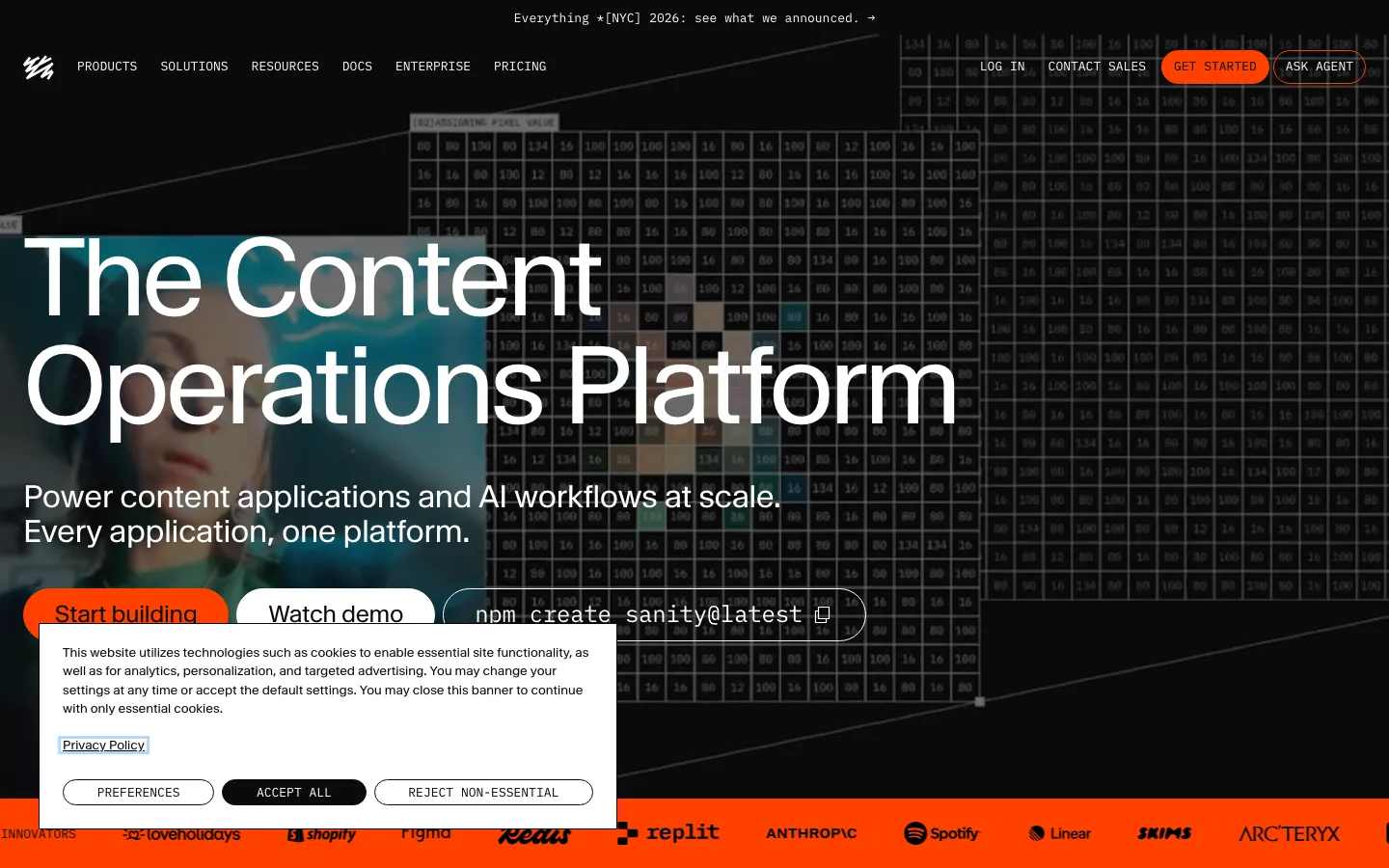
Sanity is a content platform for the point where a CMS has to do more than fill in a web page. Your developers define the content models, fields and relationships, while editors work in a configurable Studio and applications retrieve the structured result. It belongs in a marketing tools directory for teams whose content must serve a site, an app or more than one publishing destination.
The core is Content Lake, Sanity’s real-time database for structured content. The Studio sits above it as the editorial workspace, and the company describes that workspace as fully configurable. That gives a team a useful division of labor: developers can decide what a product, article, campaign or location contains, then editors can update those fields without redesigning the application each time.
That flexibility is also the dividing line. I would choose Sanity when the content model is part of the product or publishing operation, not simply a place to arrange one-off landing pages. The setup expects technical ownership, and that investment only pays back when a reusable content structure genuinely matters.
Who should choose Sanity as a content platform?
Product and web teams
Model structured content in code, then deliver it through APIs to sites, apps and other digital experiences.
Editorial teams with developers
Use a tailored Studio with live previews while developers keep the content model and publishing system maintainable.
Growing content operations
Move to Growth for private datasets, five roles, comments, tasks and scheduled drafts as collaboration becomes more formal.
Governed enterprises
Use Enterprise for custom access control, SAML single sign-on, dedicated support, an uptime SLA and onboarding.
Sanity is a poor fit for a team that needs the CMS itself to make website-building decisions. It provides a structured content foundation and the tools to build on it, not a fixed theme or a no-code site assembly line.
What features are included in Sanity Studio?
A Studio shaped around your content
Sanity Studio is the editor-facing part of Sanity. The plan comparison lists free hosting, live previews, visual editing, a presentation tool for page building, real-time editing and multiplayer presence across the plans. That combination is valuable when an editor needs context, but a developer still needs control over the schema behind that context. Growth adds comments, task management and scheduled drafts, which makes the editorial handoff more practical once several people are approving work.
Content Lake and query choices
Content Lake stores valid JSON documents in a hosted, real-time content database. Sanity supports GROQ and GraphQL for queries, so a delivery layer can use the style that fits its application. Free includes 10,000 documents and Growth 25,000. Increased quota raises the allowance to 50,000 documents with higher request, bandwidth and asset limits, so document volume belongs in the budget from the beginning.
APIs, SDKs and custom applications
Sanity documents APIs and SDKs, an HTTP API, a command-line interface and an App SDK for custom content applications. Those tools let a product team retrieve content and build an internal application around the same models. The upside is freedom; someone still has to own the implementation.
AI content operations and MCP
Sanity lists Content Agent, Agent Actions and AI Assist. Its documentation describes Content Agent as handling bulk edits, content audits and gap analysis through conversation, while Agent Actions support schema-aware automation. The MCP server lets AI agents interact with a workspace through the Model Context Protocol. Confirm the permissions and changes an agent may make before connecting a production workspace.
Usage and access controls
Both Free and Growth include 100GB of asset storage, plus 1 million API CDN requests, 250,000 API requests and 100GB of bandwidth per month. Growth allows pay-as-you-go use above those quotas. Free has Administrator and Viewer roles, while Growth adds Editor, Developer and Contributor. Enterprise adds custom roles, User Attributes and SAML single sign-on. The public tiers make the progression clear, but a team with complex permission needs should not assume the self-serve plans will cover its policy.
How is Sanity priced across plans?
Price checked 27 Nov 2026
| Plan detail | Free$0 forever | Growth$15/seat/mo | EnterpriseCustom |
|---|---|---|---|
| Seats | Up to 20 | Up to 50 paid | Custom |
| Permission roles | 2 | 5 | Custom |
| Datasets | 2, public only | 2, private or public | Custom |
| Documents | 10,000 | 25,000 | Custom |
| API CDN requests | 1M/month | 1M/month | Custom |
| Comments and tasks | Not included | Included | Included |
| Scheduled drafts | Not included | Included | Included |
Sanity prices in US dollars, 27 Nov 2026.Sanity pricing
Growth supports up to 50 paid seats at $15 per seat each month. A team with three paid, non-Viewer seats would pay $45 a month before usage or add-ons, while Viewers are free. It is not a capped bill because Growth permits usage above included quotas. Self-serve plans are monthly and paid by card. Annual payment and invoicing require Enterprise.
The published add-ons make the likely cost jumps visible:
- Dedicated Support costs $799 a month
- Increased quota costs $299 a month for 50,000 documents, 5M API CDN requests, 1M API requests, 500GB bandwidth and 500GB assets
- Extra datasets cost $999 per dataset each month
- Growth overage rates are $1 per 250,000 extra CDN requests, $1 per 25,000 extra API requests, $0.50 per extra GB of assets and $0.30 per extra GB of bandwidth
Free has firm boundaries: two public datasets, two roles and three days of draft review history. Use it to prove the model and editorial flow, then move to Growth when private content and formal collaboration become necessary.
What does Sanity Enterprise provide for large organizations?
Sanity Enterprise accommodates organizations requiring governance, scale, and custom terms beyond the self-serve subscription tiers. Sanity lists custom seats, roles, access control, datasets, historical retention and usage quotas, alongside SAML single sign-on, dedicated support, an uptime SLA and onboarding. Its homepage also advertises 99.95% uptime, 24/7 support and SOC 2 Type II compliance for enterprise customers.
Enterprise is about control and assurance, not merely more editor seats. Put required support, security, usage and integration access into the proposal before comparing a custom quote.
Where does Sanity fall short for non-developers?
Sanity’s biggest strength also sets its first limit. A configurable Studio and schema-as-code approach give teams room to build exactly the right content system, but they do not remove the need for technical decisions. If there is no developer able to define models, delivery and editorial guardrails, a simpler publishing product will be easier to run.
The Free plan is not a private production workspace. Its datasets are public only, its two available roles are limited and draft review history lasts three days. Growth fixes those immediate collaboration constraints, but usage becomes pay-as-you-go and some of the most consequential capacity increases are paid add-ons.
Finally, buying flexibility can be awkward for a finance team. Self-serve payment is monthly and card-only, while annual billing and invoices sit at Enterprise. That is reasonable for an individual project, but a procurement process that needs annual terms must start with sales rather than an online checkout.
What are the best Sanity alternatives?
Sanity alternatives should be considered based on technical publishing scope rather than generic CMS categorizations. If selling is the job,  Shopify review covers a platform that supports selling online, in person and in AI chats, rather than a programmable content platform. If the immediate project is getting a site hosted,
 SiteGround review covers hosting with a free website transfer and free daily backups, which makes it the better comparison for that operational need.
What is the final verdict on Sanity?
Sanity represents an outstanding investment when engineering custom editorial workspaces and content schemas is a deliberate core objective. Free leaves room to establish that model, while Growth adds private datasets and collaboration, and the API and MCP surface lets a capable team carry the same content into the rest of its stack. The trade-off is real: this is a platform to configure, not a finished website builder to switch on.
Start by modeling one representative content type, building the editorial view your team would actually use and defining the first delivery destination. Stay on Free while public datasets and simple roles fit. Move to Growth when private content, collaboration or higher limits become necessary, and price the usage profile before it becomes an afterthought.
How was this Sanity review researched?
Sanity official product documentation, developer portal references, and pricing tables were examined on 27 Nov 2026. The review separates published Free, Growth and Enterprise terms from items that require a custom Enterprise agreement. Our approach to stated figures is explained in how we check figures.
- Sanity home page for Content Lake, Studio, enterprise availability and security statements
- Sanity documentation for APIs, SDKs, content operations and MCP
- Sanity pricing page for plan limits, payment terms, usage and add-ons
What are frequently asked questions about Sanity?
Is Sanity free?
Yes. Sanity Free costs $0 forever and includes up to 20 user seats, two public datasets, two permission roles, unlimited content types and locales, plus a hosted real-time content database.
How much does Sanity Growth cost?
Growth costs $15 per paid seat per month and supports up to 50 paid seats. Viewer seats are free, and Growth allows pay-as-you-go use above the included usage quotas. Enterprise pricing is custom.
Can a team pay annually for Sanity?
Self-serve plans support monthly payment only. Sanity says annual payment and invoice payment are available through Enterprise.
Does Sanity work with AI agents?
Sanity documents an MCP server that lets AI agents interact with a workspace through MCP. It also documents APIs, SDKs, Sanity Context, Content Agent and Agent Actions for connected content workflows.
Which Sanity add-ons affect the bill?
Growth lists Dedicated Support at $799 a month, Increased quota at $299 a month and Extra datasets at $999 per dataset each month. Usage above Growth quotas is charged at published rates.
 Reviewed byDanny Kirk
Founder of ReddiReach.
 Checked byAndrés Felipe
Digital designer and marketer.
Every figure is checked against the vendor's own page. Read our editorial standards.