
Key Takeaways
- Sendible provides agencies and multi-location businesses with segregated social media workspaces, centralized scheduling calendars, unified community inboxes, and automated client reporting.
- Sendible starts at $35 monthly on Core, though the $99 monthly Plus subscription is required to unlock team collaboration, approval workflows, and task assignments.
- Sendible supports connected automation through Zapier and provides an SSO API, though teams should confirm direct social publishing APIs and MCP endpoints before building workflows.
- Sendible limits individual client workspaces to six social profiles and requires paying an additional monthly fee to activate white-label client portal branding.
Sendible is the best fit when your agency or multi-location team needs a separate social calendar, inbox and reports for each client without paying for every collaborator. Choose another platform if a client needs more than six profiles in one workspace, or confirm publishing API and MCP access with Sendible before building automation around it.
Agent access
- API
- Yes
- MCP server
- Not found on official pages
- Automation
- Zapier
What are the primary Sendible pros and cons?
What works
- Unlimited users on every published plan
- Each workspace keeps a client's calendar, inbox, queues and reports separate
- Client Connect avoids handling client passwords
What to watch
- Each workspace comes with only six social profiles
- Approvals start on Plus, branded reports on Premium
- White labeling costs extra on Elite and Enterprise
What does Sendible do for social media teams?
Sendible is most compelling when you are managing a collection of client, branch or franchise calendars that must stay separate. One workspace holds six social profiles along with its own calendar, inbox, reports and publishing queues.
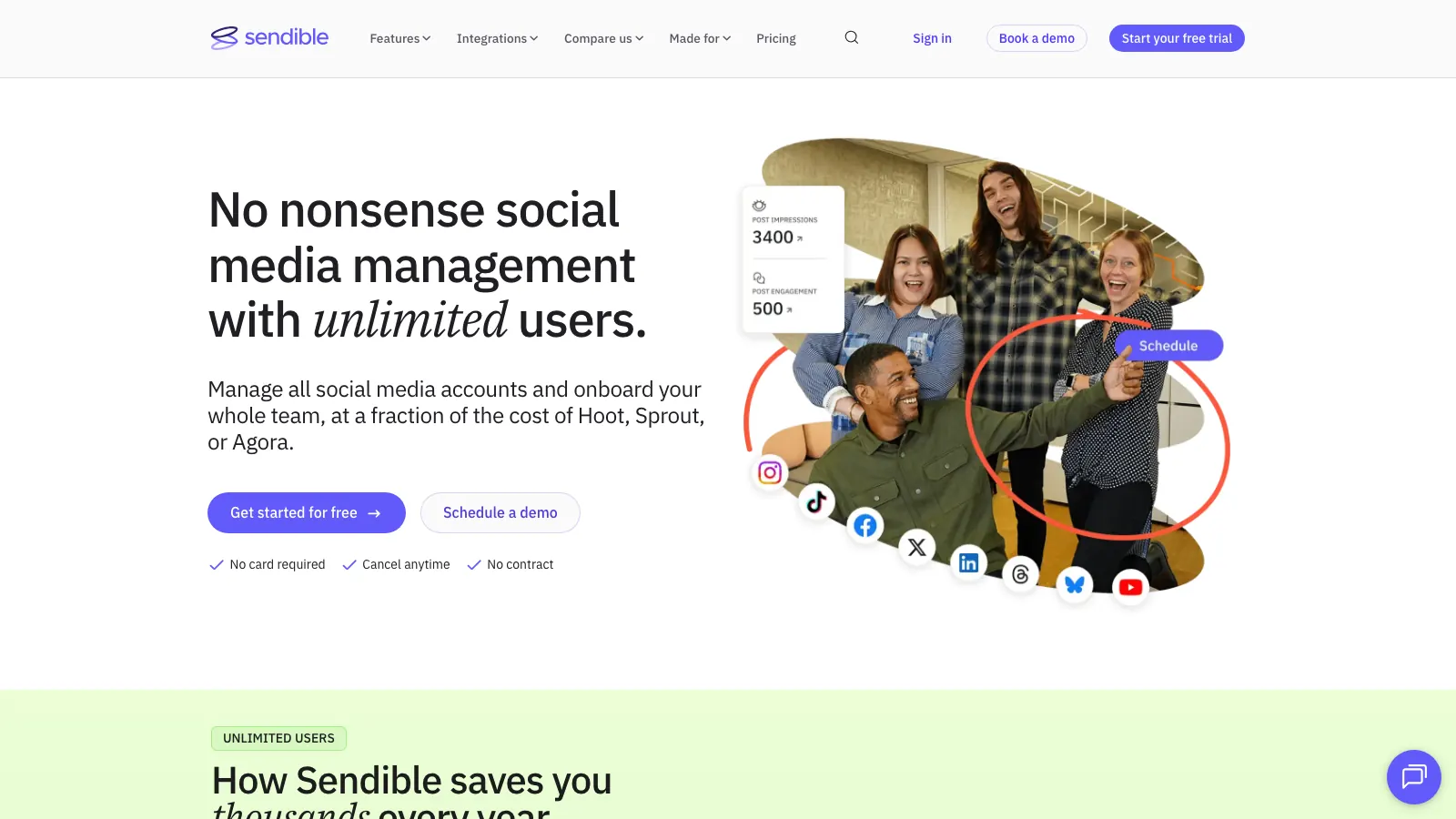
The product covers scheduling for Instagram, Facebook, TikTok, X, LinkedIn, Google Business Profile, YouTube, WordPress, Threads and Bluesky. It combines a calendar, bulk CSV uploads, Smart Queues, post tailoring, UTM parameters and integrations for day-to-day publishing. If you need to compare the surrounding category first, the marketing tools directory is a starting point.
Core is a single workspace for a small operation. Plus introduces assignment and approval workflows. Premium adds content libraries, campaigns, custom branded reports, onboarding and an account manager. Premium, not Core, is the honest starting point for an agency that promises polished client reporting.
Who is Sendible best suited for?
Client-service agencies
Keep client calendars, approval work and scheduled reports apart without per-seat charges.
Multi-location marketers
Give each location its own workspace, profiles, queue, inbox and reporting view.
Growing brand teams
Invite stakeholders and freelancers without turning every reviewer into another seat cost.
Reporting-led retainers
Use Premium when branded reports and campaign-level reporting belong in your service.
It is a weaker fit for a creator or very small business that wants to manage a dense collection of channels under one brand. The six-profile boundary is firm enough to affect the account design. You can add workspace bundles, but that means more operational compartments, not a larger single client workspace. Teams whose workflow is chiefly agent-driven should confirm direct publishing API and MCP availability before choosing a platform.
What features are offered by Sendible?
Workspaces and direct publishing
A workspace is the practical unit of Sendible. It supplies a client, location or brand with six profiles, a calendar, an inbox, reports and queues. The calendar supports tailored posts for each network, while each workspace has a daily send limit that rises from 100 on Core to 500 on Elite and Enterprise. Unlimited advance scheduling does not remove that daily sending cap, so high-volume operations should size the plan around both clients and publishing load.
Smart Queues and bulk preparation
Smart Queues put evergreen posts on predefined schedules and can be paused, changed or repeated. Core includes 10 queues, Plus 30 and Premium 70, while Elite and Enterprise remove the queue limit. The bulk scheduler supports CSV uploads. Canva, Google Drive and Dropbox are listed integrations, while AI Assist generates and optimizes social media captions.
Client access and approvals
Client Connect lets the client link its own social profiles without giving the agency login credentials. Client users can be limited to their own dashboard for preview and approval, and Plus adds assignments and approval workflows before publishing. Because all plans list unlimited users, you can invite the people who write, check and approve content without calculating a new per-person charge. Elite adds advanced user permissions, while white labeling is a paid add-on on Elite and Enterprise.
Inbox and reports
Priority Inbox gathers comments, mentions and messages that may need a response, with filters for date, profile and archived status. It is a practical triage view for a busy service team. Plans include standard reports and quick reports including Google Analytics. Engagement reports bring selected accounts’ social media performance together in one place. Custom reports can be shared as PDF, printable output, live links or recurring emails, including with people who do not have a Sendible account. Premium adds custom branded reports and campaigns.
Integrations for automation
Sendible documents a Zapier integration for scheduling and publishing from connected tools without code, and it lists an SSO API for authentication. For an AI agent that needs to publish, query analytics or control workspaces directly, confirm publishing API, MCP availability and access terms with Sendible before building the workflow.
How much does Sendible cost across plans?
Price checked 27 Nov 2026
| Plan detail | Core$35/mo | Plus$99/mo | Premium$199/mo | Elite$299/mo | Enterprise$750/mo |
|---|---|---|---|---|---|
| Workspaces | 1 | 3 | 7 | 15 | 50 |
| Social profiles | 6 | 18 | 42 | 90 | 300 |
| Users | Unlimited | Unlimited | Unlimited | Unlimited | Unlimited |
| Daily sends per workspace | 100 | 200 | 300 | 500 | 500 |
| Approvals | ✕ | ✓ | ✓ | ✓ | ✓ |
| Custom branded reports | ✕ | ✕ | ✓ | ✓ | ✓ |
| White label | Not listed | Not listed | Not listed | Paid add-on | Paid add-on |
| SSO | Not specified | Not specified | Not specified | Not specified | Listed |
Sendible monthly plans, 27 Nov 2026.Sendible pricing
For a three-person client-service team, Plus is still a $99 monthly bill because Sendible lists unlimited users, not a per-seat rate. It provides three workspaces and 18 profiles, and it is the first plan where assignments and approvals become available. Premium is $199 a month for seven workspaces and 42 profiles, so that is the realistic monthly bill when branded reporting and campaigns are part of the retainer.
- All published plans start with a 14-day free trial and no card is required.
- Standard plans have no contract and can be canceled at any time. Custom and White Label plans follow the terms in their contract.
- Annual billing is advertised with a 15% saving. The vendor’s US annual display lists Core at $30, Plus at $84, Premium at $169, Elite at $254 and Enterprise at $638 per month.
- Additional workspace bundles include six more profiles, and can be added or removed through subscription settings.
What does Sendible Enterprise include for large agencies?
Sendible Enterprise costs $750 monthly, providing fifty dedicated workspaces, 300 social profiles, unlimited team seats, complete features, and single sign-on. A tailored plan is available for a different number of users, workspaces and profiles. Use it for a genuinely large account, not as a workaround for one client that needs a seventh profile, particularly when white labeling remains an additional fee.
Where does Sendible fall short for complex accounts?
Sendible restricts workspaces to six social profiles each, which limits utility for clients operating across extensive social channels. A brand that runs separate profiles for local markets, executives and campaigns can reach that ceiling before it runs out of user seats. More workspaces solve capacity, yet they also make a single client’s operation more fragmented.
Feature gates are the second friction point. Core has publishing basics, but not assignments or approvals. Plus handles approval work, but branded reporting and campaigns wait until Premium. The white-label offering is separate again, even on Elite and Enterprise. Price the service on the tier that actually includes your client promise, rather than treating the entry price as your agency’s software cost.
Finally, Sendible is an operator’s social platform, not an agent-first platform. Zapier can connect systems, and Enterprise lists SSO. Confirm publishing API, MCP availability and access terms with Sendible before making automation dependent on direct programmatic access.
What are the best Sendible alternatives?
 AI Peekaboo review is relevant when your client service also needs to monitor brand visibility in AI answers. It is not a social publishing substitute, but it can sit beside Sendible when those reports are part of the same account plan.
 SocialBee review is the better comparison for teams whose scheduling revolves around repeatable content categories and recycling. Its Accelerate plan adds post approvals, bulk editing, CSV uploads, hashtag organization and two years of analytics, while its Pro tier adds five workspaces with three users in each.
 SocialEcho review is worth a look if publishing must sit beside keyword and competitor monitoring, a unified inbox and an agent API. Its Team plan is the meaningful choice for monitoring and unlimited team members, although pricing changes with the managed channel count.
What is the final verdict on Sendible?
Sendible delivers superior value for agencies by structuring subscriptions around client workspaces rather than charging per individual user seat. Unlimited users remove the usual penalty for adding approvers, while Client Connect, separate reports and approval workflows make the service operation more orderly. The trade-off is a product that gets expensive only after the client-facing layers you actually need arrive.
Start on Plus if three workspaces and 18 profiles cover your active accounts and every client needs draft approval. Move to Premium when branded reports, campaigns and seven client workspaces will be billed into the retainer. Treat Elite and Enterprise as service-model choices, not default upgrades.
How was this Sendible review researched?
Sendible feature specifications, Client Connect options, Smart Queues, and pricing schedules were verified on 27 Nov 2026. Prices are shown in US dollars as the vendor displayed them, and every figure follows how we check figures.
- Pricing pages for monthly and annual US dollar plans
- Feature pages for client connection, queues, inboxes and automated reports
- The integrations page for publishing connections and
 Zapier
What are common questions about Sendible?
Which Sendible plan includes content approvals?
Plus is the first published plan with assignments and approvals. It costs $99 a month on the monthly US plan and includes three workspaces, 18 profiles and unlimited users.
How much does Sendible cost for an agency team?
Sendible lists unlimited users on every published plan. A three-person team on Plus still pays $99 a month, and Premium is $199 a month when seven workspaces, branded reports and campaigns are needed.
How many social profiles can Sendible manage?
Every workspace includes six profiles. The published plans range from one workspace and six profiles on Core to 50 workspaces and 300 profiles on Enterprise.
Does Sendible have an API for AI agents?
Sendible documents Zapier for connected publishing workflows and an SSO API for authentication. Confirm publishing API, MCP availability and access terms with Sendible before building automation around either.
 Reviewed byDanny Kirk
Founder of ReddiReach.
 Checked byAndrés Felipe
Digital designer and marketer.
Every figure is checked against the vendor's own page. Read our editorial standards.