
Key Takeaways
- Sitechecker provides small and mid-size agencies with technical website crawling, recurring monitoring, rank tracking, and consolidated client-ready reporting in one central operating dashboard.
- Sitechecker offers Basic, Standard, and Premium subscription plans with monthly or annual billing options alongside custom enterprise deployments for larger operations.
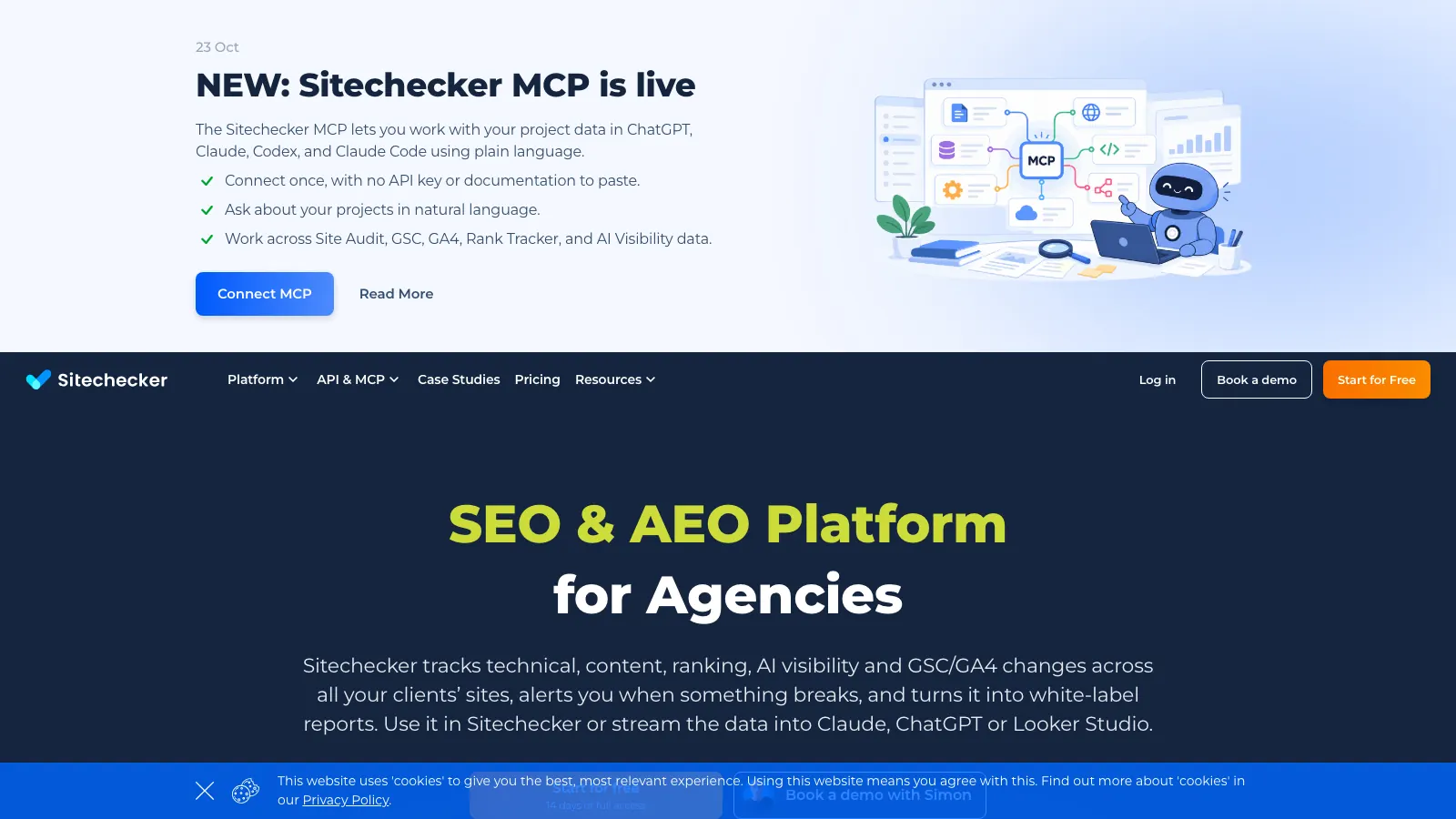
- Sitechecker includes beta API access and Model Context Protocol integration across six data sources on paid plans to power automated workflows.
- Sitechecker may not fit agencies that require a permanent free tier or teams that do not need recurring client audits and automated monitoring.
If your agency needs one place to crawl client sites, watch for technical changes and report on AI visibility, Sitechecker is a sensible platform to put at the center of the job. Choose it when recurring monitoring and report delivery matter, and move to Premium when your client-facing app and email branding matter.
Agent access
- API
- Yes, During beta, Basic, Standard, Premium, and Custom plans have access. Free trials have partial access, excluding competitor data.
- MCP server
- Official, hosted, OAuth
- Works with
 ClaudeClaude Code
 ChatGPT
- Automation
- Zapier, Make, n8n
What are the primary advantages and drawbacks of choosing Sitechecker?
What works
- Crawling, rank tracking, monitoring and AI visibility in one account
- API and MCP access across six SEO and analytics data sources
- Premium adds custom domains plus app and email branding
What to watch
- No free plan, only a 14-day full-access trial
- The API remains in beta
- Custom-domain and app branding begin on Premium
What operational auditing workflows does Sitechecker handle for agency teams?
Sitechecker is built for the moment after an audit: the ongoing work of seeing what changed, deciding what needs attention and explaining it to the client. It brings a site crawler, keyword tracking, site monitoring, alerts, reporting and AI visibility into the same project. That makes it a useful choice when a small agency needs a repeatable technical SEO operating system rather than a collection of specialist tabs in the marketing tools directory.
The important distinction is between finding issues and running the account. Its crawler produces a prioritized technical to-do list, while monitoring watches a site for changes to indexability, page content, availability and search performance. The product can also bring Google Search Console and GA4 signals into the monitoring view, so a technical change has some context beyond a raw crawl finding.
I would treat that breadth as its strongest reason to buy. An agency can set up a client project once, then use the same workspace for a weekly ranking conversation, a technical alert and a regular report. A single specialist doing occasional, forensic audits will usually care more about crawler depth than about that shared operating rhythm.
Which marketing teams and SEO agencies benefit most from Sitechecker?
Client SEO agencies
Use branded PDF reports, project access and alerts to turn repeated checks into a client service.
Small in-house SEO teams
Keep technical issues, rankings, GSC and GA4 context in one monitoring dashboard.
Teams reporting AI visibility
Track mentions, citations and Google AI Overview coverage beside traditional SEO work.
Teams building workflows
Pull crawl, ranking, monitoring and AI visibility data through the beta API or MCP.
Sitechecker makes the most sense when more than one recurring question lands on the same team: what broke, what moved, what should a client see and what should an assistant retrieve. It is less suited to a team that does not need recurring monitoring or client reporting, because those tools form much of the product’s proposition.
What core technical SEO and monitoring tools are included in Sitechecker?
Cloud crawler and repair list
The crawler checks a site for technical problems and returns a prioritized list with guidance on fixes. It can render JavaScript and crawl most single-page applications, although very long preloaders can stop a scan. Teams can adjust crawl settings, exclude URLs, categories or checks, and invite colleagues or freelancers into a project.
Rank tracking with reporting context
Rank Tracker follows keywords across Google, Yahoo and Bing, on desktop and mobile, with language and location settings down to city level. It can import queries from Google Search Console or a spreadsheet, group them and assign them to URLs. The useful agency detail is not just the positions: Sitechecker also offers automated reporting and a project view for comparing how several websites are moving.
Monitoring and alerts
Monitoring is where Sitechecker becomes an operating tool. It can alert a team by email or Slack when a site goes down, a key page becomes non-indexable, an important technical issue appears or rankings shift. It also tracks content and code changes, plus GSC measures such as impressions, clicks, CTR and position.
AI visibility beside SEO visibility
The AI Visibility Tracker generates prompts from high-volume search keywords and tracks brand mentions, citations and citation positions in AI answers. It also reports Google AI Overview coverage, and lets you compare competitors on the same visibility measures. This is a practical addition for an agency being asked about AI search before it is ready to buy a separate platform.
Reports, branding and machine access
All plans export data from Site Audit, Site Monitoring, Dashboard and Rank Tracker to PDF, CSV and Google Sheets. Premium adds a custom domain and the ability to brand the app interface and notification emails with your own logo and favicon. The beta REST API and MCP cover GSC, GA4, rankings, AI visibility, Site Audit and Site Monitoring. Confirm needed endpoints before promising a production workflow to a client.
How are Sitechecker subscription plans and billing tiers structured?
Facts checked 27 Nov 2026
Sitechecker lists Basic, Standard and Premium with monthly or annual billing, while Enterprise is custom. The vendor says its prices are set in US dollars, so confirm the billing currency and the applicable plan limits before purchase.
| Plan detail | Basic | Standard | Premium | Enterprise |
|---|---|---|---|---|
| Published billing | Monthly or annual | Monthly or annual | Monthly or annual | Custom |
| Users | Unlimited | Unlimited | Unlimited | Unlimited |
| Recrawls | Unlimited | Unlimited | Unlimited | Unlimited |
| AI search visibility | ✓ | ✓ | ✓ | ✓ |
| API and MCP | API beta; MCP available | API beta; MCP available | API beta; MCP available | API beta; MCP available |
| Custom domain and app branding | ✕ | ✕ | ✓ | ✓ |
Sitechecker plans, 27 Nov 2026.Sitechecker pricing
Seats are not the billing lever because Sitechecker lists unlimited users on every plan. The decision is about website, keyword, prompt and crawl limits, then whether an agency needs Premium’s presentation layer. Standard adds segmentation, SEO tests, email and Slack alerts, content-change tracking and a Google Data Studio integration. Premium adds unlimited AI visibility audits, bulk project editing, a custom domain and branded app and email surfaces.
- All plans list unlimited recrawls, AI search visibility tracking, GSC and GA4 insights, Rank Tracker history and exports to PDF, CSV and Google Sheets
- The 14-day trial offers full access without a credit card
- After the first payment, Sitechecker offers a 48-hour money-back guarantee
- Enterprise adds unlimited websites, keywords and prompts, plus custom data exports and integrations
When should growing organizations upgrade to a Sitechecker Enterprise plan?
Sitechecker Enterprise provides custom limits tailored for agencies whose operational scale outgrows standard tier quotas. It lists unlimited websites, keywords and prompts, then adds team training, a dedicated success manager, custom exports and custom integrations on top of Premium.
What key operational limitations should prospective Sitechecker buyers consider?
Sitechecker lacks a permanent free plan, which presents an immediate consideration for buyers evaluating basic entry-level tools. The 14-day trial has full access and does not require a credit card, which is generous enough to assess the product, but ongoing monitoring still begins with a paid subscription. A solo specialist who only needs an occasional crawl may find a recurring platform harder to justify.
Budget approval needs a currency check. Sitechecker says its prices are set in US dollars, while the plan choice also depends on website, keyword, prompt and crawl limits. Confirm the billing currency, annual amount and applicable limits in writing before purchase.
Finally, machine access is promising rather than settled. The REST API is public and the MCP option is available on paid plans, but the documentation labels the API beta. That is good enough to explore reporting automation in the trial, not a reason to design an irreversible production dependency without an endpoint and limit check.
What software alternatives should teams evaluate alongside Sitechecker?
 Sitechecker buyers seeking AI answer visibility over technical SEO operational audits should consider AI Peekaboo as an alternative. Every plan includes API and MCP access, and pricing starts at $30 a month, checked 27 Nov 2026. The AI Peekaboo review explains the check-based model.
 SpeedCurve combines synthetic testing with real-user monitoring, and it lets teams set budgets and alerts for their metrics. Read the SpeedCurve review when page speed is the service you are building.
 Treo is worth comparing when a team wants web performance monitoring with an emphasis on Core Web Vitals and site speed. The Treo review puts its monitoring approach beside Sitechecker’s wider technical SEO stack.
What is the overall assessment and verdict on Sitechecker?
Sitechecker is a good fit when technical SEO is continuous client work, not an occasional diagnostic. It combines the crawl, the change alert, the rank report and the AI visibility conversation in a way a small agency can actually run. Premium is the meaningful upgrade for client-facing branding. If your team does not need paid monitoring and client reporting, another fit may be easier to justify. Confirm API endpoints and limits before committing a production workflow.
Use the 14-day trial on one active client project. Set up a crawl, a ranking group, an alert, an AI visibility check and one exported report. If that creates a weekly routine your team will keep, price the plan limits and Premium branding around the clients you serve.
What methodology and verification steps were used to evaluate Sitechecker?
Sitechecker plan specifications, crawler limits, monitoring tools, AI tracking, API capabilities, and white-label features were checked directly on 27 Nov 2026. The method for handling figures is set out in how we check figures.
- Sitechecker plans, billing FAQ and plan-limit guidance
- Sitechecker feature pages for crawling, monitoring, alerts and AI visibility
- Sitechecker API and developer documentation
What are the most frequent questions asked about Sitechecker?
Does Sitechecker have a free plan?
No. Sitechecker offers a 14-day full-access trial without a credit card, then a 48-hour money-back guarantee after the first payment.
Does Sitechecker have an API?
Yes. Its public REST API is in beta and available on paid plans, with partial access during the trial. It covers Site Audit, Search Console, Rank Tracker, AI Visibility and other product data.
Can Sitechecker track AI visibility?
Yes. It tracks mentions, citations and citation positions in AI answers, plus visibility in Google AI Overviews and comparisons with competitors.
Which Sitechecker plan includes white-label branding?
Premium and Enterprise list custom domains plus branding for the app interface and email reports. PDF report branding is listed in the plan comparison.
 Reviewed byDanny Kirk
Founder of ReddiReach.
 Checked byAndrés Felipe
Digital designer and marketer.
Every figure is checked against the vendor's own page. Read our editorial standards.