
Key Takeaways
- Smodin integrates document drafting, automated multilingual rewriting, AI content detection, and academic plagiarism verification into a consolidated writing application.
- Smodin provides Starter subscriptions starting at $10 monthly on annual billing, with Premium tiers available for $16 monthly.
- Smodin publishes REST APIs enabling programmatic rewriting, AI content removal, and plagiarism scanning with extended allowances on Premium tiers.
- Smodin is not designed for search-focused content optimization teams or fiction authors who need structural storytelling guidance rather than document verification.
When you need to draft a document, rewrite it and check it before sending or submitting it, Smodin keeps those jobs together. It suits students, academic writers and solo content professionals better than a search-led editor: the Surfer SEO review is the better place to judge that kind of editor.
Agent access
- API
- Yes, Premium, with Extended API Access, USD 16/month when billed annually
- MCP server
- Not found on official pages
What are the primary advantages and potential drawbacks of using Smodin?
What works
- Starter includes the writer, detector, humanizer and plagiarism checker
- Detector support across 100+ languages
- Premium lists unlimited writing output and a Chrome extension
What to watch
- Starter writing output is limited
- Premium models and advanced checking raise the entry price
- Seat and shared-workspace details are not stated
How does Smodin streamline multi-step writing, rewriting, and verification workflows?
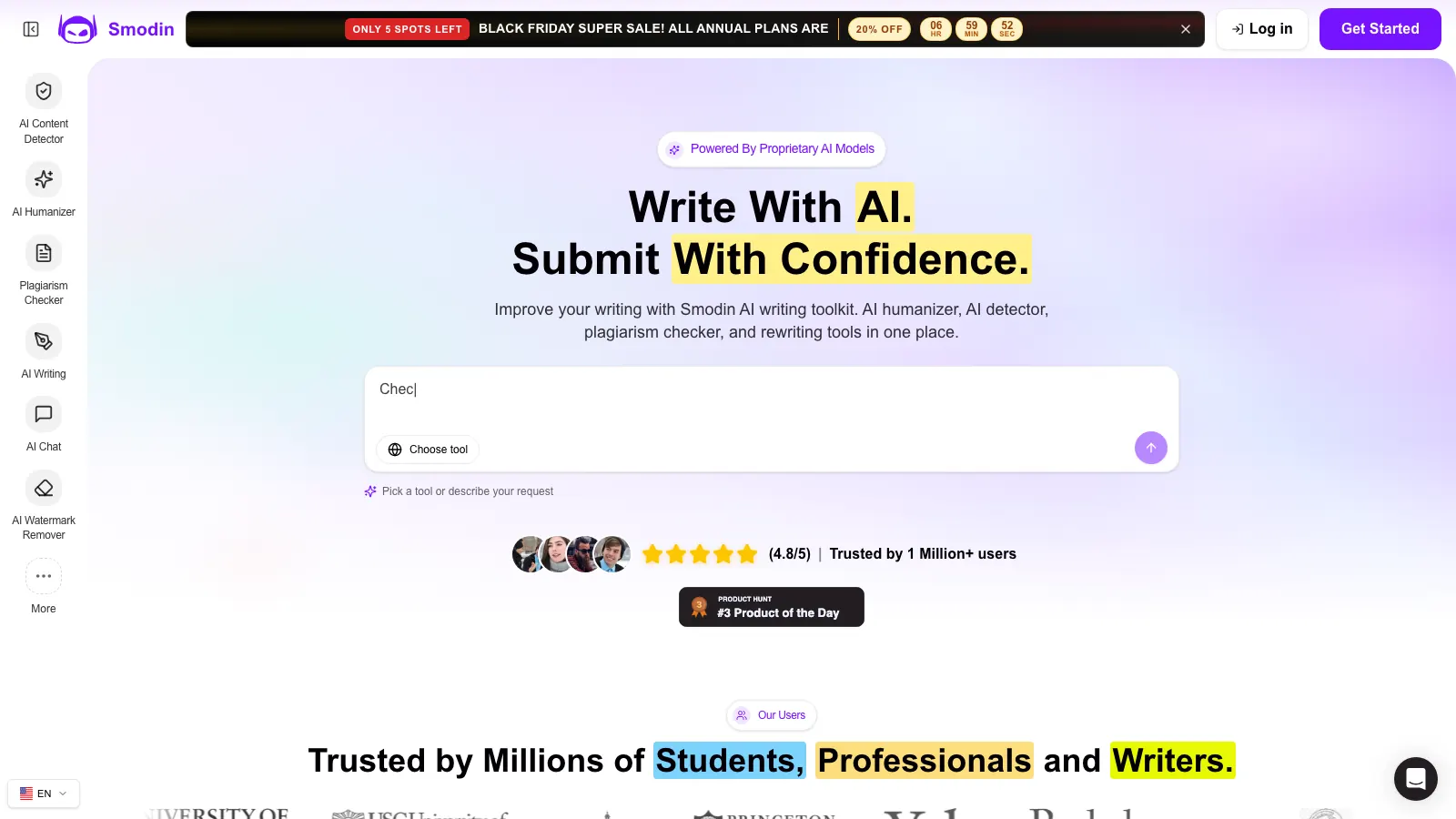
Smodin provides a cohesive workflow when written work requires drafting, rewording, and verification in a single environment. The subscription combines an AI writer, a detector, a humanizer and a plagiarism checker, rather than asking you to keep moving text between separate products. That makes it a practical choice when you need to draft an essay, article or rewrite, then inspect it before it leaves your hands.
The bundle is also unusually broad for its price. Starter says all AI tools are included, including AI Chat, the core checker tools and a career toolkit. Smodin positions the product for students, teachers and content writers, which is the right frame for it: it answers the whole writing-and-review loop, not the search strategy that comes before an editorial brief. If you are assembling a broader stack, the marketing tools directory can help you put that distinction in context.
I would treat the detector as a signal, not a final judgment on authorship. Smodin claims 99.8% accuracy and fast results, but its own pages also present it as a probability-based analysis of text patterns. The stronger buying case is convenience: the same workspace can draft, rewrite and check a document against web and academic sources.
Which students, academics, and writers benefit most from using Smodin?
Students and academic writers
Draft, cite, check for overlap and revise in one toolset before a paper or assignment is ready to submit.
Writers working across languages
Use detection and humanizing tools that Smodin says work across 100+ languages.
Solo content professionals
Keep drafting, rewriting and originality checks together when a lightweight individual subscription is more useful than a team platform.
Developers with a narrow workflow
Use the documented APIs for rewrite, plagiarism-checking or AI-content-removal tasks inside an application.
It is a poor match for an editorial team that needs published seat economics, workflow roles or workspace controls before procurement. The API overview does not list numeric API prices or rate limits, although it links to API pricing. It is also not Smodin to choose when prose quality is the only goal: the Sudowrite review is more relevant for writers looking for a dedicated creative-writing environment.
What writing, rewriting, and detection tools are included in Smodin?
AI writer and AI Chat
Smodin's writer covers essays, homework, summaries and rewrites, while AI Chat is presented for questions, explanations and draft improvement. The writer page also describes references, source finding and structured text. That is plenty for getting an outline or draft moving, but the feature set is aimed at completing a document, not running an editorial calendar or optimizing a page against a search result.
Detector and humanizer
The detector accepts pasted text and common document uploads, then returns a probability score with sentence-level signals. Smodin says it detects content from ChatGPT, GPT, Claude and Gemini in more than 100 languages. The humanizer takes the next step by rewriting text for a more natural result. Starter receives standard detection and humanizing, while Premium adds advanced versions. Premium's page says its highest setting targets Turnitin-level detection, which is a vendor claim rather than a guarantee of a particular result.
Plagiarism checks
Smodin says its checker scans work against web and academic sources. Starter includes the standard checker, while Premium adds extensive checks across those source types. This is the feature that makes the bundle more useful than a simple writing assistant: it gives a writer a separate originality pass before publication or submission.
Chrome extension and longer work
Premium includes a Chrome extension for Google Docs and the browser, plus extended AI Chat memory and unlimited writing output. Those additions matter if you spend your day in browser-based documents or need to maintain a longer drafting thread. Starter is the better value when the bundle matters more than volume; Premium is the practical tier for frequent long-form work.
REST APIs for product workflows
Smodin documents REST APIs for rewriting and recreating text, plagiarism detection and AI-content removal. It says the APIs support 100+ languages and provides code examples. Premium lists Extended API access in the plan comparison. Smodin does not specify Starter access or rate limits there, so confirm those details before building an automated workflow.
How much does a Smodin subscription cost across billing plans?
Price checked 27 Nov 2026
| Plan detail | Starter$10/mo, billed annually | Premium$16/mo, billed annually |
|---|---|---|
| Monthly price | $12.99/mo | $19.99/mo |
| Annual-billing price | $10/mo | $16/mo |
| AI writer | Standard, limited output | Advanced, unlimited output |
| Detector and humanizer | Standard | Advanced |
| Plagiarism checker | Standard | Advanced |
| AI Chat | Standard | Extended memory |
| Chrome extension | Not specified | Listed |
| API access | Not specified | Extended |
| Support | 24/7 priority |
Smodin prices in US dollars, 27 Nov 2026.Smodin pricing
Annual billing saves $2.99 a month on Starter and $3.99 on Premium against the published monthly rates. The advertised annual saving is 20%. Because Smodin does not show seats, shared workspaces or an extra-user price, there is no honest team bill to calculate. Assume an individual plan until the vendor gives you a written team quote.
- Starter brings the core writing, checking and rewriting tools together at $10 a month when billed annually
- Premium costs $6 more per month on annual billing for unlimited output, advanced tools, extended chat memory and the Chrome extension
- Subscribers can change monthly or annual billing from account settings, according to Smodin
- Referral credits can reduce the next bill, but they should not decide whether the plan fits your work
What operational drawbacks and visibility limitations exist in Smodin?
Smodin offers limited visibility and control into team usage, making multi-user oversight difficult for larger organizations. Two published individual subscriptions are easy to understand, but Smodin does not state how multiple seats, shared workspaces or a manager's controls work. That makes Smodin easy to buy for one person and harder to compare for a department.
The second is the split between standard and Premium capability. Starter includes the core tools, but it has limited writing output and standard models. Premium lists the extension, extended chat memory and unlimited writing, so those are the published additions to weigh if they matter to your work.
The API overview links to API pricing and says plans scale with usage, but it does not list numeric prices, endpoints or rate limits. Premium lists Extended API access; ask Smodin to confirm the operational details and Starter access before putting it into an automated workflow.
Which alternative writing and monitoring tools compete with Smodin?
 Smodin users looking for brand visibility across AI answers should evaluate AI Peekaboo as a specialized alternative starting at $30 monthly. Read the AI Peekaboo review if your goal is to get recommended by AI rather than to write and check a document.
 Sudowrite Chat keeps track of a story and its series, making it the more focused alternative for fiction writers.
 Surfer SEO's Content Score shows whether content is on track to get cited by AI and rank on Google, so it is the stronger choice for a search-content brief. Smodin wins when the priority is keeping a detector, humanizer and plagiarism check near the writing tool.
What is the final purchasing assessment of Smodin for writers?
Smodin is most compelling as an individual writing bench: draft, rewrite and run an originality check without splitting the job across separate products. Starter is the sensible entry point. Consider Premium when its listed browser extension, extended chat memory and unlimited output are regular requirements rather than occasional extras.
Start with Starter for a defined individual workflow. Before buying Premium or planning an integration, decide whether the listed extension and volume limits change your day, then ask Smodin to confirm the team, Starter API and rate-limit terms that match the way you actually work.
How were the features, limits, and rates of Smodin evaluated?
Smodin official pricing pages, API documentation, feature limits, and support articles were checked directly on 27 Nov 2026. The alternative facts use their own vendor sources, with AI Peekaboo pricing checked 27 Nov 2026. Prices are in US dollars as each vendor shows them, and every figure follows how we check figures.
- Smodin pricing pages for annual and monthly US-dollar plans
- Smodin pages for the writer, detector, humanizer and plagiarism checker
- Smodin API page and subscription help information
What are the most frequent questions asked about Smodin?
How much does Smodin cost?
Starter is $10 a month billed annually or $12.99 monthly. Premium is $16 a month billed annually or $19.99 monthly, in US dollars.
What is included with Smodin Starter?
Starter includes all AI tools, including the AI writer, detector, humanizer, plagiarism checker and AI Chat. It has standard AI models and limited writing output.
Does Smodin support languages other than English?
Yes. Smodin says its detector and APIs support more than 100 languages. Its AI Writer page describes 12+ target languages for writing.
Does Smodin have an API?
Yes. Smodin documents REST APIs for rewriting, plagiarism detection and AI-content removal. Premium lists Extended API access; Starter access and rate limits are not specified.
 Reviewed byDanny Kirk
Founder of ReddiReach.
 Checked byAndrés Felipe
Digital designer and marketer.
Every figure is checked against the vendor's own page. Read our editorial standards.