
Key Takeaways
- Unify unifies B2B sales prospecting, automated contact enrichment, and outbound multichannel messaging sequences directly within a single conversational chat environment.
- Unify provides a free three-seat tier while offering paid self-serve seats starting at twenty dollars monthly for Base and sixty dollars for Pro.
- Unify powers internal AI agents through conversational prompts for list building, while reserving external webhook triggers and developer API access for Business.
- Outbound revenue teams needing instant bidirectional CRM synchronization or live product usage signals should note Unify reserves these for annual enterprise agreements.
When your reps lose momentum handing a target list from research to outreach, Unify is the strongest fit for bringing prospecting and sequences into one chat. Choose another option if read-write CRM sync, website intent or product signals must be available from day one, because Unify reserves them for its custom annual Business plan.
Agent access
- API
- Yes, Business
- MCP server
- Official, hosted, API key
- Works with
 ClaudeClaude Code
 ChatGPT
 Cursor
- Automation
- Zapier, n8n
What are the key advantages and drawbacks of Unify?
What works
- One chat-led flow for prospects, enrichment and sequencing
- Free plan covers up to three seats and limited credits
- Base adds AI copywriting, credits and hiring signals
- Pro adds read-only CRM sync and
 Slack notifications
What to watch
- Credits set the real operating limit, not seats alone
- CRM write access needs a custom annual Business contract
- Website intent and product signals start on Business
- Public pricing gives no Business price or credit quantity
What does Unify do for outbound sales teams?
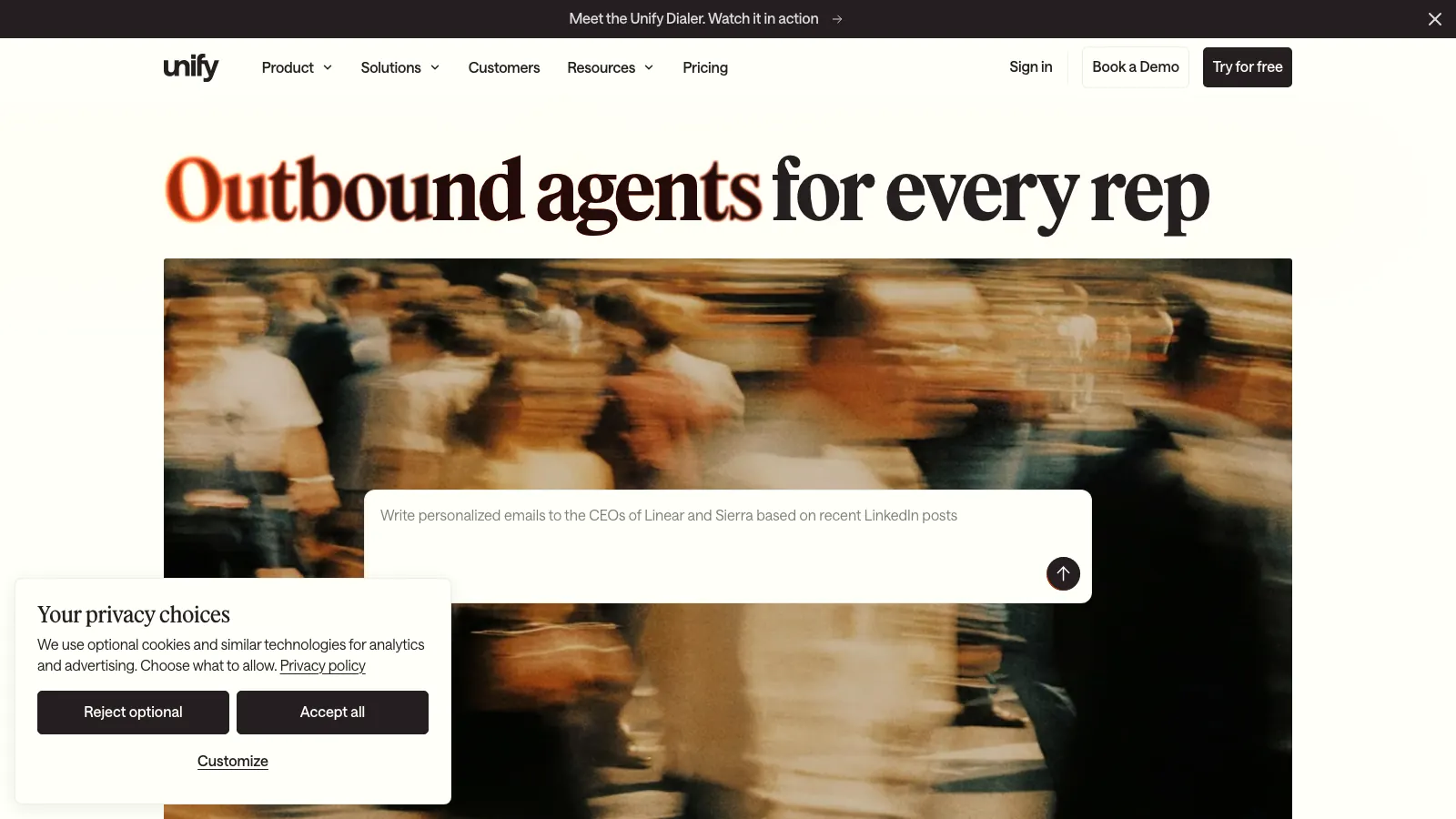
Unify joins the parts of outbound work that usually get handed from one person or system to another. A rep can prospect, enrich and enroll contacts in a sequence from its chat interface, with contact and company data, signals and outreach in the same place. If you are still choosing the right category of software, the marketing tools directory makes the distinction clearer: Unify centers its product on finding buyers and taking them through an outbound sequence.
The practical appeal is focus. Its published data pool covers 1.1 billion people and 65 million companies, with more than 40 data sources. That creates room to combine contact data with triggers such as hiring, funding, technology use or web activity, then decide which accounts deserve a sequence. I would value that connected workflow over database size, because the useful outcome is a rep's next action, not another exported list.
The plan design draws a sharp line between individual work and coordinated sales operations. Free is a real starting point for three people. Base adds job-change and hiring signals, phone and email enrichment, and AI copywriting. Pro is where a team can read from HubSpot or Salesforce, receive Slack notifications and get 2,400 credits per seat each month.
Who benefits most from adopting Unify?
Individual sellers
Use Free to assess chat-led prospecting, then Base when phone and email enrichment becomes part of your workflow.
Small outbound teams
Pro suits teams that need shared seats, Slack notifications and read-only HubSpot or Salesforce context for prospecting.
Revenue operations teams
Business is relevant when CRM write access, signal-triggered automations and $25-per-mailbox managed sending need central control.
Signal-led sales teams
Choose it when hiring, job change, website or product signals should shape which accounts receive outreach.
Unify is a weaker fit for a team that needs a predictable all-in price before it can approve a workflow. The paid plans are simple, but credits are consumed by actions and Business moves to custom annual terms. It is also not Unify to choose merely for a CRM connection: Pro reads from HubSpot and Salesforce, while writing back requires the higher plan.
Which core capabilities are included in Unify?
Prospecting in chat
Unify frames prospecting as a conversation. Its agents can work across contact and company data, then take a rep from a buyer idea to a list, research and an outreach step. The vendor lists more than 50 native skills for prospecting, research and engagement. That is useful when research and first-touch decisions belong together, rather than across a set of tabs.
Data and signal sources
Unify publishes access to 1.1 billion people, 65 million companies and more than 40 data sources. Free lists AI outbound, multichannel sequencing and a Click-to-Call Dialer. Base adds phone and email enrichment alongside job-change and hiring signals. Business extends the set with website intent and product signals, the important split for a team that wants outreach triggered by activity on its own site or product.
Sequences, calls and copy
Every published plan includes multichannel sequences and a Click-to-Call Dialer. Base adds AI copywriting and personalization, while Business adds the Power Dialer, mailbox warmup and rotation, and deliverability analytics. Managed Gmail and Outlook mailboxes are available on Business for an additional $25 per mailbox per month, checked 27 Nov 2026. The distinction matters: a rep can begin outbound at the free level, but the infrastructure for sending at a larger scale is reserved for a contracted team.
CRM and team connections
HubSpot and Salesforce sync is read-only on Pro and read-write on Business. Slack notifications arrive on Pro and Business. The Business plan also lists all integrations, automated plays, Open API and webhooks, and SSO as an add-on. That gives a RevOps buyer a clear purchasing question: is visibility into the CRM enough, or does the workflow need to write activity and contacts back?
How are Unify seat tiers and credits priced?
Price checked 27 Nov 2026
| Plan detail | Free$0 | Base$20/seat/mo | Pro$60/seat/mo | BusinessCustom |
|---|---|---|---|---|
| Billing | Free forever | Monthly | Monthly | Annual |
| Credits | Limited | 800/seat/mo | 2,400/seat/mo | Custom pool |
| Seats | Up to 3 | Unlimited | Unlimited | Unlimited |
| AI copywriting | Not listed | Included | Included | Included |
| CRM sync | Not listed | Not listed | Read-only | Read-write |
| Website and product signals | Not listed | Not listed | Not listed | Included |
Unify prices in US dollars, 27 Nov 2026.Unify pricing
The team bill is easy to state before credits enter the conversation. Three Base seats cost $60 a month and include 2,400 credits in total. Three Pro seats cost $180 a month and include 7,200 credits in total, plus read-only HubSpot and Salesforce sync. Those are monthly plan prices, before any credit top-up or mailbox charge.
Credits are Unify's working currency. The published pricing says most actions use one or two credits, though the value varies by provider. Base includes 800 credits per seat each month and Pro includes 2,400. A team that sends frequently should monitor use rather than treat its per-seat price as the whole budget.
- Free includes limited credits, up to three seats and one mailbox per seat
- Base lets each seat add credits and includes phone and email enrichment
- Pro has a 14-day free trial with no credit card required
- Business makes managed mailboxes available for an additional $25 per mailbox per month, checked 27 Nov 2026
What enterprise features are included in Unify Business?
Unify Business operates as the custom, annually billed tier targeted at larger sales organizations. It adds signal-triggered automations, website intent, product signals, a Power Dialer and read-write CRM sync. Managed Gmail and Outlook mailboxes are available for an additional $25 per mailbox per month, checked 27 Nov 2026. Business also moves credits to a custom workspace pool. Treat it as an operations purchase, since the public page does not publish a price or credit amount.
Where does Unify fall short for high-volume prospecting?
Unify relies on a monthly credit allocation model that represents the primary operational constraint. A $20 Base seat includes 800 credits, but credits buy actions, and the pricing page says their value depends on the provider. That is reasonable when the work is targeted, yet it makes a high-volume prospecting plan less predictable than a flat database subscription. Decide how many searches, enrichments and outbound actions a rep needs before you compare Base with Pro.
The second boundary is CRM control. Pro supplies read-only HubSpot and Salesforce sync, which is enough for a rep to work from CRM context. It is not enough for a workflow that must write contacts or activity back. Business handles read-write sync, but it is custom and annual, so the step up is commercial as well as technical.
Finally, the most valuable behavioral signals are not on the accessible plans. Base has job-change and hiring signals. Website intent and product signals are Business features. A team buying Unify specifically to react to its own visitors or product activity needs to budget for that plan instead of assuming Pro is the final answer.
Which tools serve as alternatives to Unify?
 Unify alternatives such as AI Peekaboo address brand positioning within AI model outputs rather than direct outbound sales prospecting. Its plans begin at $30 a month, checked 27 Nov 2026, with API, MCP and Looker Studio access included, as the AI Peekaboo review explains. That makes it an adjacent measurement tool, not a replacement for Unify's prospecting and sequencing workflow.
 Userlist review is the better next read when you are comparing a sales-prospecting workflow with lifecycle messaging for people who already use your product.
 The Warmly review is useful when your decision turns on identifying and acting on website visitors rather than building lists from a broad B2B data pool.
What is the final verdict on Unify?
Unify makes the strongest case for a sales team that wants prospecting, enrichment and first sequences in one place. The free plan lets a small group establish whether that chat-led motion fits, and Base is a low-cost move for a rep who needs AI copywriting, phone and email enrichment, and hiring signals. Pro is the meaningful team plan because it connects read-only CRM context to daily work.
I would not let the low entry price obscure the Business boundary. A team that needs write access, website intent, product signals or managed sending infrastructure should assess the annual custom contract at the beginning, not after building a process around Pro.
Start with Free for one small outbound motion. Move to Base when AI copywriting and phone and email enrichment earn their place, then choose Pro when CRM visibility and Slack notifications change how the team works.
How was this Unify review verified?
Unify plan specifications, credit thresholds, and platform features were evaluated using official support documentation on 27 Nov 2026. Prices are in US dollars, as Unify presents them, and every figure follows how we check figures.
- Unify pricing and plan comparison
- Unify pages for data, signals and sequencing
- Unify support documentation index
What are common questions regarding Unify?
Is Unify free?
Yes. Unify lists a Free plan at $0 with limited credits and up to three seats. It includes company and contact data, agentic chat, multichannel sequences and the Click-to-Call Dialer.
How much does Unify cost for a team?
Base costs $20 per seat each month and Pro costs $60 per seat each month. Three Base seats are $60 a month, while three Pro seats are $180 a month, before credit top-ups or mailbox charges.
What are Unify credits?
Credits pay for data points and actions. The vendor says most actions use one or two credits, with value varying by provider. Base includes 800 credits per seat monthly and Pro includes 2,400.
Does Unify connect to HubSpot and Salesforce?
Yes. Pro lists read-only HubSpot and Salesforce sync. Business lists read-write sync, alongside all integrations and automated plays.
 Reviewed byDanny Kirk
Founder of ReddiReach.
 Checked byAndrés Felipe
Digital designer and marketer.
Every figure is checked against the vendor's own page. Read our editorial standards.