
Key Takeaways
- WeWeb enables development teams to visually build web applications, internal tools, and customer portals while retaining complete source code export.
- WeWeb provides a Free tier alongside Essential at €20 monthly and Pro starting at €50 per developer monthly on yearly billing.
- WeWeb supports agentic workflows by providing an official MCP server with unlimited usage on Pro plans and trials on lower tiers.
- WeWeb charges for application hosting separately from workspace subscriptions, making total ownership costs dependent on live deployment infrastructure.
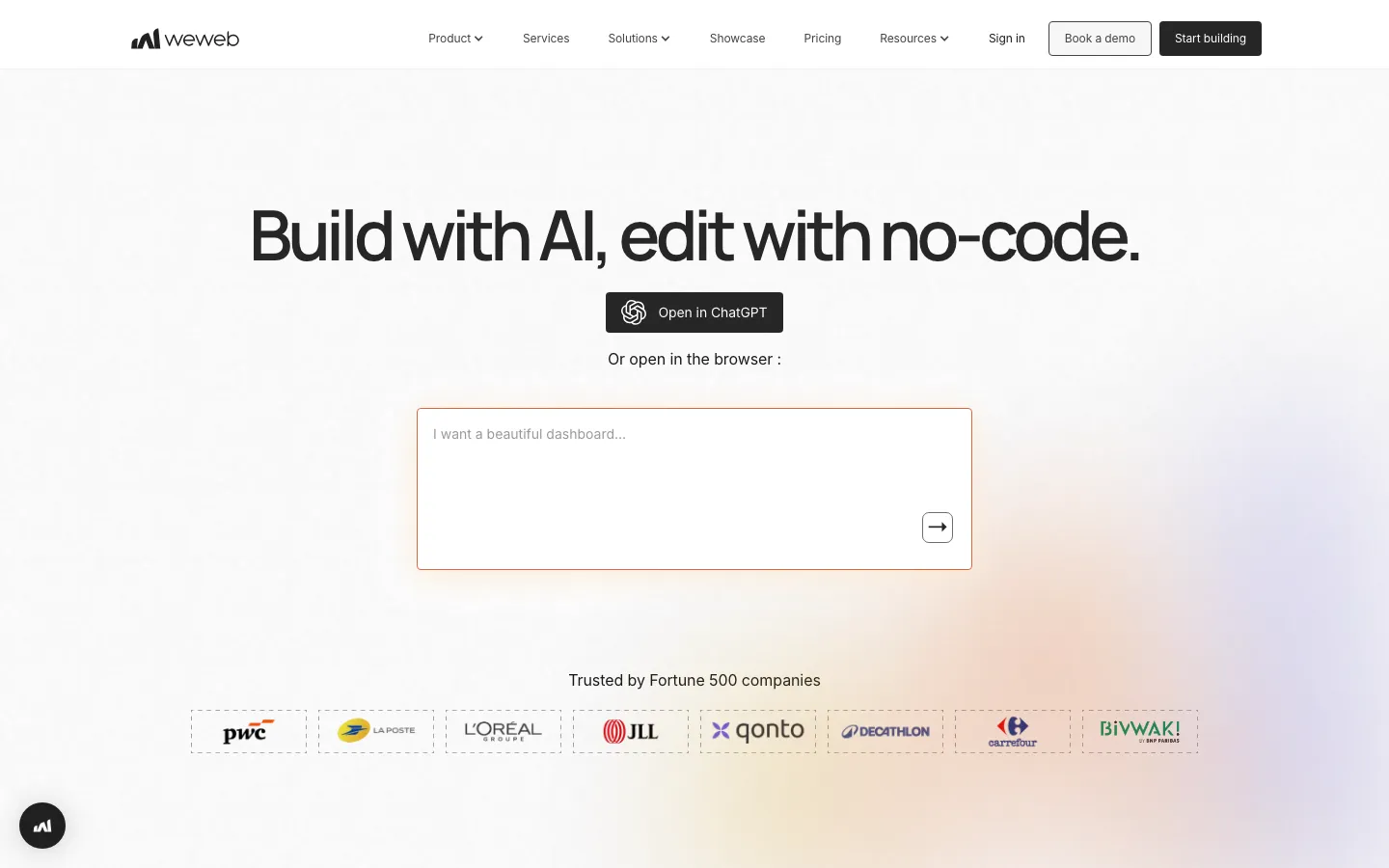
You can build a customer portal, internal tool or new SaaS interface visually and still retain the option to export its code with WeWeb. It is the best pick for teams that want an editable web application and control over where it runs, rather than app-to-app workflow orchestration.
Agent access
- API
- Yes, WeWeb Cloud plans list APIs and workflows as unlimited. WeWeb Cloud Free has a small database for testing; Front-end only connects to an external backend.
- MCP server
- Official, hosted, WeWeb sign-in and authorization in the browser
- Works with
 ChatGPT
 ClaudeClaude Code
 Cursor
 VS Code
- Automation
- Make, n8n
What are the primary pros and cons of building on WeWeb?
What works
- Free building plan with 1M AI tokens a month
- Code export and GitHub sync from Essential
- No seat charge for the people using your app
What to watch
- Cloud hosting is a separate charge for each live app
- Free Cloud use stops after 1,000 total sessions
- Pro and Partner costs rise per developer
What does WeWeb do for front-end application development?
WeWeb sits on the app-building side of Automation & No-code. You can describe an app to its AI, then take over in a drag-and-drop editor for visual changes and workflow logic. That fits a tailored customer portal, internal interface or early SaaS product, rather than a one-step handoff between services. If you are still choosing across categories, the marketing tools directory separates builders from tools that automate a single process.
The important distinction is control after the first draft. WeWeb says you can create interfaces, databases, APIs and frontend logic with its AI, then refine the result visually or bring in coded components. Essential and higher plans allow code export, self-hosting and GitHub sync, a meaningful safeguard for a team expecting its prototype to become a maintained product.
I would choose WeWeb when one team needs a faster route from requirements to a working frontend, but still expects to make architecture and hosting choices. Its materials describe a Vue.js single-page application export and deployment on-premise or to any cloud provider.
Who should choose WeWeb for web application development?
Product teams
Build customer portals visually, then export code when they become long-lived products.
Technical no-coders
Connect data and APIs, import components, then refine the entire application visually.
Agencies and freelancers
Partner adds client-workspace access, project transfers, and a staging subdomain for delivery work.
Teams using AI agents
Pro gives builders unlimited MCP Server access alongside collaboration and hourly editor backups.
It is not the best fit for a team whose deliverable is only a chain of notifications, records and approvals. That team may be paying for a canvas, publishing choices and application ownership it does not need. WeWeb earns its complexity when the output has screens, users and a life after the first workflow.
What visual development and code export tools does WeWeb include?
AI generation with an editable visual layer
WeWeb lets you generate a web app through an AI prompt, then edit the result in the visual interface. The editor covers small layout adjustments and workflows with branching. Free carries 1M AI tokens each month, Essential 10M, and Pro lists 25M to 150M. Pro also adds the option to protect resources from AI edits.
Data and integration connections
All workspace plans list API and data integration. The directory names Airtable, Supabase, Auth0, REST APIs, GraphQL, Google Sheets and Stripe, as well as Make, n8n, Anthropic and Gemini. That breadth lets the frontend meet an existing stack, but it does not make WeWeb the backend of every project. Decide where records, authentication and business rules should live before building screens around them.
Export instead of lock-in
Essential changes the practical value of WeWeb. It unlocks export and self-hosting, GitHub sync, and the ability to deploy an app wherever you choose. WeWeb describes the export as frontend and backend code, and says exported apps do not incur WeWeb hosting fees. For a team with hosting requirements or an established engineering workflow, that is the feature worth confirming early, not a nice-to-have after the interface is complete.
Cloud hosting for live apps
WeWeb Cloud is priced per live app, separate from the workspace plan. Front-end only starts at €13 per app a month on annual billing for a static site or frontend connected to an external backend. Launch+ starts at €20 per app a month on annual billing and adds the managed backend, including a database, APIs, workflows and serverless functions. Paid tiers include a custom domain and unlimited app sessions. The Free Cloud tier permits 1,000 sessions in total on a WeWeb subdomain. Treat that as a launch test, not capacity planning.
Collaboration, agencies and MCP
Pro is the point where WeWeb becomes a team plan: it adds seats, collaboration, hourly editor backups and unlimited manual backups. It also changes MCP access from the 14-day trial shown on Free and Essential to unlimited access. Partner builds on Pro for agencies and freelancers, with client workspace access, project transfers, staging on a WeWeb subdomain, a directory listing and a 20% referral commission.
How does WeWeb price developer seats and application hosting?
Price checked 27 Nov 2026
| Plan detail | Free€0/mo | Essential€20/mo | Profrom €50/dev/mo | Partnerfrom €79/dev/mo |
|---|---|---|---|---|
| Billing shown | No subscription | Annual billing | Annual billing | Annual billing |
| Monthly price | €0 | €25 | from €60/developer | from €95/developer |
| AI tokens each month | 1M | 10M | 25M to 150M | 35M to 210M |
| WeWeb MCP Server | 14-day trial | 14-day trial | Unlimited | Unlimited |
| Code export and project sync | No | Yes | Yes | Yes |
| Seats and collaboration | No | No | Yes | Yes |
WeWeb prices in euros before tax, 27 Nov 2026.WeWeb pricing
The entry point for a solo builder who needs self-hosting is Essential at €20 a month with annual billing, or €25 month to month. A two-developer product team on Pro starts at €100 a month before tax on annual billing, using the base AI-token tier. Pro is priced per developer, so higher token tiers can raise that workspace bill, and it still excludes any paid Cloud hosting for apps you run there. This is the number to model, not the Free plan headline.
There are two cost paths after that. Keep the app on WeWeb Cloud and add hosting per live app, starting at €13 per app a month on annual billing for Front-end only when you bring an external backend. Launch+ starts at €20 per app a month on annual billing when you need WeWeb's managed database, APIs, workflows and serverless functions. Or export and host the application yourself from Essential upward. Staging and versioning is a paid Cloud add-on at €88 a month on annual billing for Launch+, Grow+ and Scale+, separate from Partner's staging on a WeWeb subdomain.
- Essential: €20 a month annually or €25 monthly, for one builder who needs export and GitHub sync
- Pro: from €50 per developer a month annually or €60 monthly, with collaboration and unlimited MCP Server
- Partner: from €79 per developer a month annually or €95 monthly, adding agency delivery features
- Enterprise: custom pricing and invoicing, with custom limits, editor SSO, an SLA, priority support and training
What does WeWeb Enterprise offer larger engineering teams?
WeWeb Enterprise operates without a published price, requiring custom sales negotiations for large deployments. It adds custom limits, editor SSO, an SLA, invoicing, priority support, training, development requests and access to the WeWeb team. Ask for developer count and cloud-app charges in the same quote, so the total is comparable with self-hosting.
Where does WeWeb fall short for simple backend automation?
WeWeb introduces its primary complexity through a two-part billing model that separates workspaces from hosting costs. A workspace plan covers the people building, while Cloud hosting is billed per app. A free prototype can become a team plan and a live-app bill at the same time. That makes WeWeb a poor choice for anyone who wants one flat price for a small automation.
The free tier is narrow once an app has real traffic: it allows only 1,000 sessions in total. Free and Essential also list a 14-day MCP trial. A team that sees agent access as a production requirement should budget for Pro rather than treating MCP as part of the entry plan.
Visual development does not remove product judgment. You still need to decide what belongs in an API, how authentication works, where data lives and whether the app should be self-hosted. That range of choices is WeWeb's strength, but can be oversized for a lightweight automation task.
What are the most relevant alternatives to WeWeb?
If the real requirement is orchestration across an established stack, read the Workato review before committing to an app-building approach. Workato's Standard plan lists application integration and process automation, recipe lifecycle management, and dev, test and production environments, which makes it a more useful comparison than treating every no-code product as interchangeable.
If the job is to automate work across existing apps without prompting someone each time, the  Zapier review is the other useful reference. Zapier says a Zap is an automated workflow, and its homepage advertises instant access to 9,000+ apps. Start with the output you need, then decide whether it calls for workflows alone or a full web application.
What is the final verdict on adopting WeWeb?
WeWeb fits a team that needs a real web application, wants AI to speed up the first version, and refuses to be trapped in a visual builder. Code export makes Essential the meaningful starting point for many builders, while Pro is the minimum for a collaborating team that needs unrestricted MCP access.
Build the first workflow and one live screen on Free, then choose the hosting route. Move to Essential when export matters; choose Pro only when more than one builder or unlimited MCP access is required.
How was the information in this WeWeb review confirmed?
WeWeb pricing, platform capabilities, and integration specifications were validated against vendor documentation on 27 Nov 2026. Prices are in euros before tax, as WeWeb shows them, and every figure follows the rules in how we check figures.
- WeWeb pricing page, annual and monthly views
- WeWeb product and company pages
- WeWeb integrations directory
What are the most frequent questions about WeWeb?
Is WeWeb free?
Yes. The Free plan has no subscription, includes 1M AI tokens a month, and can publish on a WeWeb subdomain. WeWeb Cloud Free permits up to 1,000 sessions in total, so it is best used to prove an app before expecting public traffic.
How much does WeWeb cost for a team?
Pro starts at €50 per developer per month on annual billing, or €60 per developer monthly. A two-developer Pro team starts at €100 a month before tax on annual billing at the base AI-token tier, plus any paid WeWeb Cloud hosting for the apps it runs there.
Can you export code from WeWeb?
Yes, from Essential upward. Its materials say front-end and back-end exports can sync to GitHub and run on the host you choose. Essential is €20 a month on annual billing or €25 monthly.
Does WeWeb work with AI agents?
Yes. The WeWeb MCP Server is listed as unlimited on Pro, Partner and Enterprise. Free and Essential show a 14-day MCP trial, so agent access should be priced as a Pro requirement when it will be used continuously.
 Reviewed byDanny Kirk
Founder of ReddiReach.
 Checked byAndrés Felipe
Digital designer and marketer.
Every figure is checked against the vendor's own page. Read our editorial standards.