
Key Takeaways
- Wordable automates one-click Google Docs exports to WordPress, HubSpot, and Medium while stripping messy span tags, preserving heading hierarchy, and uploading compressed images with alt text.
- Wordable lists three annual tiers: Basic at $29/year, Pro at $149/year, and Premium at $349/year, though the vendor does not publish exact seat counts or export caps.
- Wordable provides no public API, webhooks, or MCP server in reviewed vendor documentation, meaning teams cannot wire Google Docs exports into automated AI agent pipelines.
- Wordable stays strictly focused on CMS export mechanics, offering zero built-in SEO scoring, keyword research, or content brief tools, and supporting only three publishing destinations.
If you write drafts in Google Docs and waste twenty minutes per article fixing broken markup and re-uploading images inside WordPress or HubSpot, Wordable is the right buy starting at $29/year on the Basic plan. Skip Wordable if you publish to Webflow, Ghost, or custom headless CMS stacks, or if your engineering team requires an API or MCP server for programmatic publishing.
Agent access
- API
- Not found on official pages
- MCP server
- Not found on official pages
What are the pros and cons of Wordable?
What works
- Preserves Google Docs heading hierarchy, bold, italic, and list formatting while stripping messy inline span tags and encoding errors
- Downloads, compresses, and uploads embedded Google Docs images directly to your CMS media library with alt text and captions intact
- Starts at $29/year on the Basic plan, paying for itself quickly for freelancers and small teams tired of manual CMS paste cleanup
- Supports simultaneous bulk document exports across WordPress, HubSpot, and Medium on full capacity at the Pro and Premium tiers
What to watch
- Supports only WordPress, HubSpot, and Medium, leaving out Webflow, Shopify, Ghost, Contentful, and custom headless CMS platforms
- Documents no public API, webhooks, or MCP server, blocking engineering teams from triggering headless or agent-driven publishing runs
- Includes no SEO optimization, readability grading, schema generation, or content brief capabilities inside the publishing workflow
- Steps up sharply from $29/year on Basic to $149/year on Pro and $349/year on Premium without transparent public seat or export quotas
What does Wordable do for your team?
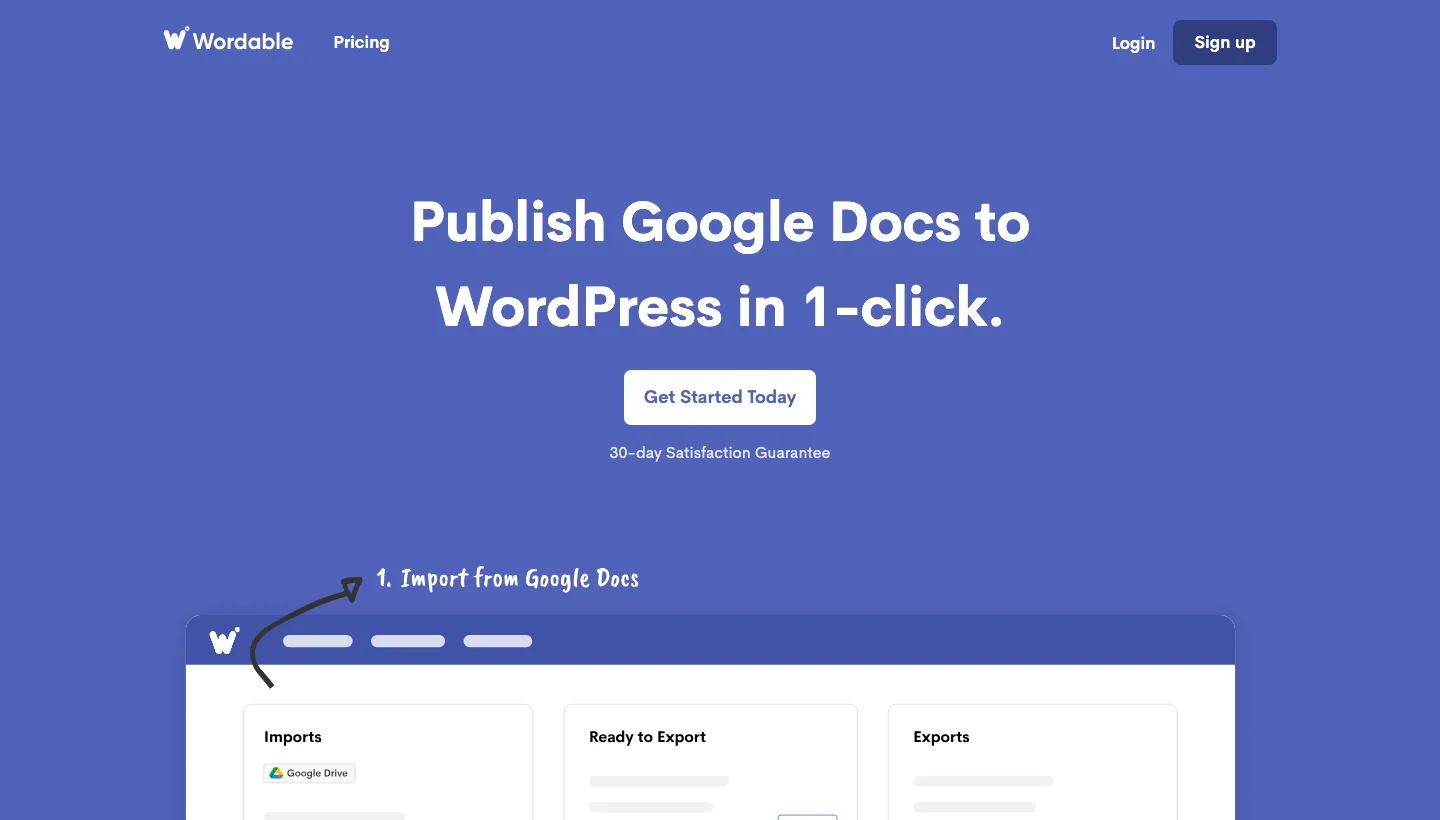
Wordable eliminates the manual copy-paste cleanup required to move finished drafts from Google Docs into WordPress, HubSpot, or Medium. Standard browser pasting carries over bloated Google Docs span tags, inconsistent inline styles, broken character encoding, and unlinked images that editors must download and re-upload by hand. Wordable connects directly to Google Drive and converts your source document into clean, semantic CMS markup in a single click, carrying over headings, lists, captions, and media files without manual HTML surgery. Within our Content Engineering directory, weigh seat caps and reporting workflows early.
For editorial operations publishing on a steady schedule, Wordable turns a repetitive formatting chore into a sub-minute handoff. Manually cleaning up a 2,000-word Google Doc with embedded screenshots and structured subheadings typically takes 15 to 20 minutes per post inside WordPress or HubSpot. Across a 20-article monthly calendar, Wordable recovers four to six hours of production labor every month, letting writers and managing editors spend their budget on research, editing, and distribution rather than CMS janitorial work.
Wordable deliberately keeps its product boundary narrow rather than masquerading as an all-in-one content marketing suite. You will not find keyword clustering, AI article drafting, or on-page SEO grading inside the Wordable dashboard. Instead, Wordable prices its specialist workflow aggressively at $29/year on Basic, $149/year on Pro, and $349/year on Premium. Teams keep collaborating where writers already work best in Google Docs while removing the friction at the final CMS publishing mile.
Which teams is Wordable built for?
Freelance writers and solo bloggers
Writers drafting in Google Docs and publishing to WordPress or Medium eliminate 15 to 20 minutes of HTML cleanup and image re-uploading per post on the $29/year Wordable Basic plan.
High-volume editorial managers
Content managers collecting dozens of Google Docs from contributors each month use Wordable Pro ($149/year) or Premium ($349/year) to run full bulk exports straight into WordPress or HubSpot.
B2B agencies running client blogs
Agencies that draft and approve articles with clients via Google Docs comments can push approved drafts cleanly into client WordPress or HubSpot portals without hiring formatting assistants.
AI-assisted and automated content ops
Teams hoping to trigger CMS exports via AI agents or headless scripts will hit a wall: Wordable documents no API, MCP server, or Zapier/Make/n8n connectors, requiring human clicks.
Which Wordable features matter most in daily work?
Wordable concentrates its feature set on four practical mechanics that break during manual Google Docs copy-pasting: direct CMS connection, automated HTML sanitization, media library image processing, and multi-document batch uploads across Basic, Pro, and Premium accounts.
One-click Google Docs export and HTML cleanup
Wordable links directly to your Google Drive workspace so editors can push finished drafts into WordPress, HubSpot, or Medium in a single action. Rather than dumping raw clipboard markup into your CMS editor, Wordable strips away the redundant span wrappers, stray inline font rules, and character encoding artifacts that Google Docs injects on paste. Heading hierarchy from H1 through H3, bold and italic emphasis, and bulleted or numbered lists arrive as clean, semantic HTML.
Clean semantic output matters because messy inline styles frequently override theme stylesheets in WordPress and HubSpot, creating uneven spacing and broken typography on live pages. By standardizing HTML structure during export, Wordable spares editors from switching into code view to hunt down rogue tags before hitting publish, keeping visual presentation consistent across every contributor draft.
Automatic image download, compression, and alt text sync
Handling embedded visuals is usually the slowest step when moving a Google Doc into a CMS, because browser pasting either breaks image URLs or points to temporary Google servers. Wordable extracts every image embedded inside your Google Doc, compresses the file automatically, uploads it into your native WordPress or HubSpot media library, and places each asset in its exact document position without manual file saving or naming.
Just as important for accessibility and search hygiene, Wordable carries over captions and alt text configured inside Google Docs figure settings directly into the destination post. Writers and editors can finalize image descriptions during collaborative Google Docs review instead of re-typing alt attributes one image at a time inside the WordPress or HubSpot media modal.
Simultaneous bulk document export
Editorial teams that produce content in weekly or monthly sprints rarely want to open, export, and verify twenty articles one file at a time. Wordable includes bulk export functionality that processes multiple Google Docs simultaneously, sending an entire batch of approved drafts into WordPress, HubSpot, or Medium in one coordinated run so production editors can stage a full week of scheduled posts in minutes.
Buyers should pay close attention to plan boundaries around batching before choosing a tier. Wordable restricts the $29/year Basic plan to limited bulk export capacity while unlocking full bulk export on Pro at $149/year and Premium at $349/year, making Pro the practical starting floor for multi-writer teams and agencies uploading content in batches.
How much does Wordable cost for a team?
Wordable structures its public pricing across three annual subscription tiers: Basic at $29/year, Pro at $149/year, and Premium at $349/year. Every plan includes core Google Docs export, WordPress and HubSpot destination support, automatic image uploading, and email support, while higher tiers unlock full bulk export capacity and priority support.
| Plan | Monthly / listed price | Key limits & seats |
|---|---|---|
| Basic | $29/year | Google Docs export, WordPress/HubSpot/Medium support, image auto-upload, limited bulk export, email support; exact export/seat caps not listed |
| Pro | $149/year | Everything in Basic plus full bulk export and team workflow support; exact user seat and monthly export quotas not publicly stated |
| Premium | $349/year | Everything in Pro plus priority support for high-volume operations; exact seat count and site connection caps not publicly stated |
Wordable pricing checked 27 Nov 2026.Wordable official pricing
Evaluating true team cost with Wordable requires checking exact quota rules during signup, because the public pricing summary lists annual tier rates ($29/year, $149/year, and $349/year) without publishing exact user seat counts, connected CMS site limits, or numeric document caps for Basic's limited bulk export. Even with that caveat, the baseline economics are unusually favorable: saving 15 to 20 minutes per 2,000-word post means a single writer on the $29/year Basic plan recoups the annual fee in the very first hour of avoided formatting work.
Wordable bills all three public tiers on an annual cadence, and reviewed vendor materials do not advertise a permanent free plan, monthly billing toggle, or specified free-trial duration on the pricing summary. Stepping from Pro ($149/year) to Premium ($349/year) more than doubles your annual spend primarily to add priority support and higher-volume capacity, making Premium hard to justify for low-volume publishers. Because Wordable provides no API or MCP server, there are zero developer token fees or per-call automation surcharges.
Where does Wordable fall short?
Wordable's sharpest constraint is its three-platform CMS ceiling. Exports work solely with WordPress, HubSpot, and Medium, leaving modern B2B marketing stacks on Webflow, Ghost, Shopify, Sanity, Contentful, or custom Markdown repositories completely unsupported. If your company plans a CMS migration off WordPress or HubSpot within the next twelve months, or manages client properties across mixed web frameworks, Wordable cannot serve as a universal publishing bridge across your portfolio.
Engineering-led content teams and AI ops builders will also run into a complete absence of programmatic interfaces. Official Wordable pages reviewed document no REST API, no webhooks, no SDKs, no native Zapier, Make, or n8n integrations, and no MCP server for AI agents. Every export depends on human interaction with the Wordable web workflow, meaning you cannot chain automated Google Docs generation directly into unattended CMS publishing.
Finally, Wordable stops strictly at formatting translation and media transfer, offering zero content intelligence or on-page SEO guidance. Writers receive no search intent briefs, keyword coverage checks, internal link suggestions, readability scores, or schema markup generation during export, and low-volume teams will find the jump to $349/year on Premium steep when core export already runs on Basic and Pro.
What are the best Wordable alternatives?
 AI Peekaboo is the stronger choice when tracking brand visibility across ChatGPT, Gemini, Perplexity and Google AI surfaces is the job, starting at $30 a month with API, MCP and multi-brand workspaces covered in our AI Peekaboo review.
Because Wordable focuses solely on CMS export mechanics, most alternatives address adjacent layers of the WordPress and B2B content stack rather than replacing one-click Docs export outright. Content Harmony builds research-backed content briefs and competitor optimization workflows before drafting begins. Yoast SEO runs directly inside WordPress to handle keyword analysis, readability checks, and schema markup once your draft arrives. For teams prioritizing programmatic workflows and AI search tracking, AI Peekaboo offers AI visibility monitoring backed by a documented read/write API and white-label delivery.
In practice, most WordPress and HubSpot editorial teams should pair Wordable with upstream and downstream specialists rather than switching away from it. Drafting in Google Docs from a Content Harmony brief, pushing clean HTML and compressed images via Wordable Basic ($29/year) or Pro ($149/year), and finalizing metadata inside Yoast SEO gives teams a complete pipeline. Only skip Wordable entirely if you publish to unsupported CMS targets or require pure API-driven publishing.
Also compare  Yoast SEO review and
 Content Harmony review alongside our best AI visibility tools roundup.
Should your team buy Wordable?
Wordable earns a clear yes (7.8/10) for freelancers, in-house marketers, and agencies writing in Google Docs and publishing regularly to WordPress, HubSpot, or Medium. Saving 15 to 20 minutes of tedious HTML cleanup and image uploading per 2,000-word article makes the $29/year Basic tier an effortless return on investment, while Pro at $149/year handles multi-document batching for busy editorial calendars. Pass on Wordable if your stack runs on Webflow or headless CMS platforms, or if your workflow requires an API or MCP server for automated agent publishing.
Start on Wordable Basic at $29/year if you are a solo writer or small blog publishing individual Google Docs to WordPress, HubSpot, or Medium. Upgrade to Wordable Pro at $149/year once multiple writers submit weekly batches requiring full bulk export, and reserve Premium ($349/year) for high-volume operations needing priority support.
How did we verify these Wordable figures?
Pricing, feature availability, supported CMS destinations, and developer access records for Wordable (wordable.io) were verified against official vendor product pages and documentation checked on 27 Nov 2026, confirming annual plan rates and the absence of public API or MCP documentation. Every figure follows our process in how we check figures. Checked 27 Nov 2026.
- Wordable official pricing page
- Wordable product documentation
- Wordable API and developer pages
What are common questions about Wordable?
Which CMS platforms does Wordable support for Google Docs exports?
Wordable supports direct exports from Google Docs to three CMS platforms: WordPress, HubSpot, and Medium. Other content management systems such as Webflow, Ghost, Shopify, and custom headless platforms are not supported, so teams must verify their destination CMS matches those three options before subscribing.
Does Wordable preserve Google Docs headings and clean up HTML?
Yes. Wordable preserves H1, H2, and H3 heading structures along with bold, italic, and list formatting defined in Google Docs. At the same time, Wordable strips extra span tags, messy inline styles, and character encoding errors so your CMS receives clean, semantic HTML markup.
How does Wordable handle images and alt text from Google Docs?
Wordable automatically downloads every image embedded in your Google Doc from Google Drive, compresses the image files, uploads them directly into your WordPress or HubSpot media library, and places them in the right post position while carrying over captions and figure alt text.
Does Wordable offer an API or MCP server for AI agents?
No. Official Wordable pages reviewed do not document a public REST API, webhooks, SDKs, or an MCP server, and list no API plan entitlements or per-call pricing. Engineering teams cannot connect AI agents or custom scripts to trigger programmatic Wordable exports.
 Reviewed byDanny Kirk
Founder of ReddiReach.
 Checked byAndrés Felipe
Digital designer and marketer.
Every figure is checked against the vendor's own page. Read our editorial standards.