
Key Takeaways
- Zendesk unifies customer support operations by consolidating ticketing, omnichannel messaging, live chat, voice calls, and external knowledge bases in one system.
- Zendesk structures pricing from €19 per agent monthly for Support Team, stepping up to €55 for Suite Team and €115 for Suite Professional.
- Zendesk exposes extensive REST APIs and mobile SDKs, while enterprise AI agent capabilities accrue incremental costs calculated per automated resolution.
- Zendesk presents financial drawbacks for teams wanting predictable monthly software bills due to seat expansions, optional add-ons, and variable AI usage fees.
Zendesk is the strongest fit when you need one customer-support operation for email, chat, phone, messaging and a help center, rather than another shared inbox. It gives a growing team a €19 to €115 per agent per month, paid yearly, ladder, but AI resolutions and add-ons make the final bill more involved than the headline price.
Agent access
- API
- Yes, Zendesk Suite Team, Growth, Professional, Enterprise, and Enterprise Plus have documented Support and Help Center API request limits.
- MCP server
- Official, hosted, OAuth 2.1 for external AI agents
- Works with
 ClaudeClaude Code
 ChatGPT
 Cursor
 VS Code
What are the main advantages and drawbacks of Zendesk?
What works
- One Suite for tickets, chat, messaging, voice and help-center support
- Published annual pricing from €19 to €115 per agent/month
- APIs and SDKs for ticketing, messaging, voice and live chat
What to watch
- Enterprise plans generally need a sales conversation
- AI resolutions and add-ons sit on top of seat pricing
- Monthly billing costs more than annual billing
How does Zendesk organize omnichannel customer service workflows?
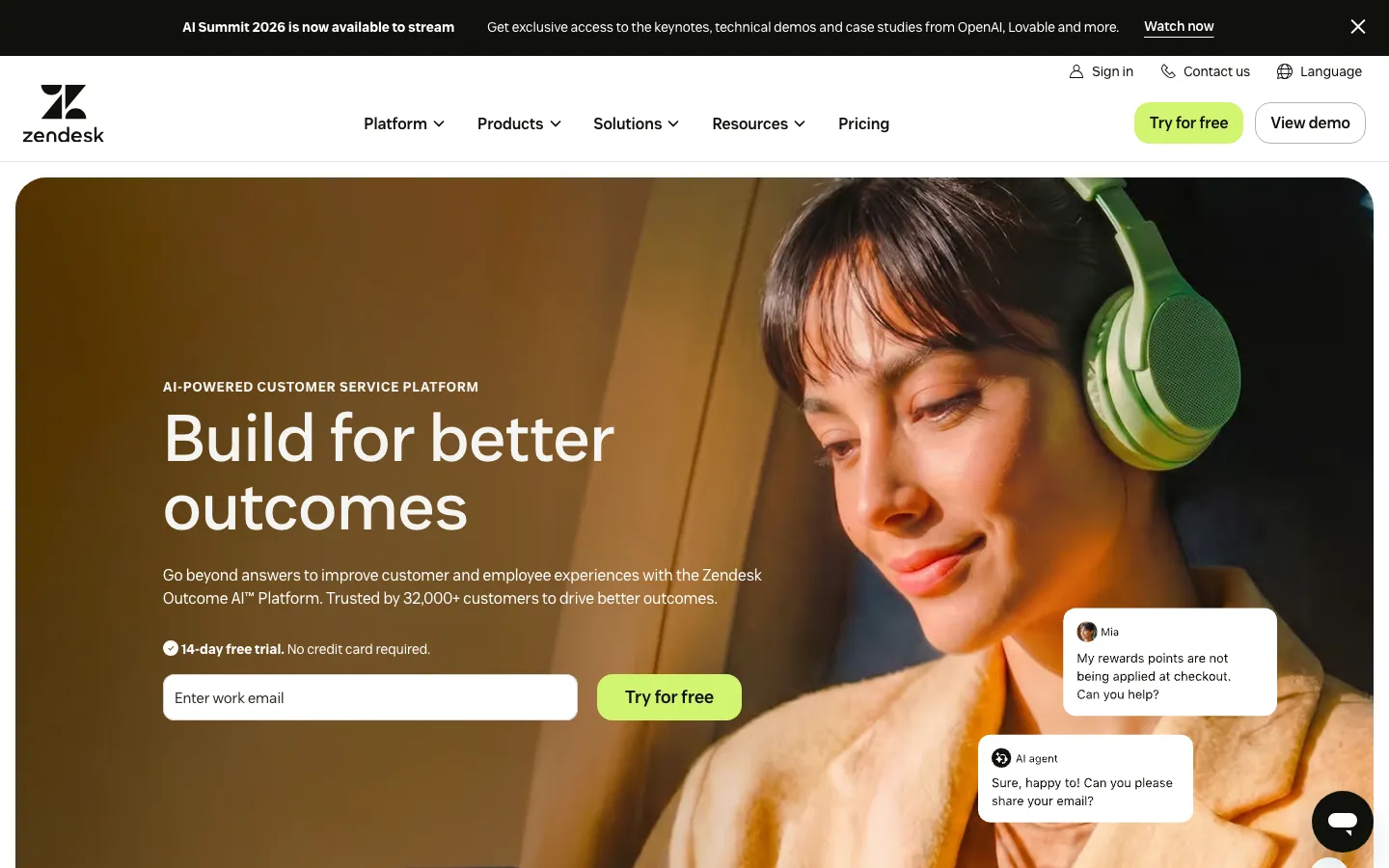
Zendesk is a helpdesk designed to hold the whole support operation together. Its service platform handles tickets and conversations from email, chat, phone, social channels, messaging apps and a help center in one interface. That is the right shape of product when handoffs, routing and an expanding set of channels have made a shared inbox unreliable.
The choice starts with the support model, not with an impressive feature list. Support Team is the email-and-ticketing option. The Suite plans package ticketing with messaging, live chat, a knowledge base and voice. For a team evaluating the wider marketing tools directory, Zendesk belongs in the customer-service decision, where the cost of a missed or repeated customer conversation matters more than a long integration list.
Its pricing is primarily per agent, per month. A plan determines the tools and allowances; add-ons and usage beyond allowances can raise the bill. I would choose Zendesk for the breadth and the operating controls, not because the entry price looks low. The more channels, automation and governance your team needs, the more its structure makes sense.
Which support organizations benefit most from choosing Zendesk?
Teams leaving a shared inbox
Support Team organizes email tickets, rules, reporting, and routing as ownership becomes essential.
Multichannel support teams
Suite Team brings messages, live chat, help-center tools, and telephony into one operation.
Specialized support queues
Suite Professional supports specialist queues with skill routing and an IVR phone menu.
Enterprise service teams
Enterprise supports governed service changes through sandbox testing, approvals, and tailored agent permissions.
Zendesk is less compelling for a tiny team that only needs a few shared email conversations, or for anyone who cannot budget for usage-based AI work. In those cases, less configuration is often the feature. Its 14-day trial defaults to Suite Professional, which is useful for seeing the full workspace, but do not treat that as proof that you need every tier it exposes.
What ticketing, telephony, and self-service features does Zendesk offer?
Ticketing and routing
Support Team includes an email and ticketing system, ticket routing, customer context, automations, triggers and prebuilt analytics dashboards. Suite plans add omnichannel routing. Suite Professional adds skills-based routing and an IVR phone tree, so a customer can reach a queue or specialist rather than simply the next available person.
Service across channels
The Suite is Zendesk's answer to fragmented support. It combines ticketing, messaging, live chat, a help center and voice support. Suite Team lists messaging, live chat and telephony. The messaging platform also supports channels including WhatsApp and Apple Messages for Business, with APIs for managing conversations.
AI agents and assistance
Zendesk says AI agents are included in every Support and Suite plan. They can work in messaging, email and voice, and the builder starts from natural-language procedure descriptions. An automated resolution is a customer request the AI resolves without escalating to a human, and that is the unit Zendesk uses to bill AI-agent usage. This is a sensible commercial model if automation genuinely handles repeat work, but it means volume is part of your software budget.
Workflow controls
At the Professional level, Zendesk lists an administrative AI assistant, a low-code builder, writing support and quick reporting. The Enterprise tier introduces AI triage and suggested assistance, plus a sandbox, approvals and configurable agent permissions. These are not reasons for a small support team to buy the top tier. They are tools for an organization that needs to control changes and standardize how many agents work.
Developer platform
Zendesk Sunshine is the developer platform behind its APIs and SDKs. The documentation covers ticketing, help center, AI agents, messaging, voice and live chat. Its APIs use REST principles and return JSON-encoded responses; SDKs cover web, iOS, Android and Unity messaging. There is also a free 14-day developer account. For an engineering team, that makes Zendesk a credible system to extend, although it does not remove the need to define permissions and failure handling before an integration goes live.
How does Zendesk price its Support and Suite subscription tiers?
Price checked 27 Nov 2026
| Plan detail | Support Team€19/agent/mo | Suite Team€55/agent/mo | Suite Professional€115/agent/mo | Enterprise tierTalk to sales |
|---|---|---|---|---|
| Billing shown | Paid yearly | Paid yearly | Paid yearly | Sales-assisted |
| Email ticketing | ✓ | ✓ | ✓ | ✓ |
| Messaging and live chat | Not confirmed | ✓ | ✓ | ✓ |
| Telephony | Not confirmed | ✓ | ✓ | ✓ |
| Administrative AI assistance | Not confirmed | Not confirmed | ✓ | ✓ |
| Skills-based routing | Not confirmed | Not confirmed | ✓ | ✓ |
| Automated resolutions included Up to 10,000 per year | 5/agent/mo | 5/agent/mo | 10/agent/mo | Contact sales |
Zendesk seat prices in euros and AI usage charges in US dollars, checked 27 Nov 2026.Zendesk pricing
A three-agent team on annual Suite Professional billing is €345 a month before add-ons and usage. That is the number to start from, not €115. The pricing page also identifies three common ways the bill moves:
- Copilot is a featured add-on at €50 per agent/month paid yearly
- Extra automated resolutions are US-dollar charges: $1.50 each when committed, or $2.00 pay as you go, checked 27 Nov 2026
- Voice, workflow and other optional capabilities can be billed by seats, usage or the specific add-on
Zendesk subscriptions can be month-to-month, annual or multi-year, and annual billing is usually discounted. Get an itemized quote when you expect a large AI-agent volume or need optional products. That is the only dependable way to compare the bill your own operating model creates.
What advanced governance controls does Zendesk Enterprise include?
Zendesk Suite Enterprise + Copilot is designed for teams where support configuration requires dedicated governance and granular operational controls. Zendesk lists sandbox testing, approval workflows and custom agent roles at that level, alongside the more proactive AI assistance. Enterprise service plans generally require sales engagement, so a buyer needs to take requirements and expected usage into that discussion rather than expect a self-serve checkout price.
The important distinction is governance, not just more channels. A team that only needs live chat and phone support can start looking at Suite Team. Enterprise becomes relevant when workflow changes need a safer place to test and a clearer way to limit what different agents can do.
Where does Zendesk fall short regarding billing transparency and complexity?
Zendesk publishes a straightforward tier ladder, but calculating the complete invoice becomes difficult once seat add-ons and consumption apply. Every paid agent raises the base cost, and Copilot, other add-ons and extra automated resolutions are separate decisions. A leader who signs from the plan comparison alone can end up with an avoidable surprise once the team starts using AI at volume.
The plans also ask you to predict the support operation you are building. Support Team is built for email support. Suite Team lists messaging, live chat and telephony, while Suite Professional lists skills-based routing and an IVR phone tree. Support plans offer flexibility to add channels and expand capabilities; confirm the availability and price of the channels, skills-based routing and IVR your team needs before choosing a tier.
Finally, enterprise buying is a sales conversation. That is reasonable for teams that want approval workflows, sandboxes and custom agent roles, but it removes price certainty at the point where governance matters most. Ask for the inclusions, usage assumptions and renewal terms in writing.
What are the best competitive helpdesk alternatives to Zendesk?
 Zoho Desk review is the right comparison if ticket ownership, internal notes and routing by skill, workload and availability are central to your decision. It gives a support team a clearer view of the collaboration rules around each handoff.
The Ada review is worth reading when the priority is an AI agent that resolves customer requests instead of a full helpdesk operating model. Keep that distinction clear: Zendesk sells the wider ticketing, channel and service-management workspace around its AI agents.
Is Zendesk the right enterprise helpdesk platform for your company?
Zendesk earns its place when customer support has outgrown one channel and needs a shared operating system for people, automation and knowledge. Suite Team is the practical starting point for a multichannel team; Suite Professional lists skills-based routing and IVR. The service is broad enough to scale with a serious support operation, but only if you budget for the parts that scale with it.
Start the 14-day trial with the conversations and procedures your team already handles, then price the annual seat count, expected automated resolutions and any add-ons before choosing a tier.
How did we verify Zendesk pricing tiers and developer documentation?
Zendesk customer-service tier comparisons and official developer documentation were evaluated and confirmed on 27 Nov 2026. Seat prices are in euros as Zendesk showed them; extra automated resolutions are US-dollar usage charges. Every figure follows how we check figures.
- Zendesk customer-service pricing and plan comparison
- Zendesk service-platform and AI-agent pages
- Zendesk developer documentation for APIs, SDKs and apps
Where can teams find practical how-to guides for Zendesk?
What are the answers to common questions about Zendesk?
How much does Zendesk cost?
Paid yearly, Support Team is €19, Suite Team is €55 and Suite Professional is €115 per agent/month. Suite Enterprise + Copilot requires a sales conversation.
Is there a Zendesk free trial?
Yes. Zendesk offers a 14-day trial that defaults to the Suite Professional plan. Copilot is included by default, while the AI capabilities available for evaluation can vary.
How does Zendesk charge for AI agents?
Zendesk bills by automated resolutions, meaning requests the AI resolves without escalating to a human. Plans include an allowance of up to 10,000 per year; extra resolutions are US-dollar charges of $1.50 when committed or $2.00 pay as you go, checked 27 Nov 2026.
Does Zendesk have an API?
Yes. Zendesk documents REST APIs and SDKs for ticketing, help center, messaging, voice and live chat. Its API responses are JSON-encoded.
 Reviewed byDanny Kirk
Founder of ReddiReach.
 Checked byAndrés Felipe
Digital designer and marketer.
Every figure is checked against the vendor's own page. Read our editorial standards.