Key Takeaways
- Zoho Cliq combines team messaging, audio and video calls, screen sharing, and workflow automations into a unified, budget-friendly collaboration hub.
- Zoho Cliq offers a free plan alongside a Professional tier priced at €1.80 per user monthly on annual terms with a 10-user minimum.
- Zoho Cliq delivers REST APIs, Deluge scripting, deep linking, and extension frameworks, though engineering teams must confirm MCP server support directly.
- Zoho Cliq lacks end-to-end task and project milestone tracking, requiring dedicated project management software when organizations prioritize schedule management over real-time communication.
When your team needs one place for chat, calls and screen sharing, Zoho Cliq is a practical low-cost communications layer, especially alongside other Zoho apps. Choose dedicated project software instead when a visible plan, schedule and delivery ownership matter more than the discussion around the work.
Agent access
- API
- Yes, free, Standard, Professional, and Enterprise
- MCP server
- Official, hosted, OAuth
- Works with
 Claude
 ChatGPT
 Cursor
 VS Code
- Automation
- Zapier
What are the primary pros and cons of Zoho Cliq?
What works
- Free chat, file storage and meetings with screen sharing
- Professional adds task management, roles and permissions
- REST APIs, bots, extensions and internal tools are documented
What to watch
- Professional and Enterprise each require at least 10 users
- Audit history and DLP sit on Enterprise
- Task management is not on Free or Standard
How does Zoho Cliq streamline team messaging, calling, and file sharing?
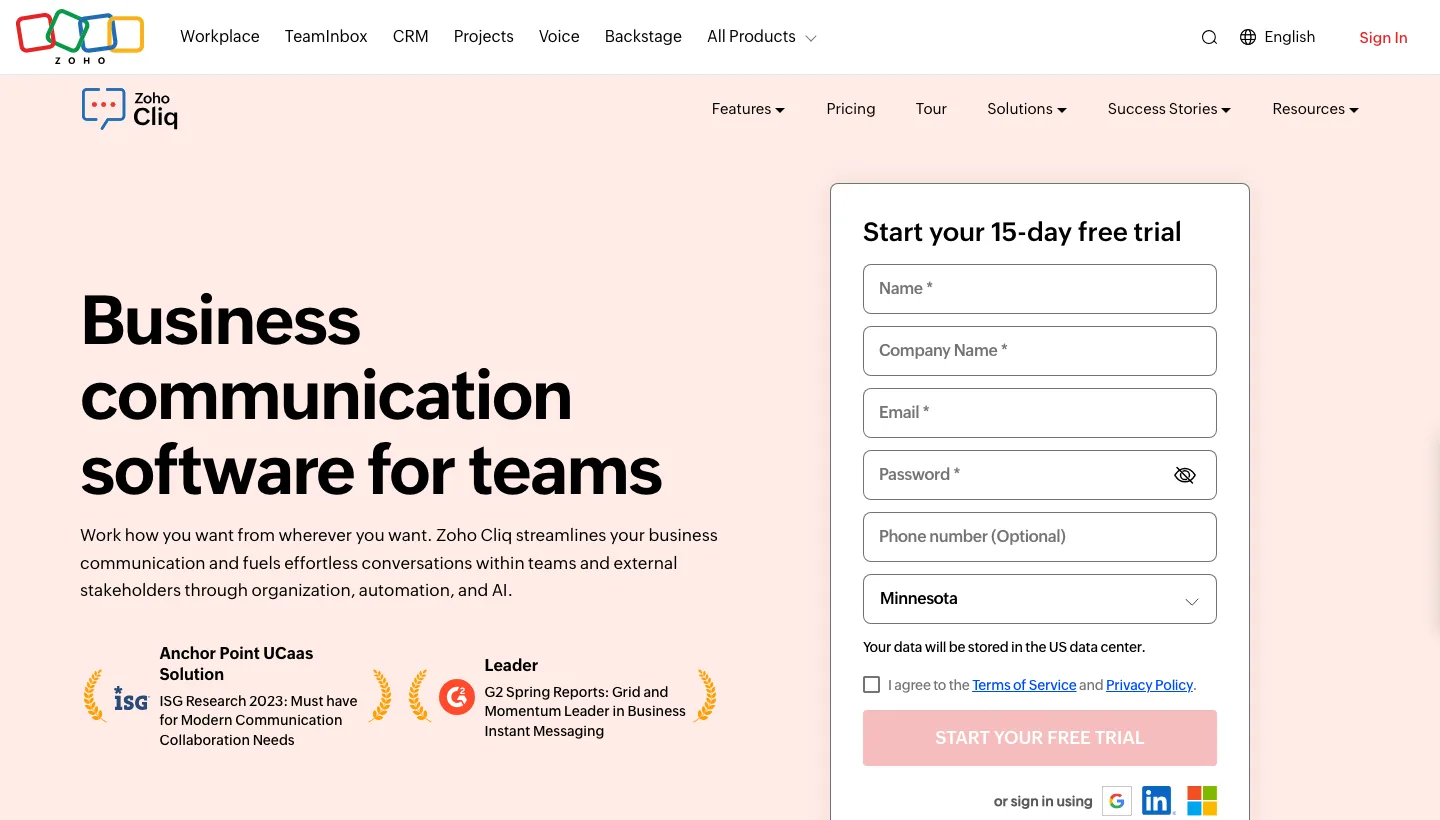
Zoho Cliq gives teams a centralized digital workplace for group chats, channels, audio calls, screen sharing, file transfers, and automated reminders. It is a sensible fit when communication keeps scattering across inboxes and meetings, particularly if your records already live in Zoho. It belongs in the marketing tools directory as collaboration software, but it should not be mistaken for a complete project-management workspace.
That distinction matters before you price anything. A message can become a task in a connected project tool, or be attached to a CRM record, and Cliq’s reminders and starred messages help a team keep track of immediate work. Those are useful ways to move a conversation forward. They do not turn chat into a plan with an agreed scope, schedule and owner.
For a team already using the wider Zoho family, Cliq has a clear role: keep the discussion next to the systems where customer and project work is recorded. For a team choosing a project hub from scratch, decide on the work system first and add chat around it.
Which types of organizations benefit the most from Zoho Cliq?
Budget-minded teams
Get chat, file storage and screen-sharing meetings on Free before committing the team to paid seats.
Zoho customers
Keep conversations connected to existing Zoho records and apps rather than adding a separate communication layer.
Developer-led operations
Build bots, extensions and internal tools with REST APIs and Deluge when chat should trigger repeatable work.
Meeting-heavy groups
Use 24-hour meetings and call recording on paid plans when conversations regularly need a shared screen.
Cliq is less compelling for a delivery team whose first question is what happens next, who owns it, and when it is due. Keep communication in Cliq if it suits you, but put the operating plan in software built around that structure.
What communication and automation features does Zoho Cliq include?
Chat that keeps context close
Every plan includes unlimited one-to-one and group chats. Free groups hold up to 100 people; paid plans raise that to 500. Pinned messages, reactions, drag-and-drop files and forked messages make the thread more usable when a busy discussion splits into separate decisions.
Calls and meetings without a separate room
Cliq includes one-to-one audio and video calls plus screen sharing. Free meetings run up to 60 minutes, while paid plans allow up to 24 hours. Call recording starts with Standard. Standard includes five room-device licenses, Professional 25 and Enterprise 50; live events start on Professional.
Task signals and connected workflows
Cliq provides personal and team reminders from chat, along with starred-message archives. Its task-management page documents connections to Asana, Trello and Zapier, including notifications and task commands for Asana. That is the practical boundary: Cliq can signal and route work, while the connected system holds the project.
Bots and a developer platform
Zoho documents a built-in assistant called Taz for calendar invites, notes, links and reminders. For custom work, the developer resources cover REST APIs with syntax and sample code, deep linking, Deluge, extensions and internal tools. That gives a development team documented integration surfaces. Teams that require MCP should ask Zoho about support before committing to an agent workflow.
Controls for a larger organization
Professional and Enterprise add team management, task management, roles and permissions, and module configuration. Enterprise adds audit history, eDiscovery and DRP, Data Loss Prevention, branded meetings and usage-report export. Those controls are meaningful when governance is part of the purchase decision, but they are not a reason to buy Enterprise for an ordinary chat rollout.
How is Zoho Cliq priced across its free and paid user tiers?
Price checked 27 Nov 2026
| Plan detail | Free€0 | Standard€16.20/mo | Professional€1.80/user/mo | Enterprise€3.60/user/mo |
|---|---|---|---|---|
| Billing shown | Free | Up to 25 users, annual billing | Annual billing | Annual billing |
| Group participants | 100 | 500 | 500 | 500 |
| Maximum meeting duration | 60 minutes | 24 hours | 24 hours | 24 hours |
| Task management | ✕ | ✕ | ✓ | ✓ |
| Call recording | ✕ | ✓ | ✓ | ✓ |
| Audit history and DLP | ✕ | ✕ | ✕ | ✓ |
Zoho Cliq prices in euros, 27 Nov 2026.Zoho Cliq pricing
The Standard plan is €16.20 a month on annual billing for up to 25 users, rather than a per-seat rate. Professional is €1.80 per user a month and Enterprise is €3.60 per user a month on annual billing. Both per-user tiers have a 10-user minimum, so the smallest annual-billed Professional team costs €18 a month before local taxes. That is the team bill to use when task management and roles are the reason to move beyond Standard.
- Monthly billing shown by Zoho is €18 for Standard, €2 per user for Professional and €4 per user for Enterprise.
- Professional and Enterprise include 100 GB of file storage per user; Free and Standard list 100 GB per organization.
- Additional storage starts at €18 per year for 5 GB.
- Networks is an add-on from Standard. As checked 27 Nov 2026, paid Networks start at €50 per month for Mini, covering 101 to 500 users and 200 GB of storage; Professional and Enterprise include three free Networks.
- Additional room devices cost €9 per device per month, billed annually.
- Zoho says local taxes, including VAT and GST, are charged in addition to the displayed prices.
When does upgrading to Zoho Cliq Enterprise make sense for businesses?
Zoho Cliq Enterprise provides substantial organizational management and security features rather than merely raising conversation volume limits. It is the tier that adds audit history, eDiscovery and DRP, DLP, branded meetings and exported usage reports. If those controls are requirements from security, legal or IT, the €3.60 per user per month, billed annually, creates a clear reason to evaluate it. If they are not, Professional is the more relevant paid tier for task management, roles and permissions.
Where does Zoho Cliq fall short compared to specialized collaboration apps?
Zoho Cliq includes a generous Free tier for standard messaging, yet the plan omits task management tools and caps meeting lengths at 60 minutes. Standard adds call recording and external channels, yet task management still begins on Professional. A team that needs work assignment in the product should price Professional from the outset rather than assume the middle tier covers it.
The next constraint is the paid-seat floor. Professional looks inexpensive at €1.80 per user a month on annual billing, but Zoho lists a minimum of 10 users. That makes it a good fit for a real team, not a tiny group seeking a single paid seat.
Finally, Cliq’s official materials position it around communication, integration and automation. The project-management capabilities that matter to a delivery operation are better assessed in a dedicated project review, rather than inferred from reminders and message actions.
Which dedicated project management tools serve as alternatives to Zoho Cliq?
If a schedule has to stay visible alongside the conversation, start with the  Zoho Projects review: its Gantt charts build a project plan and track the task schedule. For a broader work-management layer, read the Adobe Workfront review, which supports auto-routing, custom forms and smart approvals.
Neither alternative replaces the reason to choose Cliq. Cliq is strongest when discussion, calls, reminders and workflow triggers are the immediate need. A dedicated work-management tool wins when the operating plan has to be visible before the next message arrives.
Is Zoho Cliq the best communication tool for your workforce?
Zoho Cliq represents a sensible, cost-effective initial communications layer for businesses seeking to eliminate fragmented inbox threads and scattered meeting links. Start on Free, then move to Professional when task management, roles and permissions become necessary. Keep the work plan elsewhere when schedules and dependencies drive the day.
Begin on Free if chat, calls and file sharing are the need. Move a 10-person team to Professional when task management and roles become necessary, and reserve Enterprise for documented governance requirements such as DLP or audit history.
How were Zoho Cliq features and subscription tiers evaluated?
Zoho Cliq pricing levels, feature quotas, and official developer documentation were evaluated against vendor specifications on 27 Nov 2026. Prices are shown in euros as the vendor displayed them, and the review follows how we check figures.
- Zoho Cliq pricing and plan-comparison pages
- Zoho Cliq feature, task-management and chatbot pages
- Zoho Cliq developer documentation
What are the most frequent questions asked about Zoho Cliq?
Does Zoho Cliq have a free plan?
Yes. Free is €0 and includes messaging and channels, file storage, meetings with screen sharing, remote-work features and chat export. Zoho also advertises a 15-day free trial for paid plans.
How much does Zoho Cliq cost for a team?
Standard is €16.20 a month on annual billing for up to 25 users. Professional is €1.80 per user per month and Enterprise is €3.60 per user per month on annual billing, each with a 10-user minimum.
Does Zoho Cliq include task management?
Task management is listed on Professional and Enterprise, not on Free or Standard. Cliq also documents reminders and integrations with Asana, Trello and Zapier.
Does Zoho Cliq have an API?
Yes. Zoho’s developer materials cover REST APIs, deep linking, Deluge, extensions and internal tools. Ask Zoho about MCP support if your workflow requires it.
 Reviewed byDanny Kirk
Founder of ReddiReach.
 Checked byAndrés Felipe
Digital designer and marketer.
Every figure is checked against the vendor's own page. Read our editorial standards.