
Key Takeaways
- Appsmith empowers engineering teams to build custom internal applications, operations dashboards, and admin panels connected directly to proprietary databases and APIs.
- Appsmith offers a free Community edition alongside a Business tier at fifteen dollars per user monthly and scalable enterprise deployments.
- Appsmith enables technical developers to integrate REST endpoints, GraphQL schemas, database queries, and custom JavaScript application logic without restrictions.
- Appsmith requires dedicated engineering maintenance and security oversight, making it poorly suited for teams wanting simple no-code trigger automations.
When you need a working internal screen over your databases and APIs, Appsmith gives technical teams a way to build it with widgets, queries and JavaScript. Its open-source Community edition and free self-hosting make it a strong option when your team wants control over the application, not just an automation between services.
Agent access
- API
- Not found on official pages
- MCP server
- Official, hosted or local, Bearer MCP key in the Authorization header
- Works with
 ClaudeClaude Code
 ChatGPT
 Cursor
 VS Code
- Automation
- Zapier, n8n
What are the pros and cons of Appsmith?
What works
- Drag-and-drop widgets for assembling application interfaces
- Databases and APIs connect through data sources
- Free Community edition and self-hosting are available
What to watch
- Free cloud use stops at five users and five workspaces
- Business adds a $15 monthly charge for each user
- Enterprise controls and support begin at 100 users
What does Appsmith build for engineering teams?
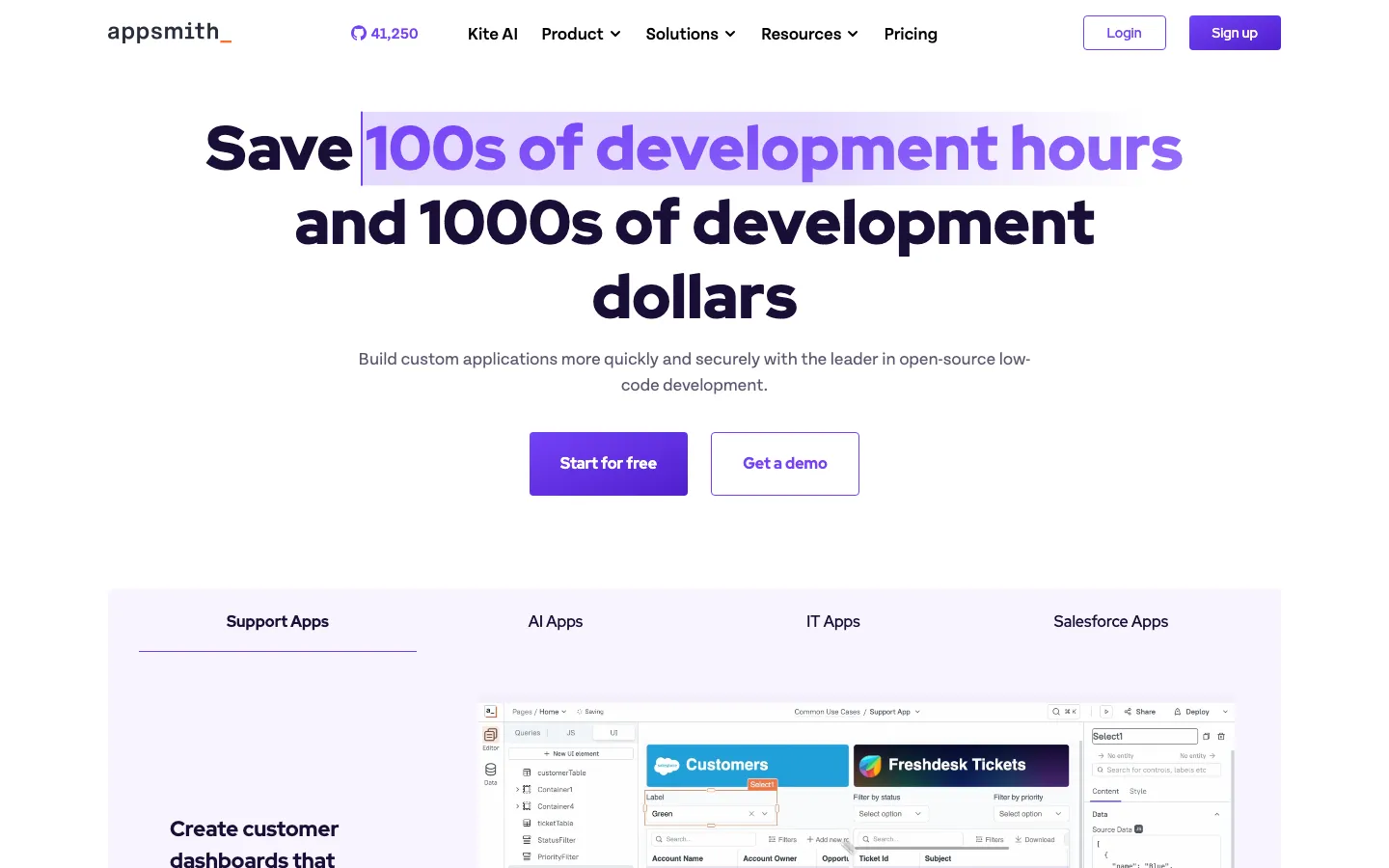
Appsmith is an open-source developer tool for building internal applications such as dashboards, database interfaces, admin panels, approval apps and customer-support tools. You connect a data source, arrange the interface from widgets, then use queries and JavaScript to make it behave. It earns a place in a marketing tools directory when your team needs a purpose-built operating screen, not another generic workspace.
That distinction matters. Appsmith is not trying to make every process fit a preset template. It gives a technical team the pieces to put a useful interface in front of a database or API, whether the job is checking a queue, approving a request or exposing a controlled part of an internal system.
The commercial decision is unusually clear at the start: the Community edition is open source, a cloud account is available, and free self-hosting is documented. The trade is responsibility. Appsmith can speed up the interface layer, but the team still owns the data model, the permissions and the application logic.
Who should build internal tools with Appsmith?
Internal tools developers
Build focused dashboards and interfaces from widgets, data sources, queries and JavaScript rather than starting every screen from scratch.
Operations teams with developers
Give a recurring operational task a purpose-built interface while a technical owner controls data connections, permissions and change management.
Self-hosting teams
Run Appsmith on a local machine or private server when deployment control matters and your team can manage the installation.
Enterprise platform teams
Use Enterprise when SAML or OIDC, SCIM, private embedding, dedicated support and service-level agreements are named requirements.
Appsmith is a poor match for a team looking for a one-click automation between two existing services. It is also the wrong purchase when the people asking for the app cannot identify a technical owner. The point is control over a working application, not avoiding every engineering decision.
What developer features does Appsmith include?
Widgets and application interfaces
Appsmith supplies pre-built widgets that can be dragged into an application layout. That makes it practical to assemble a dashboard, form or admin screen without rebuilding common interface elements for every project. The useful test is whether the interface reduces a real handoff or lookup for the people who use it.
Data sources, queries and APIs
The platform connects to databases and APIs through data sources. Its documentation says queries and JavaScript can read and write data, while the product page lists SaaS tools and REST or GraphQL APIs among the connections. That is the foundation for an internal tool, but it also means a write action deserves the same careful access design as any other application.
JavaScript and custom code
JavaScript is available for manipulating data, appearance and business logic, and Appsmith says builders can import their own JavaScript libraries. This is the feature that separates Appsmith from a fixed interface builder: unusual rules do not have to be squeezed into a small set of visual settings. It is most valuable when the team treats that code as application code, with a clear owner.
Git and deployment workflow
Appsmith supports version control with Git, including branches for tracking and rolling back changes. The product page also describes merging updates and deploying from designated environment branches. A team that already reviews and deploys code can bring that discipline to an internal tool rather than treating the interface as a separate, untracked asset.
Cloud and self-hosted options
You can create an account on Appsmith Cloud or self-host Appsmith for free. The vendor also says any edition can run in customer infrastructure, while the self-hosting documentation recommends Docker Compose or Kubernetes and gives a baseline of two virtual CPUs and 8 GB of memory. Self-hosting is meaningful control, not a free pass from operating work.
How does Appsmith price cloud and self-hosted editions?
Price checked 27 Nov 2026
| Plan detail | Free$0/mo | Business$15/user/mo | Enterprise$2,500/mo |
|---|---|---|---|
| Published user allowance | Up to 5 for cloud | Up to 99 | Starting at 100 |
| Workspaces | 5 | Unlimited | Unlimited |
| Git repositories | 3, plus unlimited public repos | Unlimited | Unlimited |
| Support | Community | Email and chat | Dedicated support and SLAs |
| Access controls | 3 standard roles | Custom roles and controls | Custom roles and controls |
Appsmith prices in US dollars, 27 Nov 2026.Appsmith pricing
Business is priced by user, so calculate the team bill before it becomes the assumed platform. For a team of 10 users, Business is $150 per month. For 99 users, it is $1,485 per month. Enterprise is published at $2,500 per month for 100 users; Business is listed for up to 99 users.
- Business adds workflows, reusable packages, premium integrations, audit logs and removable branding
- Enterprise adds SAML or OIDC single sign-on, SCIM provisioning, CI/CD and private app embedding with shared logins
- Air-gapped edition and managed hosting are marked as Enterprise add-ons, so ask for their cost in writing
Free is substantial enough to settle the question with a small cloud team: it includes five workspaces, three Git repositories, unlimited public repositories, Google SSO and public apps. It is not a free version of every control, so the move to Business should follow a requirement for collaboration, custom roles, audit logs or the higher user allowance.
What does Appsmith Enterprise provide for platform teams?
Appsmith Enterprise delivers advanced governance and deployment options for platform engineering teams managing internal applications. The public price is $2,500 per month for 100 users, with the plan starting at 100 users. It includes Business features plus SAML or OIDC SSO, SCIM user provisioning and group sync, CI/CD, custom integrations, dedicated support and service-level agreements.
There are also deployment features that belong in a real procurement conversation. Private app embedding with shared logins, an air-gapped edition and managed cloud hosting are listed on the plan, but the latter two are add-ons. A team should ask exactly which deployment, support and security requirements are included before treating the published price as its complete cost.
Where does Appsmith fall short for non-technical teams?
Appsmith gives you a faster route to a custom internal application, but it does not remove the need to own that application. Widgets, data sources and JavaScript are flexible because they can be combined into a workflow that matches your work. That same flexibility means the team must make sound decisions about who can access data and who approves changes.
The free cloud plan is deliberately small: up to five users, five workspaces and three Git repositories, alongside unlimited public repositories. That is enough to prove a focused job, not to assume a department-wide rollout will remain free. Business removes the workspace and repository limits but makes the bill rise with every user.
Self-hosting has its own boundary. Appsmith documents local-machine and private-server deployment, recommends Docker Compose or Kubernetes and gives a starting hardware baseline, but it also says production sizing depends on workload, concurrency and supporting services. Choose it for a deployment requirement you can name, not because the word free makes ongoing maintenance disappear.
Which Appsmith alternatives are worth evaluating?
 Bardeen review is worth reading when the job begins with research or data on websites rather than an internal interface. Bardeen publishes web scraping, research, enrichment and AI qualification for go-to-market workflows, with plans from $10 a month billed monthly, checked 27 Nov 2026. It is the narrower option when you need a workflow around external web data rather than a custom app on your own systems.
 Baserow review fits a different starting point: it combines a database, application builder and workflow automation, with cloud and self-hosted deployment. Its free cloud plan is a useful place to test a shared data model. Choose Appsmith instead when the interface and JavaScript logic around existing databases or APIs are the center of the job.
What is the verdict on using Appsmith?
For an internal process that needs a purpose-built screen, Appsmith is worth considering when your team wants to control the interface, data connections and deployment. The free Community edition and self-hosting route make it possible to prove that case without beginning with a large contract.
The budget question is straightforward after that. Price Business by every person who will join a workspace, and judge Enterprise by its actual security, deployment and support requirements. Do not turn a simple handoff into a custom app just because Appsmith can build one.
Start with one recurring internal task on Free, connect only the data it needs and decide who owns changes. Move to Business when the user count, workflow features or custom access controls are real requirements.
How was Appsmith evaluated and tested?
Appsmith pricing, product documentation, self-hosting guides, and Enterprise options were evaluated on 27 Nov 2026. Prices are shown in US dollars, as Appsmith presents them, and every figure follows how we check figures.
- Appsmith pricing page and plan comparison
- Appsmith product and Enterprise pages
- Appsmith documentation for internal applications and self-hosting
Frequently asked questions about Appsmith?
Is Appsmith open source?
Yes. Appsmith describes its Community edition as fully maintained open source under the Apache 2.0 license.
Can Appsmith be self-hosted?
Yes. Appsmith documents free self-hosting on a local machine or private server, and says any edition can run in customer infrastructure.
What can Appsmith connect to?
Appsmith connects applications to databases and APIs through data sources. Its product page lists SaaS tools and REST or GraphQL API connections.
How much does Appsmith cost for a team?
Free supports up to five cloud users. Business is $15 per user per month, so 10 users cost $150 per month. Enterprise starts at $2,500 per month for 100 users.
 Reviewed byDanny Kirk
Founder of ReddiReach.
 Checked byAndrés Felipe
Digital designer and marketer.
Every figure is checked against the vendor's own page. Read our editorial standards.