
Key Takeaways
- DivvyHQ, operating under Lytho, centralizes editorial scheduling, content requests, campaign planning, and review workflows for marketing organizations.
- DivvyHQ requires annual subscription agreements without public monthly pricing, requiring prospective customers to speak with sales representatives for customized quotes.
- DivvyHQ incorporates content approval templates, automated calendar filtering, and WordPress integration across its mid-tier and advanced packages.
- DivvyHQ supports programmatic API integrations, though organizations must verify specific package entitlement and single sign-on parameters directly with sales.
If you need one shared calendar for content requests and production workflows, DivvyHQ is a strong fit for your editorial team. It was acquired by Lytho, so confirm the current package and price before committing. If a transparent, standalone content tool is the priority, use the marketing tools directory to compare current options before you commit to a migration.
Agent access
- API
- Yes, Enterprise Accounts
- MCP server
- Not found on official pages
What are the essential DivvyHQ pros and cons?
What works
- Calendar deadlines can be moved by drag and drop
- Request forms can become content items or projects
- Pro and Enterprise support custom workflows
What to watch
- No public plan prices to compare
- Annual contracts are the documented billing model
- Feature availability is not published for every plan
What does DivvyHQ do for editorial planning?
DivvyHQ's useful idea is straightforward: put the work that usually disappears into status meetings on one content calendar. The Lytho support center still calls this product area Divvy/Planner, and its documentation covers the calendar, requests, campaigns, WordPress publishing and workflow templates. That makes it a sensible fit when the actual problem is editorial coordination, not writing more content.
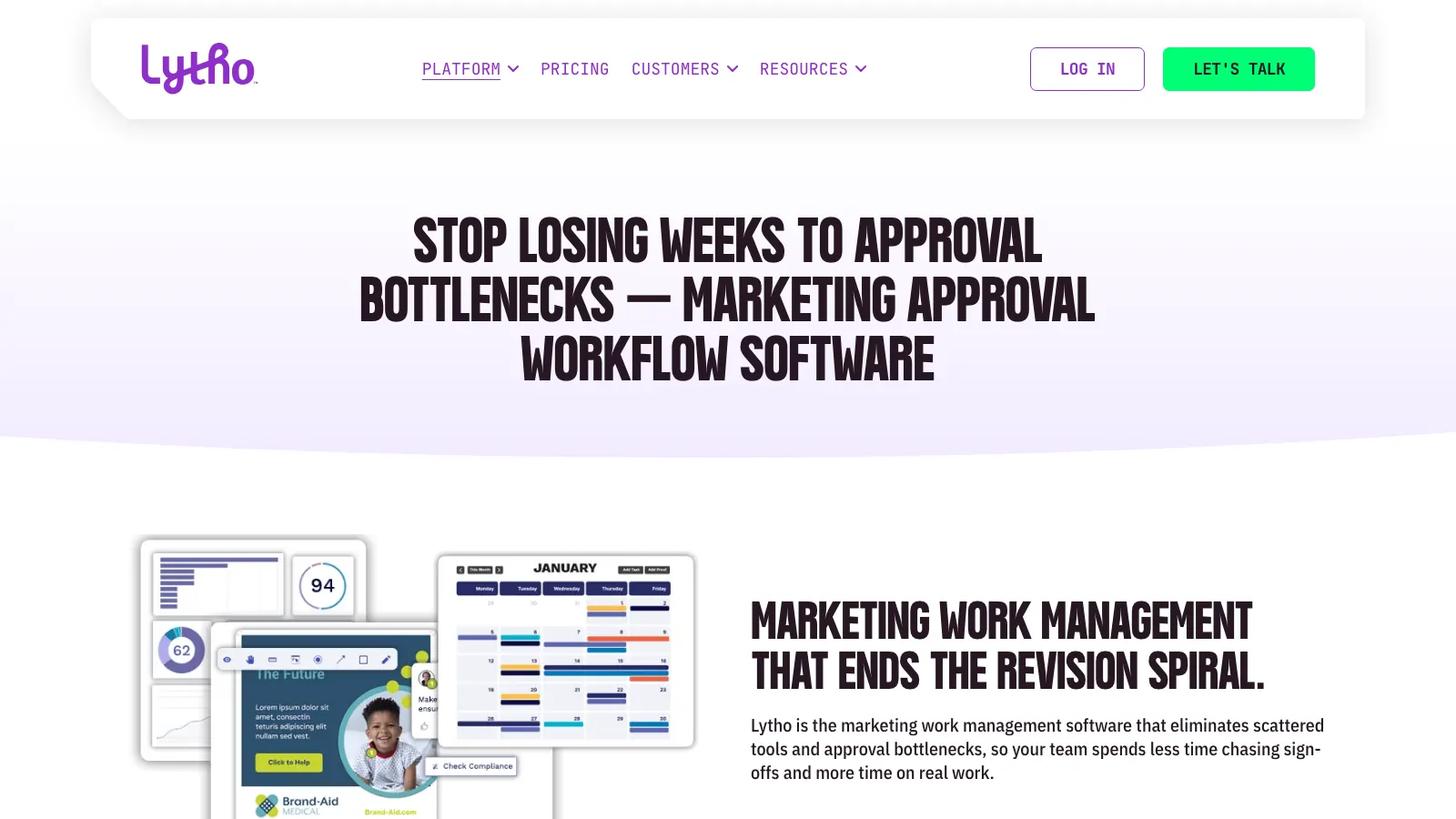
The current buying decision needs a little more care than the familiar name suggests. DivvyHQ's domain sends visitors to Lytho, whose product is positioned around marketing workflow, approvals and compliance. I would treat the documented Divvy/Planner features as the starting point for a conversation with Lytho, rather than assume an old DivvyHQ package or price is still available to buy.
That distinction matters most when your team is replacing a spreadsheet. A calendar and request process can clarify ownership, dates and campaign context. They do not, by themselves, settle whether the product has the integrations, users or commercial terms your rollout needs. Get those answers before moving a production schedule.
Who is DivvyHQ best designed for?
Editorial directors
Coordinate deadlines, owners and workflow stages in one calendar for active content.
Content marketing managers
Turn stakeholder requests into planned content instead of tracking priorities across messages and meetings.
Campaign leads
Group work by campaign, then filter calendars by dates, type, status or priority.
WordPress publishing teams
Send approved content to WordPress from supported Pro and Enterprise Divvy accounts.
It is a poor fit for a buyer who must compare costs and capabilities online before involving procurement. Lytho publishes feature categories and a sales route, not a Divvy/Planner plan matrix with prices. That does not make the workflow weak, but it does mean you cannot honestly calculate the team bill before a quote.
Which content management tools does DivvyHQ offer?
A calendar that can move with the work
Divvy's calendar is designed as a visual schedule, with configurable icons and colors. Editors can filter the view and move future task deadlines by dragging them to another date or time. This is the practical reason to use a dedicated editorial calendar: a delayed review changes the shared plan where everyone can see it, instead of creating another version of a spreadsheet.
Content requests with a route into production
The Content Request tool captures a request, and moderators can convert it into a content item or project. That is more useful than a generic submission form when stakeholders need a formal way to ask for work but editors still need control over what reaches the calendar. It preserves a moment for prioritization rather than automatically turning every request into a commitment.
Campaign planning and filters
Divvy/Planner can associate content with campaigns or events. Campaign management includes filters for date range, calendar, campaign type, status and priority. For a launch team, that creates a second view of the same work: editors can look at each piece, while campaign owners can ask whether the whole initiative has the content it needs.
Workflow templates where the process differs
Custom workflows are available on Pro and Enterprise accounts. The Workflow Builder can create content, campaign and global workflow templates, then assign default team members. Average durations automate deadline scheduling for content workflows; campaign workflows do not use that scheduling automation. Its real value is consistency: a recurring content type can start with the right sequence and owner rather than relying on someone to rebuild the process every time.
WordPress handoff
WordPress integration is documented for Divvy Pro and Enterprise users. It can send a content item to WordPress, and the WordPress plugin can sync changes made in WordPress back to the originating Divvy item. For a WordPress-led team, that is a strong operational bridge. Confirm the other connections your team relies on with Lytho before committing.
Analytics and access controls
DivvyHQ Analytics is a separate module, allowing colleagues outside the content team to view dashboards without a normal Divvy user license. The documentation says dashboards can be added to annual Pro contracts for $150 a month per dashboard. SSO is an Enterprise feature: the support documentation says it is lost when an account is downgraded to Pro or Starter. Both are details worth costing against the people who need reporting and sign-in controls.
How does DivvyHQ structure enterprise contract pricing?
Price checked 27 Nov 2026
| Commercial detail | What Lytho publishes |
|---|---|
| Starter, Pro and Enterprise | Contact sales for pricing |
| Contract term | Full-year contracts only |
| Custom workflows | Pro and Enterprise |
| WordPress integration | Pro and Enterprise |
| SSO | Enterprise only |
| Analytics dashboard add-on | $150/month per dashboard on annual Pro contracts |
Divvy/Planner and Lytho pricing details, 27 Nov 2026.Lytho pricing
There is no published monthly starting price, seat allowance or calendar allowance for the Divvy/Planner plans. The billing area does show a cost breakdown based on plan level, full users, reviewers and discounts, so headcount can affect a quote. On an annual Pro contract, two Analytics dashboards add $300 a month, or $3,600 over the year, before the quoted subscription cost. Ask sales to price your real number of users and reviewers, then add the paid reporting dashboard if it is part of your reporting plan.
- Confirm the annual contract total, not only a monthly equivalent
- Name each full user and reviewer that must have access
- Confirm whether WordPress, custom workflows and SSO are in the proposed plan
- Price every analytics dashboard required by people outside the content team
What does the DivvyHQ Enterprise tier include?
DivvyHQ reserves single sign-on authentication for Enterprise tiers while providing custom workflows and WordPress integration on Pro. That makes Enterprise a control decision rather than an automatic upgrade for every content group. If single sign-on is mandatory, get it named in the proposal. If it is not, compare a Pro quote with the workflow and publishing features your team will actually use.
Where does DivvyHQ fall short for self-serve buyers?
DivvyHQ presents an immediate barrier to self-serve teams due to its lack of publicly transparent pricing. A content lead can see that Starter, Pro and Enterprise exist, and can see some feature gates, but cannot compare a starting bill or calculate how seats change it. Divvy/Planner documents API access, but does not state which tier includes it. An AI agent workflow should wait for that answer, not be built on an assumption.
The second limitation is decision clarity after the move to Lytho. Lytho's public product pages emphasize compliance, approvals, audit trails and AI-assisted review. Those are meaningful strengths for a regulated or brand-governed team, yet they are not a substitute for confirming the Divvy/Planner experience your editorial group expects. Ask to see the calendar, request conversion and workflow setup in the configuration you would purchase.
WordPress is documented for Pro and Enterprise users. Confirm the other integration connections your team needs with Lytho before committing. That may be fine for a WordPress-first operation. It is a risk if your calendar must coordinate a wider publishing stack.
What are the primary DivvyHQ alternatives?
 AI Peekaboo review belongs first only when the work is understanding how a brand appears in AI answers. Its plans start at $30 a month and include API and MCP access, so it complements a content calendar rather than replacing its requests and approval workflow.
 Read the HubSpot Content Hub review if publishing and content management already sit inside a HubSpot operation. It uses AI-powered content creation and CMS tools to create, repurpose and manage content in one place.
 The Jottler review is useful when automated article production and publishing is the job at hand. Its fact-checking pipeline, SEO meta and FAQ schema, CMS auto-publish and Autopilot publishing serve a different role from Divvy's coordination workflow.
What is the final DivvyHQ verdict?
DivvyHQ delivers a unified operating environment for large editorial teams struggling with content intake, scheduling, and approval handoffs.k. The right purchase today is a carefully scoped Lytho proposal that proves those functions are present for your team and confirms how Divvy/Planner is currently packaged.
Take a real campaign through the Lytho demo. Ask the seller to show its request becoming a content item, its workflow, its calendar movement and its WordPress handoff, then get annual price, seats, analytics and SSO in writing.
How were DivvyHQ features and terms checked?
DivvyHQ feature availability, Lytho support terms, and product documentation were checked on 27 Nov 2026. Dollar figures are shown in US dollars where Lytho publishes them, and every figure follows the rules in how we check figures.
- Divvy/Planner support articles for calendars, requests, campaigns and workflows
- Divvy WordPress, analytics, billing and SSO support articles
- Lytho product, integrations and pricing pages
What are common questions about DivvyHQ?
Is DivvyHQ still a standalone product?
DivvyHQ's domain directs to Lytho, and Lytho's support center documents Divvy/Planner. Confirm with Lytho whether it sells a standalone DivvyHQ plan to new customers and how it would package the product for your team.
How much does DivvyHQ cost?
Lytho does not publish a Divvy/Planner plan price. Its support documentation says full-year contracts are accepted, and an Analytics dashboard can be added to annual Pro contracts for $150 a month per dashboard.
Does DivvyHQ work with WordPress?
Yes, for Divvy Pro and Enterprise users. The integration can send content to WordPress, and its plugin can sync WordPress changes back to the originating Divvy item.
Can DivvyHQ use SSO?
Yes, on Enterprise. Lytho's support documentation says SSO is removed when an account is downgraded to Pro or Starter.
 Reviewed byDanny Kirk
Founder of ReddiReach.
 Checked byAndrés Felipe
Digital designer and marketer.
Every figure is checked against the vendor's own page. Read our editorial standards.