
Key Takeaways
- Emailable validates contact lists across batch file uploads, web forms, and developer APIs using a shared, non-expiring credit pool.
- Emailable requires a minimum purchase of 5,000 verification credits priced at €38 pay-as-you-go or €32.30 on monthly recurring billing, while onboarding accounts receive 250 free credits.
- Emailable offers an HTTP API secured by API keys and OAuth alongside official SDK libraries for Python, Node.js, Ruby, and command-line interfaces.
- Emailable frustrates low-volume senders needing fewer than 5,000 credits or marketers seeking inbox deliverability monitoring separated from verification credit consumption.
When a campaign is waiting on a clean list or a form needs to stop bad addresses at the gate, Emailable is the best fit for flexible verification credits across both jobs. If you need a broader marketing tools directory, start there before choosing a service. Choose a different service if your team needs a smaller paid entry point than 5,000 credits, or if you need deliverability monitoring that does not draw from the same credit balance.
Agent access
- API
- Yes, Emailable account
- MCP server
- Not found on official pages
- Automation
- Zapier, Make
What are the core pros and cons of using Emailable?
What works
- 250 credits on every new account for a representative sample
- Unused credits do not expire, including rollover credits
- Unknown results and duplicates return credits after list completion
What to watch
- The first paid purchase is 5,000 credits
- Subscriptions save 15% against the corresponding pay-as-you-go volume
- Inbox reports and blacklist checks also consume credits
How does Emailable protect sender reputation during campaigns?
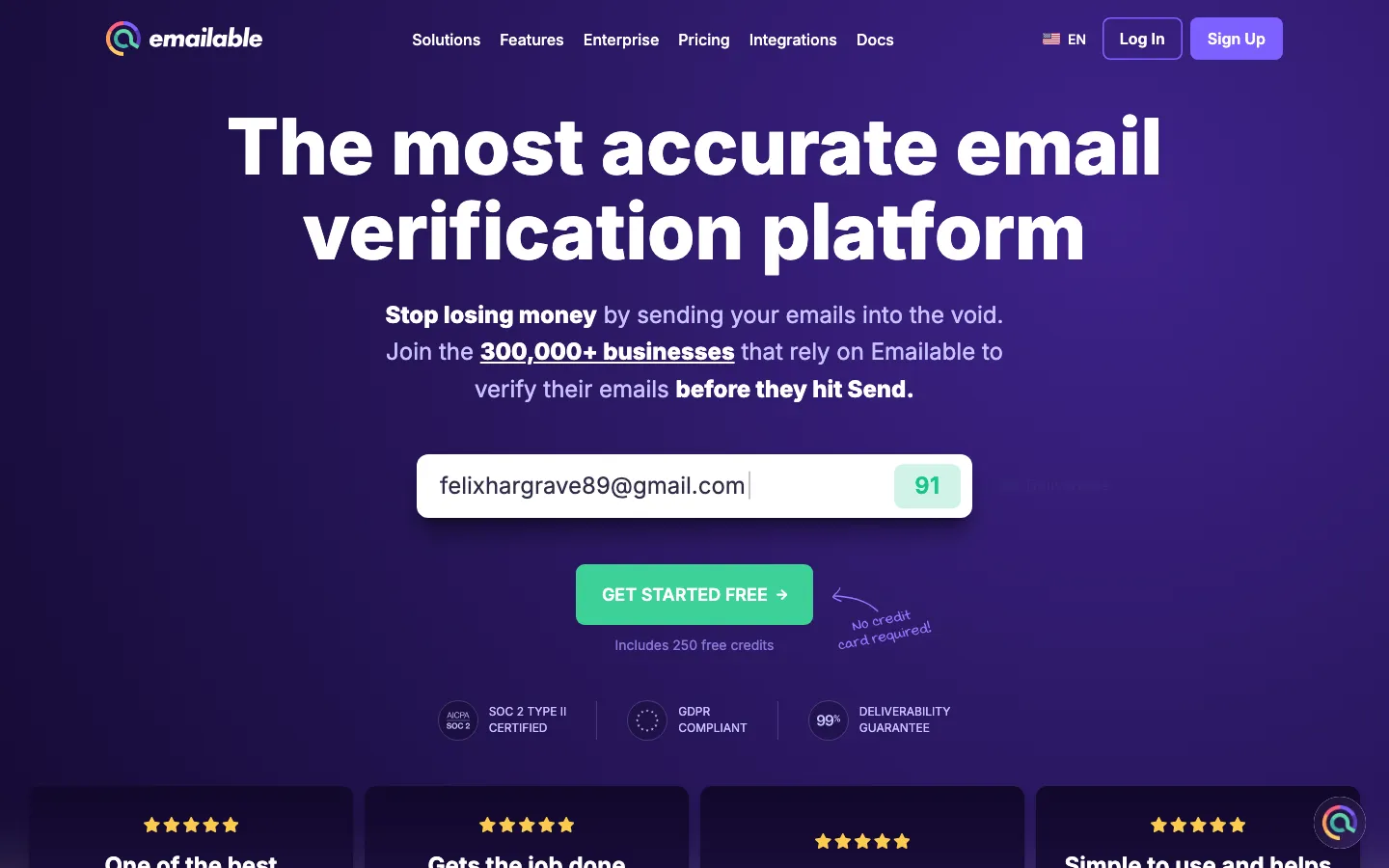
Emailable solves a high-stakes operational problem by detecting stale addresses that waste campaign budgets and damage sending domain reputation. Emailable gives a marketing or operations team four routes into that job: upload a list in Bulk, check an individual address in Verifier, call an HTTP API, or put validation into a form with its Widget. Results are classified as Deliverable, Undeliverable, or Risky, giving the person who owns the send a practical sorting decision rather than a vague health signal.
The selling point is not a maze of plan gates. One verification costs one credit whether it arrives through Bulk, Verifier, API, or Widget. The account offers inbox reports and blacklist monitoring, along with diagnostics for DMARC, SPF, and DKIM authentication. That makes the product easy to budget for when the core work is list hygiene, although monitoring consumes its own credits.
I think the cleanest reason to choose Emailable is flexibility between campaigns. A one-off list purchase does not decay on a calendar, and a team can use the same balance in an upload, application flow, or automation. The 99% deliverability guarantee applies to addresses marked Deliverable, with terms on Emailable's guarantee page. It is a strong plain-language promise, but it is not a substitute for deciding how you will handle Risky addresses in your own sending process.
Who benefits most from adopting Emailable verification credits?
Campaign teams
Clean campaign lists before sending, then retain unused credits for the next mailing.
Form owners
Validate addresses at capture with a widget added through a straightforward form embed.
Product developers
Use the HTTP API from Ruby, Node.js, Python, or command-line production workflows.
Cost-conscious teams
Use one balance across verification routes without long contracts or paid add-ons.
The fit becomes weaker when 5,000 credits feels like more inventory than you can reasonably use. The subscription can make sense for a recurring rhythm because it saves 15% and rolls unused credits forward, but pay as you go is the more natural choice for irregular cleanup projects. Support is advertised through chat and email, while the API documentation says its support team is available around the clock.
Which list-cleaning and validation features does Emailable provide?
Bulk verification with usable output
Bulk is the main route for a team working through a campaign database. Emailable lets you customize exports and see reports after verification. Its published benchmarks say 10,000 addresses typically finish in under three minutes and 250,000 take about seven minutes, depending on the types of emails in the list. Those are useful planning figures, not a reason to schedule a campaign without allowing for your own import and review time.
A guarantee tied to Deliverable results
Emailable says no more than 1% of emails it verifies as Deliverable will bounce when sent. That claim gives you a clear reason to separate Deliverable from Undeliverable and Risky records instead of treating a cleaned file as one undifferentiated audience. The company also detects duplicate addresses and returns the credits used on duplicates and Unknown results when the list completes.
API, OAuth, and client libraries
The API uses the v1 base URL and supports API keys or OAuth access tokens. Documentation covers single and batch checks, remaining account credits, the Widget, rate limits, and status codes. Ruby, Node.js, Python, and CLI client libraries make this the most relevant part of Emailable for a team building its own capture or enrichment process. Agents can use the documented HTTP API; teams that require MCP should confirm its availability before building around it.
Widget for forms
The Widget validates an address at the point of capture. Emailable describes it as a few lines of code added to an HTML form, with customizable parameters. That is a meaningful distinction from cleaning a list after collection: the rejected address does not enter the database in the first place. Use the API instead when the validation needs to live inside a custom application flow rather than an embedded form.
Inbox and blacklist signals
Inbox Reports cover placement metrics, spam results, links and images, while Blacklist Monitoring can notify a team when a domain or IP appears on one of more than 120 real-time blacklists. Emailable also names DMARC, SPF, and DKIM authentication errors as checks. These features extend the account beyond a CSV cleaner, but their costs matter: an inbox report uses 100 credits and each blacklist check uses five.
How are Emailable verification credits and subscriptions priced?
Price checked 27 Nov 2026
| Credit balance | Pay as you go | Monthly subscription |
|---|---|---|
| 5,000 credits | €38 | €32,30/mo |
| 10,000 credits | €60 | €51/mo |
| 100,000 credits | €420 | €357/mo |
| 1,000,000 credits | €2.100 | €1.785/mo |
| Free credits for new accounts | ✓ 250 | ✓ 250 |
| Long-term contract | ✕ | ✕ |
Emailable pricing, 27 Nov 2026.Emailable pricing
The real bill depends on the work, not seats. Three people sharing an account can use the same credits and permissions, but 10,000 verification requests consume 10,000 credits whether one person runs them or three do. At the published €60 pay-as-you-go price, that is the monthly bill for a team verifying exactly 10,000 unique addresses and nothing else. Add one hundred inbox reports and two hundred blacklist checks, and the pricing calculator's published example uses 21,000 credits, priced at €126.
There are no paid add-ons in the account, and credits never expire. More than one million credits requires a custom conversation with sales. The subscription saves 15% each billing cycle and reloads the balance, while credits left from the prior period roll over. Buy the subscription only when you can name the recurring volume; otherwise, the non-expiring pay-as-you-go balance is the better hedge against an uneven sending calendar.
Where does Emailable impose restrictive buying requirements?
Emailable imposes its most obvious operational limitation through a mandatory 5,000-credit minimum purchase threshold. The 250 free credits let you inspect a sample, but a team that only needs a few hundred paid checks must still buy 5,000 credits. That may be acceptable when a list will be reused across campaigns, yet it is a poor match for a very small, isolated cleanup job.
Credit accounting also asks for discipline. Verification is one credit each, while a single inbox report costs 100 credits and a blacklist check costs five. The difference does not make those deliverability tools unreasonable, but it means an operations lead should put monitoring volume in the budget rather than treating every feature as interchangeable with a list check.
The subscription is also a recurring credit reload, not a lower minimum purchase. It saves 15% each billing cycle, and unused credits roll over, but the underlying 5,000-credit minimum still decides whether the service fits a small, isolated job.
What are the most compelling Emailable alternatives on the market?
Emailable is strongest when the deciding question is how to make credits work across a file upload, form, and API.  EmailListVerify review is a useful comparison if weekly domain blacklist monitoring matters, because its monthly plan includes one monitored domain checked weekly.
For a B2B outbound team,  Folderly review centers on inbox placement, sender setup, and delivery monitoring rather than a shared verification-credit balance.
What is the final verdict on buying Emailable credits?
Emailable earns its place when you want a verification service that is direct about the unit of purchase and does not penalize an irregular schedule. The free 250-credit sample, credit refunds for Unknown results and duplicates, non-expiring balances, form widget, and documented API create a coherent package for list hygiene. The guarantee is a useful added layer when your process treats Deliverable as a specific decision, not a blanket permission to send.
I would not overbuy it. Start with the free sample on a representative part of the file. If the 5,000-credit minimum fits the work you actually have, buy pay as you go. Move to monthly only after repeated sends show that 15% savings will outweigh the commitment to a recurring credit reload.
Use Emailable for campaign-list cleanup and form validation when a shared, non-expiring credit balance is more valuable than a complex plan structure. Keep inbox reports and blacklist checks in a separate credit budget.
How was this Emailable review researched and verified?
Emailable product tiers, API capabilities, integrations, deliverability monitoring, and pricing documentation were evaluated on 27 Nov 2026. Prices are shown in euros as the vendor displayed them. The standards behind this review are explained in how we check figures.
- Emailable pricing for credit costs, free credits, refunds, and subscription terms
- Emailable product and deliverability pages for verification and monitoring features
- Emailable API documentation for authentication, libraries, endpoints, and rate-limit coverage
What are the most common questions about Emailable?
Does Emailable have a free plan?
Every new account starts with 250 credits. You can use them to verify a representative sample before buying a paid credit balance.
How much does Emailable cost?
Pay as you go opens at €38 for 5,000 credits, the smallest available purchase. The monthly option starts at €32,30 and saves 15% each billing cycle.
Do Emailable credits expire?
No. Credits remain in the account. On a monthly or yearly subscription, unused credits from the prior billing period roll over after the account reloads.
Can developers use Emailable?
Yes. Emailable documents an HTTP API with API-key and OAuth authentication, plus Ruby, Node.js, Python, and CLI client libraries.
 Reviewed byDanny Kirk
Founder of ReddiReach.
 Checked byAndrés Felipe
Digital designer and marketer.
Every figure is checked against the vendor's own page. Read our editorial standards.