
Key Takeaways
- Hygraph delivers structured content models through a unified GraphQL application programming interface layer across multiple regional brands, applications, and languages.
- Hygraph provides a free Hobby tier for development, with Growth starting at one hundred ninety-nine dollars monthly for ten users.
- Hygraph supports direct connections between structured content repositories and artificial intelligence assistants through Model Context Protocol capabilities.
- Hygraph is ill-suited for non-technical teams requiring visual drag-and-drop page builders or out-of-the-box white-labeled content editing interfaces.
When you need one content foundation to serve several brands, markets and applications, Hygraph is the CMS to choose if your team can work in structured models and GraphQL. Skip it if you need a conventional page builder: Hobby is free to explore, Growth is listed from $199 a month, and the published Enterprise controls cover the heavier governance work.
Agent access
- API
- Yes, Hobby, Growth, and Enterprise
- MCP server
- Official, hosted, Project endpoint: Permanent Auth Token as a Bearer token. Global endpoint: Hygraph login.
- Works with
 ClaudeClaude Code
 Cursor
 VS Code
- Automation
- n8n
What are the main pros and cons of Hygraph?
What works
- Models and components can be built in the UI or with the SDK
- Remote sources can sit behind one GraphQL endpoint
- Hobby gives three seats and 500,000 API calls for free
What to watch
- Growth is listed from $199 a month
- Enterprise limits and pricing require a sales conversation
- Some Hygraph interface and support elements remain visible
What does Hygraph do for content architecture?
Hygraph operates as a core architectural component when digital content must feed multiple websites, localized languages, and software applications simultaneously. Hygraph is built for that job: your team creates models, reusable components and references, then delivers the resulting content through GraphQL. It belongs in a marketing tools directory as a CMS for teams that want the content structure to travel farther than one website.
The useful distinction is federation. Hygraph can enrich content with information from other systems, or bring several APIs into one GraphQL endpoint. That means an editor can work with structured content while the delivery layer also pulls data from a remote source. It is a strong fit when one content foundation has to feed several digital experiences, not when the only requirement is to compose a simple landing page.
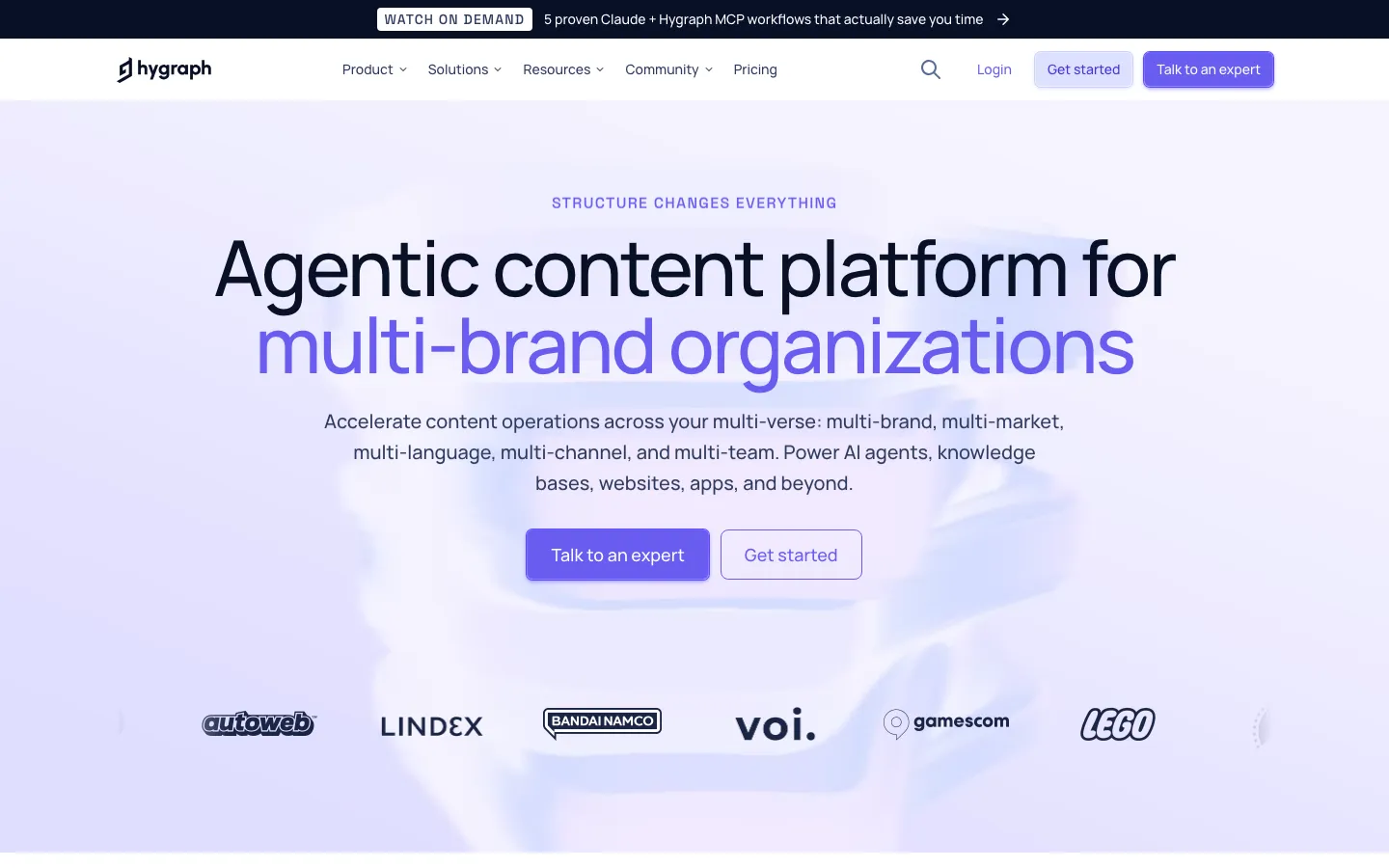
Hygraph positions itself as an agentic content platform for multi-brand organizations, with native brand spaces, shared content models and role-scoped governance. Its plan grid instead differentiates the tiers by model capacity, with 20, 40 or up to 500 models, locales, with 2, 3 or up to 80, and custom roles and permissions, with 0, 0 or up to 30. Hygraph does not specify which plan includes brand spaces or shared content models, so confirm their availability before treating the free account as proof that a production setup will fit your team.
Who should choose Hygraph as their CMS?
Multi-brand teams
Share models across brands while using role-scoped governance for separate content operations.
Multi-market publishers
Manage translated content in one place, with locale allowances rising from two to eighty.
Product and platform teams
Query structured content and connected data through GraphQL for sites and applications.
Technical content teams
Build models in the interface or SDK, then set permissions and stages for editors.
The strongest fit is a team that already knows why content needs to be structured before it is published. A visual website team with no need for API delivery will be paying for capabilities it may never use. For a campaign landing page instead, see the  Instapage review; for a self-employed business, compare the
 Jimdo review, which includes Companion AI in every plan, including Free.
Which headless CMS features does Hygraph provide?
Structured models and reusable components
Hygraph lets teams establish content models, reusable components and references either in the interface or programmatically with its SDK. That flexibility matters when the same editorial field needs to appear consistently across channels. It also puts the early decisions where they belong: before editors create a large library of content, decide what is shared, what is local and what relationships the model needs to preserve.
GraphQL delivery and content federation
Hygraph is GraphQL-first, and its content federation connects remote REST or GraphQL APIs to a project. A remote source can deliver external data alongside native content in one query, while the source system retains the data. Growth includes one remote source and Enterprise lists up to 10. This is the feature that makes Hygraph more than a repository when your product data, media or other operational information already lives elsewhere.
Editorial controls
The platform lists content stages, commenting and assignment, plus permissions, custom workflows and content stages for running a more governed operation. Hobby includes two content stages, live preview and commenting and assignment. Enterprise adds up to five stages, up to 10 custom workflows, scheduled publishing, custom roles and permissions, audit logs and SSO. Those are meaningful additions for a controlled publishing process, but they are not reasons to buy Enterprise until the team has a workflow that needs them.
Localization and brand spaces
Hygraph says teams can translate, publish and manage content in different languages in one place. Hobby supports two locales, Growth supports three and Enterprise supports up to 80. The platform also describes native brand spaces and shared content models for multi-brand organizations, but Hygraph does not specify their plan availability. Confirm their availability for your proposed setup before treating Enterprise as a requirement.
Developer resources and AI access
Hygraph publishes GraphQL API documentation for queries and mutations, an SDK, framework implementation guides and code examples. Its documentation also covers integrations and custom apps. The company says structured content can connect directly to AI assistants through MCP. It does not publish the plan that includes MCP, so confirm access before making agent workflows a requirement rather than a possibility.
How is Hygraph priced across developer tiers?
Price checked 27 Nov 2026
| Plan detail | Hobby$0/mo | GrowthFrom $199/mo | EnterpriseCustom |
|---|---|---|---|
| Seats | 3 | 10 | 200 |
| API calls | 500,000 | 1,000,000 | 50,000,000+ |
| Locales | 2 | 3 | Up to 80 |
| Remote sources | 0 | 1 | Up to 10 |
| Version retention | Not listed | 14 days | Up to 365 days |
| Scheduled publishing | Not listed | Not listed | ✓ |
Hygraph prices in US dollars, 27 Nov 2026.Hygraph pricing
Hobby is genuinely free forever, with three seats, two locales, 20 models, 10 components and unlimited asset storage. Hygraph lists Growth from $199 a month for up to 10 seats, but also displays a $299 starting price. Treat the starting price as a base team cost, not a guaranteed total or per-user price, and confirm the applicable price and billing terms before budgeting. Growth overages for each 10,000 API Operations and 1 GB of Asset Traffic cost USD 20 cents each and are charged automatically at the end of the billing cycle.
Enterprise is a custom package for complex, multi-brand or mission-critical content infrastructure. Its add-ons are available, but Hygraph does not list Enterprise add-on prices, so include them in the sales conversation when requirements pass the Growth grid.
What governance capabilities does Hygraph Enterprise include?
Hygraph Enterprise centralizes large-scale governance controls, supporting up to two hundred seats, eighty locales, ten remote sources, and single sign-on.ogs and custom workflows. It also lists dedicated infrastructure, global CDN coverage and 24/7 monitoring. For a multi-brand organization with compliance or uptime requirements, that bundle has a clear purpose. For a growing editorial team, it is more capacity and control than the public price can justify without a specific operating need.
Where does Hygraph fall short for marketing teams?
Hygraph’s strongest capabilities assume that content architecture matters to the work. The editor is not fully white-labeled either: Hygraph says some elements can be hidden, but certain UI elements, logos and the support panel remain visible. A custom admin UI built on Hygraph’s APIs is its suggested route for full white-labeling, which is a different project from switching on a setting.
The public pricing also leaves important questions for Enterprise. The tier is custom, as are its limits, and Hygraph does not list Enterprise add-on prices. Growth has a published starting price and usage charges, but a buyer who needs more governance, federation or localization must turn the published comparison into a quote.
AI access is similarly incomplete as a buying fact. Hygraph describes MCP-connected assistants, but does not state the plan. That is enough to explore an AI-ready content model, not enough to promise an agent workflow to stakeholders before the contract names the access you need.
What are the best alternatives to Hygraph?
Hygraph alternatives should be considered whenever projects require visual site building rather than headless API content delivery. Instapage is the relevant option for a team focused on landing pages, while Jimdo is made for self-employed people and includes Companion AI in every plan, including Free. Hygraph wins this comparison only when content models, API delivery and federation are requirements, rather than implementation detail.
What is the final verdict on Hygraph?
Hygraph proves its value whenever content teams must distribute structured content across multiple global brands and digital products efficiently. The free Hobby plan makes the first structural conversation inexpensive, and Growth offers a defined next step for a team of up to 10 seats from its listed starting price. The limits that matter most for a large organization, however, move into Enterprise and its custom quote.
Start with a representative content model, two real delivery destinations and the API volume you expect. If those fit inside Hobby or Growth, you have a credible plan. If you need SSO, custom workflows or more federation, get those requirements and their price into the Enterprise proposal. Confirm brand-space availability for the plan you choose.
How was Hygraph evaluated for this review?
Hygraph technical specifications, plan constraints, and pricing tiers in this review were gathered from official vendor documentation on 27 Nov 2026. Prices are in US dollars, as Hygraph shows them, and every figure follows the rules in how we check figures.
- Hygraph pricing
- Hygraph features and content-federation pages
- Hygraph developer, documentation and marketplace pages
What are common questions regarding Hygraph?
Is Hygraph free?
Yes. Hygraph’s Hobby plan is free forever and includes three seats, two locales and 500,000 API calls.
How much does Hygraph cost for a team?
Hygraph lists Growth from $199 a month for up to 10 seats, but also displays a $299 starting price. Confirm the applicable price and billing terms before budgeting. Enterprise pricing is custom.
What is Hygraph content federation?
It connects remote REST or GraphQL APIs to a Hygraph project so developers can query external and native content through one GraphQL API.
Does Hygraph work with AI agents?
Hygraph says structured content can connect to AI assistants through MCP. It does not publish the plan that includes that access.
 Reviewed byDanny Kirk
Founder of ReddiReach.
 Checked byAndrés Felipe
Digital designer and marketer.
Every figure is checked against the vendor's own page. Read our editorial standards.