Key Takeaways
- Integrately serves small operational teams that need ready-made automation pathways between business web applications without designing every individual integration step from scratch.
- Integrately offers a free tier supporting 100 monthly tasks alongside a Starter plan priced at $19.99 monthly on an annual billing schedule.
- Integrately lists Webhook and API integration features plus Integrately AIBeta while leaving specific platform API and MCP agent access terms unspecified across plans.
- Integrately becomes less suitable for organizations requiring automated update frequencies faster than two minutes or teams needing thoroughly documented programmatic API and MCP infrastructure.
Integrately is a sensible first automation platform when you need to move work between business apps without designing every workflow from scratch. Pick it for a small team whose process fits one of its ready-made automations, then move to a paid plan when 100 free tasks or a 15-minute update interval stop being enough. Ask before you buy if your process depends on a specific agent interface, because the plan comparison does not specify platform API or MCP access.
Agent access
- API
- Yes, Starter or higher, with Webhooks included from Starter
- MCP server
- Not found on official pages
What are the main pros and cons of using Integrately?
What works
- More than 1,500 apps in its stated catalog
- Ready-made automations give a clear starting point
- Paid plans add multiple workflow steps
What to watch
- Free is limited to 100 tasks and one step
- Starter lists one user and three premium apps
- Task allowance and update interval change by tier
What core automation workflows does Integrately handle for your team?
Integrately solves the challenge of connecting systems whenever incoming leads, submitted forms, updated spreadsheets, or customer inboxes trigger subsequent operational tasks. Integrately's answer is a catalog of ready-made automations: select one, connect accounts and activate it. That makes it a useful entry point for a team that knows the handoff it needs, but does not want to assemble a workflow from a blank canvas. The marketing tools directory is a better starting place if you are still deciding which kind of automation software belongs in that handoff.
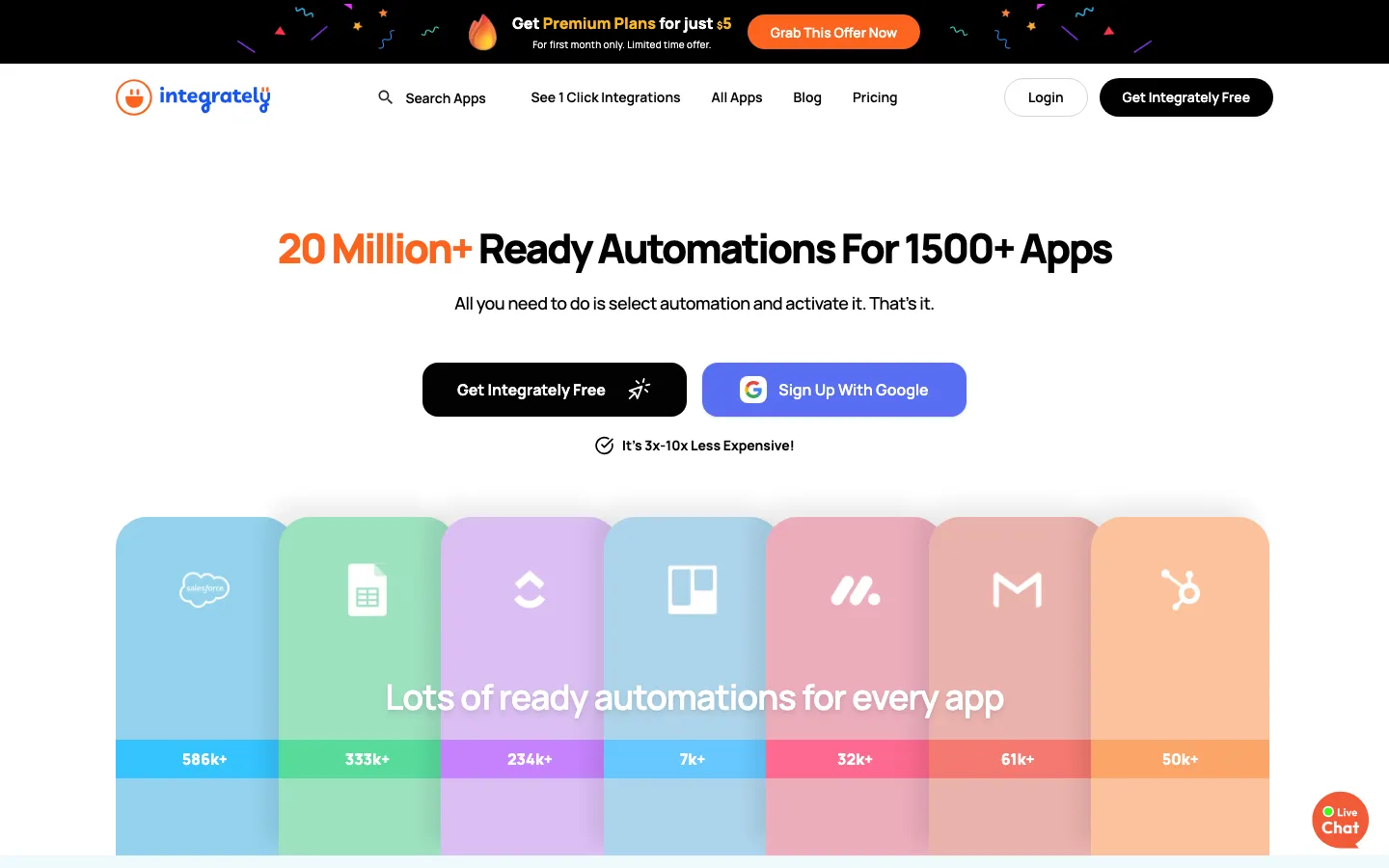
The practical choice is less about the size of the catalog than the one connection you rely on. Integrately says it has more than 1,500 apps and 20 million ready automations. Its integrations directory lists Webhook / API Integration alongside app connections, while the plan comparison does not specify a platform API or MCP access. Treat the template as a route into a workflow, not proof that every trigger, action or data field your team needs is available.
That distinction shapes the buying decision. The Free plan is enough to inspect the model with 100 tasks, a 15-minute update interval and single-step automations. Paid plans shorten the stated interval and add multiple steps. For a recurring operational handoff, I would value that progression more than a long list of logos: the workflow has to arrive quickly enough and leave enough tasks for the volume you actually handle.
Which types of businesses and workflows is Integrately designed for?
Solo marketers
Use Free to see whether a ready-made automation covers one recurring handoff before paying for more tasks.
Small operations teams
Starter suits predictable, low-volume processes where a five-minute update and one user are enough.
Growing teams
Professional adds 10,000 tasks and a two-minute interval for workflows that run more often.
Agencies with repeatable work
Growth and Business raise task capacity and list unlimited users for established client processes.
It is a poor fit when your team needs a specified technical interface for an agent. The plan comparison does not specify MCP or platform API access, so ask for the exact connection you need before you build an important process around it.
Which key integration and automation features does Integrately provide?
Ready-made automation routes
Integrately's strongest idea is that an automation can start from a familiar pattern instead of a blank workflow. Its three stated steps are selecting an automation, connecting accounts and activating it. That favors a team with a clearly repeated handoff. It is less compelling when the work begins with an unusual approval rule or a process no template can express cleanly.
App catalog and connections
The catalog claims support for more than 1,500 apps, and the integrations page presents more than 15 million ready automations. Scale helps only after you verify the particular pairing, because a connection may not expose the action or field your process depends on. Make that check the first gate in your evaluation, then look at task use and timing rather than assuming another app name answers either question.
Multiple steps and workflow controls
Free lists a single step. Starter, Professional, Growth and Business list multiple steps, so paid plans are where a process can continue through more than one action. The pricing comparison also names webhooks, conditions, branching, search, data modification, a scheduler, an iterator and AutoRetry. Confirm entitlement to each control before choosing a plan.
Update intervals and task capacity
Update time is a visible trade-off. Free lists 15 minutes, Starter five minutes and the three higher paid tiers two minutes. The limits move at the same time: 100 tasks on Free, 2,000 on Starter, 10,000 on Professional, 30,000 on Growth and 150,000 on Business. A short update interval is valuable only if the workflow is time-sensitive, while surplus capacity matters more for many small transfers. Decide which pressure applies to your process first.
Help with initial setup
Integrately says its team can create automations at no extra cost. That can help a small team get past the first configuration, and the paid plans list live chat support, with a dedicated account manager plus live chat on Growth and Business. I would still keep an internal owner for each workflow. The person responsible for the business handoff needs to know what should happen when fields, access permissions or the source app change.
How much do paid subscription plans for Integrately cost?
Price checked 27 Nov 2026
Integrately displays annual and monthly rates with a dollar symbol, and notes that taxes are extra. Annual billing lowers the four paid plan prices, while the pricing grid names Free and lists 100 tasks rather than a numeric price. The table keeps the decision points together: tasks, timing and whether the workflow can have more than one step.
| Plan detail | Free | Starter | Professional | Growth | Business |
|---|---|---|---|---|---|
| Price, annual billing | Not published as a price | $19.99/mo | $39/mo | $99/mo | $239/mo |
| Price, monthly billing | Not published as a price | $29.99/mo | $49/mo | $124/mo | $299/mo |
| Tasks | 100 | 2,000 | 10,000 | 30,000 | 150,000 |
| Update time | 15 min | 5 min | 2 min | 2 min | 2 min |
| Workflow steps | Single | Multiple | Multiple | Multiple | Multiple |
Integrately prices, 27 Nov 2026.Integrately pricing
Starter is the first paid tier and includes 2,000 tasks, a five-minute update interval, three premium apps and one user. Professional moves to 10,000 tasks and a two-minute interval, but still lists one user. Growth and Business also list a dedicated account manager plus live chat, and their comparison cells show unlimited users. The pricing grid does not specify separately priced add-ons, so ask about any extra cost before you budget for one.
For a solo-user example, Starter costs $19.99 a month with annual billing, or $239.88 across 12 months before tax. If the same person needs month-to-month billing, it costs $29.99 a month. For a three-person team, Growth lists unlimited users at $99 a month with annual billing, so the listed plan charge remains $99 a month for those three people. The pricing grid does not give a separate seat price.
Where does Integrately fall short for complex automation needs?
Integrately deliberately limits the scope of its entry-level tier to basic workflow configurations. Free allows 100 tasks, a 15-minute interval and a single step. Starter improves the timing and task volume, yet its pricing grid lists three premium apps and one user. A team can outgrow the first paid tier through people or premium-app requirements, not only through task volume.
The integrations page lists Webhook / API Integration, but the plan comparison does not specify platform API, MCP or agent access. Get that requirement answered directly, rather than reading an app integration as a platform API promise.
Finally, the catalog does not replace process design. Conditions, branching and data modification can make an automation more capable, but they also make the choice of plan more consequential. Start with the smallest real handoff and confirm the result your team needs at the destination.
What are the best software alternatives to Integrately?
 Integrately alternative Knack offers a better fit whenever automation represents only one requirement and teams must also build custom relational databases. It does not charge per user, but lower plans have record limits and Starter starts at $59 a month on monthly billing. Read the Knack review if a portal or internal app is the real purchase.
 Latenode is the alternative for a team that needs a visual workflow with JavaScript nodes, browser automation or an AI agent builder. Its Free plan includes 10,000 CPU seconds a month, and its pricing is tied to runtime rather than a task allowance. The Latenode review explains what that changes in a budget.
Is Integrately worth it for small business automation?
Integrately delivers its strongest value through ready-made application handoffs whenever pre-built templates align with a team's recurring operational routines. Its task and update-time ladder is easy to judge: Free for a small trial, Starter for a small recurring process, then higher tiers when the volume or timing calls for them. Do not choose it on catalog size alone, or for an agent workflow that requires documented machine access.
Choose one repeated handoff, verify its exact app actions and run it against the Free limit. Move to Starter only when 100 tasks or a 15-minute update interval blocks useful work, then compare the real monthly task volume with the next tier before upgrading.
How was this Integrately review researched and verified?
Integrately provided the source pricing, account limits, and technical specifications via its public documentation, pricing page, and integrations directory on 27 Nov 2026. Dollar amounts and the extra-tax note follow the pricing page, and every figure follows how we check figures.
- Integrately home page for the ready-made automation model and setup help
- Integrately pricing page for plan prices, tasks, update intervals and workflow limits
- Integrately integrations page for catalog and connection information
What are common questions about configuring Integrately?
Does Integrately have a free plan?
Yes. Free lists 100 tasks, a 15-minute update time and single-step automations.
What does Integrately Starter cost?
Starter is $19.99 a month billed annually or $29.99 month to month. It lists 2,000 tasks, a five-minute update interval, three premium apps and one user.
Can Integrately workflows have multiple steps?
Yes, on Starter, Professional, Growth and Business. Free lists a single-step automation.
Can Integrately help create an automation?
Yes. Integrately says its team can create automations for users at no extra cost.
 Reviewed byDanny Kirk
Founder of ReddiReach.
 Checked byAndrés Felipe
Digital designer and marketer.
Every figure is checked against the vendor's own page. Read our editorial standards.