
Key Takeaways
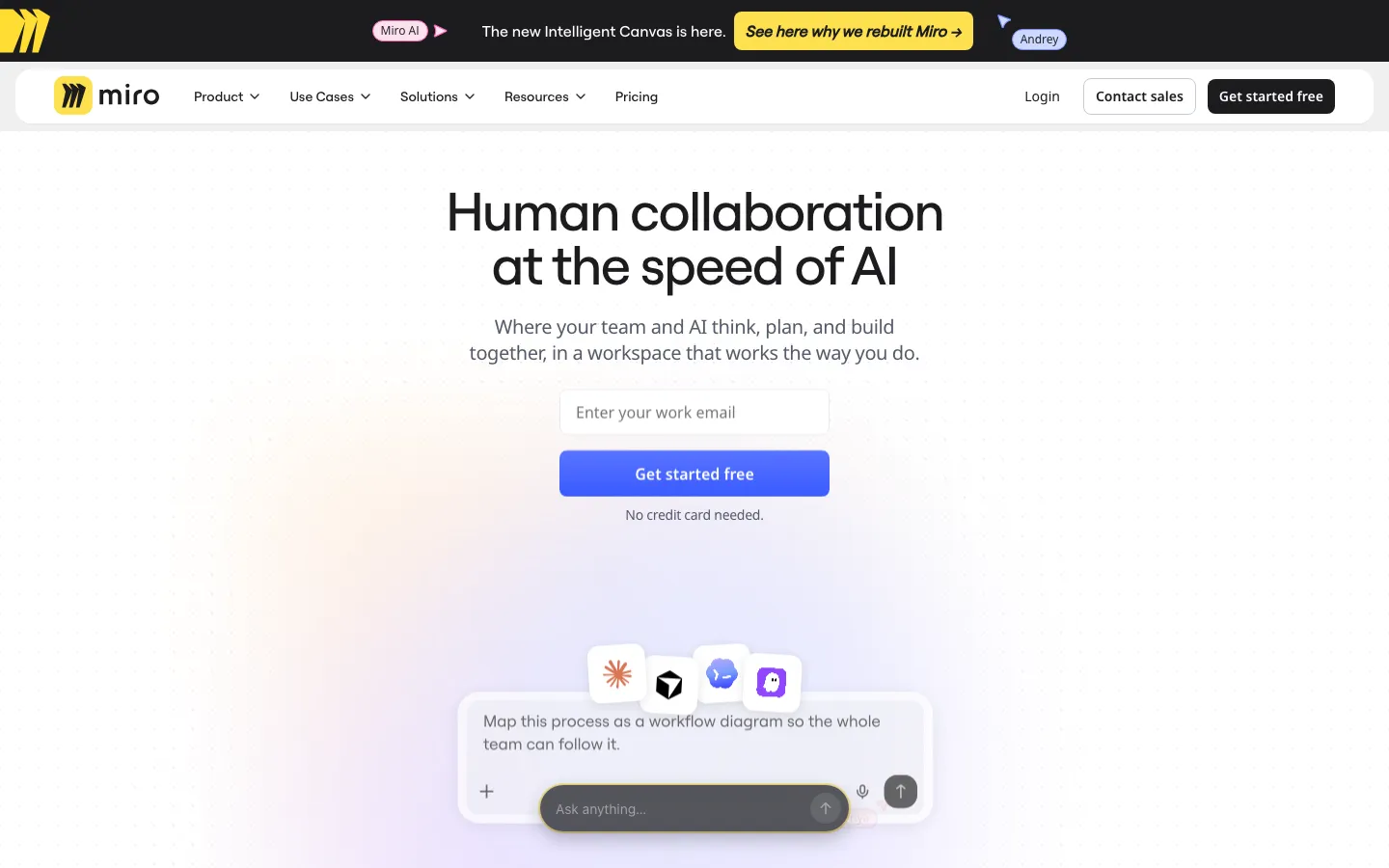
- Miro delivers a collaborative digital whiteboard environment that transforms unstructured team brainstorming sessions into living operational roadmaps and system diagrams.
- Miro provides a three-board free plan alongside paid tiers starting at eight euros monthly for Starter and twenty euros monthly for Business.
- Miro supports external developers and agents with Model Context Protocol allowances scaling from one hundred daily requests on Free to ten thousand on Enterprise.
- Miro restricts collaborative workspace depth on its free tier through a strict three-board editing limit and conceals enterprise governance pricing behind sales consultations.
When you need a workshop to leave behind a map, plan or decision that people can keep shaping together, Miro is a strong fit. Choose something more task-led if boards are only a place to discuss work, rather than where the group develops it, and browse the marketing tools directory when you need a different kind of collaboration tool.
Agent access
- API
- Yes, any plan, free to use
- MCP server
- Official, OAuth 2.1 with dynamic client registration
- Works with
 ClaudeClaude Code
 ChatGPT
 Gemini
 Cursor
 VS Code
- Automation
- Zapier
What are the major Miro pros and cons?
What works
- Free includes templates and three editable boards
- Starter adds private boards, visitor editing, timer and voting
- Business adds signed-in guests and two-way integrations
- Paid plans include published MCP call allowances
What to watch
- Only the three newest Free boards stay editable
- Business costs €12 more per member each month on annual billing
- Enterprise is custom priced from 30 members
- AI credits differ substantially by plan
What visual collaboration workflows does Miro support for distributed teams?
Miro earns its place when a written brief is too narrow and a spreadsheet is too rigid. Its canvas combines formats including Docs, Tables, Slides and Kanban, so a group can start with loose notes and make the work more structured without moving the discussion elsewhere. That is especially useful when the output depends on people seeing each other's thinking.
The free plan is a credible way to establish whether the format suits your team. You can create and share unlimited boards, but only the three most recent remain editable. That makes Free sensible for a one-off planning session, a small discovery exercise or a trial run with a repeatable template. It is less convincing as the permanent home for work that needs several active boards.
The paid tiers change access and continuity more than the basic idea. Starter opens unlimited private boards and visitor editing, while Business adds unlimited workspaces, signed-in guests and two-way integrations. Pay when the board needs to be a working space after the meeting, not merely a surface for the meeting itself.
Who benefits most from adopting Miro visual workspaces?
Workshop facilitators
Use templates, timer and voting to turn a session into shared material with a clear follow-up.
Marketing teams
Map campaigns, journeys and planning conversations where several people must build on the same visual context.
Consultants with clients
Choose Starter for public visitor editing or Business for signed-in guest collaboration and private workspaces.
Large organizations
Consider Enterprise when centralized user management, governance and organization-wide controls outweigh custom pricing from 30 members.
Miro is a poor fit for a team that wants every conversation to become a dated, assigned task without first deciding how the work should look. The canvas is deliberately broad. That is its strength during discovery and its weakness if nobody owns the board after the session.
Which whiteboard facilitation and diagramming features does Miro include?
One canvas, several working formats
Docs, Tables, Slides and Kanban sit alongside visual planning formats, rather than in separate products. A team can sketch a campaign, group the decisions and lay out the next actions in the same context. The practical discipline is to define which material belongs in Miro and which remains in the system that executes the work.
Facilitation that keeps a room moving
Templates are available on Free, and Starter adds timer and voting tools, along with private mode and notes. Those controls help a facilitator collect input without losing the pace of the session. They do not replace a decision owner, so name one before the workshop starts and make the post-meeting action visible.
Sharing that matches the relationship
Starter permits visitor editing through a public board link without sign-in. Business moves client or partner collaboration to signed-in guests and offers unlimited workspaces that can be private for each team or client. That distinction matters: use the access model that fits the sensitivity of the material, not just the quickest link to send.
AI, MCP and visual context
Miro's AI can generate diagrams, tables and summaries, remove image backgrounds, and connect tools such as Claude through MCP. Starter includes 25 AI credits per member each month and 500 MCP calls a day. Business doubles the credit allowance to 50 and allows 2,000 daily MCP calls, while Enterprise lists 10,000 daily calls and credits pooled across the organization from 2,500 a month. These features can speed up a first draft, but a team still needs to check the output before it becomes a decision or client material.
Connections and administration
Miro lists 250+ integrations, including  Slack and
 Google. Business adds two-way sync with tools such as
 Linear and
 ClickUp, plus SSO. Enterprise adds regional data hosting, centralized user management, admin controls for AI, SCIM provisioning and organization-wide controls for third-party integrations. Buy Business for a workflow that genuinely needs synchronization; buy Enterprise for governance at scale.
How are Miro seat costs and plan tiers calculated?
Price checked 27 Nov 2026
| Plan detail | Free€0 | Starter€8/member/mo | Business€20/member/mo | EnterpriseCustom |
|---|---|---|---|---|
| Billing | Free | Annual billing | Annual billing | From 30 members |
| Editable boards | 3 recent boards | Unlimited | Unlimited | Unlimited |
| AI credits | Explore AI | 25/member/month | 50/member/month | From 2,500/month |
| MCP calls daily | 100 | 500 | 2,000 | 10,000 |
| Visitors | View only | Included | Included | Included |
| Guests | ✕ | ✕ | Unlimited signed-in guests | Unlimited signed-in guests |
Published annual prices, 27 Nov 2026.Miro pricing
For a five-person team, Starter at the published annual rate is €40 a month and Business is €100 a month. On monthly billing, the published rates are €10 and €25 per member respectively, so the same five people cost €50 or €125 each month. The annual commitment saves €10 a month for five Starter members and €25 for five Business members.
Enterprise has optional Enterprise Guard and Premium support add-ons. Its core quote starts from 30 members, and Miro does not publish add-on prices. Ask sales to identify regional hosting, AI controls, provisioning and support terms in the proposed package.
What security and governance capabilities does Miro Enterprise deliver?
Miro Enterprise targets large enterprises requiring centralized security protocols, administrative governance, and controlled artificial intelligence access across large teams. The plan adds audit trails, domain control, regional hosting in the EU, US, Australia and Japan, centralized management and analytics, plus a sandbox for testing changes and custom development. It also has a customer success program. Those are real operational features, but custom pricing from 30 members means the relevant comparison is the contract you receive, not a public per-seat number.
Where does Miro fall short compared to structured project software?
Miro enforces a sharper operational limitation on its Free tier than promotional headlines suggest due to strict board editing caps. It lets a team create and share unlimited boards, yet only the three most recent remain editable. If several projects must stay alive at once, that forces a paid decision quickly.
The jump from Starter to Business is also material. Business is two and a half times the annual per-member rate, moving from €8 to €20. That increase makes sense only if signed-in guest access, unlimited workspaces, AI workflows, two-way integrations or SSO solve a problem your team actually has.
Finally, Enterprise is not a self-serve step up. Its custom quote starts at 30 members, so a smaller team that needs a particular governance control should confirm whether Business covers it before beginning a sales process.
Which whiteboard and work management tools serve as Miro alternatives?
 If your main need is work management rather than a broad visual canvas, read the monday work management review. Its free plan allows up to two seats and three boards, while Standard introduces Timeline, Gantt and Calendar views.
 For another visual collaboration option, read the Mural review. Mural Free allows unlimited murals with three editable at a time, and makes its Facilitation Superpowers features available on all plans.
What is the final verdict on adopting Miro across your company?
Choose Miro when a visual workshop has to become the team’s continuing place for shaping a plan. The Free tier is good enough to prove that working style, Starter is the sensible move for an active small team, and Business is justified by client access, synchronization and more structured organization. Keep the board purposeful, or its flexibility becomes the reason people stop using it.
Run one real workshop on Free and carry its output through to the next action. Move to Starter when three editable boards are not enough, then pay for Business only when guest access, two-way integrations or SSO have a named owner and a clear use.
How was this Miro evaluation verified and researched?
Miro plan limits, feature specifications, and integration matrices were reviewed directly from official pages on 27 Nov 2026. Prices are in euros as Miro shows them, and every figure follows how we check figures.
- Miro pricing page, annual and monthly billing
- Miro feature and format pages
- Miro integrations page
Where can teams find practical how-to guides for Miro?
What are frequently asked questions regarding Miro workspaces?
Is Miro free?
Yes. Miro Free costs €0 and includes templates, formats including Docs and Kanban, and three editable boards. You can create and share unlimited boards, but only the three most recent stay editable.
What does Miro cost for a team?
On annual billing, Starter is €8 per member each month and Business is €20 per member each month. For five people, that is €40 or €100 a month. Miro also publishes monthly rates of €10 and €25 per member.
Can clients edit Miro boards?
Starter supports visitor editing through a public board link without sign-in. Business includes unlimited signed-in guests, which is the better fit when access needs to be tied to a user account.
Does Miro work with AI agents?
Miro lists MCP connections for AI tools. Free allows 100 MCP calls a day, Starter allows 500, Business allows 2,000, and Enterprise allows 10,000. The AI credit allowance also rises from 25 per Starter member to 50 per Business member each month.
 Reviewed byDanny Kirk
Founder of ReddiReach.
 Checked byAndrés Felipe
Digital designer and marketer.
Every figure is checked against the vendor's own page. Read our editorial standards.