
Key Takeaways
- Missive unifies shared inbox management by pairing customer email threads with internal chat, explicit ownership assignments, and integrated collaborative task tracking.
- Missive structures annual pricing at fourteen dollars for Starter, twenty-four dollars for Productive, and thirty-six dollars per user monthly for Business.
- Missive equips development teams with Model Context Protocol tools, REST endpoints, webhooks, and custom interface integrations starting on its Productive subscription tier.
- Missive excludes automated routing rules, third-party integrations, and programmable API access completely from its entry-level Starter tier.
When your customer work runs through email, you need assignments, internal discussion and tasks to stay with the conversation. Missive is the best pick for that kind of team. Choose another shared-inbox approach if you need automation or machine access on the entry plan, because those begin with Productive at $24 per user a month on annual billing.
Agent access
- API
- Yes, Productive
- MCP server
- Official, hosted, OAuth with PKCE, approved in the browser
- Works with
 Claude
 ChatGPT
- Automation
- Zapier, Make
What are the core Missive pros and cons for support teams?
What works
- Comments, assignments and tasks stay with the customer conversation
- Email, SMS and social accounts can share one team inbox
- Productive combines rules, integrations, API and MCP access
What to watch
- Starter supports only five users and omits integrations
- Productive stops at 50 users
- SAML SSO, IP restriction and advanced analytics need Business
What shared communication workflows does Missive improve for operations teams?
Missive solves inbox bottlenecks that occur when customer correspondence splinters into separate chats, manual handoffs, and disjointed task tracking. Missive keeps that work in the thread: teammates can discuss it internally, assign it, turn it into a task and see who owns the next move. It is one of the customer communication options in the marketing tools directory, but its value is unusually specific: keeping a shared email workload visible without making every message a separate ticket.
That makes the product a particularly good fit when email is the system of record. A shared team can connect email alongside SMS and social accounts, then work from team spaces with shared inboxes and shared tasks. Internal read statuses and collaborative drafting help a manager see where a thread sits without putting customer-facing messages into a separate collaboration app.
I think the distinction matters. Missive is not trying to replace every system around customer work. It is trying to make the messages your team already handles more accountable. If most requests begin in a mailbox and several people need context before replying, that is a compelling place to start.
Who should choose Missive over conventional shared inboxes?
Service teams
Keep customer email, internal discussion, ownership and follow-up tasks together in the same conversation.
Operations teams
Use due dates, multiple assignees and calendar views to turn incoming messages into trackable work.
Growing shared inboxes
Productive supports up to 50 users and adds rules, integrations, basic analytics, API and MCP access.
Security-led organizations
Business adds SAML SSO, IP restriction, advanced analytics and personalized team onboarding for larger teams.
The right plan depends less on the number of messages than on how your team acts on them. Five people who only need shared visibility can stay on Starter. The moment your process relies on rules, external integrations, or an assistant that can use your systems, Productive is the real starting plan. A three-person Productive team costs $72 a month before any AI-credit or provider-key costs.
Which collaboration and email assignment tools does Missive provide?
Inbox collaboration that stays in context
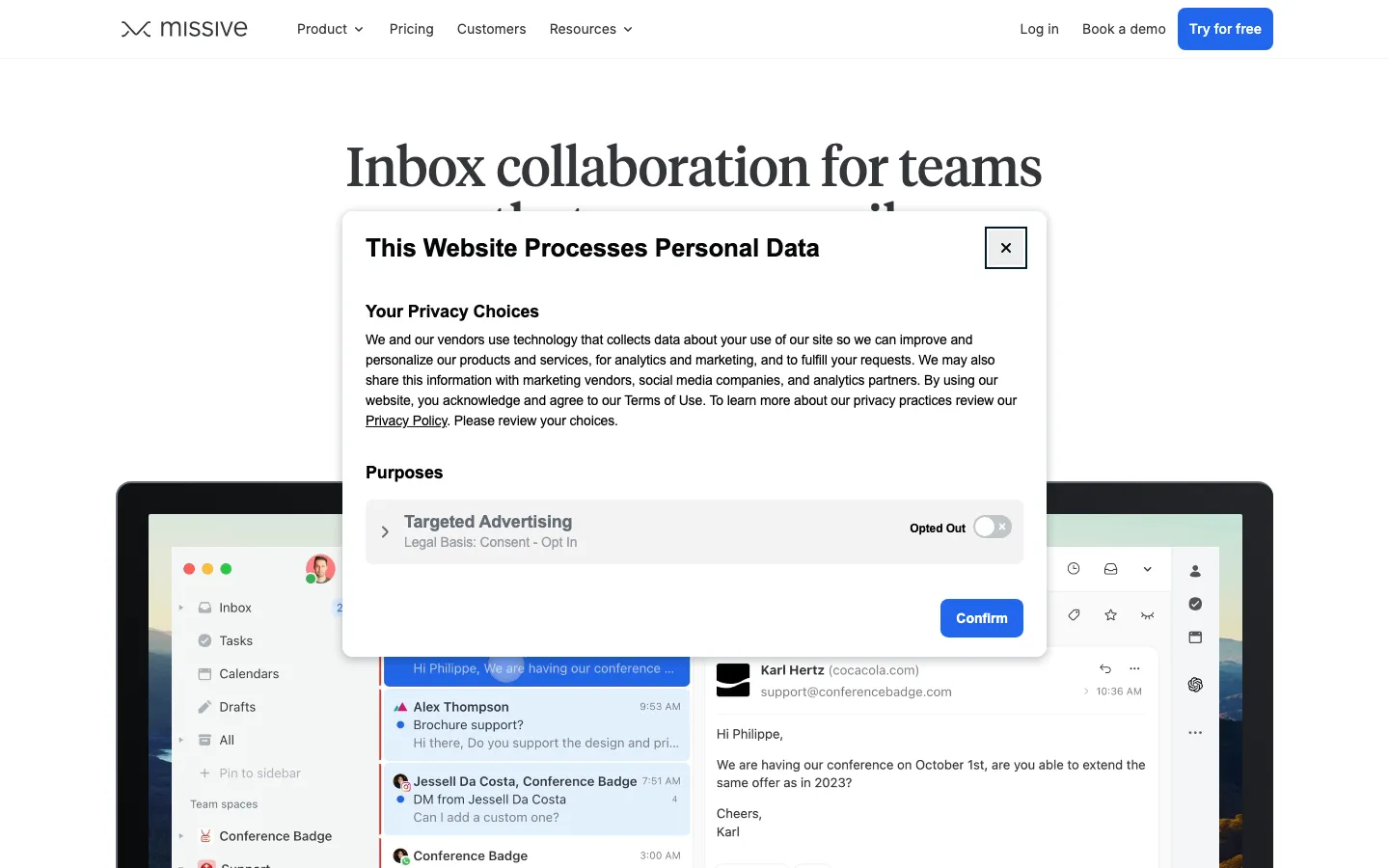
Missive lets teammates discuss an email inside that email, collaborate on a draft and use internal read statuses. Team spaces combine a shared inbox, shared tasks and a dedicated place to discuss related work. That setup is useful when the reader needs an answer from someone else but the customer should not receive the internal debate. The conversation remains the record, rather than becoming another forwarded chain.
Tasks built from conversations
Any email can become a task. Missive lists due dates, multiple assignees, filtering, sorting and a calendar view, and it can show work by person, team, date range or status. The practical gain is not another task list. It is being able to see the task alongside the message that created it, which prevents a handoff from losing its original context.
Rules for repeatable inbox work
Productive and Business include rules and automations, including auto-assignment and automatic follow-ups, with up to 1,000 rules. Its AI rules can analyze an incoming email and take an action, such as making a task when it finds a deadline. That is the point where Missive changes from a shared mailbox into a repeatable workflow, so teams with routing or follow-up rules should not budget from the Starter price.
AI assistant and MCP access
The assistant can read the thread and attachments, check calendars and draft replies for your approval. Missive supports multiple AI providers, with its own AI credits or a key you provide. MCP can bring context from connected services into the assistant, and Missive's own MCP server can let an agent work with the inbox. API and MCP access are Productive features, which makes the plan boundary easy to understand for teams building an agent workflow.
Integrations and developer controls
Missive lists more than 25 integrations across CRM, storage, meeting and task tools. Its developer documentation covers a REST API, UI and iFrame integrations, webhooks and custom channels. Those options matter when a team needs messages to trigger activity outside the inbox, or wants an existing system to surface inside it. The pricing page puts external integrations and API and MCP access on Productive, so check your team size and required workflow before treating $14 as the final price.
Security and access controls
Missive states that it has achieved SOC 2 Type II compliance and supports GDPR requirements. Business adds SAML single sign-on and IP restriction, while the security page says its SOC 2 report is available on request. For a team that must set access rules before moving a shared inbox, those are more useful decision points than a generic assurance badge.
How does Missive price its user seat subscriptions?
Price checked 27 Nov 2026
| Plan detail | Starter$14/user/mo | Productive$24/user/mo | Business$36/user/mo |
|---|---|---|---|
| Billing basis | Billed yearly | Billed yearly | Billed yearly |
| Users | Up to 5 | Up to 50 | Unlimited |
| Email, SMS and social accounts | ✓ | ✓ | ✓ |
| Team spaces and tasks | ✓ | ✓ | ✓ |
| External integrations | ✕ | ✓ | ✓ |
| Rules, API and MCP | ✕ | ✓ | ✓ |
| SAML SSO and IP restriction | ✕ | ✕ | ✓ |
Missive prices in US dollars, billed yearly, 27 Nov 2026.Missive pricing
The published price is per person, so calculate the plan with the people who need to work in the inbox. Productive is $24 per user a month on annual billing: three active teammates cost $72 a month, while six would cost $144. New teams start with 30 days of Productive and no credit card, which is enough time to find whether the rule and integration features belong in your working process.
- Starter is for up to five users with team inboxes, tasks and SOC 2 Type II compliance
- Productive adds integrations, rules, basic analytics, API and MCP access for up to 50 users
- Business removes the user cap and adds advanced analytics, SAML SSO, IP restriction and personalized onboarding
Where does Missive fall short for budget-conscious support desks?
Missive presents its sharpest operational bottleneck at the Starter tier boundary rather than in missing interface screens. Starter supplies the shared inbox basics but not external integrations, rules, API or MCP. A team attracted by the $14 price because it wants automated routing or an AI workflow will need Productive, so comparing the wrong tier produces the wrong budget.
The next boundary is scale. Productive stops at 50 users, while Business is the path to unlimited users, SAML SSO, IP restriction and advanced reporting. If your inbox process requires those controls, the $36 Business price is the relevant figure. I would set that expectation before a large team begins configuring shared workflows.
Finally, the AI assistant is useful only when a team decides how replies remain accountable. It drafts replies for approval and can act through AI rules, but the human process for reviewing an answer still matters. Give that ownership to the people who already own customer communication.
Which shared email platforms are the strongest Missive alternatives?
 If you need website chat that qualifies visitors against criteria you set, then hands them to a person in the same conversation, read the Olark review. That is a different job from keeping a shared email workflow accountable.
 For one consolidated queue across several customer channels, read the Plain review. It fits a multichannel support operation rather than an email-centered one.
What is the final verdict on adopting Missive?
Missive earns its place when your customers contact a team through email and the team needs a clear owner, private discussion and a durable task beside each message. Productive is the sensible plan for any team that needs automation, integrations or agent access. Starter is a smaller, useful option only when five or fewer people need the inbox basics.
Start the 30-day Productive trial with one real shared inbox, a small group of active teammates and the assignment rules you expect to use. Keep it if the conversation context and task ownership replace a real source of forwarding and follow-up work.
How was Missive researched and validated?
Missive security documentation, developer resources, feature listings, and pricing structures were evaluated on 27 Nov 2026. Prices are in US dollars and shown on yearly billing. The figures and plan boundaries follow how we check figures.
- Missive pricing and plan-feature details
- Missive feature and AI assistant pages
- Missive developer, integrations and security pages
What are common questions about setting up Missive?
How much does Missive cost?
On yearly billing, Starter is $14, Productive $24 and Business $36 per user each month. Starter allows up to five users, Productive up to 50, and Business has unlimited users.
Is there a Missive free trial?
Yes. Every new team receives a 30-day Productive trial with no credit card required. Nothing is charged when the trial ends.
Does Missive have an API and MCP access?
Yes, from Productive. Missive documents REST API, UI and iFrame integrations, webhooks and custom channels, while Productive and Business include API and MCP access.
Can Missive connect more than email?
Yes. Its plans list email, SMS and social accounts.
 Reviewed byDanny Kirk
Founder of ReddiReach.
 Checked byAndrés Felipe
Digital designer and marketer.
Every figure is checked against the vendor's own page. Read our editorial standards.