
Key Takeaways
- Slack organizes workplace communication by gathering real-time team conversations, shared files, automated workflows, and connected productivity tools into centralized channels.
- Slack provides a free plan with ninety days of message retention, alongside Pro tiers starting at €4.13 monthly before renewing at €8.25 per user.
- Slack supports automated custom workflows, external app integrations, and an official Model Context Protocol Registry connecting autonomous tools to Slackbot.
- Slack becomes restrictive for organizations needing unlimited message archives, unrestricted external collaboration, and extensive third-party integrations without paying per-user subscription fees.
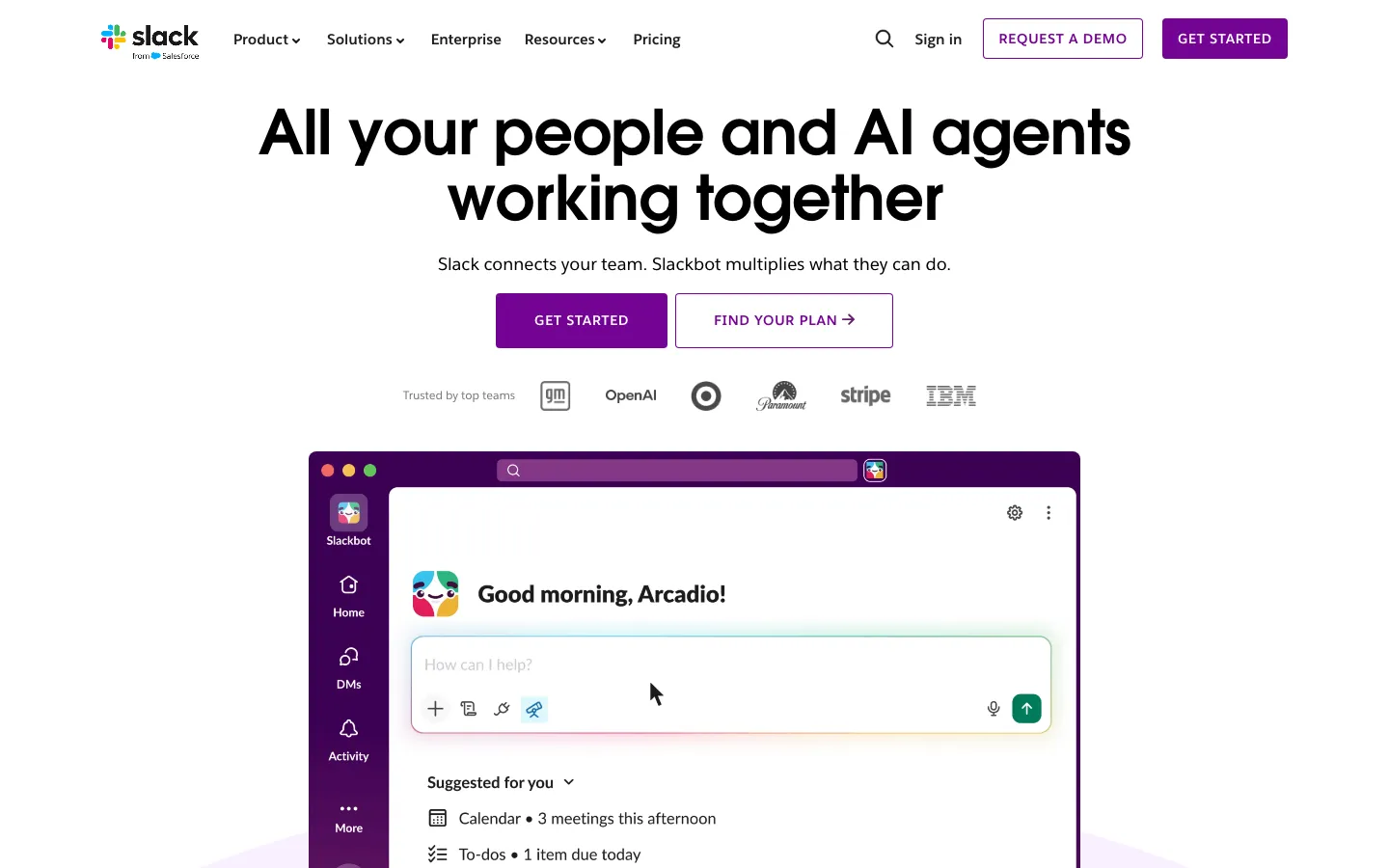
When project decisions disappear into separate messages and meetings, Slack gives your team a shared place to keep the conversation moving. It is the right pick for teams that can work within Free's 90-day message history and ten-app limit, then move to Pro at €8.25 per billed user each month after its introductory offer.
Agent access
- API
- Yes, free
- MCP server
- Official, hosted, Confidential OAuth 2.0
- Works with
 ClaudeClaude Code
 ChatGPT
 Gemini
 Cursor
- Automation
- Zapier, n8n
What are the key advantages and potential drawbacks of using Slack?
What works
- Channels keep work around teams, projects and topics
- Paid plans include unlimited message history and app integrations
- Huddles, clips and Workflow Builder support different ways to coordinate
What to watch
- Free retains a 90-day message archive
- Free caps app integrations at ten
- Adding billed users raises the monthly cost
How does Slack streamline daily team communication and collaboration?
Slack gives your team a common working conversation rather than a pile of individual messages. Channels can be created around a team, project or any other topic, while huddles handle live collaboration and clips let someone send an audio or video update without calling a meeting. If you are still deciding where work conversations should live, the marketing tools directory is a useful starting point for the wider stack around it.
The important judgment is that Slack is a communication layer, not a replacement for every record your company keeps. It is strongest when each channel has a purpose, decisions are put somewhere durable and the people who need to act can find the relevant thread. Without those rules, paying for more history only gives a larger conversation stream to search.
Slack brings channels, search, clips, canvases, lists and Workflow Builder into the same product. Free limits message and file history to 90 days, apps to ten, and huddles and Slack Connect messages to one-to-one use. Pro and Business+ list unlimited message history and app integrations, plus group meetings and group external messages. That is the line between a small internal experiment and a workspace that can carry regular client or cross-team work.
Which types of organizations and working teams get the most value from Slack?
Small internal teams
Free lets small groups organize channels and one-to-one huddles before longer history matters.
Project teams
Use channels, clips and huddles when fast context matters more than another formal meeting.
Agencies and client teams
Paid plans help client groups coordinate through group external messages and unlimited app connections.
Large organizations
Enterprise+ adds enterprise search, multiple SAML setups, SCIM management and native data loss prevention.
Slack is not the automatic answer when the central job is structured project plans, dependencies or status reporting. In that case, start with the  Smartsheet review, which covers Grid and Gantt views, before deciding whether a chat-first workspace is the main tool your team needs. If your team wants one prompt to create apps, AI agents and automated workflows in a living workspace, the
 Taskade review is the other relevant category comparison.
What messaging and workflow management features does Slack offer?
Channels, messages and search
Channels are Slack's core idea: a shared space around a team, project or topic. Slack organizes conversations in channels and offers search, so the early decision is how much of that record needs to stay available. Free has a 90-day message and file history limit; paid plans list unlimited message history. Treat that as a governance choice, not a small plan detail, if your team expects old decisions to be findable.
Huddles and clips
Huddles are the live option, and clips are for an audio or video update people can catch later. Free lists one-to-one huddles, while the paid plans list group meetings. That makes Free workable for a lightweight internal trial, but a team that routinely solves work together in real time will reach its limit quickly.
Slack Connect for outside work
Slack Connect is the product's route to working with people outside your organization. Free lists one-to-one external messages; Pro, Business+ and Enterprise+ list group external messages. For client work, decide in advance who owns access and where an approval becomes an official record. The convenience of a shared channel should not blur that boundary.
Apps, workflows and work objects
Slack says it has more than 2,600 apps, and its integrations include Google Drive and Office 365. Its integrations page also describes interactive work objects from products including Asana, PagerDuty, Box and Highspot, plus no-code Workflow Builder connectors that can create a Google Sheets row or Salesforce record. Free stops at ten integrations; paid plans list unlimited integrations. Add only the connections that route a real piece of work, or Slack becomes another place to receive alerts.
AI, agents and APIs
Slack's plan table lists AI conversation summaries, Slackbot, AI workflow generation, AI search, daily recaps and file summaries at different plan levels. Enterprise+ adds unlimited Slackbot and enterprise search. For agent builders, Slack publishes APIs for custom apps and its integrations page points to an MCP Registry that connects tools to Slackbot for real-time access. That is promising infrastructure, but confirm the access, controls and billing that apply to your own agent before making it part of an operating workflow.
How are Slack subscription tiers and per-user seats priced?
Price checked 27 Nov 2026
| Plan detail | Free€0 | Pro€8.25/user/mo | Business+€18/user/mo | Enterprise+€45/user/mo |
|---|---|---|---|---|
| Billing shown | Free forever | Monthly | Monthly | Annual |
| Introductory price | Not applicable | €4.13/user/mo, 3 months | €9/user/mo, 3 months | Not listed |
| Message history | 90 days | Unlimited | Unlimited | Unlimited |
| App integrations | 10 | Unlimited | Unlimited | Unlimited |
| Meetings | 1:1 | Group | Group | Group |
| External messages | 1:1 | Group | Group | Group |
Slack prices in euros, 27 Nov 2026.Slack pricing
The introductory price can obscure the team bill. A three-person team on Pro pays €12.39 a month for its first three months, then €24.75 a month at Slack's displayed monthly rate. The same three people on Business+ pay €27 a month for the first three months, then €54 a month. Free is the best starting point when its history, integration and one-to-one limits are genuinely enough.
Slack presents Frontline teams as an add-on and lists Slackbot as consumption based on Free and Pro, with usage limits on Business+. Enterprise+ includes unlimited Slackbot. Slack does not list a Frontline teams add-on price; request a quote before budgeting for it.
What advanced compliance and security features does Slack Enterprise+ include?
Slack Enterprise+ addresses corporate requirements where formal administrative controls and compliance safeguards must accompany daily communication. Slack lists it at €45 per user a month when paid annually, with unlimited message history, unlimited app integrations, group meetings and group external messages. The price alone makes it a different buying decision from Pro.
- Enterprise search and unlimited Slackbot
- Multiple SAML configurations and SCIM user management
- Native data loss prevention and support for Enterprise Mobility Management
- Unlimited workspaces
Choose it because those controls solve a real administrative need, not simply because a large team has many messages. Business+ already removes the basic history, integration and group-collaboration limits.
What constraints and limitations should teams expect when using Slack?
Slack offers a practical free plan, yet its strict ninety-day history and integration caps present clear operational hurdles. A team that needs a message record beyond 90 days, over ten apps, group huddles or group external messages cannot gradually stretch those allowances. It has to choose a paid plan.
Slack's price is per user, so the cost rises as your team grows. The promotion helps for three months, then Pro returns to €8.25 per user each month and Business+ to €18. For a growing team, compare the ongoing price, not the first invoice.
Finally, Slack can hold a huge amount of context but it does not decide what deserves a channel or where final decisions belong. The product has search, summaries and workflow tools, yet none removes the need for clear channel names, ownership and a durable place for decisions that matter.
What alternative communication platforms compare directly with Slack?
Slack is the right pick when the immediate problem is keeping people, conversations and connected work together. If the problem is instead a structured project plan, use the Smartsheet review to compare its Grid and Gantt views. If one prompt should become apps, AI agents and automated workflows in a living workspace, read the Taskade review. Those two options belong in the same decision, but neither is a reason to pay for Slack by default.
What is the concluding verdict on adopting Slack for workplace communication?
Slack's upgrade decision turns on how long conversations must remain searchable and whether collaboration needs to extend beyond one-to-one meetings and external messages. Pro becomes the practical purchase when you need unlimited message history, unrestricted app integrations, group meetings or group external messages.
Start with Free, define the first few channel purposes and decide where final decisions live. Upgrade to Pro only when the 90-day message-history, ten-app or one-to-one collaboration limit blocks a real workflow, then budget at the post-promotion per-user rate.
What research and verification standards were used to review Slack?
Slack official documentation, pricing structures, integration catalogs, and enterprise terms were reviewed directly on 27 Nov 2026. Prices are in euros as Slack shows them, and the method behind every figure follows how we check figures.
- Pricing page and plan comparison
- Features and integrations pages
- Company information page
Where can teams find practical onboarding tutorials and guides for Slack?
What are the most frequently asked questions about deploying Slack?
Is Slack free?
Yes. Free keeps a 90-day message archive, allows up to ten apps, and limits meetings and external messages to one person at a time.
How much does Slack cost for a team?
Pro is €4.13 per user a month for three months, then €8.25 per user monthly. Three billed users pay €12.39 per month for the first three months, then €24.75 per month.
What changes when you pay for Slack?
Pro and higher plans list unlimited message history and app integrations, plus group meetings and group external messages. Free has 90 days of message history, ten apps and one-to-one collaboration limits.
Does Slack work with AI agents?
Slack supports connected agents, provides APIs for custom apps and points to an MCP Registry for connecting tools to Slackbot. Confirm plan access and billing for the workflow you want to build.
 Reviewed byDanny Kirk
Founder of ReddiReach.
 Checked byAndrés Felipe
Digital designer and marketer.
Every figure is checked against the vendor's own page. Read our editorial standards.