
Key Takeaways
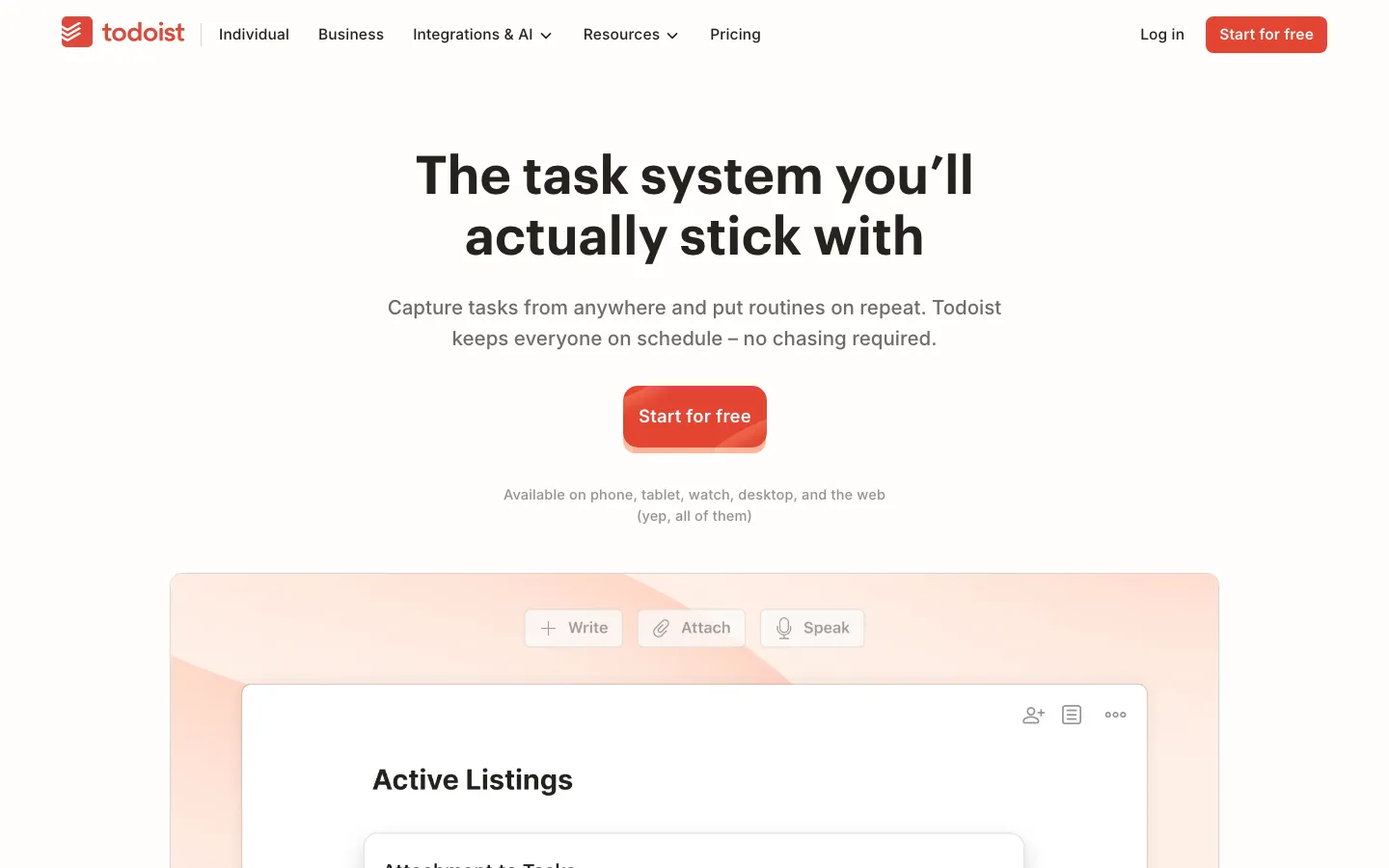
- Todoist provides individuals and small teams with a streamlined task management system designed for fast item capture, organization, and project completion.
- Todoist provides a free Beginner tier, with paid plans costing $5 monthly for Pro and $8 per user monthly for Business.
- Todoist provides developer APIs, official SDKs, a CLI, webhooks, and a hosted MCP server accessible across all plan tiers including free accounts.
- Todoist caps its free Beginner tier at five active projects and three filters, directing growing teams toward paid plans for shared workspaces.
When a follow-up is easy to forget between meetings, Todoist gives you a quick place to capture and organize it. It suits individuals and small teams that want task management without a heavy setup; Business costs $8 per user a month on annual billing and adds shared workspace controls. Choose marketing tools directory options such as Trello or Wrike instead when your work needs their documented board-first or enterprise work-management approach.
Agent access
- API
- Yes, every account plan
- MCP server
- Official, hosted or local, OAuth for hosted MCP; Todoist API key for local MCP
- Works with
 ClaudeClaude Code
 ChatGPT
 Gemini
 Cursor
 VS Code
- Automation
- Zapier, Make, n8n
What are the core pros and cons of using Todoist?
What works
- Quick Add supports natural-language task capture
- Free plan has five projects, board and list layouts
- Developer platform and hosted MCP work with any account
What to watch
- Free plan holds only three filters and one week of history
- Shared workspace and permissions require Business
- Monthly Pro and Business billing costs more
What task organization and capture workflows does Todoist support?
Todoist operates as a lightweight task manager that organizes workflow items into structured, trackable action lists. The important part is speed: Quick Add turns natural language into a task, and recurring due dates, reminders and priority levels are available across the plans. It is a good match when the problem is forgotten follow-ups rather than a complicated operating system for every department.
A task can sit inside a project, section or sub-task, then carry a label, priority, description, comment or due date. List and board layouts are available from Beginner; Pro and Business add calendar and table layouts. Today, Upcoming and filters give a small team a way to see the next useful work instead of one expanding backlog.
Business changes the boundary from personal organization to shared operation. It adds a workspace, team projects, roles, permissions and centralized billing, while keeping personal projects separate. That is a sensible division for a small group that wants clear ownership without making every task a formal project.
Who benefits most from adopting Todoist?
Solo marketers
Use the free plan for five projects, recurring tasks, reminders and simple daily priorities.
Small task-focused teams
Business provides a shared team workspace, team projects, roles and centralized billing for routine collaboration.
Developers and agents
Any account can connect tasks to an API, SDK, CLI, webhook or hosted MCP server.
Outside collaborators
Invite people outside your organization to specific projects as guests for free.
Todoist makes most sense when the team benefits from a common task habit. If the central job is a board-led workflow, the Trello review covers an option whose core model is cards moving through lists. If planning includes resource and approval work, the Wrike review describes a more enterprise-oriented route.
Which productivity and task filtering features does Todoist offer?
Fast capture and recurring work
Quick Add is the feature that gives Todoist its point. Type a task in ordinary language, add its timing and place it in the right project without interrupting the thought that produced it. Recurring due dates, reminders and priorities remain available on Beginner; Pro adds custom reminders and task duration. That makes the paid step easier to justify when missed handoffs, rather than task volume, are the recurring issue.
Projects and views
Projects support sections, sub-tasks, labels and comments. Beginner includes list and board layouts, while Pro and Business add calendar and table layouts. The practical upgrade is breadth: Beginner permits five personal projects and three filter views, compared with 300 projects and 150 filters on Pro. A personal system can live comfortably within the free cap, but an active consultant with separate clients, campaigns and routines will reach it quickly.
Shared workspace controls
Business includes up to 500 team projects, project folders, shared templates, roles, permissions and centralized billing. A team project can have up to 250 people, while the plan lists 1,000 team members and 1,000 guests. Guests outside your organization can be invited to specific projects for free, which is useful when a client or specialist only needs visibility into one piece of work.
Assist features
Filter Assist is available on every plan. Task Assist and Email Assist are on Pro and Business, and Ramble has limited sessions on Beginner but unlimited sessions on paid plans. Treat those as additions to task organization rather than the reason to select Todoist: the core buying decision is still whether its projects, views and shared workspace fit how work is assigned.
API, integrations and MCP
Todoist has a unified, mostly RESTful API for tasks, projects, sections and comments, described by an OpenAPI specification. It also publishes Python and TypeScript SDKs, a CLI, webhooks and a Sync endpoint. The hosted MCP server connects compatible clients including Claude, ChatGPT, Cursor and VS Code through OAuth, and Todoist says developer access is free with any account. Its integration directory also groups connections for AI agents, automation, calendars, email and messaging.
How much does a Todoist Pro or Business subscription cost?
Price checked 27 Nov 2026
| Plan detail | Beginner$0 | Pro$5/mo yearly | Business$8/user/mo yearly |
|---|---|---|---|
| Annual price | Free | $60 | $96 per user, plus local tax |
| Monthly billing | Free | $7/mo | $10/user/mo |
| Personal projects | 5 | 300 | 300 per member |
| Custom filters | 3 | 150 | 150 per member |
| Calendar and table layouts | ✕ | ✓ | ✓ |
| Team workspace | ✕ | ✕ | ✓ |
| Team projects | ✕ | ✕ | Up to 500 |
| Auto backups | ✕ | ✓ | ✓ |
Todoist prices in US dollars, 27 Nov 2026.Todoist pricing
The team bill is unusually easy to forecast because Business is per user. Five people cost $40 a month on annual billing, or $480 for the year before local tax. The same five people cost $50 a month on monthly billing. The decision is whether shared workspace controls, team projects, roles and centralized billing justify moving everyone to Business.
Where does Todoist fall short for complex project management?
Todoist provides a capable free plan, though strict caps on active projects quickly necessitate a paid subscription. Five personal projects, three filters and one week of activity history put it in the try-it-and-prove-it category for someone organizing several streams of work. Pro solves those personal limits with 300 projects, 150 filters and full reporting history, but it does not add the shared team workspace.
Business is the plan where team administration appears: team projects, folders, shared templates, roles, permissions and centralized billing. A manager who needs those controls must price the whole team, not one account. The yearly price remains modest, but the monthly option lifts Pro from $5 to $7 and Business from $8 to $10 per user.
Finally, the supported feature list should guide the decision. Todoist documents task management, project views, shared workspace controls and developer access. If your buying requirement lies beyond those published capabilities, establish that fit before moving a team’s work into the system.
What are the best alternatives to Todoist for team collaboration?
 Todoist alternatives like Trello provide Kanban board interfaces for teams preferring visual card layouts over traditional checklist views. Its free plan allows up to 10 collaborators per Workspace and up to 10 boards, while Standard costs $5 per user a month on annual billing, prices checked 27 Nov 2026. That model may map more directly to your process.
Wrike is for a more structured work-management requirement. It documents interactive Gantt charts, workload charts, request forms, proofing and approval tools, while its Team plan costs $10 per user a month on annual billing and Business costs $25 per user a month on annual billing, prices checked 27 Nov 2026. It is a different fit from Todoist’s task-first approach.
What is the final verdict on using Todoist for work management?
Todoist delivers exceptional value for simple task tracking, while its Business tier unlocks centralized billing and shared collaboration controls. Start with Beginner if those free-plan limits are enough to prove the habit. Move to Pro for personal scale and richer views, or Business when the team controls become necessary.
Build a small real workflow first: a recurring task, a shared project and the filters one person will actually use. If the workflow needs a Business-only control, price every regular member before you invite the team.
How was this Todoist task software review evaluated?
Todoist features, pricing tiers, and integration capabilities were checked against official terms on 27 Nov 2026. Prices and plan limits came from Todoist’s public pricing pages. Features came from Todoist’s product, teamwork, integrations and developer pages, and follow how we check figures.
- Todoist pricing pages for annual and monthly billing
- Todoist feature, teamwork and integrations pages
- Todoist developer platform and MCP documentation
What are the common questions about using Todoist?
Is Todoist free?
Yes. Beginner costs $0 and includes five personal projects, Smart Quick Add, reminders, list and board layouts, three filter views and one week of activity history. It is a practical starting point when those limits cover your active work.
How much does Todoist cost for a team?
Business costs $8 per user a month when billed yearly, or $96 per user for the year, plus local tax. On monthly billing it is $10 per user a month. Five Business users cost $40 a month on annual billing before local tax.
Does Todoist work with AI agents?
Yes. Todoist provides a hosted MCP server that connects compatible clients including Claude, ChatGPT, Cursor and VS Code. Its API, official Python and TypeScript SDKs, CLI, webhooks and Sync endpoint are free with any Todoist account.
Can clients join a Todoist project?
Yes. People outside your organization can join specific projects as guests at no charge. Business lists up to 1,000 team members and 1,000 guests, while a team project supports up to 250 people.
 Reviewed byDanny Kirk
Founder of ReddiReach.
 Checked byAndrés Felipe
Digital designer and marketer.
Every figure is checked against the vendor's own page. Read our editorial standards.