
Key Takeaways
- Trello gives agile teams an intuitive visual board system to organize tasks, track project stages, and manage recurring workflows without bureaucratic overhead.
- Trello allows free collaboration for up to 10 users, with the Standard tier costing 5 dollars per user monthly on annual plans.
- Trello provides extensive developer tooling through its public REST API, customizable webhooks, and Power-Ups ecosystem to streamline integrations and automated agent connections.
- Trello is less appealing for complex projects requiring Timeline, Table, or Dashboard views when organizations cannot justify the Premium plan fee.
If you need a shared place to move work from idea to done, Trello is the best fit for a small team that wants clear boards without a heavy project system. Start free for up to 10 collaborators, then pay $5 per user a month on annual billing for unlimited boards and AI features. Compare alternatives if your team needs Premium views but its price does not fit the budget.
Agent access
- API
- Yes
- MCP server
- Official, hosted, OAuth 2.0
- Works with
 ChatGPT
 Claude
 Cursor
 VS Code
 Gemini
What are the main Trello pros and cons?
What works
- Free plan for up to 10 collaborators per Workspace
- Automation is built into every board
- Standard adds unlimited boards, Custom Fields, and card mirroring
What to watch
- Key planning and reporting views need Premium
- Free attachments are limited to 10MB per file
- Standard and Premium multi-board guests are billed at the member rate
What does Trello do for team collaboration?
Trello turns a team’s work into boards, lists, and cards. That simple model suits a content calendar, campaign handoff, onboarding list, or a small project where everyone needs to see the next task without learning a complicated system. Managers who need individual capacity can use the Wrike review to assess its workload chart. Atlassian acquired Trello in 2017, and the product remains a flexible work-management tool rather than a full replacement for every planning system.
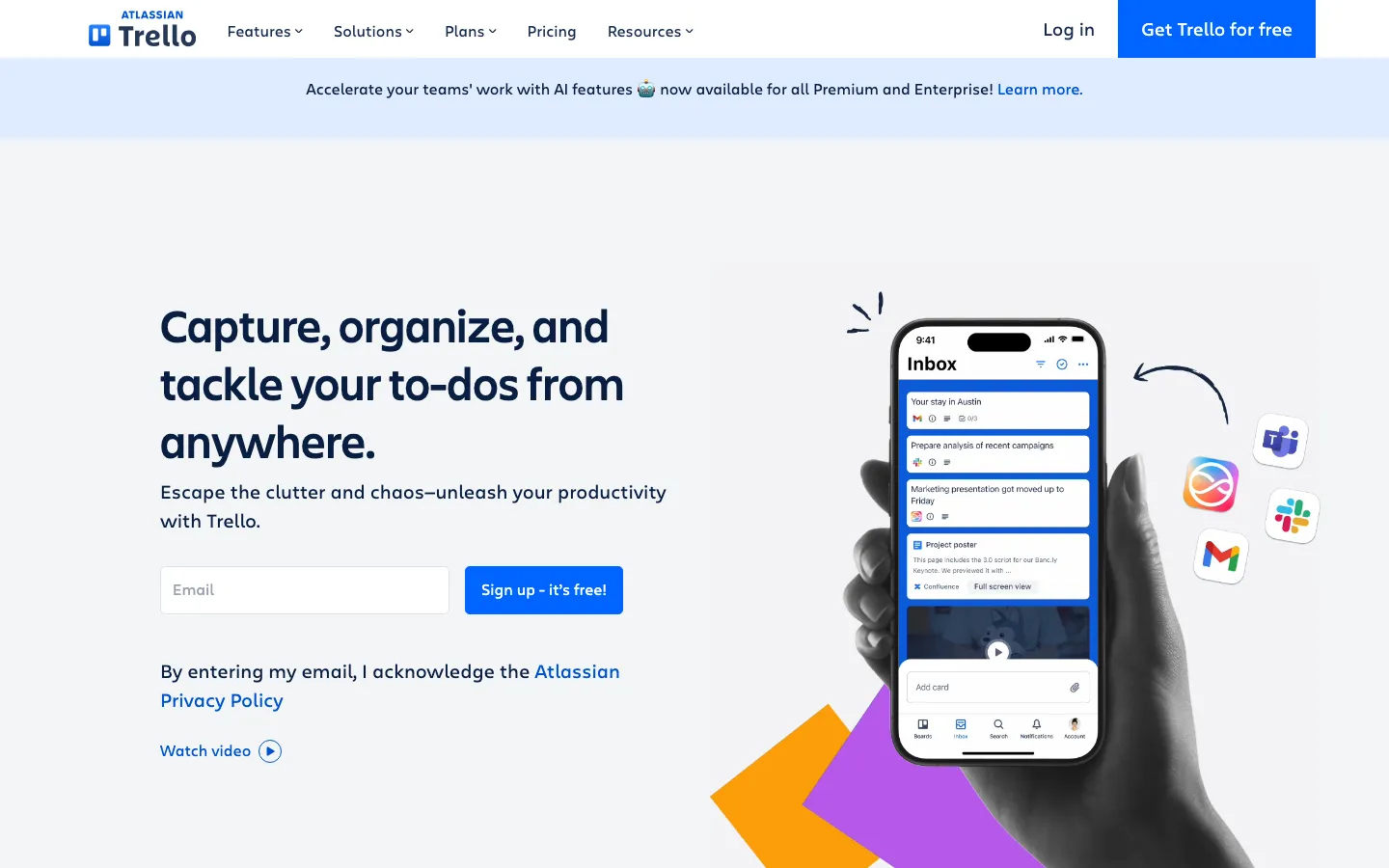
A card can carry an assignee, due date, checklist, attachment, and automation. Your team can capture tasks from email, Slack, and Microsoft Teams, put them in a personal Inbox, then move them onto the relevant board. The gain is not a new process, it is a shared surface that makes an existing process visible.
That is why Trello is easy to recommend for work that has a clear sequence and limited coordination overhead. If the board starts needing several views, more formal reporting, or a wider portfolio view, the price and complexity climb at the same moment.
Who is Trello best suited for?
Small working teams
Free supports 10 collaborators sharing cards, due dates, lists, and built-in automation.
Content and campaign teams
Premium adds Calendar and Timeline views for planning campaign dates and pacing across boards.
Teams with repeatable work
Built-in automation advances routine cards through repeatable steps without manual updates.
Developers extending workflows
Documented REST API, webhooks, and Power-Ups let developers build custom card and board connections.
Which productivity features does Trello offer?
Boards, lists, and cards
With Free, you receive unlimited cards, up to 10 boards in a Workspace, unlimited activity logs, assignees, and due dates. At Standard, board limits disappear and the plan supplies advanced checklists, list colors, plus collapsible lists. Card mirroring lets you keep one task aligned across more than one board, which is useful when a campaign task belongs in both a team calendar and a client workflow.
Views for planning
Premium provides five views: Calendar, Timeline, Table, Dashboard, and Map. It also includes Table and Calendar views at Workspace level. That is the upgrade point for a marketing team that has outgrown one board view. The Dashboard is the reporting view, while Timeline and Calendar give campaign work a date-based shape. They are unavailable on Free and Standard, so do not assume a low-priced Standard account includes them.
Automation and AI features
No-code automation is available on every board. Free includes 250 Workspace command runs a month, Standard includes 1,000, and Premium and Enterprise are unlimited. AI is a paid-plan feature: Standard and higher list AI summarization, AI organization, AI-generated boards, and AI-powered quick capture. Trello says its AI organization feature can create checklists and images, assign due dates, and combine cards.
Power-Ups and integrations
Power-Ups connect a board to more than 200 apps and tools. Trello names Slack, Google Drive, and Salesforce among them, while noting that partner Power-Ups can require another subscription. That breadth helps a team keep a board useful without rebuilding its stack, but the outside service’s bill still belongs in the cost decision.
API access for automated workflows
Trello publishes a REST API and webhooks, plus documentation for building Power-Ups. A developer can add board or card buttons, show data on card fronts, and bring third-party information into a card. For a team that needs an automated workflow, this is practical access to the board layer.
How is Trello priced across user tiers?
Price checked 27 Nov 2026
| Plan detail | Free$0 | Standard$5/user/mo annually | Premium$10/user/mo annually | Enterprise$17.50/user/mo annually |
|---|---|---|---|---|
| Monthly billing | $0 | $6/user/mo | $12.50/user/mo | Contact sales |
| Collaborators | Up to 10 | Unlimited | Unlimited | Unlimited |
| Boards | Up to 10 | Unlimited | Unlimited | Unlimited |
| Automation runs | 250/month | 1,000/month | Unlimited | Unlimited |
| AI features | ✕ | ✓ | ✓ | ✓ |
| Timeline and Dashboard | ✕ | ✕ | ✓ | ✓ |
Trello prices in US dollars, 27 Nov 2026.Trello pricing
The real team bill is straightforward on the published annual rates. Five people on Standard cost $25 a month, while five people on Premium cost $50 a month. Monthly billing lifts those figures to $30 and $62.50. The choice is really between a lightweight board at Standard and the date, table, and dashboard views at Premium.
- Single-board guests are available on paid plans
- On Standard and Premium, a guest on more than one board is billed like a member
- On plans without it included, Atlassian Guard is a separate SAML SSO subscription from $4 per user a month; Enterprise includes Guard Standard
- Some partner Power-Ups require their own subscription
When should organizations choose Trello Enterprise?
Trello Enterprise meets the security needs of organizations requiring governance, administration, and policy controls across multiple shared Workspaces. It adds unlimited Workspaces, organization-wide permissions, organization-visible boards, public-board management, attachment permissions, and Power-Up administration. It provides 24/7 support for Enterprise admins alongside Atlassian Guard Standard.
The published annual rate is $17.50 per user a month. That is a control purchase, not the best path to nicer boards. A small team that only needs campaign dates and a dashboard should compare Premium first; Enterprise is for the organization that has to govern how boards are created and shared.
Where does Trello fall short on free plans?
Trello restricts its free tier by enforcing strict caps on file attachment sizes and monthly automation command volume. A 10MB file cap and 250 Workspace command runs each month can become friction quickly when cards carry production files or the workflow relies on repeated automations.
More importantly, the views that turn a board into a planning or reporting tool sit on Premium. Standard gives you unlimited boards and useful card features, but no Timeline, Table, Calendar, or Dashboard. A team attracted by the $5 per user monthly annual rate should test whether the standard board view is enough before committing.
Trello also separates individual-board collaboration from broader guest access. On Standard and Premium, a guest who joins more than one board in a Workspace is billed at the same rate as a member. That is reasonable for regular collaborators, but it means a client-facing workflow needs a seat calculation rather than a casual guest policy.
Which Trello alternatives offer advanced project views?
Trello competitor Wrike assists managers tracking individual staff capacity with built-in workload charts and interactive timeline views. Read the Wrike review before moving a team beyond simple cards.
 Teams that need a home for work conversations can look at Zoho Cliq, which offers chats, channels, and online meetings. The Zoho Cliq review explains where that collaboration tool fits. You can browse the wider marketing tools directory when you need to compare categories, not just these two siblings.
What is the final verdict on Trello?
Trello works best when visual card management through defined stages brings clarity to a shared team process. The free plan is enough for a small group to establish that habit, Standard is the sensible paid step for unlimited boards and AI features, and Premium makes sense only once a dated or reporting view is doing real work for the team.
Put a real content calendar or handoff pipeline on Trello’s Free plan first. Standard earns its annual fee when unlimited boards or AI features matter; move to Premium only after Calendar, Timeline, Table, or Dashboard becomes a genuine team requirement.
How was this Trello review evaluated?
Prices, plan limits, features, integrations, and developer access were checked against Trello’s own pages on 27 Nov 2026. Prices are in US dollars as Trello shows them, and every figure follows how we check figures.
- Official pricing page
- Official guide and Power-Ups page
- Developer documentation for the REST API and webhooks
- Official About page
Where can users find Trello tutorials?
What are frequently asked questions about Trello?
Is Trello free?
Yes. Free supports up to 10 collaborators in a Workspace, unlimited cards, up to 10 boards, unlimited Power-Ups per board, and 250 Workspace command runs a month.
How much does Trello cost for a team?
Standard is $5 per user a month on annual billing, or $6 monthly. Premium is $10 per user a month annually, or $12.50 monthly. Five Standard users cost $25 a month annually.
What does Trello Premium add?
Premium gives access to Calendar, Timeline, Table, Dashboard, and Map views, plus Workspace-level Table and Calendar views, unlimited automation, and admin and security features.
Does Trello have an API?
Yes. Trello documents a REST API, webhooks, and Power-Ups for developers building custom features and integrations.
 Reviewed byDanny Kirk
Founder of ReddiReach.
 Checked byAndrés Felipe
Digital designer and marketer.
Every figure is checked against the vendor's own page. Read our editorial standards.