
Key Takeaways
- Unito delivers bidirectional synchronization that keeps tasks, tickets, and work items aligned across disparate operational software without forcing cross-functional teams to switch platforms.
- Unito provides self-serve Basic and Pro tiers configured directly inside the application, whereas complex enterprise deployments require custom sales quotations.
- Unito equips automated AI agents with consistent cross-tool operational context by streaming real-time status updates across synchronized project databases.
- Organizations requiring predictable public pricing or basic one-way webhook triggers should explore simpler automation tools instead of selecting Unito.
Unito is the best fit when you need two systems of record to stay aligned without asking either team to abandon its own tool. Skip it if a published monthly price is non-negotiable, because Basic and Pro pricing appears only inside the app and the bill changes with the items you sync.
Agent access
- API
- Yes
- MCP server
- Not found on official pages
What are the notable pros and cons of Unito?
What works
- Two-way sync rather than a chain of one-way recipes
- Rules and field mappings shape what moves between tools
- More than 60 business apps can connect out of the box
What to watch
- Basic and Pro prices are only visible in the app
- Items in sync affect the eventual price
- Premium and on-prem connectors require Enterprise
What does Unito do to connect disparate team tools?
Unito resolves broken project handoffs when marketing, product, and engineering teams work inside completely different applications. It builds two-way sync between tools, with rules and field mappings that let you decide what belongs on each side. That makes it more useful than a basic notification when both teams need to keep working where they already work. Compare peer options in our Automation & No-code directory.
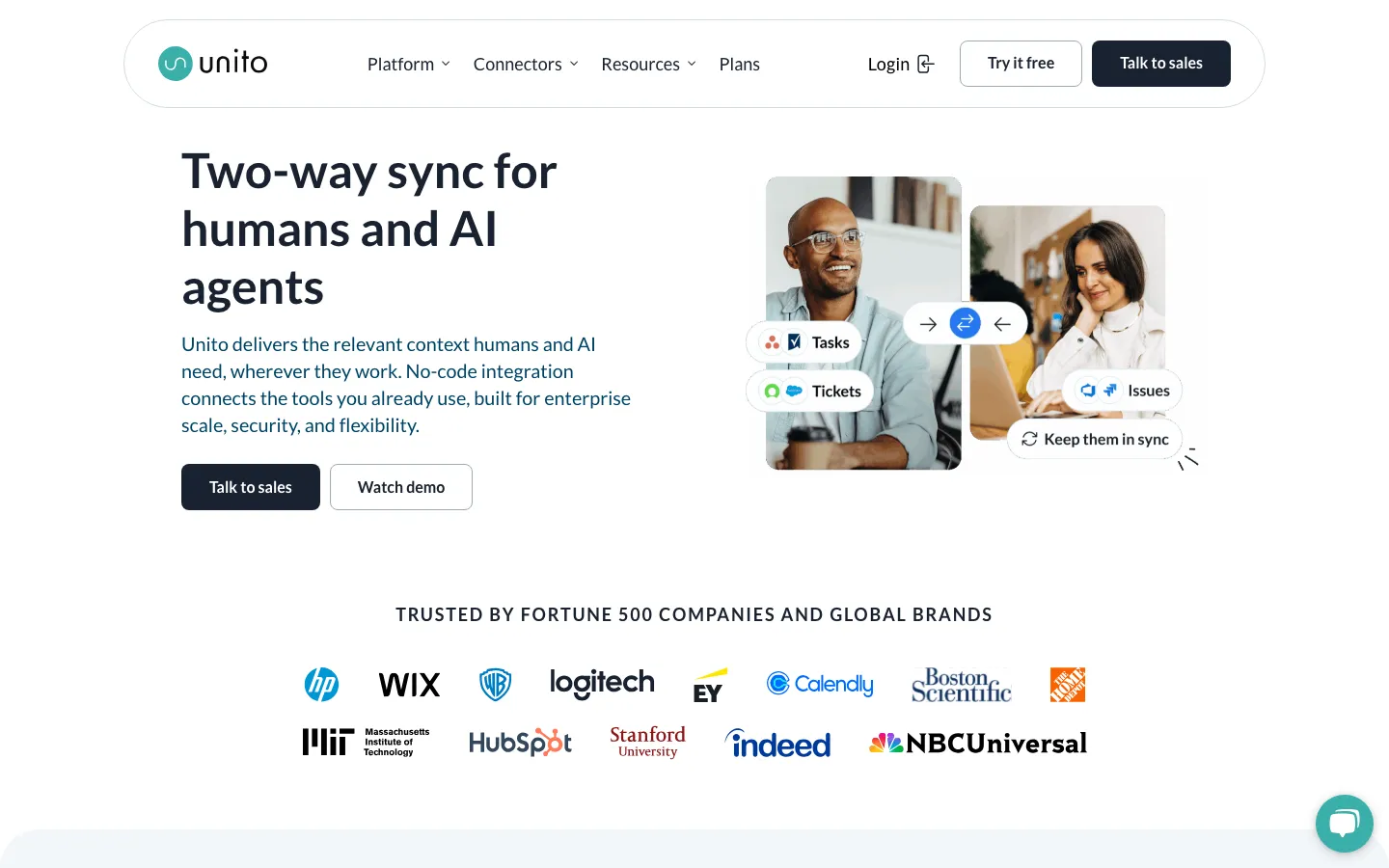
The product is built around a flow, not a pile of individual automations. Changes made in one connected tool can update the related record in the other, while field mappings connect different structures. Unito presents this as a way for humans and AI agents to work from relevant context across systems.
That is a specific job, not a reason to connect every app your company owns. Start with the handoff that creates duplicated updates or conflicting statuses before you add another flow.
Who benefits most from adopting Unito?
Cross-functional delivery teams
Keep project and development work aligned when each group needs its own preferred workspace.
Operations owners
Set rules and field mappings for recurring handoffs without maintaining complex scripts or recipe chains.
Teams with connected records
Sync tasks, tickets, deals or contacts where two systems need to reflect the same work.
Enterprise integration groups
Use premium connectors, SSO and a dedicated consultant when governance needs are part of the project.
Unito is not the natural choice for a team that wants a small, visible subscription before it plans a workflow. Its strength is persistent alignment across systems, so it earns its place only when that alignment matters more than a simple action moving in one direction.
Which two-way sync features does Unito offer?
Live two-way sync
Unito describes its core capability as bidirectional sync. A flow links data in two tools so that changes on one side can update the other. The practical advantage is that a project manager and a developer do not need to choose one system merely to keep a shared task current. Decide which tool owns each field before you connect it, otherwise a clean sync can still preserve a messy process.
Rules and field mappings
Rules control which records and updates enter a flow, while field mapping connects the data that should match between tools. Unito says its platform can map rich text, custom fields, labels, comments, attachments, dependencies and user references. That depth is the reason to consider it for a real handoff, but it is also why a small first flow is more sensible than a company-wide rollout.
Connectors for business systems
Unito lists more than 60 business apps and names popular combinations such as Asana with Jira, Salesforce, ServiceNow and Azure DevOps. Its documentation also has dedicated guides for Jira, ServiceNow, Asana,  Google tools, Salesforce, Wrike, Azure DevOps,
 Smartsheet and GitHub. Connector breadth gets you to the door; the fields you need to move are what determine whether the flow is worth keeping.
No-code control
Unito positions setup, adjustment and monitoring as no-code work. That lets an operations owner take part in configuration without writing a complex script. I would still make one person accountable for the source of truth and mapping decisions. No-code removes a technical barrier, not the need to decide what a status or customer field means.
Context for AI agents
Unito says its syncing can give AI agents real-time context from connected systems of record. That is useful if an agent needs information held across project, support or sales tools rather than a single app. The public material does not set out a separate agent plan or API entitlement for Basic and Pro, so teams building around that access should confirm the exact connector and plan scope first.
How does Unito structure synchronization pricing?
Price checked 27 Nov 2026
| Plan detail | BasicIn app | ProIn app | EnterpriseCustom |
|---|---|---|---|
| Buying route | Self-serve | Self-serve | Talk to sales |
| Connector type | Standard cloud | Standard cloud | Standard, premium and on-prem |
| Update timing | 5 to 15 minutes | 5 to 15 minutes | Advanced syncing |
| Support | Chat and email | Chat and email | Dedicated integration consultant |
| Additional access | Free trial available | Free trial available | SSO and developer platform access |
Unito plans and buying routes, 27 Nov 2026.Unito pricing
Unito does not publish a fixed self-serve price; exact plan pricing appears in the app during the free trial. Unito calculates a price from the connectors you need, the number of items kept in sync and the features required. The vendor defines items in sync as individual work objects, such as tasks, subtasks, spreadsheet rows, checklist items, issues or tickets. Each item synced between two tools counts as two items.
- Use the free trial to see the price and feature options for the exact connectors you need
- Count active records, not only the people who will use the flow
- For Enterprise, include premium or on-prem connectors, SSO and developer platform access in the sales conversation
That model can fit a narrow workflow well, but it prevents a quick like-for-like subscription comparison. Bring a realistic item count to the trial or sales call, then compare the monthly result against the cost of maintaining the handoff by another route.
When should teams consider Unito Enterprise?
Unito Enterprise serves organizations operating workflows that demand rigorous enterprise security controls, custom connectors, and procurement reviews. It adds standard, premium and on-prem connectors, live and historical data syncing, a dedicated integration consultant, Enterprise procurement and SSO, plus developer platform access.
The Developer Platform is intended for building a private or public connector with Unito's syncing infrastructure. Unito says a tool with an API can be connected to its two-way sync engine through that platform. That is a meaningful extension route, but it is not a substitute for confirming the contract covers the connector and governance model you need.
Where does Unito fall short for prospective buyers?
Unito obscures standard tier costs behind an in-app wall, creating a significant limitation for price-sensitive buyers. Basic and Pro are described as self-serve, yet the pricing page sends you into the app for options and features. Since synced items affect the price, a two-person team with a busy project board may not resemble another two-person team at all.
Unito is also deliberately focused on two-way data alignment. If the job is a one-time message, a basic trigger or an isolated task, its mappings and flow design may be more machinery than you need. The better question is whether two groups must keep editing related records in their own systems over time.
Finally, not every connector belongs to the self-serve tier. Premium connectors such as ServiceNow, Salesforce, Jira On-Premise, Jira Data Center and Eloqua are available only on certain Enterprise plans. Treat connector availability as a buying requirement, not a feature you can assume from the product name.
What are the primary software alternatives to Unito?
 WeWeb review is the more relevant read when the job is building a visual web app rather than keeping existing work systems synchronized. It helps separate a product-building decision from an operations-integration decision.
Workato review is worth reading when you need to assess another automation platform for business processes. Workato Standard includes recipe lifecycle management and separate development, test and production environments, which matter when a team needs to manage integrations through controlled stages rather than a single live workflow.
What is the final verdict on Unito?
Unito is compelling when two teams need one piece of work to remain accurate in two different systems. Its two-way sync, rules and mappings address that problem directly, and its connector catalog gives enterprise teams room to grow. The tradeoff is that pricing is revealed only after you model your own workload.
Choose one recurring handoff, count the items it really creates, and use the trial to validate its connector and price. Move to Enterprise only when the connector, security or support requirements are genuinely Enterprise-level.
How was this Unito review verified?
Unito platform documentation, connector rules, and plan limitations were reviewed directly on official pages on 27 Nov 2026. Where Unito does not publish a self-serve amount, this review says so. Every figure follows how we check figures.
- Unito plans and pricing page
- Unito Sync Platform and two-way sync pages
- Unito integrations directory and product documentation
What are common questions about configuring Unito?
What does Unito do?
Unito provides no-code integrations and two-way synchronization between business tools. Rules and field mappings control what data enters and moves through a flow.
How does Unito pricing work?
Unito bases the price on the tools, items in sync and features required. Basic and Pro pricing options appear in the app, while Enterprise is quoted by sales.
Is there a Unito free trial?
Yes. Unito offers a free trial for its self-serve Basic and Pro plans. Check the available connectors and current terms in the app before starting.
Can Unito support AI agents?
Unito says its two-way sync gives AI agents context from connected systems of record. Enterprise also includes developer platform access for building connectors.
 Reviewed byDanny Kirk
Founder of ReddiReach.
 Checked byAndrés Felipe
Digital designer and marketer.
Every figure is checked against the vendor's own page. Read our editorial standards.