Key Takeaways
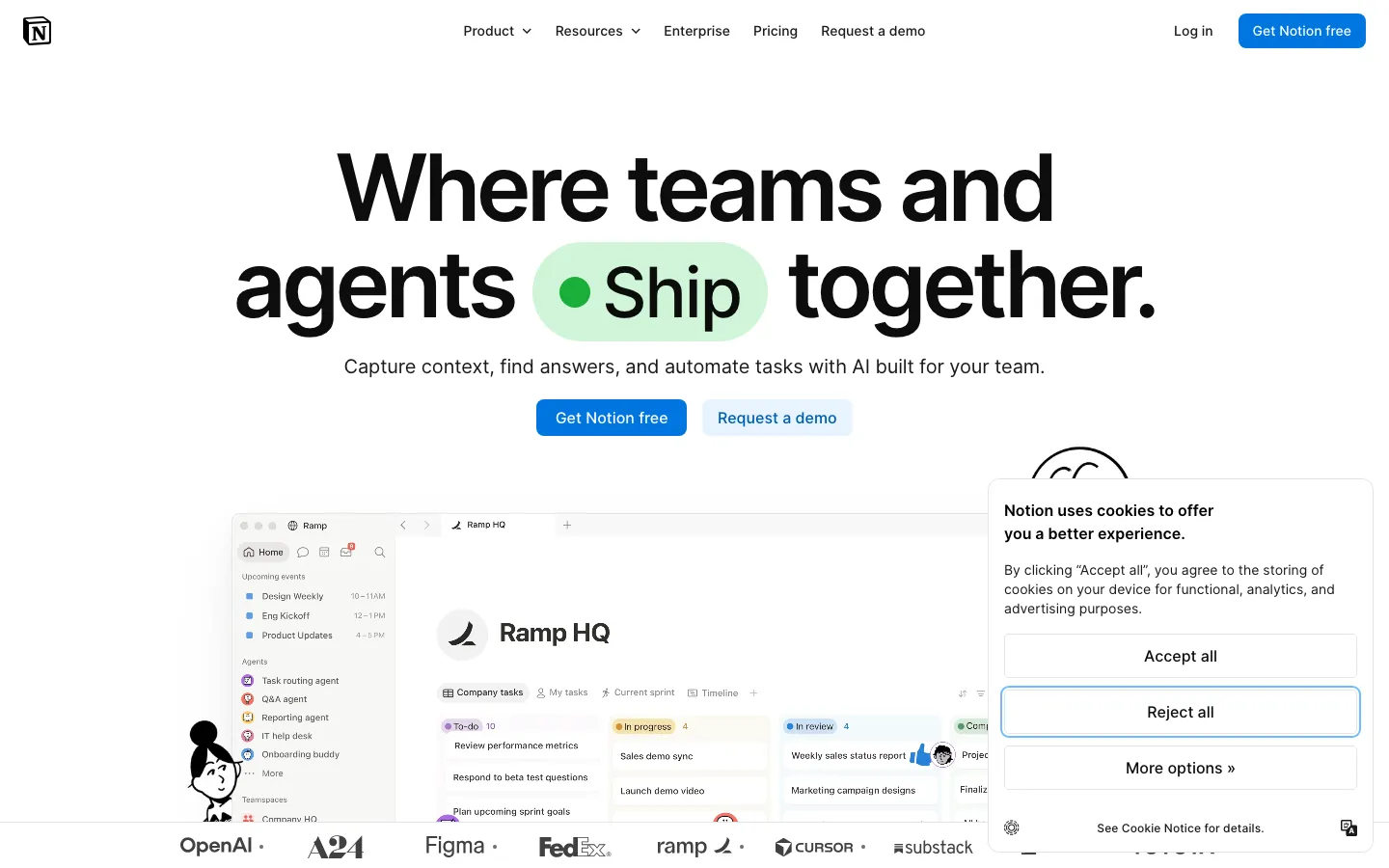
- Modern hybrid teams deploy Notion to unify company wikis, product briefs, and highly customizable relational databases within one collaborative digital workspace.
- Pricing for Notion starts on a free tier, with Plus at $10 per seat monthly and Business at $20 billed annually.
- The platform supports extensible development through official APIs and Model Context Protocol servers, while advanced Notion Agents are restricted to Business tiers.
- Companies should pass on Notion if their workers require rigid out-of-the-box project management structures or object to credit-metered artificial intelligence add-ons.
Notion is the best pick when you want to keep the team's wiki, working docs and flexible project system in one place, rather than make a rigid project app fit your process. Choose another tool if your team needs a ready-made workflow with little setup, or if a Notion AI trial is not enough and Notion Agent, Custom Agents, SAML SSO and Business credit allowances would make the real bill too high.
Agent access
- API
- Yes, all Notion users
- MCP server
- Official, hosted, OAuth
- Works with
 ClaudeClaude Code
 ChatGPT
 Gemini
 Cursor
 VS Code
- Automation
- Zapier
What are the biggest strengths and weaknesses of Notion?
What works
- Docs, wikis and projects stay connected in one workspace
- Databases support subtasks, dependencies, charts and timeline views
- Public API, MCP server and a connections directory
What to watch
- Multi-member Free workspaces have a block limit and 5 MB uploads
- Notion Agent and SAML SSO start on Business
- Business AI use relies on monthly per-seat credits
How does Notion unify project documentation, wikis, and task databases?
Notion earns its place in the marketing tools directory when your team loses time moving from a brief to a task board to a separate knowledge base. Its pages are built from blocks, so paragraphs, to-do items, images, embedded files and databases can sit together in a structure that matches your work. That flexibility is Notion's central bargain: your team gets one system of record, but it must decide how that system should work.
For project work, a database can hold each task's status, assignee and due date. You can show that same data in different views, add dependencies, collect requests through forms and automate parts of the workflow. Wikis and docs are included alongside those project tools, so a task can sit beside the decision, process or meeting note that explains it.
I think that combination makes Notion strongest for a team with an opinion about its own process. A pre-built project tool can be faster on day one. Notion becomes more useful when the work needs to join planning, knowledge and execution without forcing people into separate products.
Which team sizes and workflows benefit most from Notion?
Small working teams
Create a shared wiki and board, then upgrade when larger uploads or history matter.
Content and campaign teams
Keep briefs beside tasks, collect requests with forms, and change database views as needed.
Operations teams
Set statuses, owners and dependencies, then automate repeatable work through the agreed process.
Larger organizations
Use Business for private teamspaces and SAML SSO, Enterprise for SCIM, audit logs, controls.
Notion is a weaker match when the team wants Notion to impose the process. You can configure almost every important field and view, which is a benefit for a mature operation and a source of drift for a group that has not agreed on its workflow yet.
What database, wiki, and collaboration features does Notion offer?
Projects built from databases
Notion's project layer starts with a database rather than a fixed board. Tasks and subtasks can carry custom properties, filtering and dependencies. Board, calendar and timeline views give different people a useful view of the same work, while charts can turn it into a dashboard. The practical gain is continuity: a campaign manager and an individual contributor do not need separate copies of the plan.
Docs and wikis beside the work
Every project task can have its own page, and the same workspace can hold the recurring briefs, meeting notes and operating rules behind it. Free includes 7 days of page history, Plus has 30 days and Business has 90 days. That makes Plus a sensible first paid step when a small team needs more room to recover changes, along with uploads up to 5 GB instead of the Free plan's 5 MB.
Forms, published pages and automations
Forms gather requests that feed into new work. The Plus tier includes tailored forms, sites, charts and database automation; Business brings conditional form logic. Each plan can publish pages on notion.site domains, with one published page on Free and five on the paid plans. This is useful when an intake process or a small public resource belongs in the same system as the work it creates.
Notion AI and agents
Business lists Notion Agent, Custom Agents, AI Meeting Notes and Enterprise Search, all marked Beta by Notion. The plan gives each seat 1,500 standard credits and 500 select credits a month, and administrators can buy additional Notion credits. Free and Plus only list a trial of Notion AI. Do not treat the $10 Plus price as the AI price, because the full agent set begins at Business.
API, MCP and connections
Notion publishes a public API that can create pages and read databases using personal access tokens. Its MCP server makes the workspace available to compatible AI tools, and the connections directory is designed to sync data and automate workflows. That is a solid foundation for an agent that needs to read or update a documented process, but the team should still choose permissions and data structure carefully before automating a busy workspace.
How are Notion per-seat tiers and AI credits priced?
Price checked 27 Nov 2026
| Plan detail | Free$0 | Plus$10/seat/mo | Business$20/seat/mo | EnterpriseCustom |
|---|---|---|---|---|
| Billing shown | Per seat | Yearly | Yearly | Custom quote |
| File uploads | Up to 5 MB | Up to 5 GB | Up to 5 GB | Up to 5 GB |
| Page history | 7 days | 30 days | 90 days | Custom |
| Standard AI credits | Limited trial | Limited trial | 1,500/seat/mo | Custom |
| Agent and Custom Agents | Trial | Trial | ✓ | ✓ |
| SAML SSO | ✕ | ✕ | ✓ | ✓ |
Notion prices in US dollars, 27 Nov 2026.Notion pricing
The team bill is simple until you cross a plan boundary. Three members on Plus cost $30 a month on yearly billing. The same three people on Business cost $60 a month, before any additional Notion credits. Guests are free on paid plans, but they can only access the individual pages to which they are invited, not all team pages.
- Monthly billing raises Plus to $12 per seat a month and Business to $24 per seat a month
- Free workspaces can use unlimited pages and blocks for one person, but multi-member workspaces have a block limit
- Paid plan billing is per member, while guest access does not consume a paid seat
When should organizations consider upgrading to Notion Enterprise?
Notion Enterprise provides custom procurement terms and enhanced administrative security for organizations needing governance beyond the Business tier. It adds user provisioning through SCIM, an audit log, zero data retention with LLM providers and organization-level administration. Those are governance purchases, not reasons to upgrade a small team that mainly wants better project views.
The important buying line is clearer at Business: that is where SAML SSO and the full listed AI features begin. Move to Enterprise only when identity management, auditability or the organization's data requirements make a custom plan necessary.
Where does Notion fall short for structured project management?
Notion demands considerable internal setup and governance to prevent its open-ended workspace flexibility from turning chaotic. The workspace can be arranged in many ways, so the team needs to decide how statuses, properties, templates and permissions should behave. If nobody owns that design, the database can become a collection of attractive pages that do not produce a consistent view of work.
The Free plan is generous for an individual, but it changes once several people share a workspace. The block limit and 5 MB file upload ceiling make it a poor long-term home for a collaborative team with real files. Plus raises the upload limit from 5 MB to 5 GB and page history from 7 to 30 days, but it still lists only a Notion AI trial.
AI use needs its own budget conversation. Business includes monthly credits per seat, and extra use can mean purchased Notion credits. That is not necessarily a problem, but it makes agent use different from an ordinary feature checkbox. Decide which workflows deserve those credits before you standardize on them.
Which knowledge base and project tools compete with Notion?
 Notion alternatives like Nuclino appeal to teams wanting lightweight collaborative documents combining task boards, flowcharts, and markdown notes. Read the Nuclino review beside Notion if that lighter document-centered approach would give your team a clearer home for its knowledge.
 Paymo belongs in the same decision when your team manages client work and needs to track billable hours and send invoices alongside its projects. The Paymo review helps you weigh that client-work focus against Notion's configurable databases before committing the team.
Is Notion the best unified workspace for documentation and tasks?
Notion justifies its adoption primarily by consolidating team wikis, project databases, and briefs into a single collaborative workspace. Plus is the practical starting plan for a working small team, while Business is the real starting point for the listed agent features and SAML SSO. If you need an opinionated workflow more than a workspace you can shape, look to a dedicated project tool first.
Build one live project, its supporting brief and its team wiki on Free before you migrate. Move to Plus for the team's first paid workspace, and price Business only when the agent features or SSO solve a real operating need.
How were Notion features and plan limits verified?
Notion plan limits, seat pricing, developer API terms, and agent capabilities were verified using official product resources on 27 Nov 2026. Prices are in US dollars as Notion shows them, and every figure follows the rules in how we check figures.
- Notion pricing page, with yearly and monthly billing states
- Project and product pages
- Notion developer documentation and connections directory
Where can users find guides and tutorials for mastering Notion?
What are frequently asked questions regarding Notion workspace setup?
Does Notion have a free plan?
Yes. Free costs $0 per seat a month. A Free workspace with multiple members has a block limit, and file uploads are limited to 5 MB.
How much does Notion cost for a team?
With yearly billing, Plus is $10 per seat a month and Business is $20 per seat a month. Monthly billing is $12 and $24 per seat respectively. Enterprise has custom pricing.
Are guests charged in Notion?
No. Guests are free on paid plans, but they can access only the individual pages to which they are invited.
Does Notion work with AI agents?
Yes. Notion provides a public API and an MCP server. Notion Agent and Custom Agents are listed on Business and Enterprise.
 Reviewed byDanny Kirk
Founder of ReddiReach.
 Checked byAndrés Felipe
Digital designer and marketer.
Every figure is checked against the vendor's own page. Read our editorial standards.