
Key Takeaways
- Tray.ai unifies complex integration governance, automated workflows, data pipelines, and agentic orchestration into a centralized enterprise platform for operations teams.
- Tray.ai relies on custom usage-based quoting across Pro, Team, and Enterprise tiers, with its governed runtime Tray Helix starting at 50 dollars monthly.
- Tray.ai provides full API connectivity across all subscriptions alongside specialized Agent Development add-ons featuring Agent Gateway for MCP and Merlin Agent Builder.
- Tray.ai is not suited for software teams requiring a standardized, transparent public self-serve price card before scoping workflow volume and execution needs.
If you need to govern integrations, workflows and agent work together, Tray.ai is a strong fit for your operations or integration team. Pass if you need a predictable self-serve iPaaS bill, because Pro, Team and Enterprise are priced from your expected usage rather than a public rate card.
Agent access
- API
- Yes, included in all Tray iPaaS plans as full API access.
- MCP server
- Official, hosted, OAuth 2.0 browser sign-in
- Works with
 Claude Code
 Cursor
What are the prominent Tray.ai pros and cons?
What works
- Integration, automation, API management and agents on one platform
- Full API access, observability and audit trails listed across plans
- More than 10,100 listed apps, databases, APIs and services
What to watch
- iPaaS pricing needs a usage-based quote
- Agent Development is an add-on
- Retention and workspace capacity vary sharply by tier
What does Tray.ai do for workflow automation?
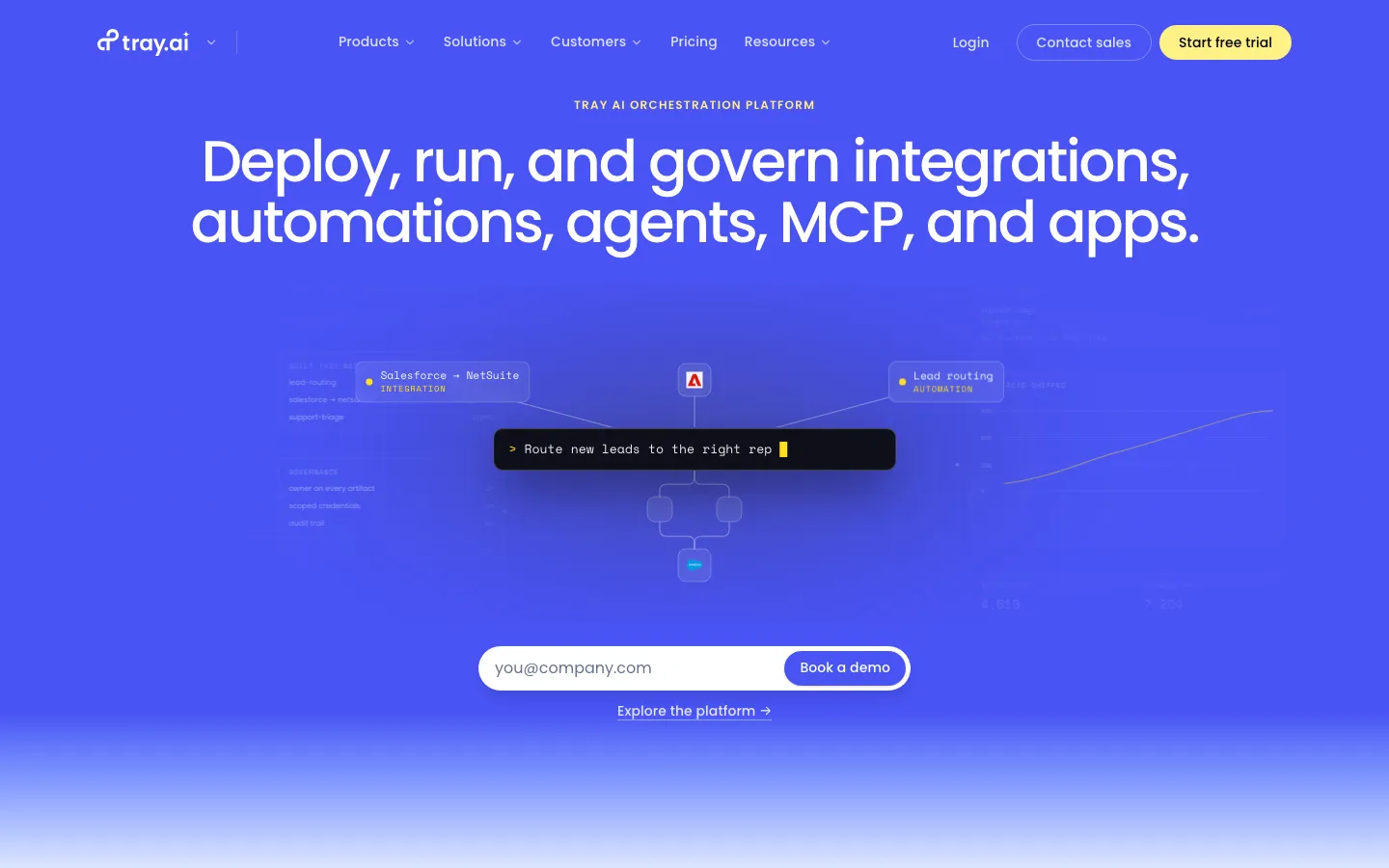
Tray.ai brings process automation, data integration, API management, AI agents and MCP governance into one iPaaS. That is a meaningful distinction when a lead-routing workflow, an internal service process and an agent all need the same credentials and access rules. If you are still mapping the category, the marketing tools directory is a useful place to see the wider set of options.
The case for Tray.ai is not that every process should be automated. It is that the processes worth connecting often span systems owned by different people. Tray says its iPaaS shares a repository, artifacts, credentials and access control across its capabilities. I would value that shared foundation when your team is tired of rebuilding the same connection and then explaining who can change it.
The trade-off arrives at buying time. The Pro, Team and Enterprise plans are sized to your needs, and usage is measured in Tasks. A Task can be a trigger, a connector or service step, or a pass through a loop or condition. That model can suit a serious operational workflow, but it means you should define volume and exceptions before a quote becomes comparable.
Who benefits most from adopting Tray.ai?
Integration teams
Connect data, APIs and automation when one technical group can own credentials, permissions, exceptions and the workflows that matter.
Operations teams
Standardize multi-system handoffs with a technical partner who can define the data rules and maintain the production process.
Teams building agents
Assess the Agent Development add-on when governed MCP tools, access control and an audit trail are part of deployment.
Large organizations
Consider Enterprise when unlimited workspaces, regional hosting, SSO, HIPAA or on-premise connectivity are actual operational requirements.
Tray.ai is less persuasive for a lightweight one-off connection. Its strongest argument is consolidation: one team can work across integrations, automation and agent deployment without giving each capability a separate governance model.
Which integration tools does Tray.ai provide?
Integration, automation and APIs
Tray iPaaS covers process automation, data integration and API management. The platform page lists connections to more than 10,100 apps, databases, APIs and services. That range can shorten the path to a working design, but I would still verify the precise operation and authentication method your workflow needs. A connector name alone is not a production design.
Two ways to build
Tray lists low-code development through its drag-and-drop builder and pre-built templates, alongside Tray Headless for Claude Code and Codex plugins, Headless MCP and full API access. This is a practical split. A business process owner can work from a visual flow, while a technical team can use the API and headless options where code belongs. Both need the same review of data mappings, failures and permissions.
Agents and MCP
Agent Development combines Agent Gateway for MCP with Merlin Agent Builder. Tray describes the gateway as a way to publish composite MCP tools from workflows or its connector catalog, with authentication, observability and access control. Merlin Agent Builder adds guardrails, audit logs, knowledge ingestion and multi-channel deployment. Treat the add-on as a separate decision: an agent should have a bounded job and a clear owner before it gets access to business systems.
Governance in the operating model
Observability and audit trails are listed in all plans. Pro has three workspaces and seven days of insights, while Team has 20 workspaces, 30-day insights and expandable seven-day log retention. Enterprise has unlimited workspaces, 180-day insights and adds options including SSO, HIPAA, regional hosting, log streaming and data engineering. The plan choice therefore affects not just scale, but how much operational history your team can retain.
Tray Helix
Tray Helix is a governed runtime for apps built with AI coding assistants. It connects apps through managed credentials and gives IT visibility, security and ownership controls. It is presented separately from Tray iPaaS and starts at $50 a month, so do not use that number as the expected cost of iPaaS automation.
How does Tray.ai structure its software pricing?
Price checked 27 Nov 2026
| Plan detail | ProCustom | TeamCustom | EnterpriseCustom |
|---|---|---|---|
| Workspaces | 3 | 20 | Unlimited |
| Insights visibility | 7 days | 30 days | 180 days |
| Log retention | 7 days | 7 days, expandable | Not published |
| Full API access | ✓ | ✓ | ✓ |
| Observability and audit trails | ✓ | ✓ | ✓ |
| Agent Development | Ask for availability | Available as add-on | Ask for availability |
Tray iPaaS plan details, 27 Nov 2026.Tray.ai pricing
Tray does not publish a monthly iPaaS amount for a team bill. It says pricing follows Tasks and, for Helix, Helix Compute Units, with no per-user, per-connection or per-runtime fees. Your first useful quote should name the workflows, expected Tasks, annual commitment, overage true-up and the Team or Enterprise add-ons you need.
The published trial is more useful than a generic demo for this reason. Tray says it runs 30 days with 1 million Tasks on iPaaS, every capability and the full connector library, with no card or sales call. Use it to measure a real process, then ask for a fixed annual cost based on the workload you intend to keep.
Agent Development is available to purchase on Team. The pricing page also lists HIPAA, SSO, regional hosting, 30-day log retention, 180-day insights visibility, data engineering, log streaming and on-premise connectivity as add-ons for Team, while Enterprise includes SSO, HIPAA, regional hosting and on-premise connectivity. Do not assume an add-on is bundled into a quoted plan.
What does Tray.ai Enterprise offer large organizations?
Tray.ai Enterprise provides dedicated architecture when integration workloads span multiple business units or complex external partner ecosystems. It has unlimited workspaces and 180-day insights, plus advanced on-premise capabilities, log streaming and data engineering. Those are controls for a more complicated operating environment, not reasons to buy Enterprise before your first workflow is stable.
- Unlimited workspaces for work across departments
- SSO, HIPAA and regional hosting included
- Log streaming and data engineering for deeper operations work
- Support options including 24/7/365 coverage on Tray Advantage Plus
The useful buying question is whether the data, retention and access requirements already exist. If they do, compare Enterprise against a Team configuration with the relevant add-ons. If they do not, start from a narrower workflow and learn what the process actually consumes.
Where does Tray.ai fall short for buyers?
Tray.ai creates procurement friction due to its lack of publicly transparent self-serve pricing tiers. The platform publishes the structure of the plans, but its iPaaS tiers are all quoted. That is not necessarily a problem for a mature integration program, yet it makes an early comparison harder when you do not know the workflow volume or the add-ons your organization will need.
The agent story needs similar care. Agent Development is an add-on available for purchase on Team. Ask Tray to confirm its availability and price for Pro or Enterprise before treating MCP services or agent building as part of the base platform.
Finally, the plan gaps matter in daily operations. Pro has only three workspaces and seven days of insights. Team improves capacity and insight history, but its listed log retention still begins at seven days. If incident review or regulated data handling drives your decision, those limits should be assessed before any build becomes critical.
Which Tray.ai alternatives are best for integrations?
The  Unito review suits teams whose immediate job is two-way synchronization between tools. The
 WeWeb review is for building web apps with AI and refining them in a visual editor. Both address a distinct task from shared integration governance.
What is the final verdict on Tray.ai?
Tray.ai's shared credentials and access controls make its strongest case to teams consolidating integration work; measuring Task usage is the next step toward a useful quote. Its connector range, API access, low-code builder and governance features give an operations team room to build serious workflows without splitting automation and agent work into separate systems. The right buyer is ready to measure usage, name owners and evaluate controls alongside capability.
Take one workflow with clear volume, a known failure path and named system owners through the 30-day trial. Use its Task count to request a quote, then compare the required workspace, insight, retention and agent-add-on terms before you commit annually.
How was this Tray.ai platform review researched?
Tray.ai product specifications, architecture documentation, and rate guidelines were verified on 27 Nov 2026. Pricing, plan limits and platform capabilities were checked against Tray.ai's own pricing and platform pages. Every figure follows how we check figures.
- Tray.ai pricing and plan comparison
- Tray AI Orchestration Platform page
- Tray's published support and add-on details
What are the common questions about Tray.ai?
How much does Tray.ai cost?
Tray iPaaS plans are sized to your needs and require a quote. Tray says iPaaS usage is measured in Tasks, while its separate Helix product starts at $50 a month.
Does Tray.ai charge per user?
No. Tray says its pricing has no per-user, per-connection or per-runtime fees. The quote is based on the usage you expect from integrations, automations, MCP tools and agents.
Does Tray.ai have API access?
Yes. The pricing page lists full API access on Pro, Team and Enterprise. It also lists Tray Headless with Claude Code and Codex plugins, Headless MCP and full API access.
Does Tray.ai support MCP?
Tray's Agent Gateway for MCP is part of the Agent Development offering. It can publish composite MCP tools from workflows or connectors, with authentication, observability and access control listed on the product page.
 Reviewed byDanny Kirk
Founder of ReddiReach.
 Checked byAndrés Felipe
Digital designer and marketer.
Every figure is checked against the vendor's own page. Read our editorial standards.